
Privacy Cleaner v1.3
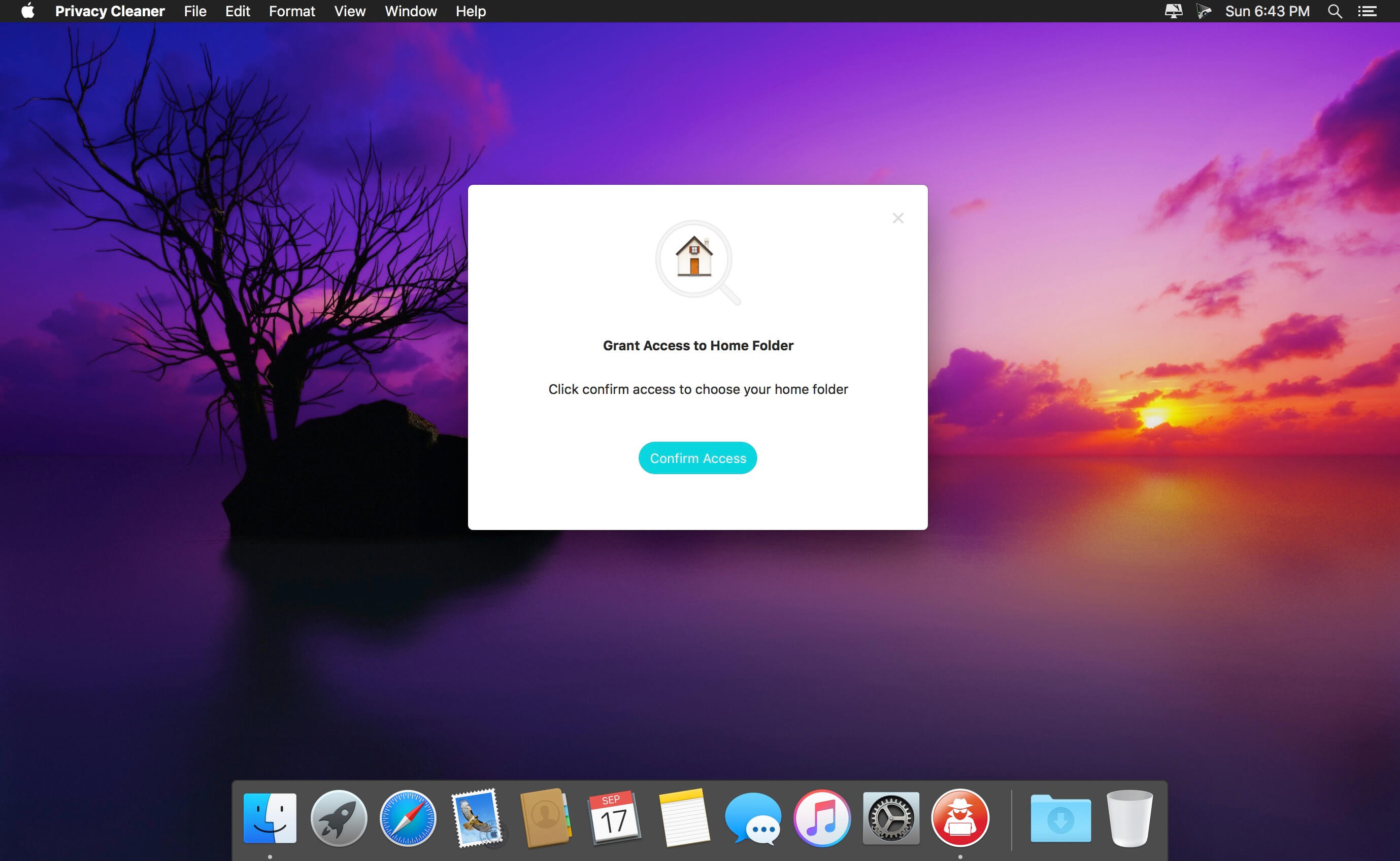
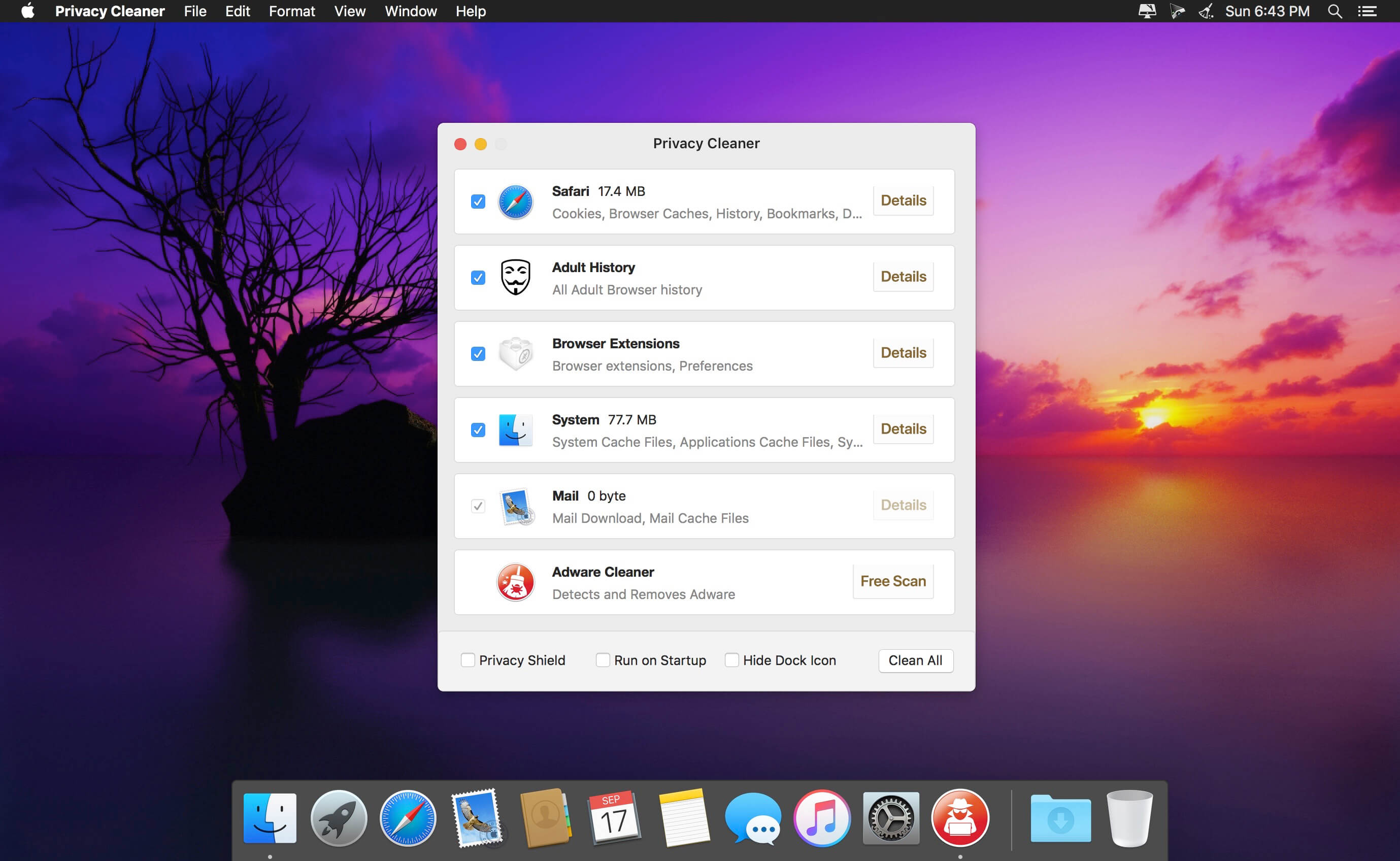
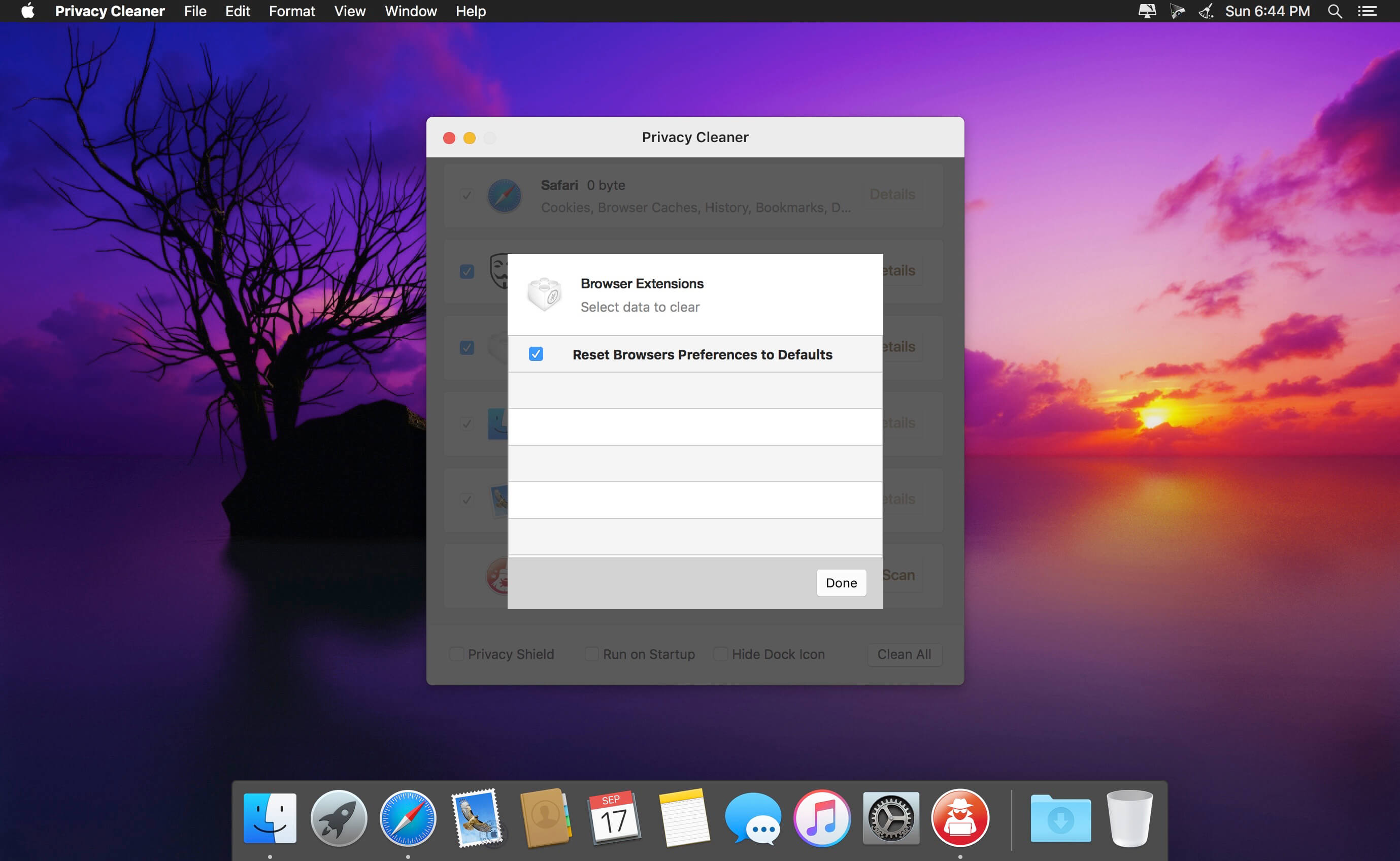
Privacy Cleaner is designed to protect your privacy by cleaning up all the unwanted history data on your Mac. With simply one click, Privacy Cleaner allows you to erase cache files, browsing history, cookies, temporary files and more.
Features
- Web browsers (Safari, Chrome, Firefox, etc): Remove Caches, Cookies, History, Downloads, Forms, Recent Searches, Top Sites, Last Session Information and much more
- Adult history: Remove all adult web search history from your web browser (Safari, Chrome and Firefox supported).
- QuickTime Player: Remove Caches, Recent Items, Download Quarantine History
- Finder: Remove Recent Items, Saved Searches, Download Quarantine History
- Preview: Remove Recent Items
- Remove Mail downloads
- Remove Flash cookies
Version 1.3
- NEW: Clean only your ADULT browser history (*in-app purchase required)
Frequently asked questions
How do I install the app?
Mount the image, drag the app into the "Applications" folder and launch it. If the system blocks the launch, allow it in "System Settings → Privacy & Security".
The app is damaged or won't launch
Reinstalling from a fresh image usually helps. Make sure your macOS version matches the one listed in the compatibility specs.
How do I update?
Download the new version from the site and install it over the current one — your settings will be preserved.
The download link doesn't work
Try a mirror or a download manager. For large files the browser often drops the connection.
How do I completely remove the app?
Use an uninstaller utility — it cleans up the service files that remain after moving the app to the trash.
VersionPrivacy Cleaner v1.3
DeveloperHALFBIT Ltd
CompatibilityOS X 10.10 or later, 64-bit processor
LanguageEnglish
IncludesK'ed by TNT




Information
Visitors in the group Guests cannot leave comments on this publication.
Choose a download source
Privacy Cleaner v1.3 · 3.87 MB