
SharpResize 2.0.2


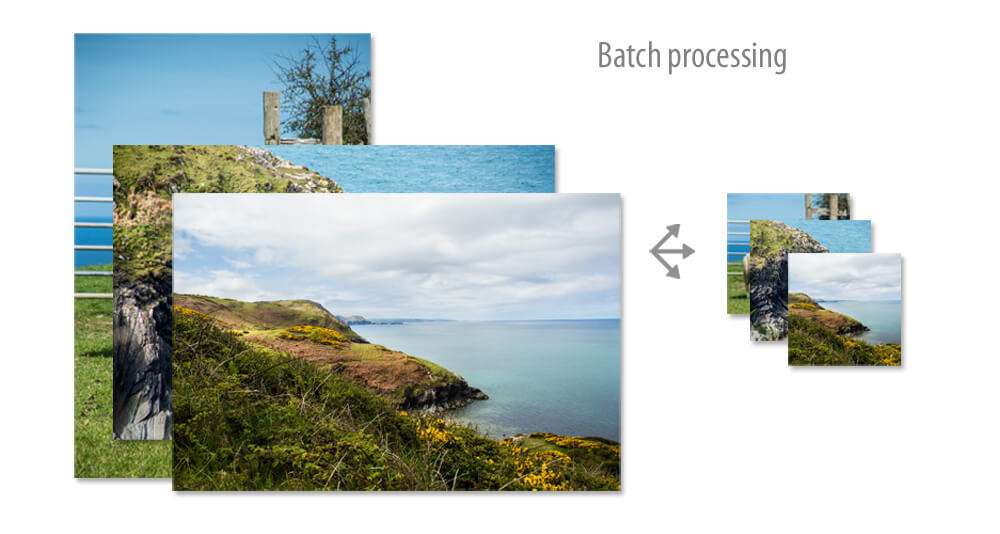
Prepare better thumbnail images for your website or blog, resized uniformly and with a polished look. SharpResize is lightweight, has convenient controls and shortcuts and produces a more polished result.
- Many ways to grab your image - from clipboard, drag to dock icon, application or alias, drag into SharpResize's image well or open with a file dialog
- More polished result because it uses Lanczos resampling rather than the more usual Bicubic
- Further sharpening can be applied using a luminance sharpening filter which enhances the contrast between pixels without affecting the colour information
- Simple controls for output size / quality
- Adjustment controls for exposure, contrast, saturation, vibrance
- retina-sharp 2x and 3x versions without extra clicks, plus additional custom formats
- Batch processing
- Lightweight and fast-loading
Version 2.0.2:
- Adds button to create 'default adjustment settings'. If you always find yourself increasing the brightness or vibrance, then you can make those settings the default for any new image you open.
- Fixes an issue with the App Store version. Sandboxing doesn't allow saving multiple images with modified names directly into the folder you choose. Therefore that option is disabled in the app store version and the setting defaults to creating a folder at the location you choose and then saving the multiple images within that folder (which was the default for that setting anyway).
Frequently asked questions
How do I install the app?
Mount the image, drag the app into the "Applications" folder and launch it. If the system blocks the launch, allow it in "System Settings → Privacy & Security".
The app is damaged or won't launch
Reinstalling from a fresh image usually helps. Make sure your macOS version matches the one listed in the compatibility specs.
How do I update?
Download the new version from the site and install it over the current one — your settings will be preserved.
The download link doesn't work
Try a mirror or a download manager. For large files the browser often drops the connection.
How do I completely remove the app?
Use an uninstaller utility — it cleans up the service files that remain after moving the app to the trash.
VersionSharpResize 2.0.2
DeveloperPeacockMedia
CompatibilityOS X 10.8 or later, 64-bit processor
LanguageEnglish
IncludesK'ed by TNT




Information
Visitors in the group Guests cannot leave comments on this publication.
Choose a download source
SharpResize 2.0.2 · 5.87 MB