
Photo Snap 7.9
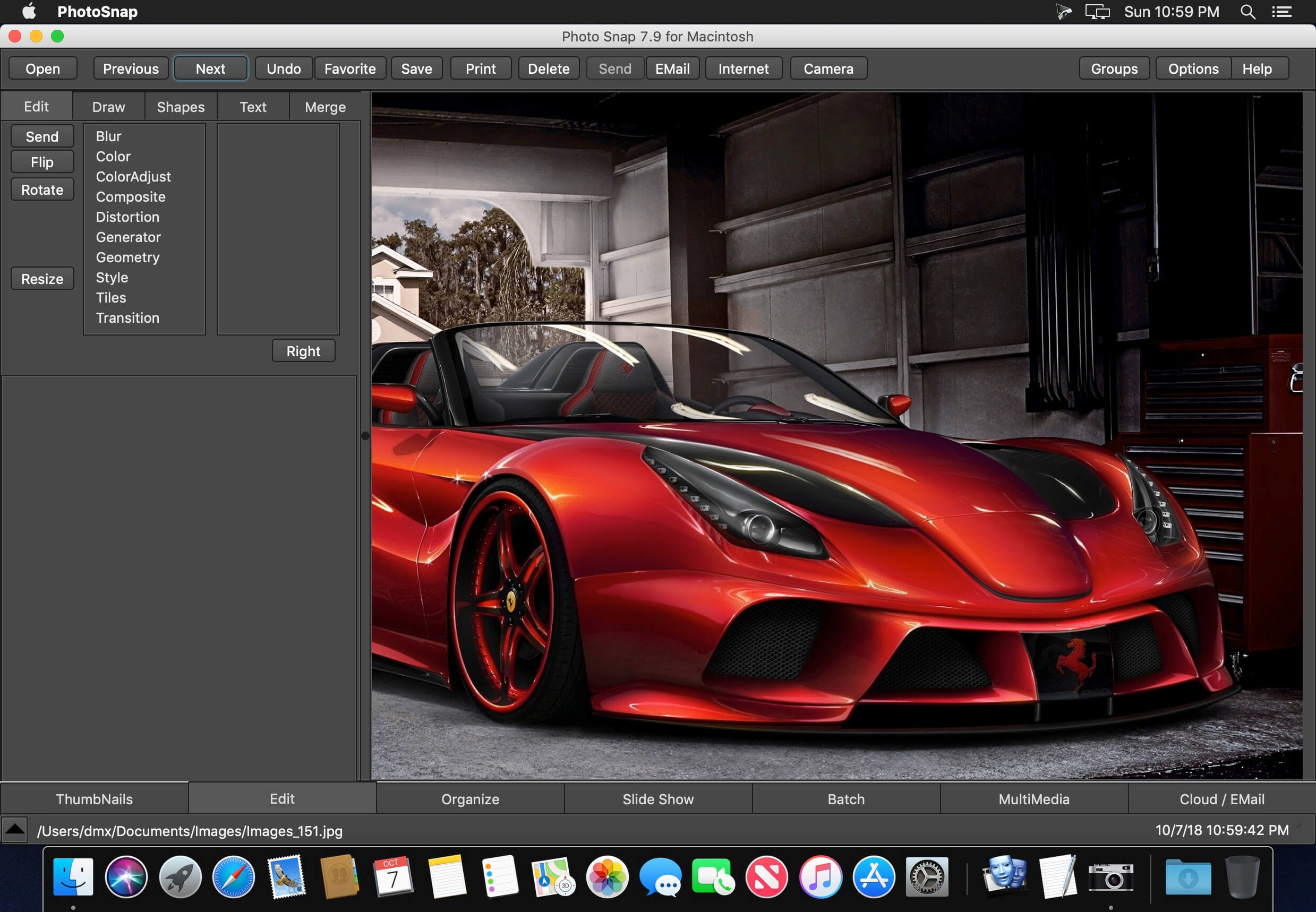
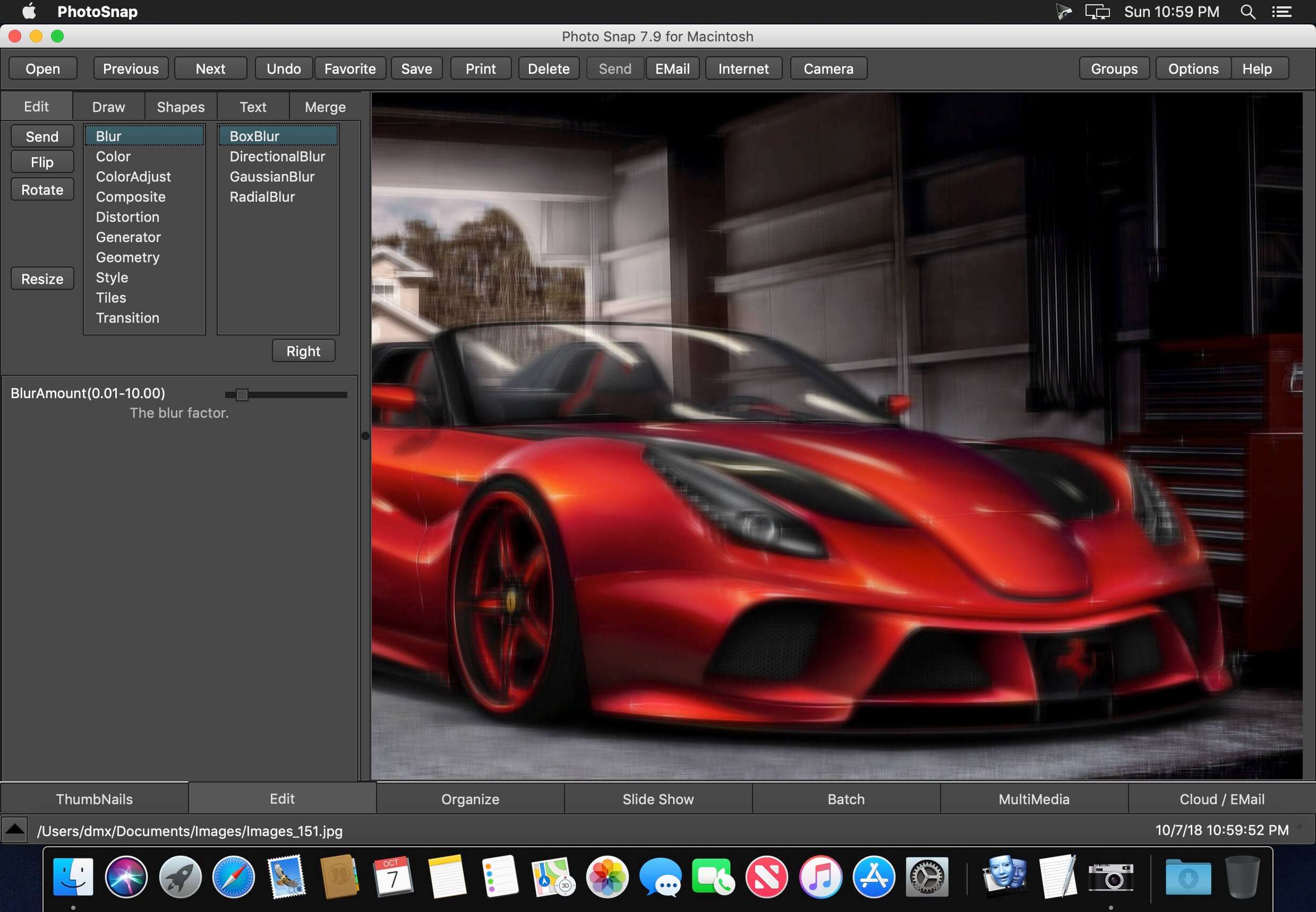
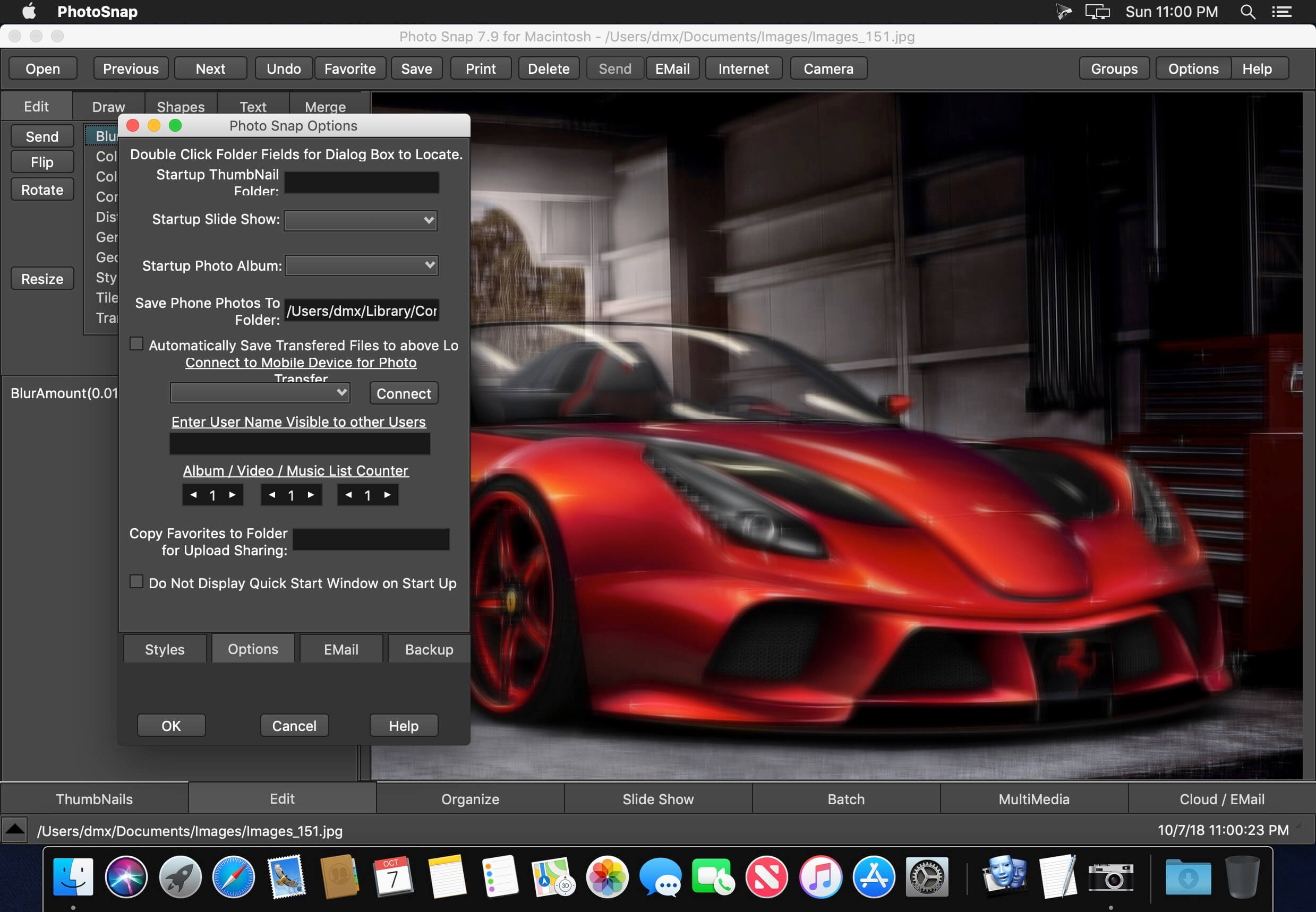
Photo Snap is a Image and Multimedia Viewer for Apple Macintosh that helps you quickly Locate, View, Edit, Print and Send/Receive Picture/Image Files over the Internet. Share Photos with Google Photos, Yahoo flickr, and DropBox.
Key Features:
- Multimedia Viewer - Search for Major Multimedia File Types, Display, Edit, Print, Organize, Send and Receive Files over the Internet.
- Organize Pictures in Photo Albums, and Multimedia Files in Play Lists.
- Twain support.
- Find and Display Pictures, Videos, Sounds, Music, Text Files, Documents, HTML, and System Files.
- Picture Thumbnail Viewer where you set the size and resolution of the Thumbnail images.
- Edit Picture/Image Files with techniques as Flip, Reverse, Rotate, Resize, Brightness, Contrast, Color Saturation, Gray Scale, Hue, and other special effects and filters.
- Add 3-D Text and Geometric Shapes to Pictures and Images displayed in a Multiple Document Interface.
- Cut and Paste sections of Pictures onto other pictures.
- Create a Picture or Image from other Pictures with Text and Shapes, then send to friends through E-Mail over the internet.
- Create Blank Picture Frames with color gradients for Logos or Picture Backgrounds.
- File Types supported are JPG, JPeg 2000, uncompressed TIF, TIFF, GIF, BMP, ICO, CUR, PCX, DCX, PCD, WMF, EMF, FAX, XPM, SUN, PBM, CUT, PSD, PNG, TGA, EPS, RAS, WPG, PCT, CLP, XWD, FLC, ANI, SGI, XBM, TXT, BAT, LST, WRI, SYS, RTF, HTM, HTML, ASP, DOC, PDF, AVI, AVI(DivX), MPG, MPEG, MOV, MP3, M3U, ASX, MID, RMI, ASP, MP2, AIFF, M1V, WMA, WMV, MP4, FLV, etc.
- Convert Picture File Formats between Picture File Types.
- Save a list of any number of Folders with your favorite Multimedia Files for quick location.
- Find and Play WAV, MID, RMI, AVI, MPG, MPEG, MOV, WMV, WMA, and MP3, MP4, FLV files.
- Save Still Video Frames as Picture.
- Cut Sections from Video and Audio Files, and Save as a File.
- Create AVI Files from pictures.
- Print Pictures on a page with Titles for page and each picture. Select your font and color for all printed text.
- Send pictures over the internet with Photo Snap by E-Mail, if you use a stand alone E-Mail Program as Outlook Express or Netscape Composer. Compresses Pictures and Multimedia into a Zip File.
- Receive Pictures and Zip Files by E-Mail and view, edit, save, and print with Photo Snap.
- View Pictures or Multimedia on other computers accessible by the internet.
- Capture your Computer Screen into a picture file.
- Great Slide Show with hundreds of Transitional Effects while playing selected MP3, MID, RMI or WAV files in the background.
- Supports TWAIN supported Devices, Scanners, and Digital Cameras.
- Batch Rename/Move for many pictures in multiple folders.
- Batch Copy and Conversion for supported Files in multiple folders to other folders, devices, or over the Local Area Network.
- Local Area Network Support.
- Create Zip Files and unzip Zip Files.
- New Main Window Interface with Tabbed Selections.
- Multiple Picture Editing Undos.
- Zoom in and out of Pictures using +/- keys.
- Listen to Music while searching for Pictures or Editing Pictures.
- Set your own colors to different types of windows and window components.
- Complete Help Text with Quick Tips in the program for easy use.
- Multimedia Function
Version 7.9:
- Release notes were unavailable when this listing was updated.
Frequently asked questions
How do I install the app?
Mount the image, drag the app into the "Applications" folder and launch it. If the system blocks the launch, allow it in "System Settings → Privacy & Security".
The app is damaged or won't launch
Reinstalling from a fresh image usually helps. Make sure your macOS version matches the one listed in the compatibility specs.
How do I update?
Download the new version from the site and install it over the current one — your settings will be preserved.
The download link doesn't work
Try a mirror or a download manager. For large files the browser often drops the connection.
How do I completely remove the app?
Use an uninstaller utility — it cleans up the service files that remain after moving the app to the trash.
VersionPhoto Snap 7.9
DeveloperAccessory Software
CompatibilityOS X 10.10 or later, 64-bit processor
LanguageEnglish
IncludesSerial





Information
Visitors in the group Guests cannot leave comments on this publication.
Choose a download source
Photo Snap 7.9 · 21.45 MB