CPULed 1.3
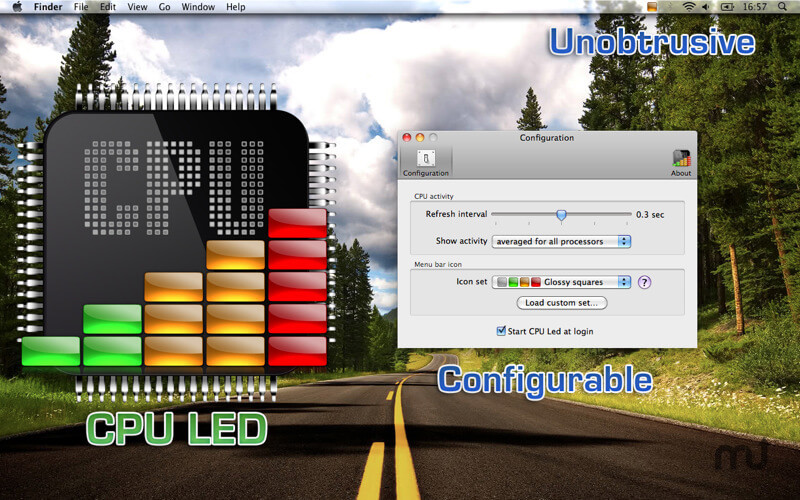
CPU LED is for you if you ever wonder how stressed your CPU is? Sometimes, opening a complex activity monitor while your computer is heavily loaded is too late (or too much). Sometimes all you need to know is that your CPU is working hard.
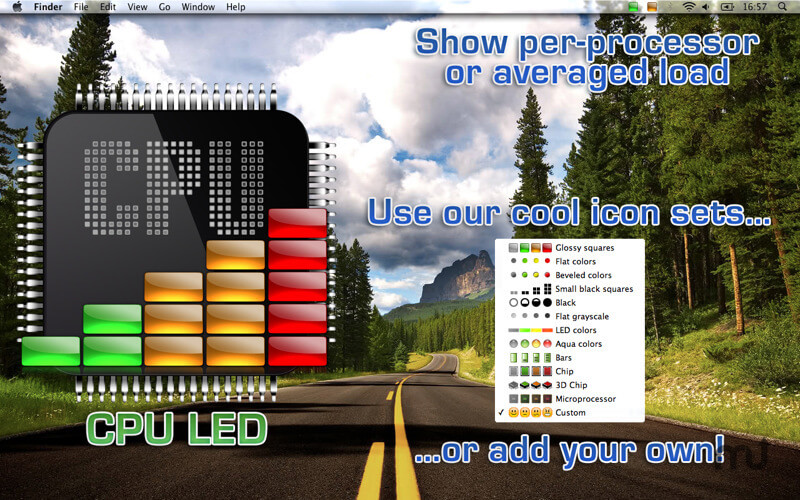
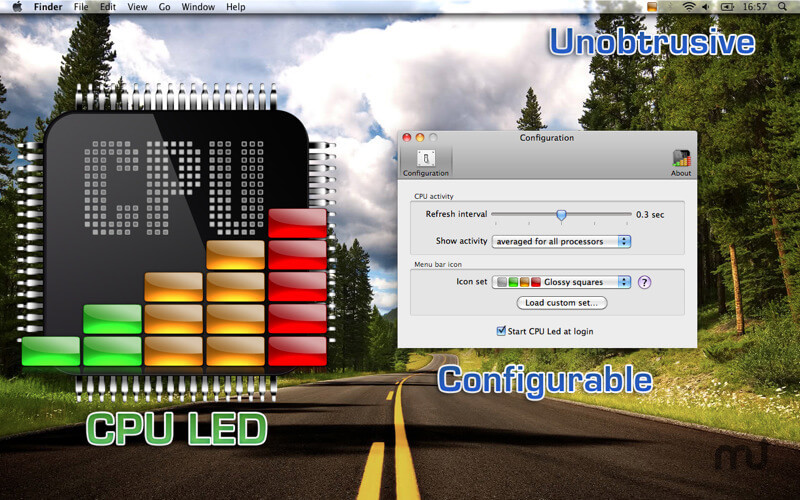
CPU LED is a very lightweight unobtrusive app that adds a LED in your status bar indicating your CPU activity (coded as light, medium or hard). You can have only one light for all your processors or one per core (your choice). You can also choose the status icon appearance so it blends nicely with your status bar style.
In order to know what is going on with your computer at a glance, CPU LED is the perfect companion for Disk LED!
Version 1.3:
- Now the four status icons are used to display CPU load.
- Hide status icon for disabled CPU cores.
- Fixed crash when loading a custom icon set for CPU status.
- DiskLED addon: fixed some external devices didn't disappear when unmounted if "Ignore devices that doesn't contain any media inserted" is enabled.
Frequently asked questions
How do I install the app?
Mount the image, drag the app into the "Applications" folder and launch it. If the system blocks the launch, allow it in "System Settings → Privacy & Security".
The app is damaged or won't launch
Reinstalling from a fresh image usually helps. Make sure your macOS version matches the one listed in the compatibility specs.
How do I update?
Download the new version from the site and install it over the current one — your settings will be preserved.
The download link doesn't work
Try a mirror or a download manager. For large files the browser often drops the connection.
How do I completely remove the app?
Use an uninstaller utility — it cleans up the service files that remain after moving the app to the trash.
VersionCPULed 1.3
DeveloperRaul Ignacio Verano
CompatibilityOS X 10.8 or later, 64-bit processor
LanguageEnglish
IncludesK'ed by TNT



Information
Visitors in the group Guests cannot leave comments on this publication.
Choose a download source
CPULed 1.3 · 4.06 MB