
Stat 18.0
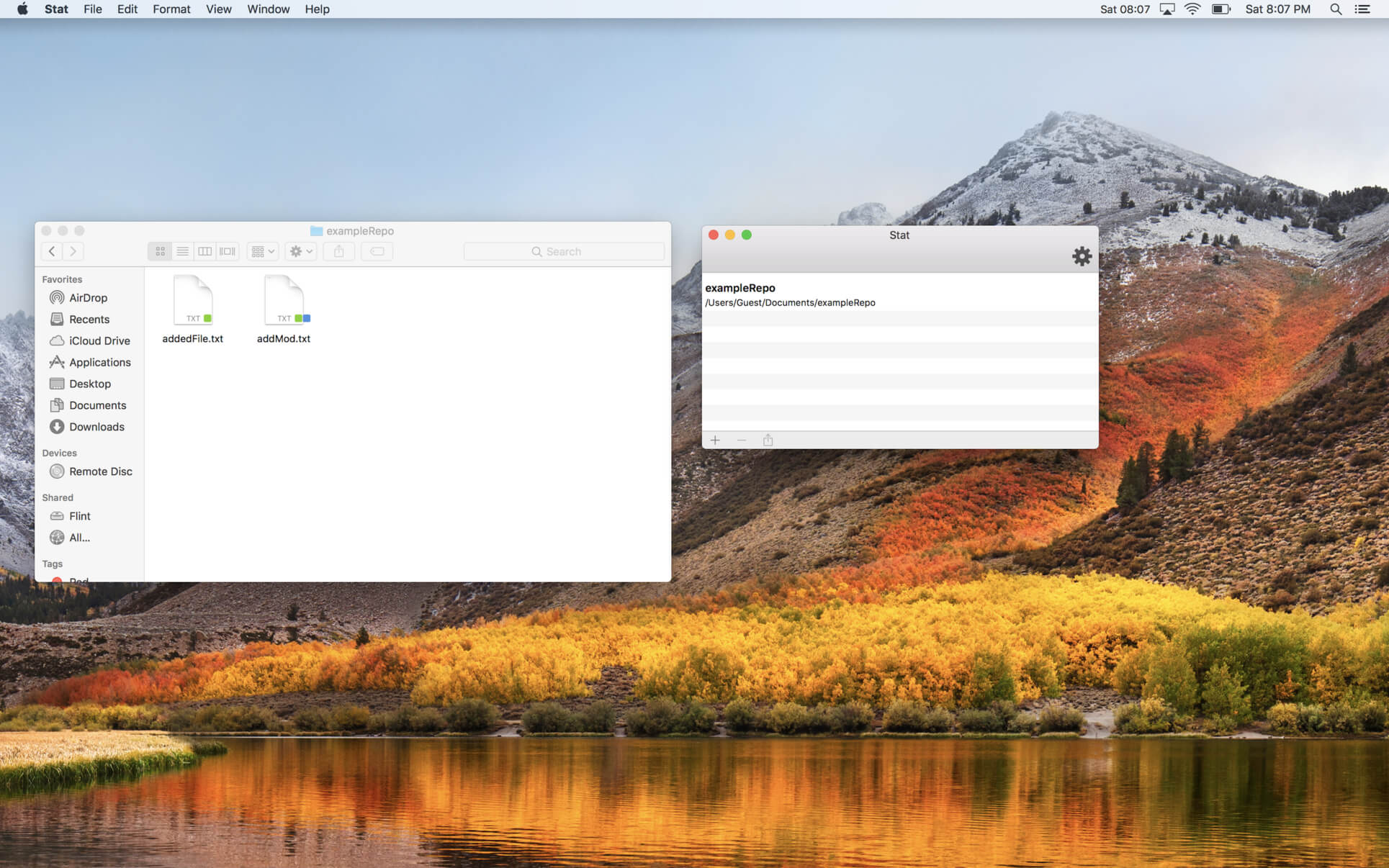
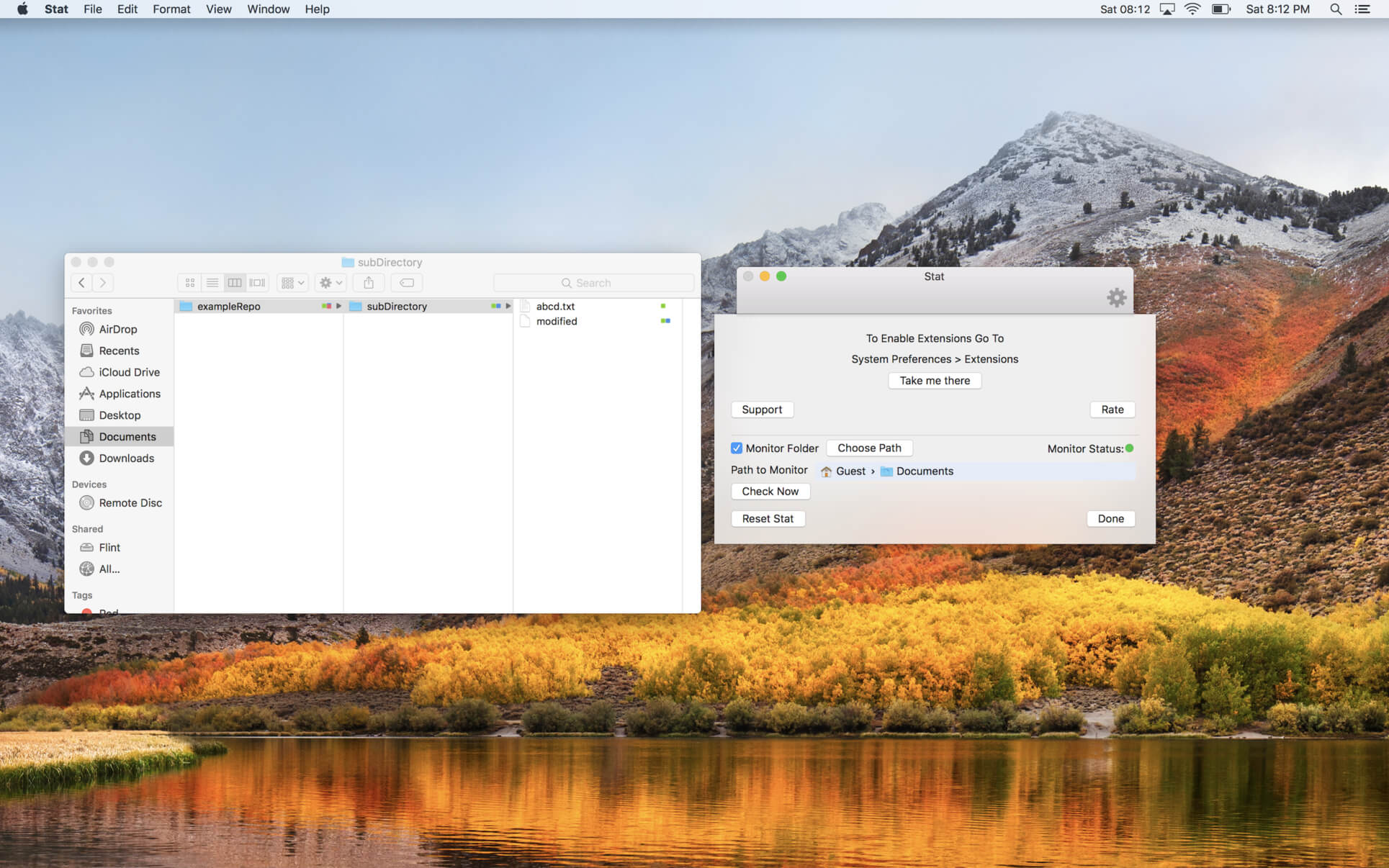
In an instant view the status of your repository files right inside of Finder. View Modified, New and Renamed files. Monitor a folder and have stat automatically start monitoring them. View in a glance the changes in a folder contained.
Version 18.0
- Completely re-written for speed.
- Monitor multiple large repos without pegging the system. It is super light weight and fast.
- All new icons now show the difference between the index and working tree.
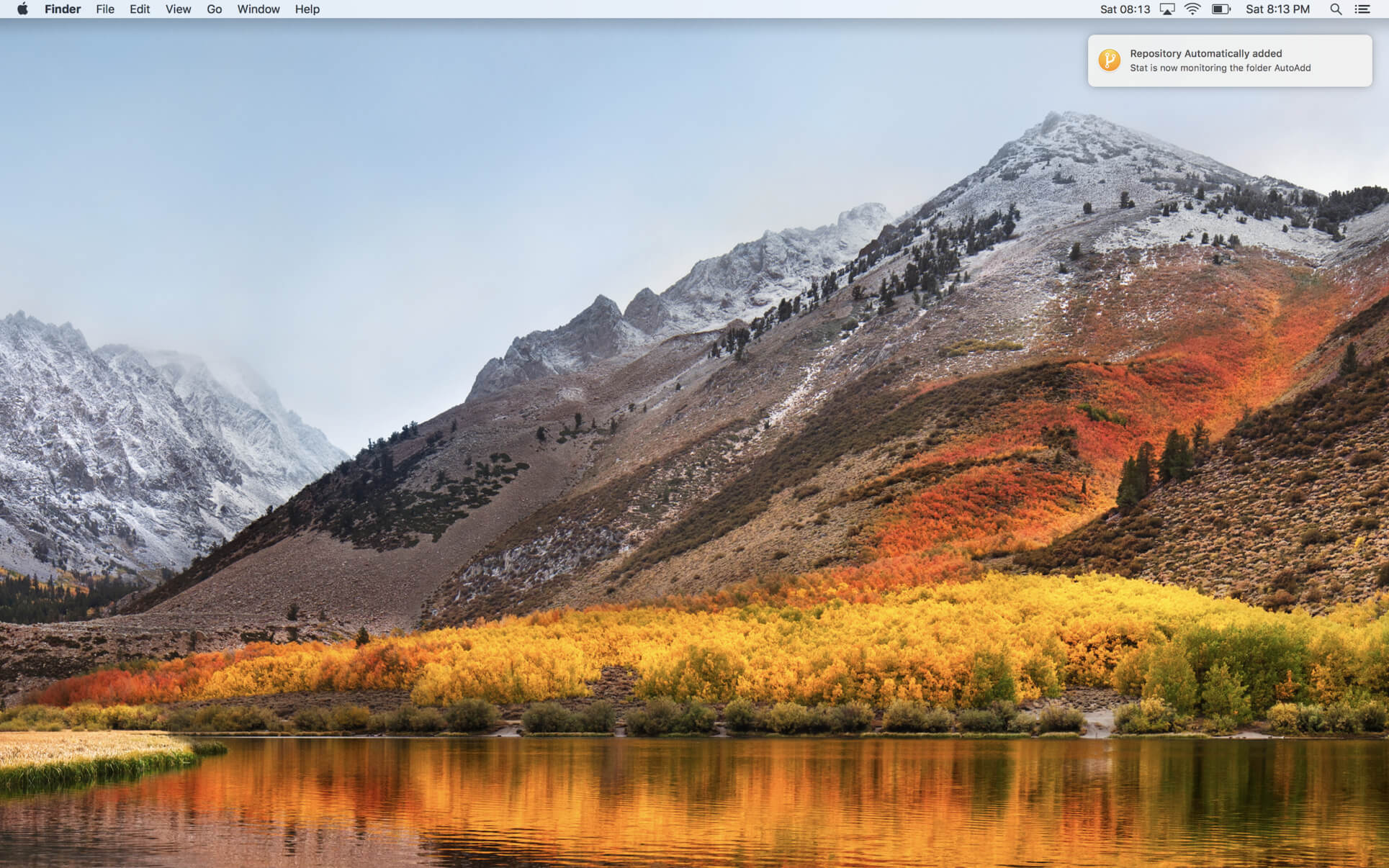
- All new background process to monitor a folder and automatically add new repositories created inside.
Frequently asked questions
How do I install the app?
Mount the image, drag the app into the "Applications" folder and launch it. If the system blocks the launch, allow it in "System Settings → Privacy & Security".
The app is damaged or won't launch
Reinstalling from a fresh image usually helps. Make sure your macOS version matches the one listed in the compatibility specs.
How do I update?
Download the new version from the site and install it over the current one — your settings will be preserved.
The download link doesn't work
Try a mirror or a download manager. For large files the browser often drops the connection.
How do I completely remove the app?
Use an uninstaller utility — it cleans up the service files that remain after moving the app to the trash.
VersionStat 18.0
DeveloperCarl Wieland
CompatibilitymacOS 10.13 or later 64bit
LanguageEnglish
IncludesK'ed by TNT





Information
Visitors in the group Guests cannot leave comments on this publication.
Choose a download source
Stat 18.0 · 12.94 MB