
MailBar 1.2.5
MailBar enables you to check your inbox and manage your emails directly from your Mac's status bar.
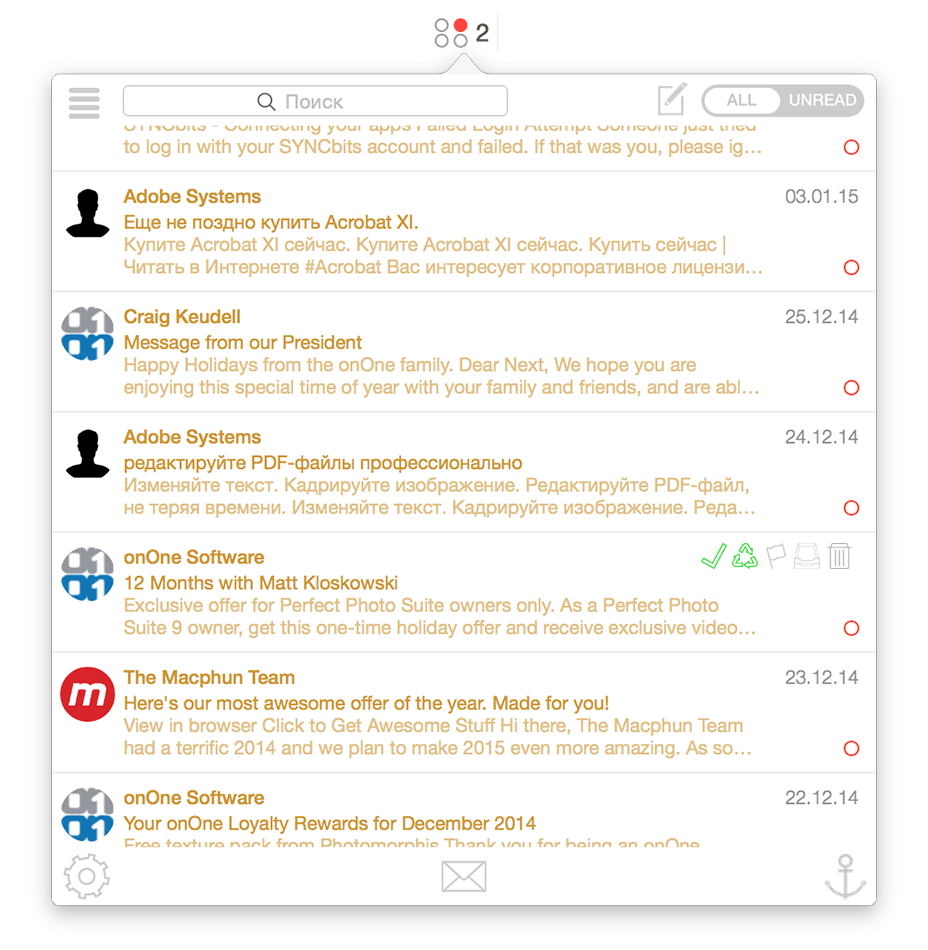
The light and discreet application is designed to run in the background and display the number of new emails next to its menu bar icon. Thanks to MailBar, you can monitor and manage up to four different mailboxes. From MailBar's status bar menu you can easily view all existing emails or filter the list by showing only the unread messages. On top of that, MailBar comes with a powerful built-in search form that enables you to narrow down the list of displayed emails.
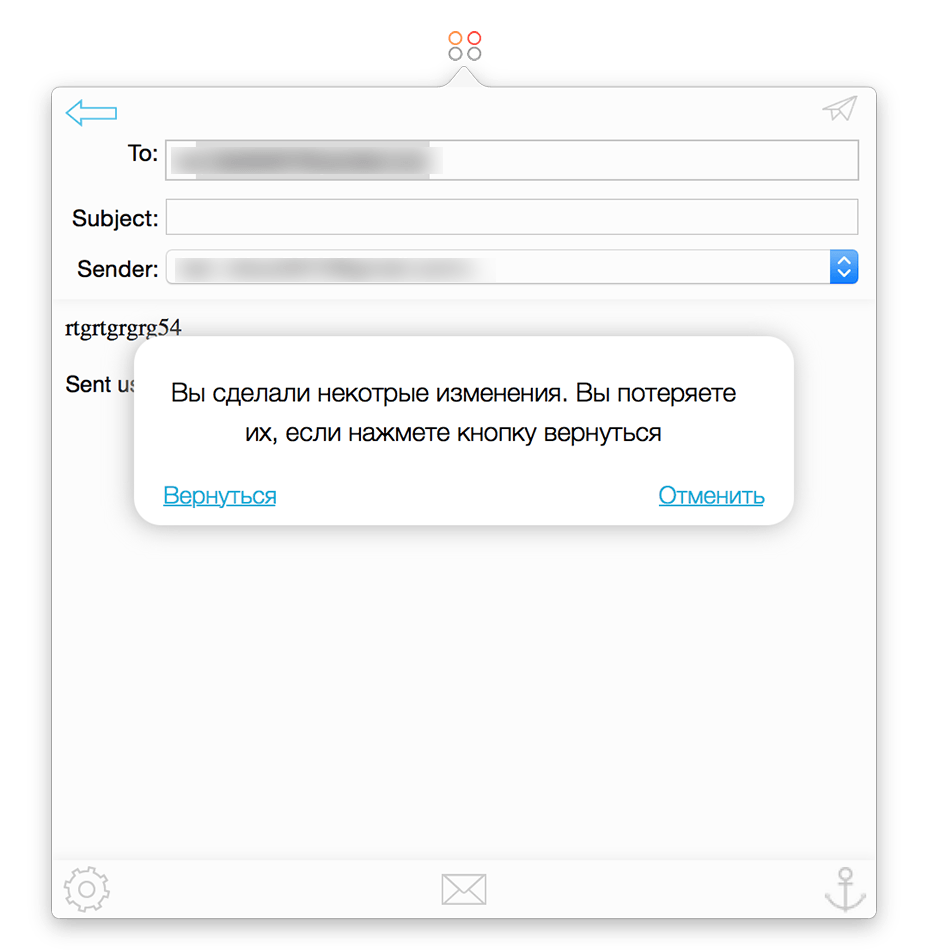
What is more, MailBar offers you the option to mark a message as read, reload it and even open it and read it directly from within the app. MailBar also offers you the option to pin its status bar menu to your desktop as you read and go through your emails. By accessing the Preferences window, you can easily assign different colors to you mailboxes, enable or disable an inbox and select a different sound notification for each inbox. In addition, MailBar can be configured to automatically check for updates and launch at startup.
WHAT’S NEW
- Fixed bug with highlighting urls that contain “@” character.
- Fixed preferences layout bug.
Screenshots

Frequently asked questions
How do I install the app?
Mount the image, drag the app into the "Applications" folder and launch it. If the system blocks the launch, allow it in "System Settings → Privacy & Security".
The app is damaged or won't launch
Reinstalling from a fresh image usually helps. Make sure your macOS version matches the one listed in the compatibility specs.
How do I update?
Download the new version from the site and install it over the current one — your settings will be preserved.
The download link doesn't work
Try a mirror or a download manager. For large files the browser often drops the connection.
How do I completely remove the app?
Use an uninstaller utility — it cleans up the service files that remain after moving the app to the trash.
VersionMailBar
DeveloperAndrew Sokolov
CompatibilityOS X 10.9 or later, 64-bit processor
LanguageEnglish
IncludesCyberon & CORE





Information
Visitors in the group Guests cannot leave comments on this publication.
Choose a download source
MailBar 1.2.5 · 9.11 MB