Folder-Factory 7.13.1


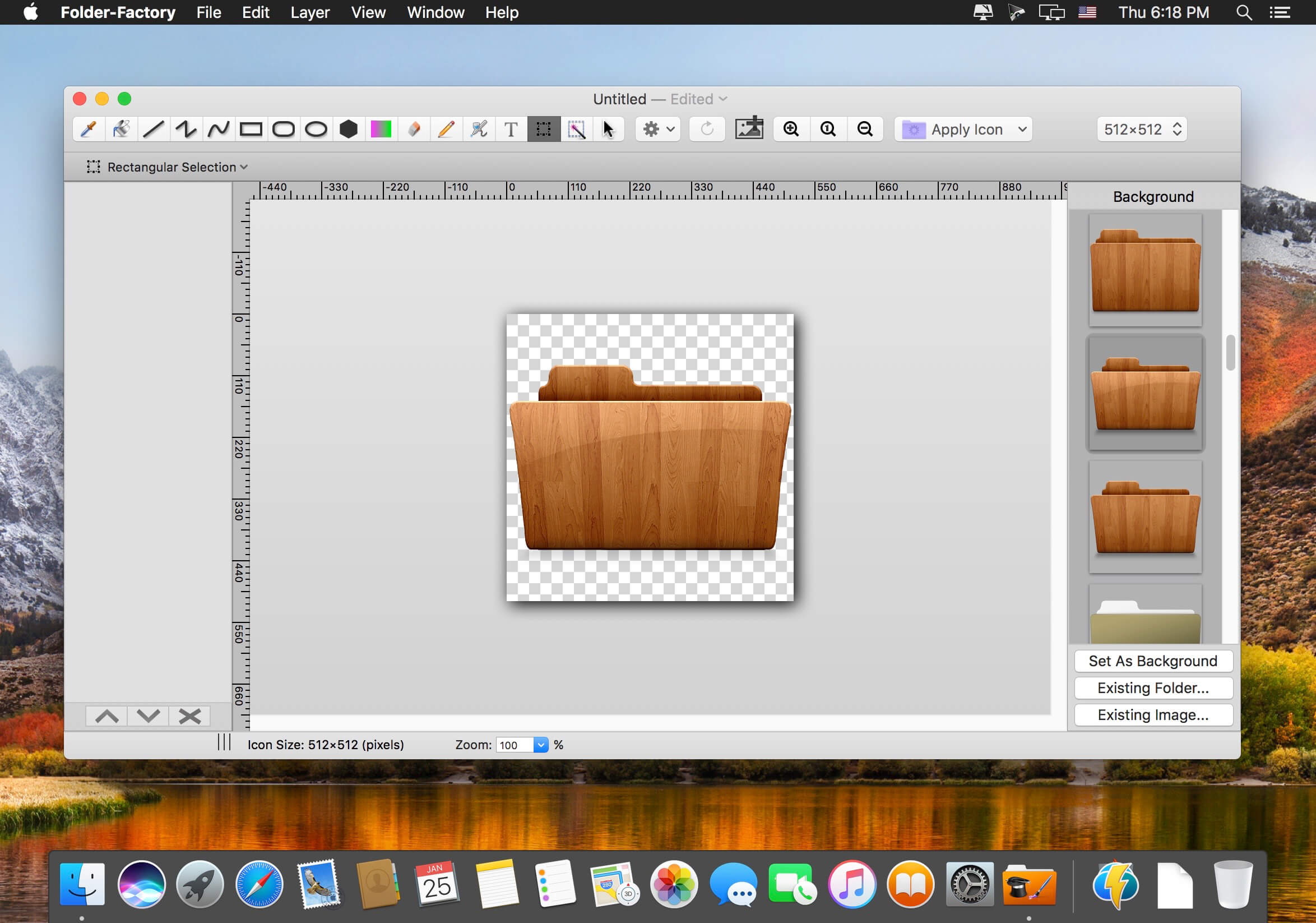
Folder-Factory is a basic icon tool for macOS which help you to customize, design and enhance your folder icons. With it you can combine folder icon with images, text, sketch, and shape. This will improve your system’s appearance, keep your Mac organized and improve your working productivity. You’ll no longer need to read folder names as you can now easily identify them. And at last, it has a friendly and clean UI and it’s really easy to use.
Key features:
- Support retina display.
- Customize, design and enhance your folder icons.
- Support all kinds of tools. For example eyedropper, fill, line, rectangle, ellipse, pen, eraser, text, image, round rectangle and so on.
- Config line width, pen color and fill color and so on.
- Full support for transparency.
- Add text on image.
- Full support for undo/redo, cut/copy/paste.
- Support drag and drop any files and folders.
Version 7.13.1
- Resolve some compatibility issues on macOS 26.
Frequently asked questions
How do I install the app?
Mount the image, drag the app into the "Applications" folder and launch it. If the system blocks the launch, allow it in "System Settings → Privacy & Security".
The app is damaged or won't launch
Reinstalling from a fresh image usually helps. Make sure your macOS version matches the one listed in the compatibility specs.
How do I update?
Download the new version from the site and install it over the current one — your settings will be preserved.
The download link doesn't work
Try a mirror or a download manager. For large files the browser often drops the connection.
How do I completely remove the app?
Use an uninstaller utility — it cleans up the service files that remain after moving the app to the trash.


Choose a download source
Folder-Factory 7.13.1 · 17.54 MB
Previous versions
Folder-Factory 7.13.1
Previous versions are available to registered users.