Folder Designer: Custom Icons 1.93
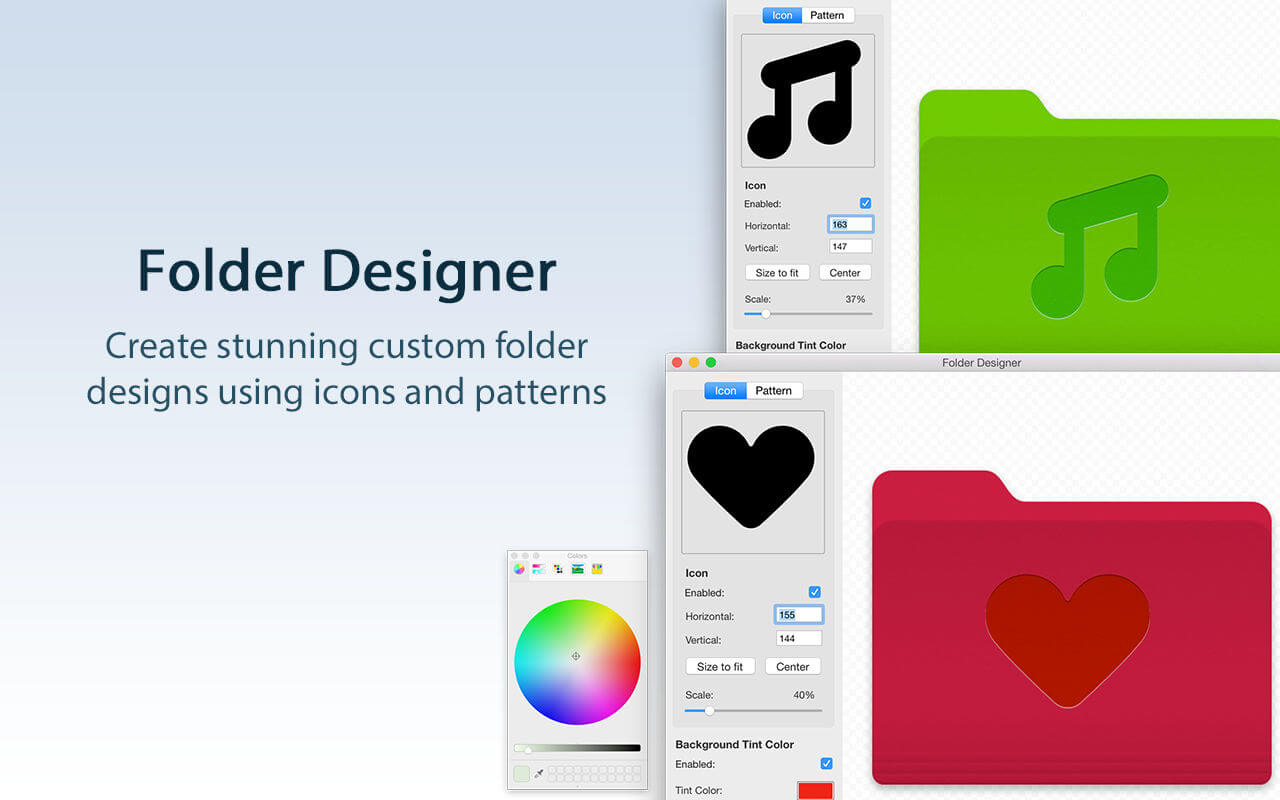
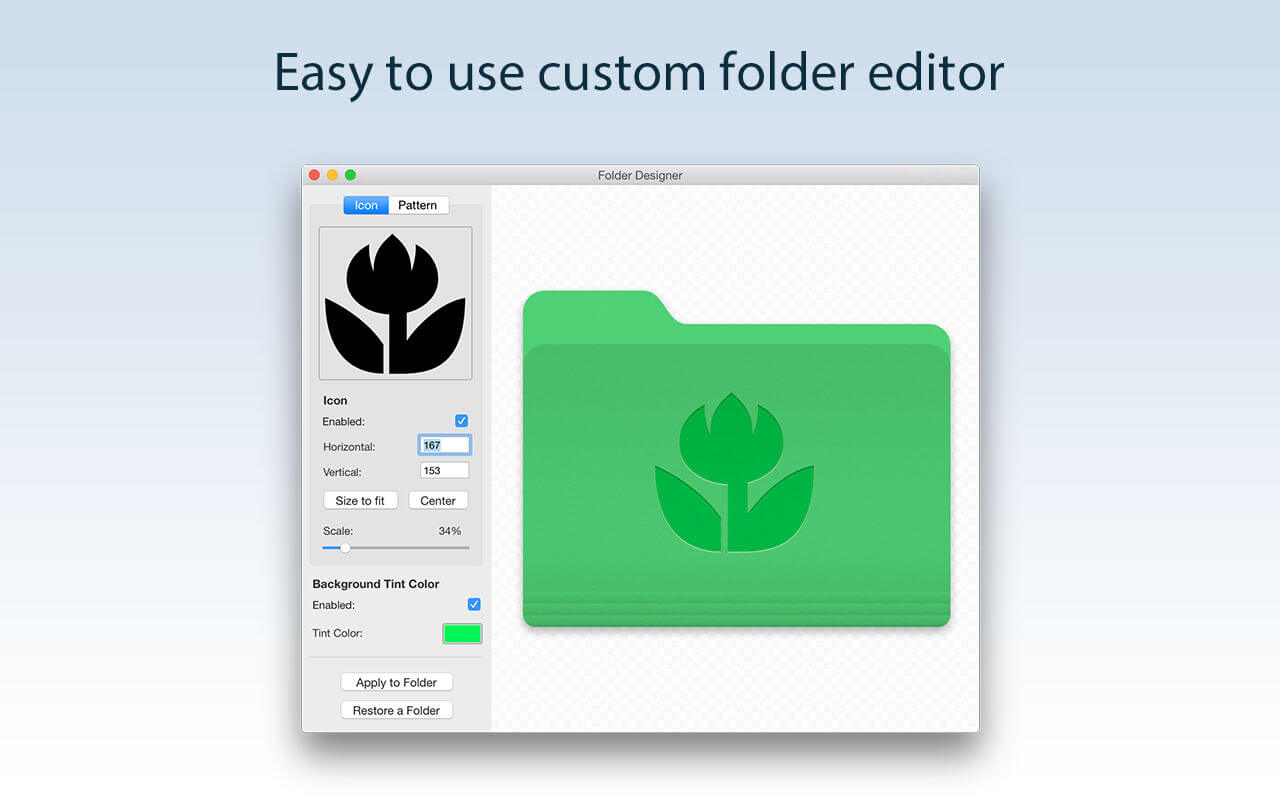
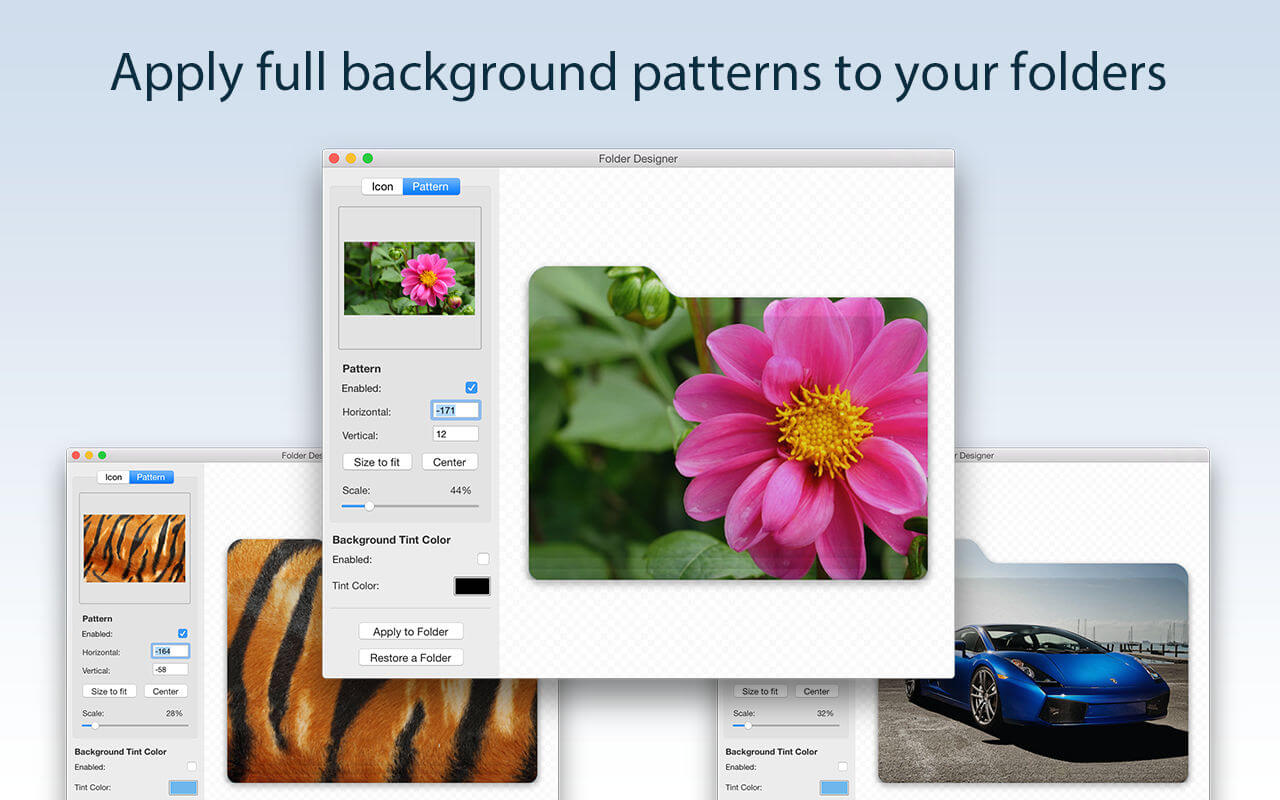
Folder Designer is the slickest and easiest way to customize Folders on your Mac. It allows for unique looking Folders that feature diverse icons, patterns and/or background colors to allow easy identification, as well as adding a splash of color to your Mac!
KEY FEATURES:
- Customize your Mac’s folders with a unique new icon or pattern
- Choose from a large selection of pre-installed icon images within the app
- Ability to add any image/pattern of your choice to a Folder
- Ability to edit the icon/pattern scale to allow a perfect fit according to your tastes
- Auto center/auto fit an icon or pattern
- Ability to position the icon using the mouse to exactly where you want
- Change the background colour to one of your choice
BENEFITS OF FOLDER DESIGNER:
- Instantly create Folders on your Mac that are entirely unique in appearance
- Have Folders that feature either a unique icon, pattern or even a different background colour than the regular blue shade
- Folders can be easily distinguishable and identifiable on your Mac directly by appearance
- An extremely easy app to use offering infinite customization possibilities
Version 1.93
- Updated for macOS Tahoe
- Bug fixes and performance optimizations
Frequently asked questions
How do I install the app?
Mount the image, drag the app into the "Applications" folder and launch it. If the system blocks the launch, allow it in "System Settings → Privacy & Security".
The app is damaged or won't launch
Reinstalling from a fresh image usually helps. Make sure your macOS version matches the one listed in the compatibility specs.
How do I update?
Download the new version from the site and install it over the current one — your settings will be preserved.
The download link doesn't work
Try a mirror or a download manager. For large files the browser often drops the connection.
How do I completely remove the app?
Use an uninstaller utility — it cleans up the service files that remain after moving the app to the trash.



Choose a download source
Folder Designer: Custom Icons 1.93 · 17.49 MB