
Folder Icon Maker 1.6
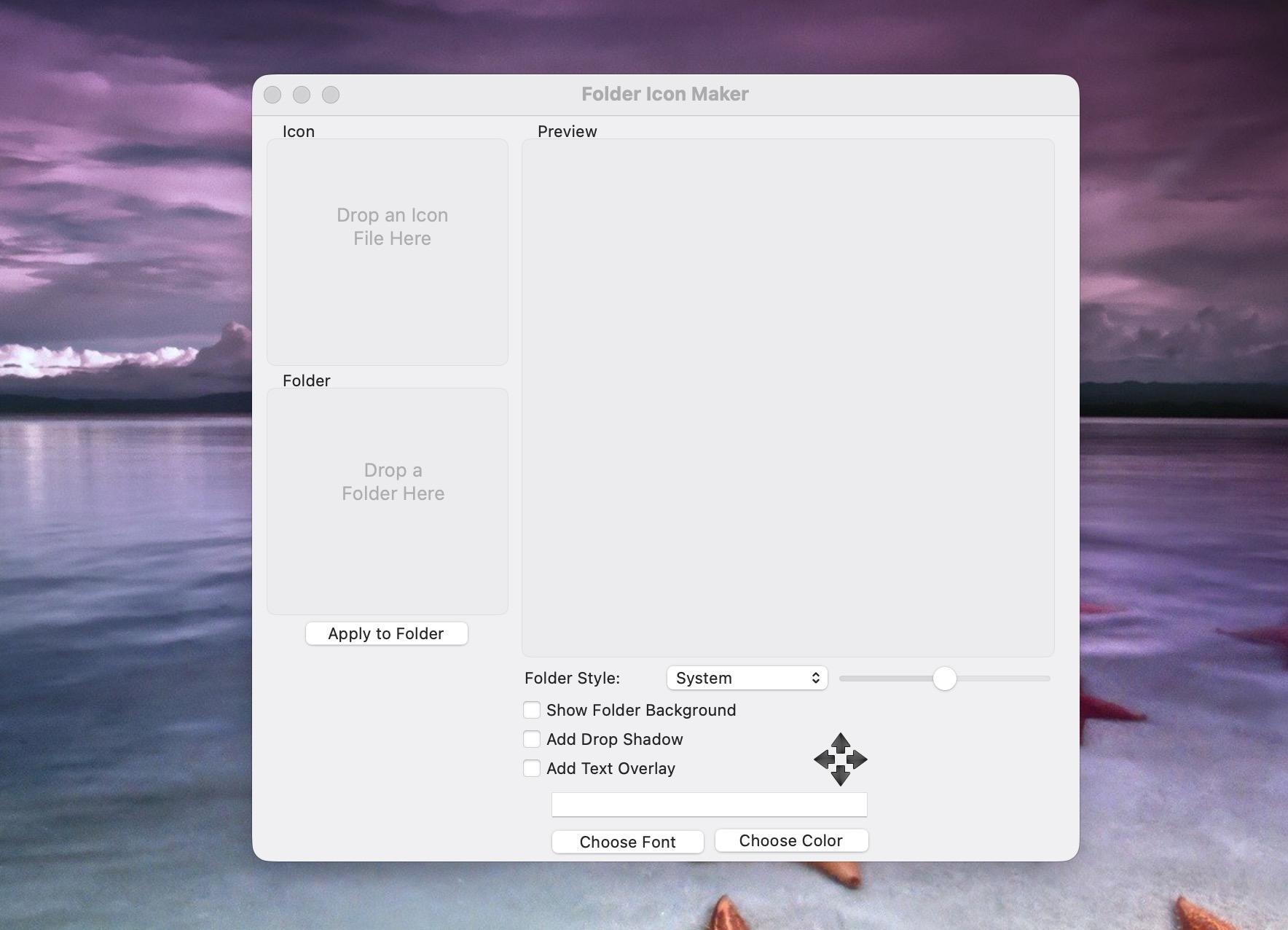
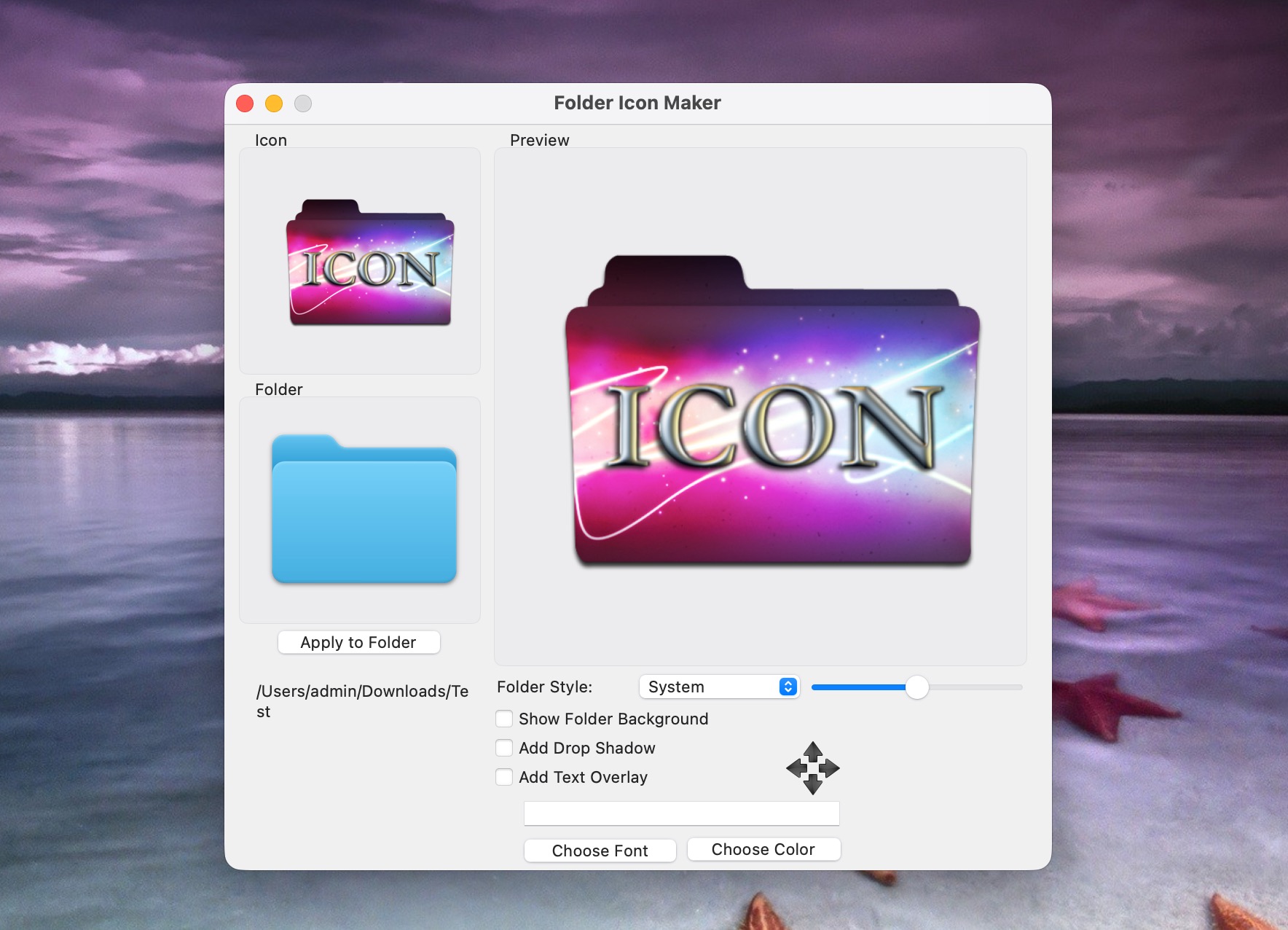
Folder Icon Maker is a macOS app that helps you customize folder icons using your own PNG images. With multiple color styles and effects, it makes it easy to turn personal artwork into attractive folder icons.
Simply drag and drop a transparent PNG into Folder Icon Maker to generate a custom folder icon. If you want to update an icon inside a folder, drag the folder itself into the app. In just two steps, you can create a unique icon set.
For best results, use transparent PNG files (you can find many by searching for “PNG icon” online).
Key features include:
- Reposition icons by clicking and dragging
- Resize icons using the scroll wheel or trackpad
- Create high-quality folder icons
- Add text directly onto icons
- Import app icons by dragging application icons from the desktop into Folder Icon Maker
Version 1.6:
- bug fix
Frequently asked questions
How do I install the app?
Mount the image, drag the app into the "Applications" folder and launch it. If the system blocks the launch, allow it in "System Settings → Privacy & Security".
The app is damaged or won't launch
Reinstalling from a fresh image usually helps. Make sure your macOS version matches the one listed in the compatibility specs.
How do I update?
Download the new version from the site and install it over the current one — your settings will be preserved.
The download link doesn't work
Try a mirror or a download manager. For large files the browser often drops the connection.
How do I completely remove the app?
Use an uninstaller utility — it cleans up the service files that remain after moving the app to the trash.


Choose a download source
Folder Icon Maker 1.6 · 3.78 MB