Overlay 4.40
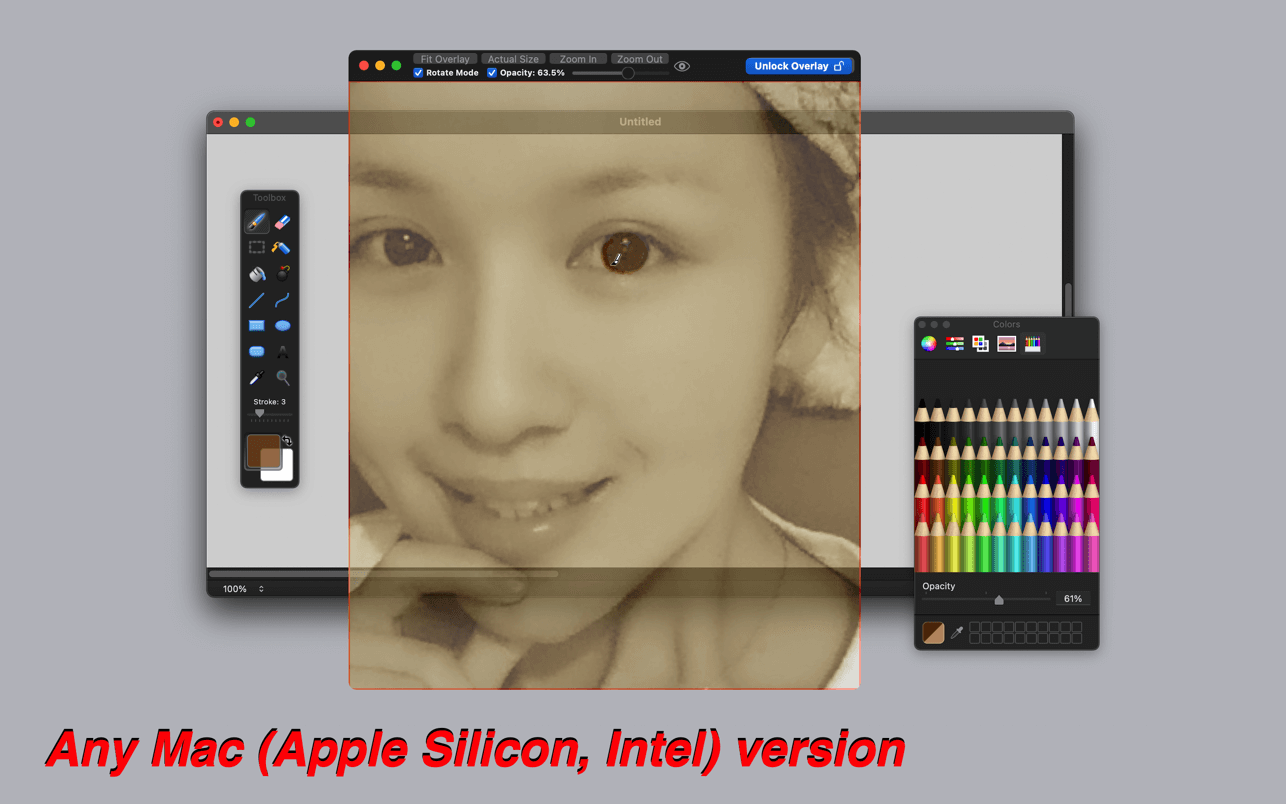
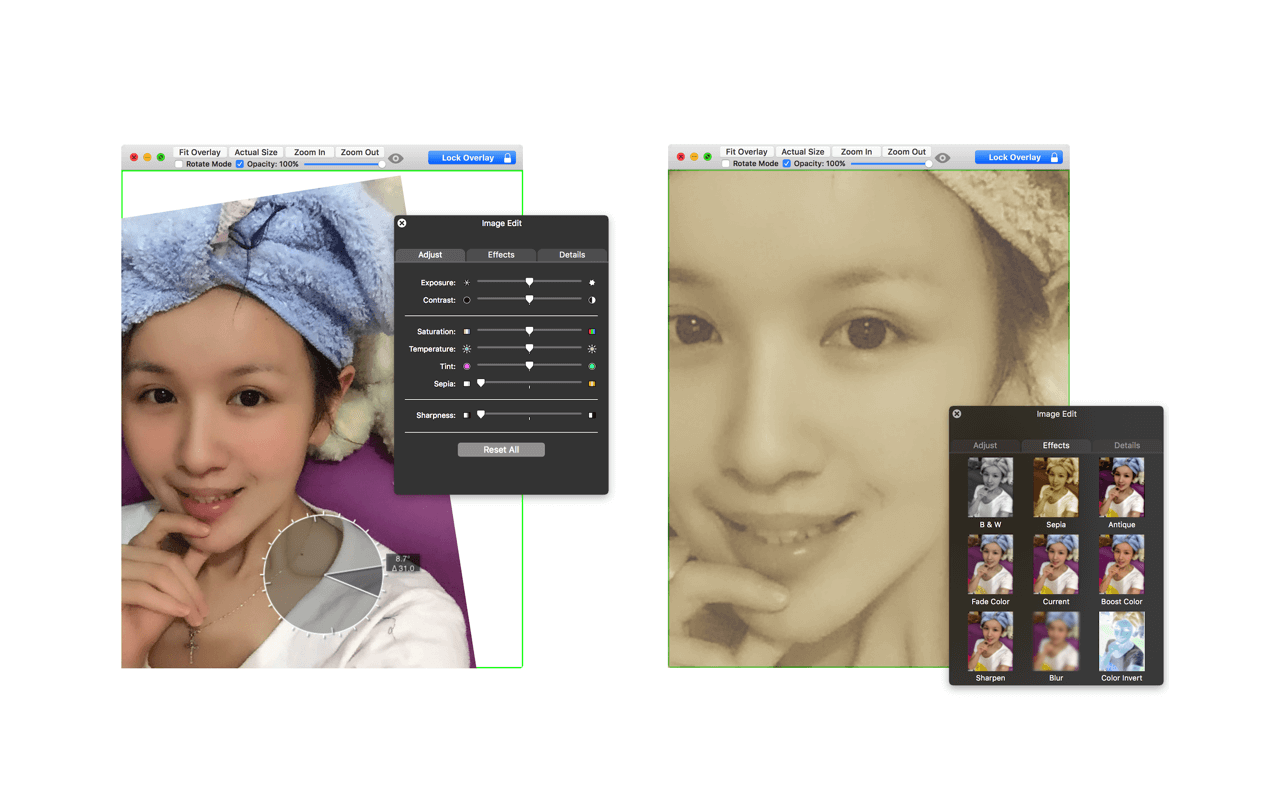
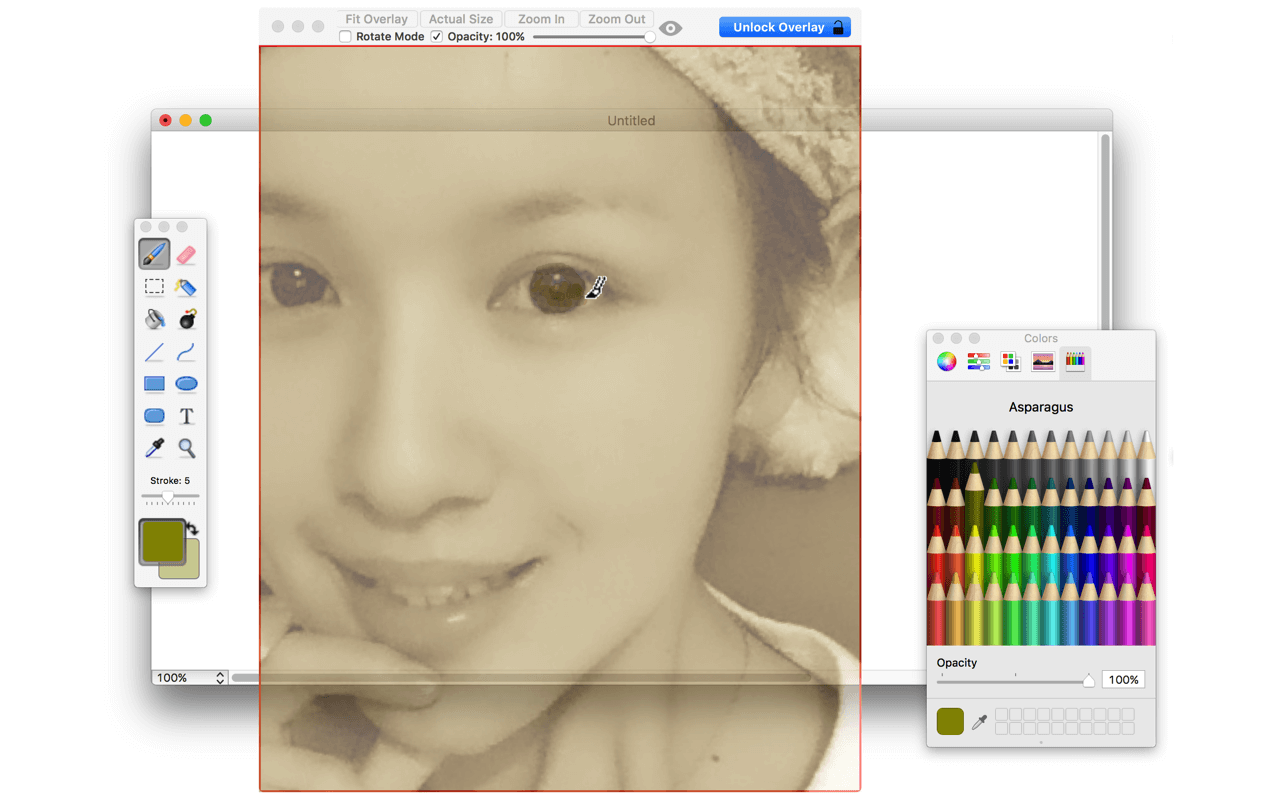
A frame that allows you to have an image or even PDF displayed semi-transparently in front of everything. It enables you to copy, trace, or compare designs, images, and documents with ease since you can lock the frame and make it undisturbed by mouse gestures.
It’s a transparent overlay of an image or document on your screen that you can click through - like a transparent sticker on your screen.
Overlay is especially useful for artists, designers, and students as it allows you to make your art or design from or reference photos and screenshots.
Version v4.40:
- Bug Fix: Resolved crash issue when PDF file is used as overlay image on macOS 26.5+
- Update: Ensure compatibility with macOS Tahoe 26.5.1
Frequently asked questions
How do I install the app?
Mount the image, drag the app into the "Applications" folder and launch it. If the system blocks the launch, allow it in "System Settings → Privacy & Security".
The app is damaged or won't launch
Reinstalling from a fresh image usually helps. Make sure your macOS version matches the one listed in the compatibility specs.
How do I update?
Download the new version from the site and install it over the current one — your settings will be preserved.
The download link doesn't work
Try a mirror or a download manager. For large files the browser often drops the connection.
How do I completely remove the app?
Use an uninstaller utility — it cleans up the service files that remain after moving the app to the trash.




Choose a download source
Overlay 4.40 · 6.56 MB
Previous versions
Overlay 4.40
Previous versions are available to registered users.