Focus Timer: Focus mind on work 2.8
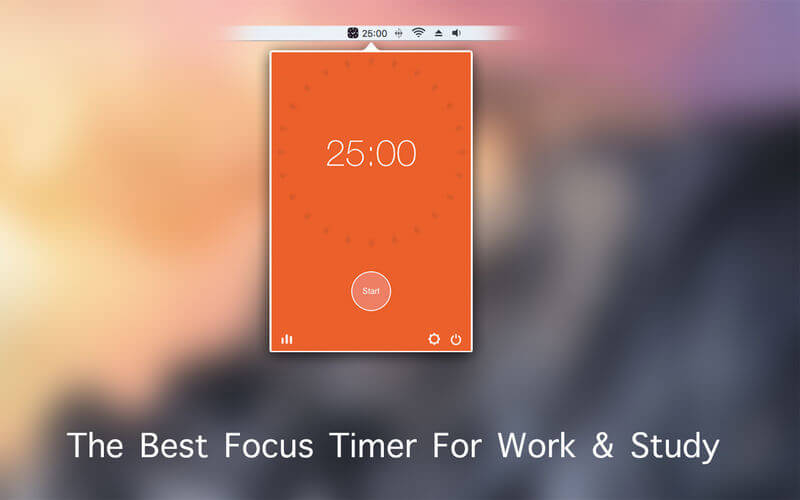
Focus Timer can help you focus on work and say goodbye to procrastination!
It's the focus best timer for work & study
Main Functions:
About Focus Timer:
- Support the start, break, pause or stop of a Focus Time .
- Allow users to define the Focus time, short/long break length and intervals between long breaks.
- Support the settings of auto start of the next Focus time and auto start of breaks.
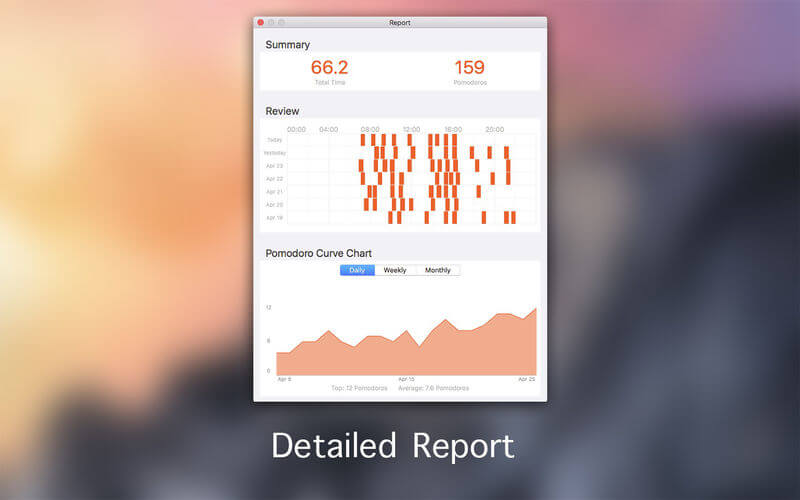
Report:
- Support the calculation of the total time and number of focus time.
- Support the display of Gantt Chart of the focus time of today or the past 7 days.
- Support the display of tendency chart of the number of the daily/weekly/monthly executed focus time.
Various Reminding:
- Support focus time finished alarm, break ending alarm and vibration reminding.
- Various ring tones.
- Various white noise to help you focus on work.
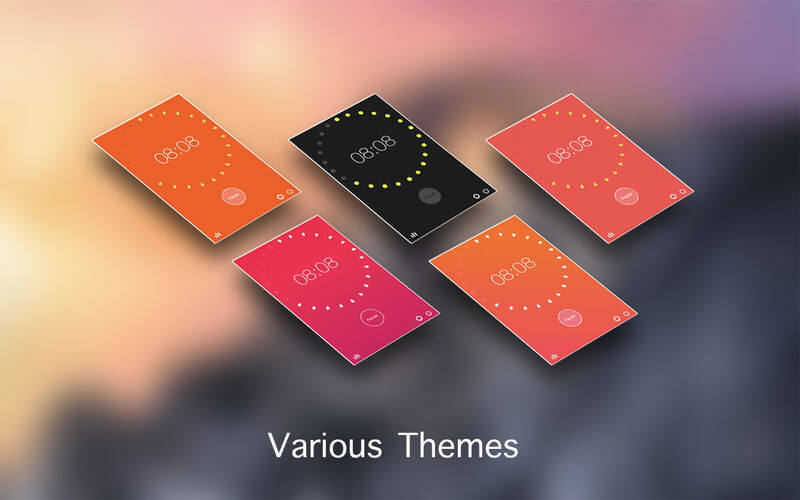
Various Themes:
- Provide various fresh themes.
- The round tomato seeds in the interface indicate the progress of focus time execution
Version 2.8
- bug fix
Frequently asked questions
How do I install the app?
Mount the image, drag the app into the "Applications" folder and launch it. If the system blocks the launch, allow it in "System Settings → Privacy & Security".
The app is damaged or won't launch
Reinstalling from a fresh image usually helps. Make sure your macOS version matches the one listed in the compatibility specs.
How do I update?
Download the new version from the site and install it over the current one — your settings will be preserved.
The download link doesn't work
Try a mirror or a download manager. For large files the browser often drops the connection.
How do I completely remove the app?
Use an uninstaller utility — it cleans up the service files that remain after moving the app to the trash.


Choose a download source
Focus Timer: Focus mind on work 2.8 · 14.92 MB