
XWord Pro - Fantastic Word Processor 1.4.1

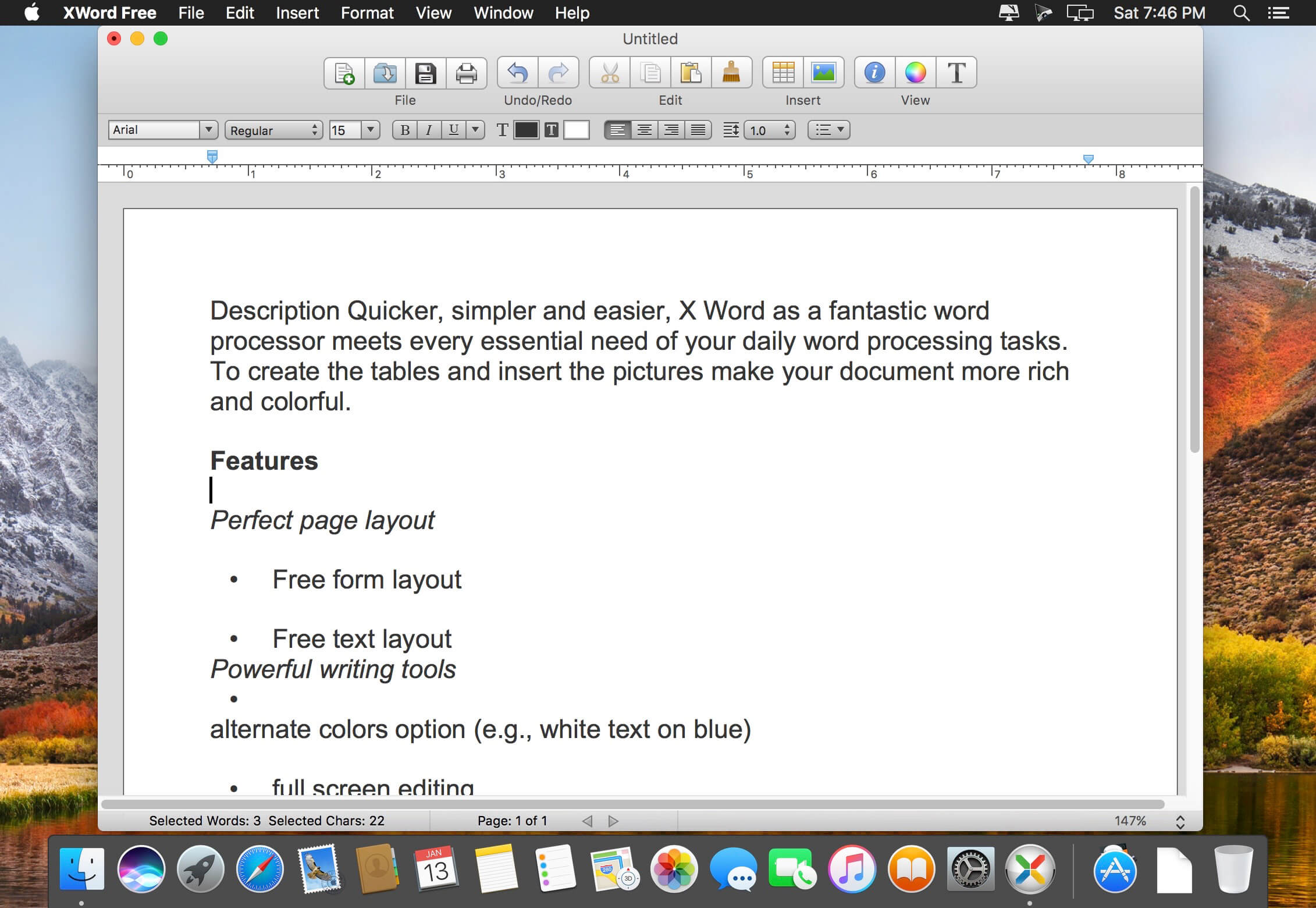
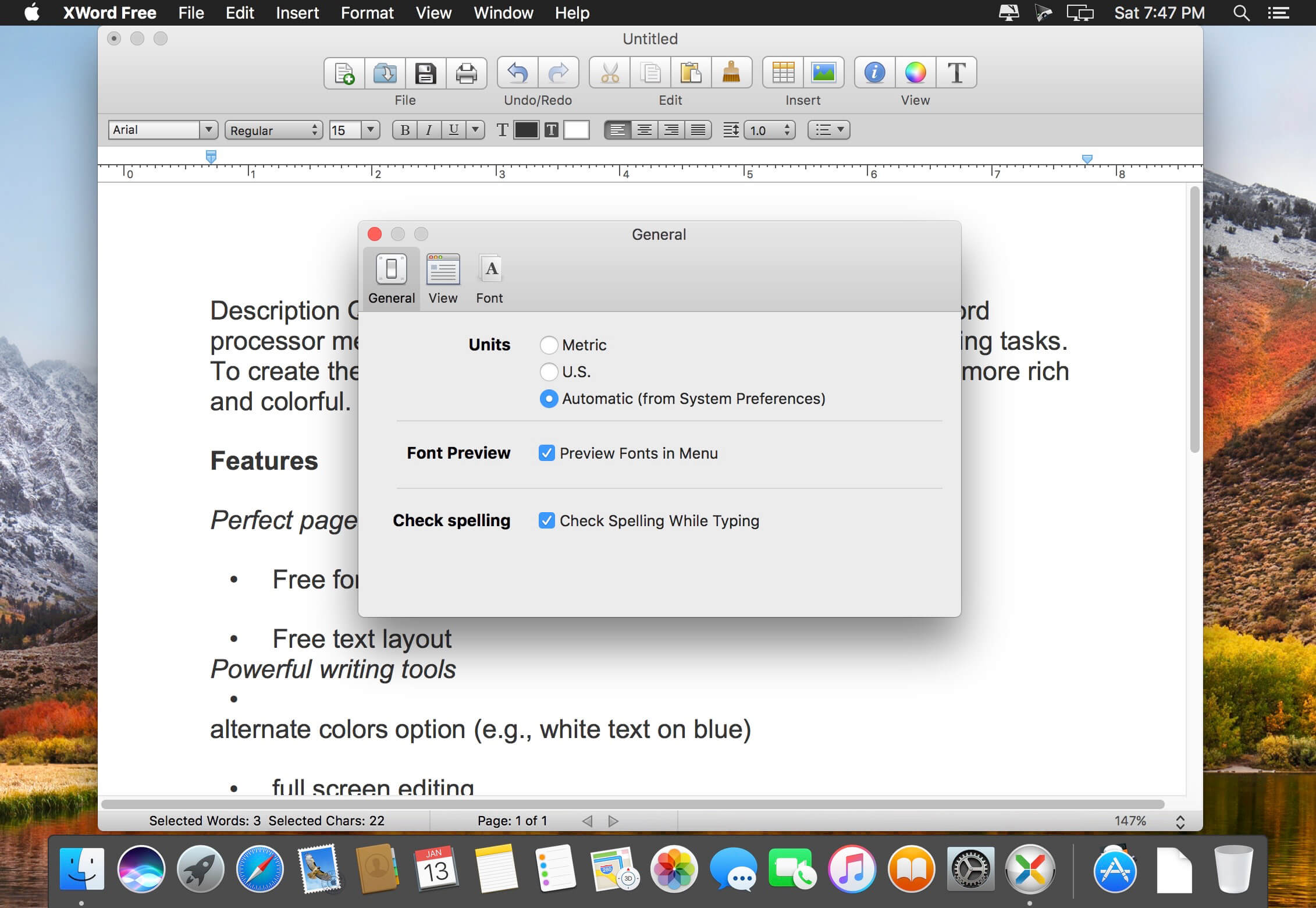
Description Quicker, simpler and easier, X Word as a fantastic word processor meets every essential need of your daily word processing tasks. To create the tables and insert the pictures make your document more rich and colorful.
Features
Perfect page layout
- Free form layout
- Free text layout
- alternate colors option (e.g., white text on blue)
- full screen editing
- find panel allows regular expressions (pattern matching)
- Word processing utilities including word count and automatic page numbering
- XWord free is able to automatically format bulleted or numbered lists to make your documents crisp and clear.
- Export Microsoft Word documents
- Export files to HTML with/without styles, PDF, RTF/DOC with pictures.
- Support for all image formats (. Jpg,. Jpeg,. Gif, png and more)
Version 1.4.1
- Bugs fixed.
Frequently asked questions
How do I install the app?
Mount the image, drag the app into the "Applications" folder and launch it. If the system blocks the launch, allow it in "System Settings → Privacy & Security".
The app is damaged or won't launch
Reinstalling from a fresh image usually helps. Make sure your macOS version matches the one listed in the compatibility specs.
How do I update?
Download the new version from the site and install it over the current one — your settings will be preserved.
The download link doesn't work
Try a mirror or a download manager. For large files the browser often drops the connection.
How do I completely remove the app?
Use an uninstaller utility — it cleans up the service files that remain after moving the app to the trash.
VersionXWord Pro - Fantastic Word Processor 1.4.1
DeveloperFuture Time
CompatibilityOS X 10.10 or later, 64-bit processor
LanguageEnglish, Dutch, French, German, Italian, Polish, Simplified Chinese, Slovak
IncludesK'ed by TNT




Information
Visitors in the group Guests cannot leave comments on this publication.
Choose a download source
XWord Pro - Fantastic Word Processor 1.4.1 · 10.67 MB