

MindMaple Pro 1.3.1
Screenshots
Click to enlarge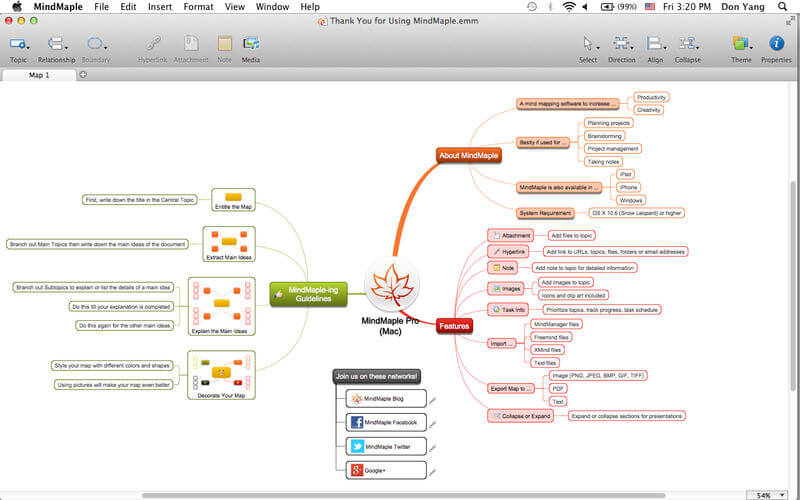
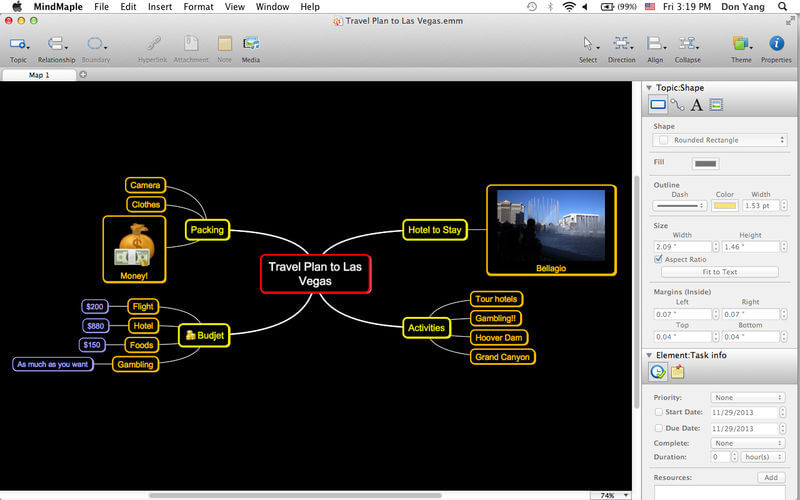
MindMaple is a fast and intuitive way of organizing and prioritizing information for project management, brainstorming sessions, idea sharing, drafting lesson plans, taking lecture notes, problem solving, managing schedules and more.
Create and edit collaborative mind maps with a user-friendly interface and numerous features to assist in maximizing productivity and efficiency.
More Functions in MindMaple Pro
- Create and delete map sheets
- Move or copy map sheets to other documents
- More theme colors
- More clip art
- More map themes and templates
- Import images from iPhoto or Photo Booth
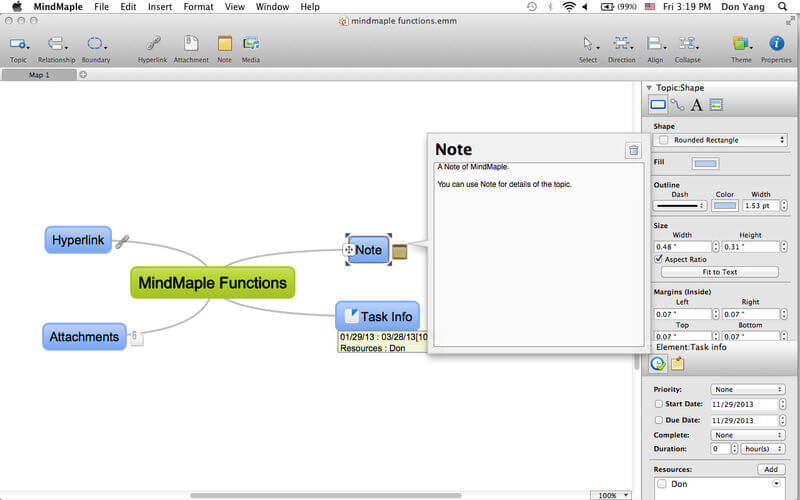
- Prioritize tasks, track progress and task schedule
- Export as images, PDF and text
- Import from MindManager, Freemind, Xmind and text files
- Expand on topics and subtopics with notes
- Link to URLs, topics, files, folders and email addresses
- Attach files to topics
- Themes, clip art and backgrounds included
- Customize topic and subtopic design
- Group subtopics from different branches using Boundaries or Relationship lines
- Visually organize maps to your specific needs
- Balance your map with one click
- Expand or collapse sections for presentations
Version 1.3.1
- Works in High Sierra(10.13).
- Fix some bugs.
- Improve Stability.
Comments
No comments yet. Be the first.
Information
Visitors in the group Guests cannot leave comments on this publication.