
Finer Focus 1.4

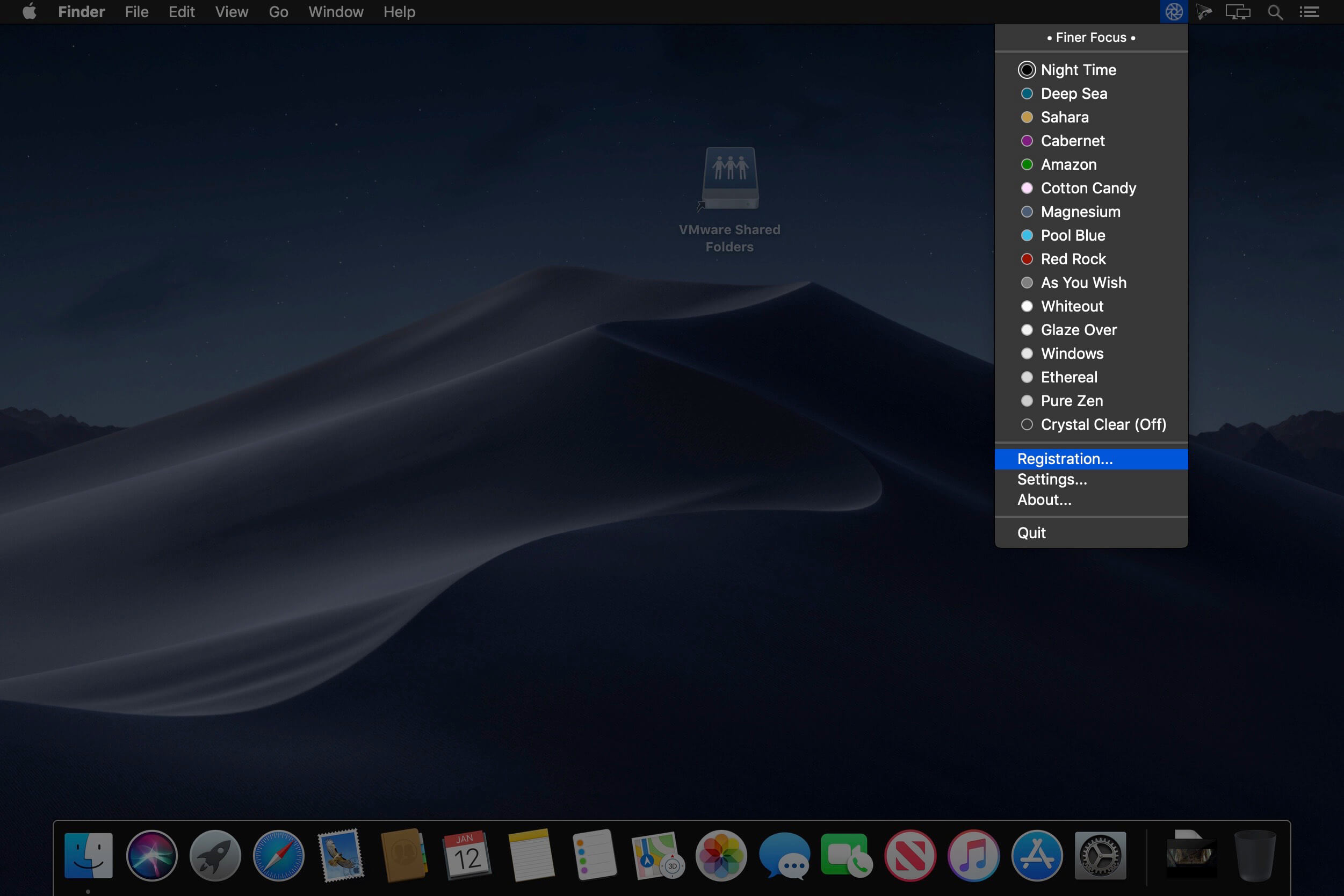
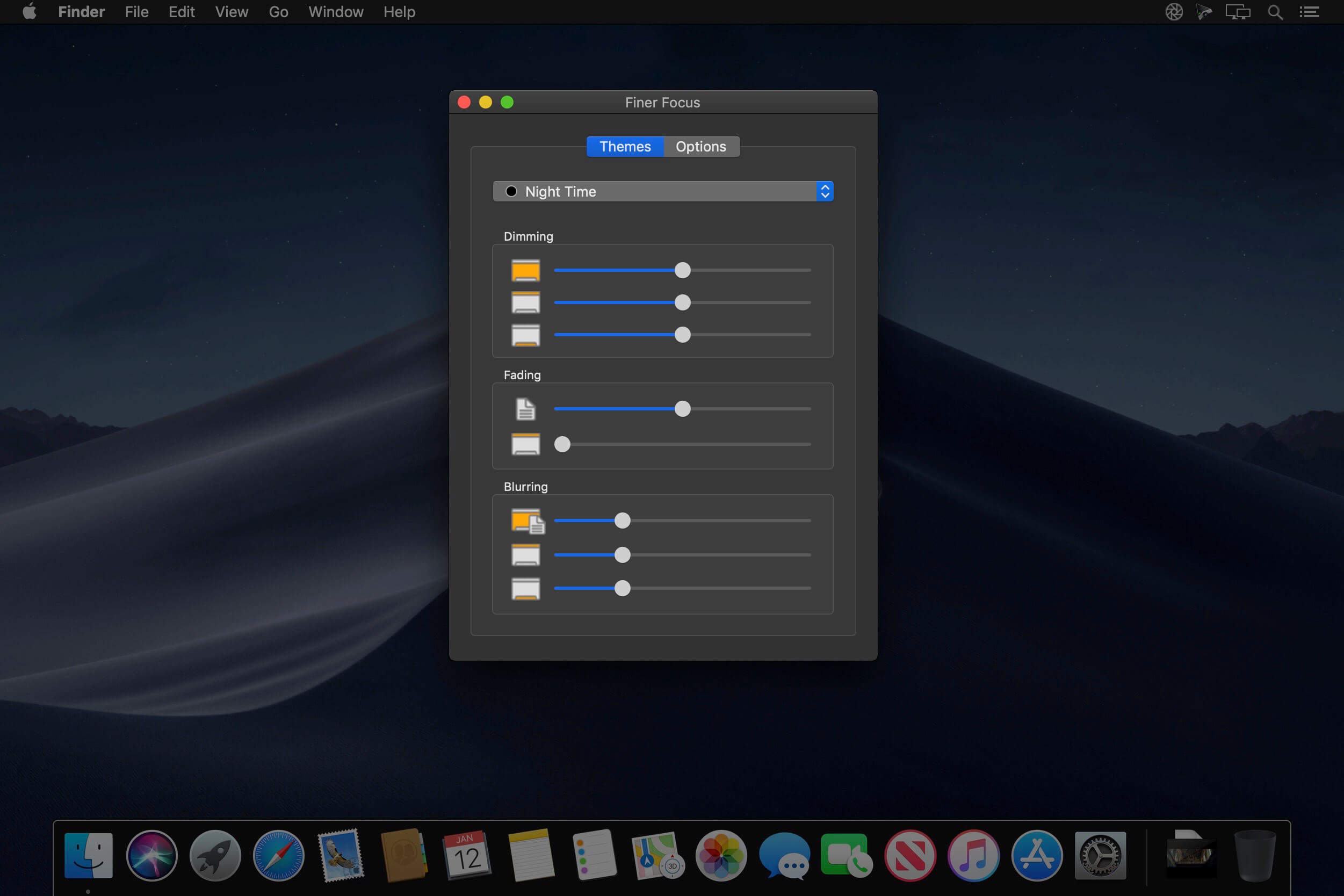
Finer Focus is the ultimate Desktop enhancer that can greatly reduce - even eliminate - all desktop visual distractions. And without distractions, it is easier to be creative, easier to focus, easier to get things done. Plus, the cinematic atmosphere that Finer Focus creates simply makes your Mac more cool to use. Finer Focus melts away distractions by dimming, blurring and fading the desktop elements that are all around the frontmost app window.
These elements include the Dock, the Menu bar, Desktop icons and background windows. This results in the front window remaining bright and sharp, while the surrounding elements simply melt away. Try out the sixteen built-in Finer Focus themes. Each theme has its own characteristics, such as color and varying amounts of dimming, blurring and fading.
Control the speed at which Finer Focus reacts to your actions as well as choose from various ways to temporarily hide all Finer Focus effects should you wish to do so. This gives you complete control over Finer Focus and your desktop environment.
And all of Finer Focus is accessible at any time via its Menu bar icon.
Finer Focus works beautifully with:
- Spaces
- Exposé
- Full-Screen Windows
- Multiple Screens
- Scaled and Standard Retina Display Resolutions
- All Dock Sizes & Orientations with Magnification on or off
- Notification Center
- Custom Desktop Images
Version 1.4:
- Release notes were unavailable when this listing was updated.
Frequently asked questions
How do I install the app?
Mount the image, drag the app into the "Applications" folder and launch it. If the system blocks the launch, allow it in "System Settings → Privacy & Security".
The app is damaged or won't launch
Reinstalling from a fresh image usually helps. Make sure your macOS version matches the one listed in the compatibility specs.
How do I update?
Download the new version from the site and install it over the current one — your settings will be preserved.
The download link doesn't work
Try a mirror or a download manager. For large files the browser often drops the connection.
How do I completely remove the app?
Use an uninstaller utility — it cleans up the service files that remain after moving the app to the trash.
VersionFiner Focus 1.4
DeveloperSpriTec Software
CompatibilityOS X 10.10 or later, 64-bit processor
LanguageEnglish
IncludesK'ed by TNT



Information
Visitors in the group Guests cannot leave comments on this publication.
Choose a download source
Finer Focus 1.4 · 3.96 MB