
RealDNS - Dynamic DNS 7.4.3


The best dynamic DNS update client on App Store with support IPv4 and IPv6. Also available on iOS, with iCloud synchronization.
RealDNS updates 18 dynamic DNS providers: Dyn, NoIP, FreeDNS, ChangeIP, DuckDNS, XpertDNS, Strato, DynDNS.it, DtDNS, EasyDNS, DNS Made Easy, CloudFlare, Google Domains, Namecheap, Hurricane Electric, Loopia, OpenDNS, GoDaddy.
RealDNS is an application that updates your hostnames with the latest IP address of your computer assuring that you will always have an updated hostname allowing you to connect to your computer from everywhere.
The IP address, which will be used to perform the hostname update, can be:
- External
- Gateway
- Local
- Manually defined
The application has an initial easy to use interface for every user but behind it, the application contains powerful tools for professionals.
Multi-provider - this option allow you to make hostname updates to multiple providers at the same time, so in case a provider will be down your IP address will be saved to the other enabled providers assuring that you will always have a hostname updated with your latest IP address.
Internal failover - if the interface assigned to your hostname is not available the application will get the IP address of any available network interface and perform an update with that IP, thus maintaining a connection to your device, with two failover types.
Multiple accounts, multiple hostnames, multiple IP sources - Use the IP address of any available interface in your system and assign it to any hostname from any account. Every hostname can have his own IP source.
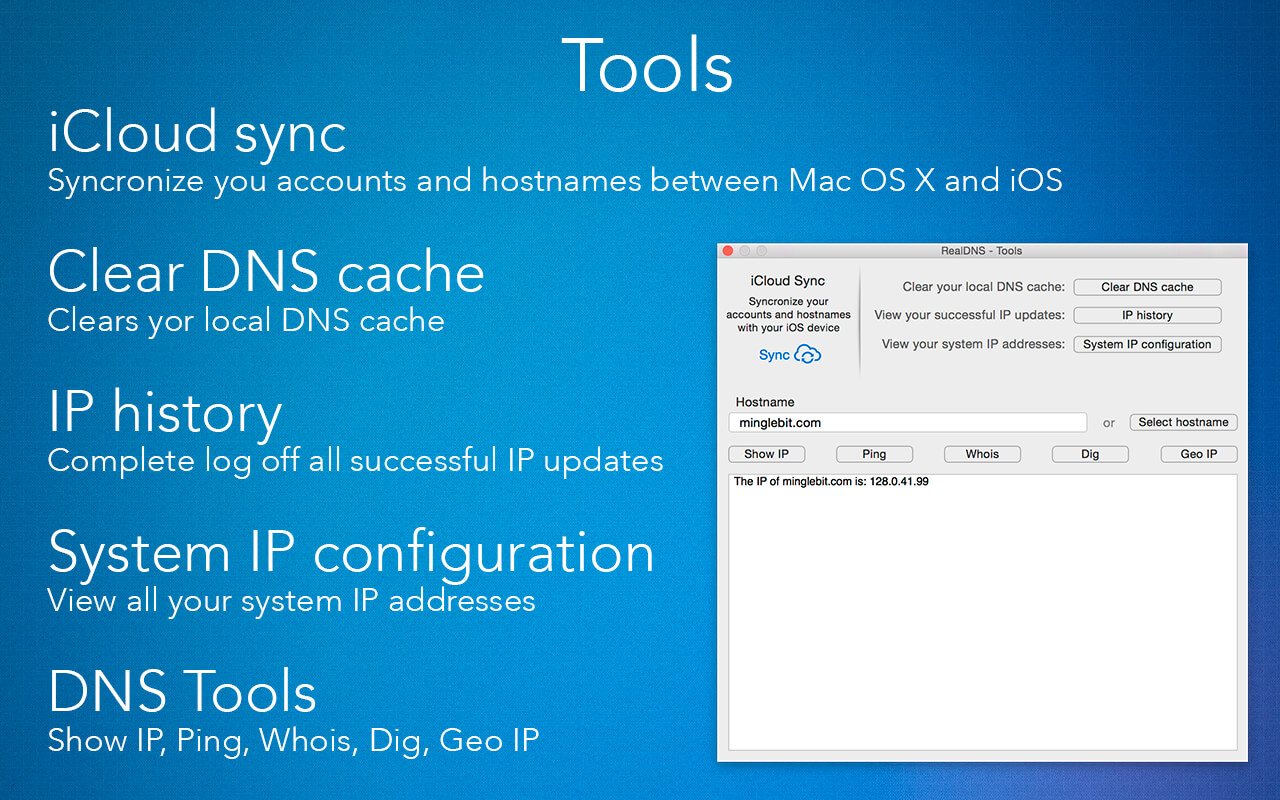
Tools - perform
- Show IP
- Ping
- Who is
- Dig
- Geo IP on any hostname
Version 7.4.3
- Fixes some compatibility issues with macOS Catalina.
Frequently asked questions
How do I install the app?
Mount the image, drag the app into the "Applications" folder and launch it. If the system blocks the launch, allow it in "System Settings → Privacy & Security".
The app is damaged or won't launch
Reinstalling from a fresh image usually helps. Make sure your macOS version matches the one listed in the compatibility specs.
How do I update?
Download the new version from the site and install it over the current one — your settings will be preserved.
The download link doesn't work
Try a mirror or a download manager. For large files the browser often drops the connection.
How do I completely remove the app?
Use an uninstaller utility — it cleans up the service files that remain after moving the app to the trash.



Choose a download source
RealDNS - Dynamic DNS 7.4.3 · 9.78 MB