
Wondershare Photo Cutter 1.0.7
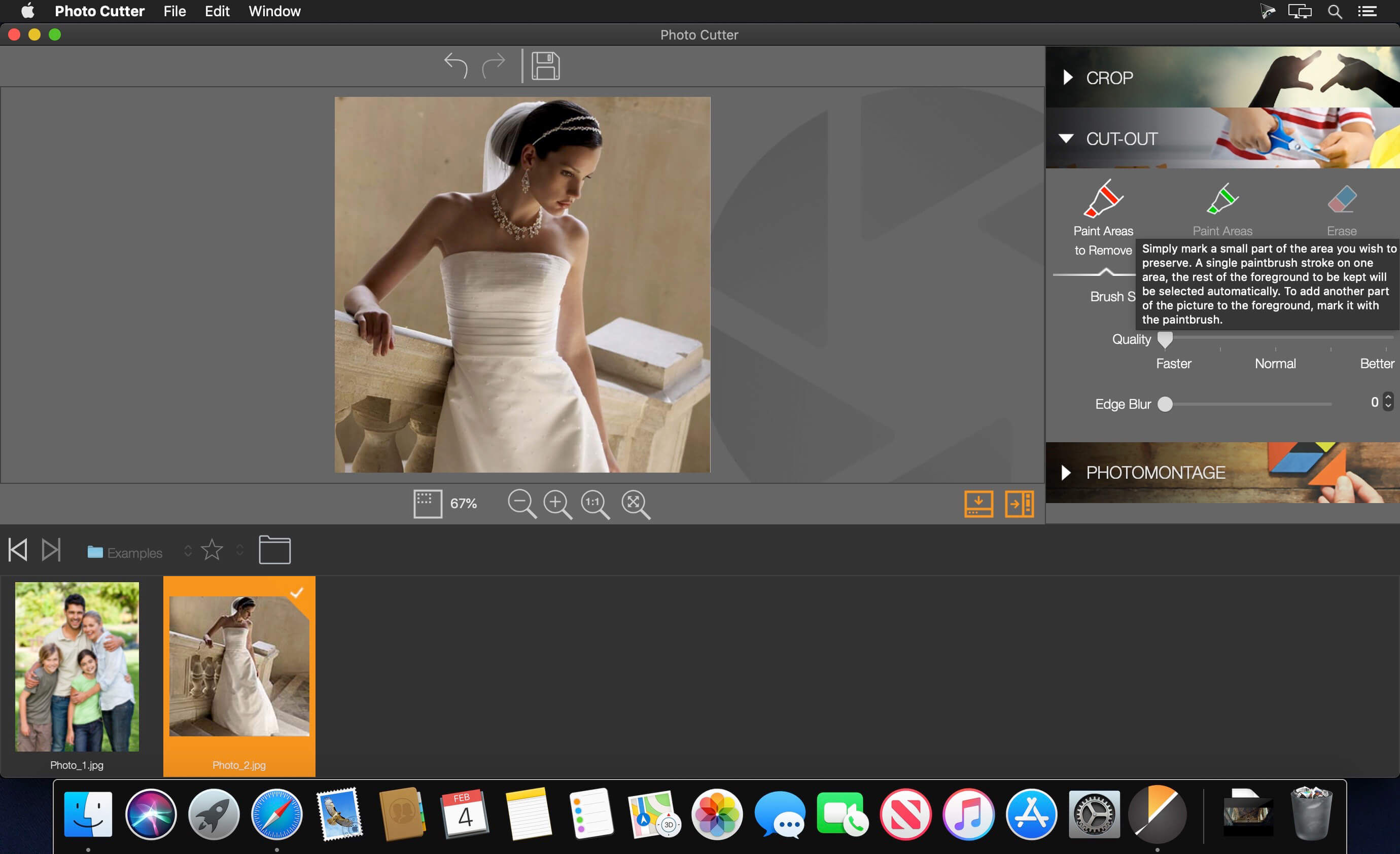
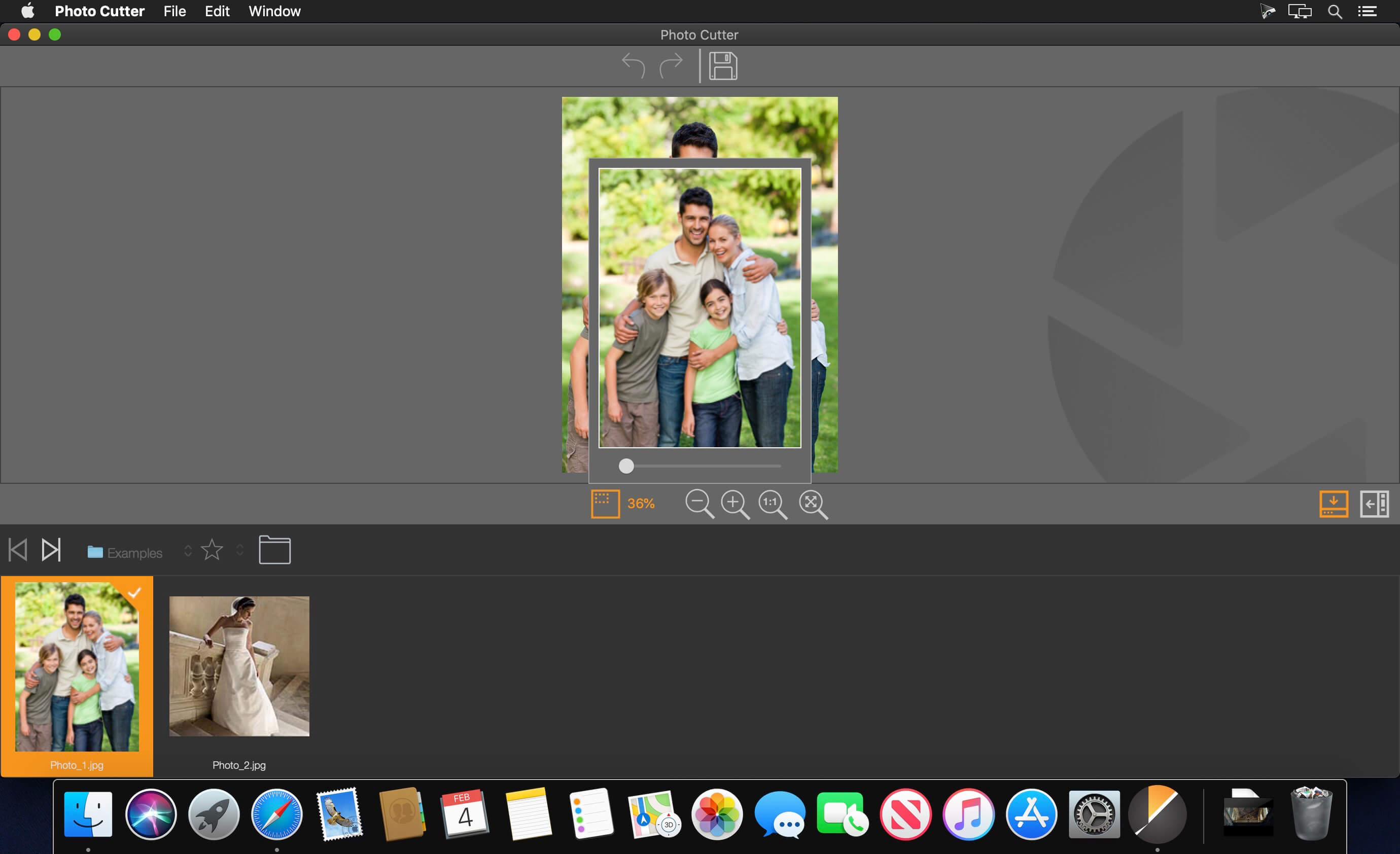
Professionally remove background without being a pro. Need a transparent background for product pictures or profile images, or a replacement of background for a person or an object? This smart, efficient and cost-effective tool will bring you precision result from your imprecise marks.
Additional Editing Features
Customized Brush Sizes
Make your brush as small as 1px or as large as 250px
Background Templates
Choose from 20 preset backgrounds in a variety of styles
Drag & Drop Interface
An intuitive design that is easy to learn, regardless of your skill level
Straighten Line
Draw a line and your photo will be automatically straightened
Edge Blur
Smoothly overlay cutout objects over whatever backgrounds you choose
Built-In Tutorial
Learn how to use this simple program with this interactive step-by-step guide
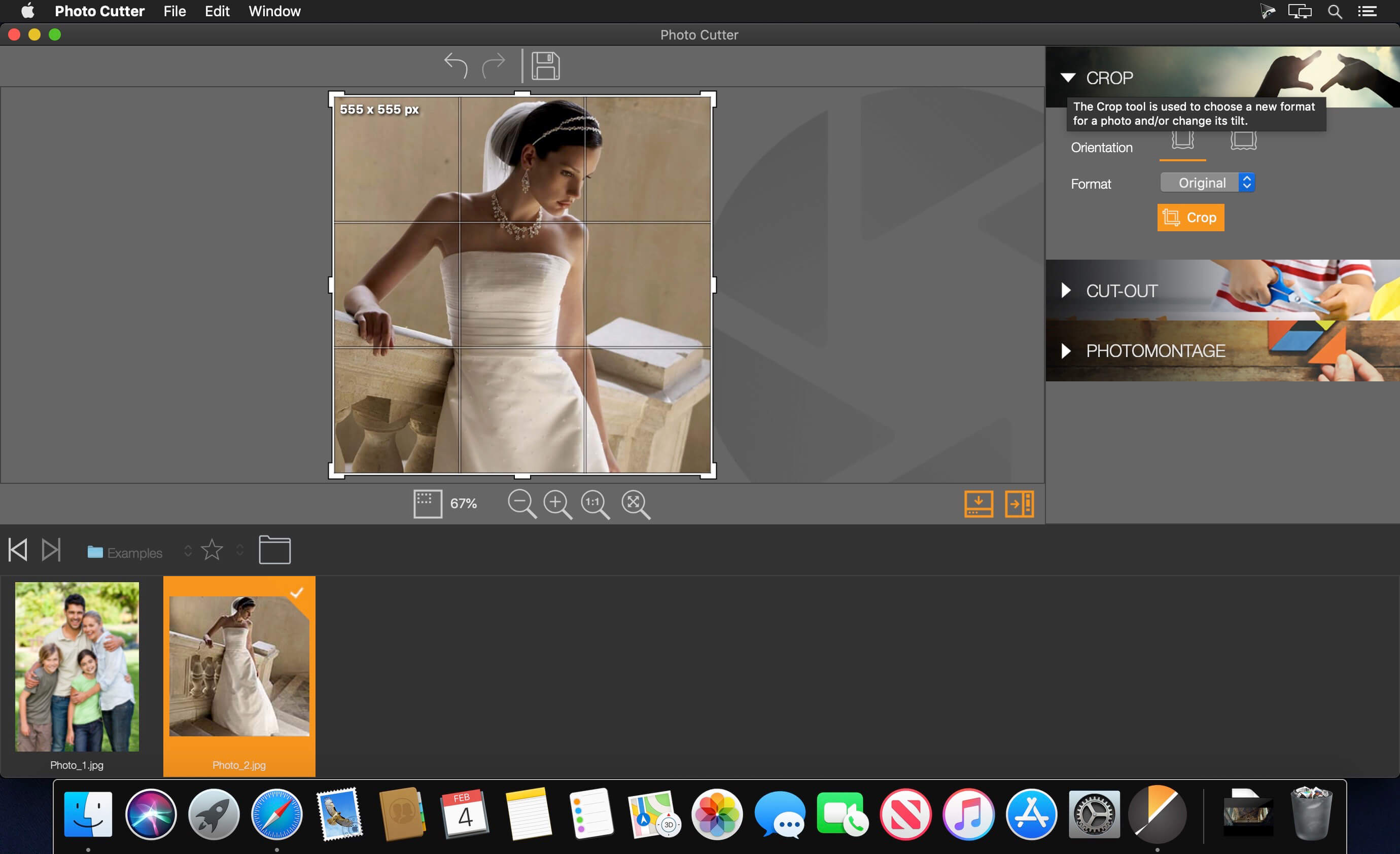
Cut & Crop
Resize your photo or change its aspect ratio easily
Wide Format Support
Support Jpeg, TIFF (8-bit or 16-bit), PNG, BMP, GIF, Jxr or Jiff
Version 1.0.7:
- Release notes were unavailable when this listing was updated.
Frequently asked questions
How do I install the app?
Mount the image, drag the app into the "Applications" folder and launch it. If the system blocks the launch, allow it in "System Settings → Privacy & Security".
The app is damaged or won't launch
Reinstalling from a fresh image usually helps. Make sure your macOS version matches the one listed in the compatibility specs.
How do I update?
Download the new version from the site and install it over the current one — your settings will be preserved.
The download link doesn't work
Try a mirror or a download manager. For large files the browser often drops the connection.
How do I completely remove the app?
Use an uninstaller utility — it cleans up the service files that remain after moving the app to the trash.
VersionWondershare Photo Cutter 1.0.7
DeveloperWondershare Software Co., Ltd
CompatibilityOS X 10.10 or later, 64-bit processor
LanguageEnglish
IncludesK'ed by TNT





Information
Visitors in the group Guests cannot leave comments on this publication.
Choose a download source
Wondershare Photo Cutter 1.0.7 · 33.56 MB