oneSafe 2.4.0
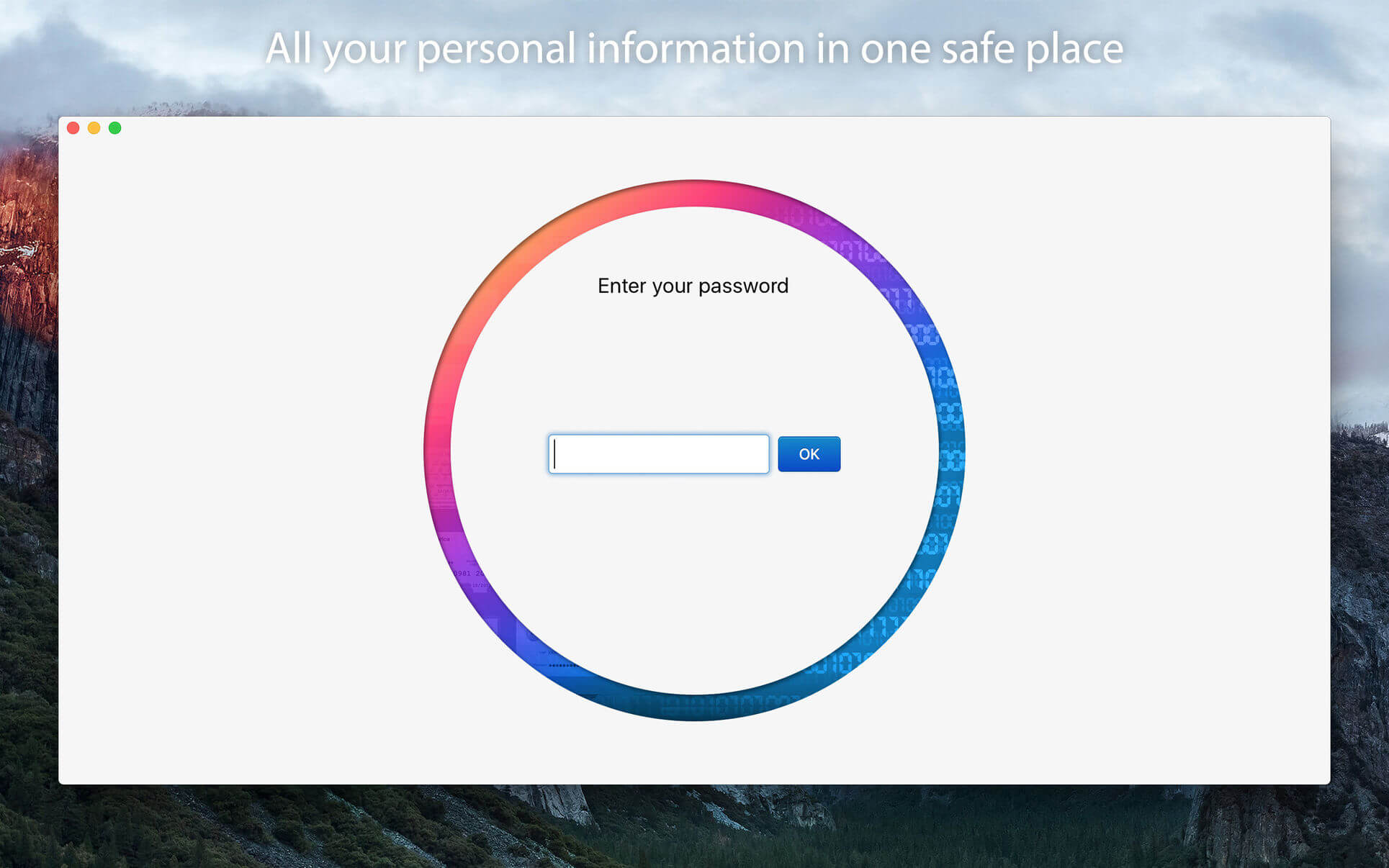
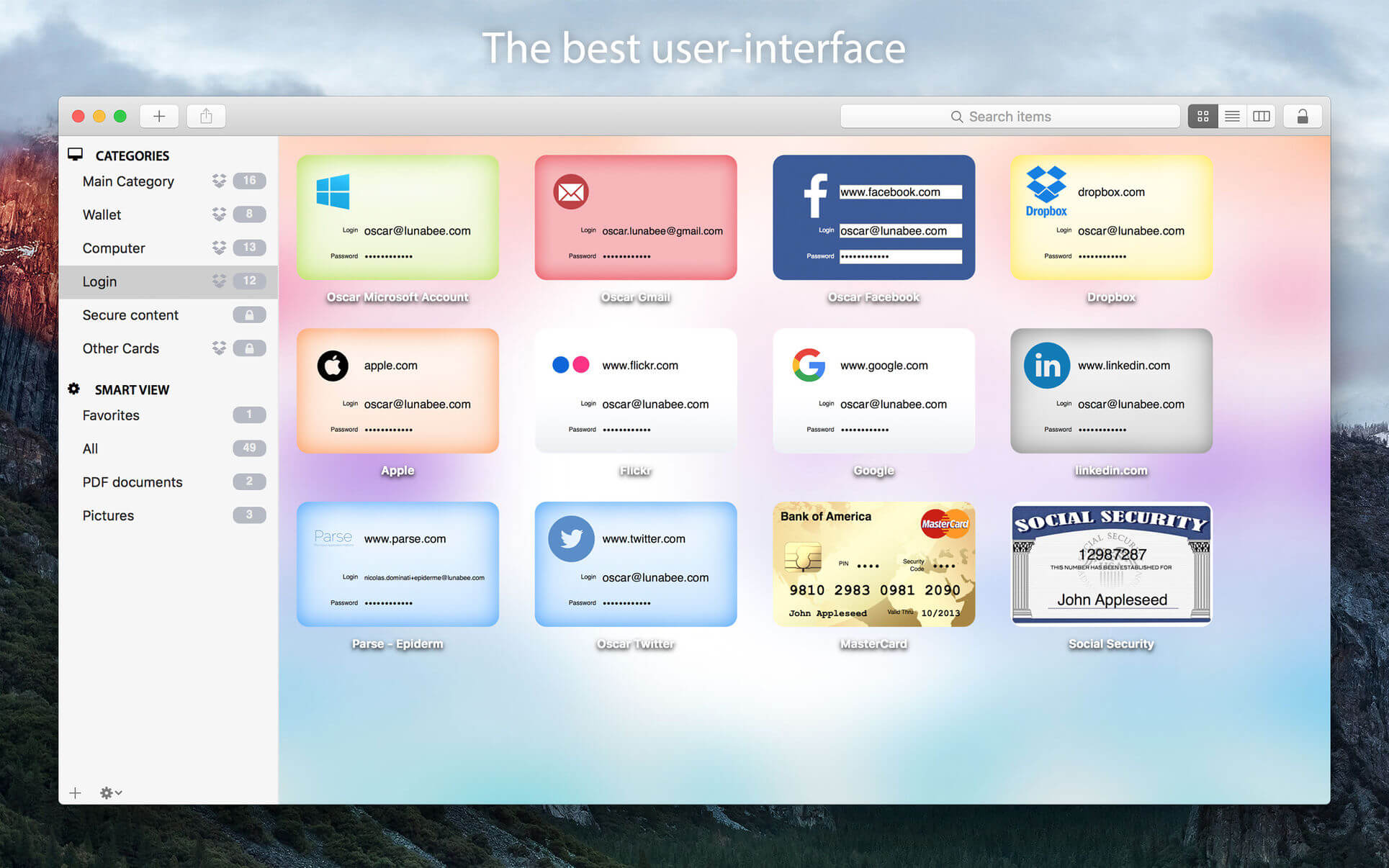
oneSafe is the password manager app where you can store all your confidential information - be it passwords, internet accounts, ID numbers, bank account details, pictures or private documents - in one safe place.
It's a cross-platforms app, so that you can access your information whenever you need and wherever you are.
Why do you need it?
Because you're simply like everyone, struggling to remember all the passwords and other codes that makes our modern life. And you want to gather all this information in one place, but with complete security.
oneSafe allows you to store, all in the same place and in total security, your:
- Credit card numbers and entry codes
- Social security numbers
- Bank accounts and tax numbers
- Usernames and passwords
- Documents like PDF, Pages, Word, Excel
- Your secret pictures and videos
Security first!
oneSafe incorporates the strong encryption algorithm available (AES-256) and all your data is automatically encrypted as soon as it's saved in the app.
And we make your entry password unhackable using standards with very complex calculation.
oneSafe comes also with advanced security options allowing you to manage your security level: TRI-PIN, double-protected categories, auto-lock feature, password generator, decoy safe, self-destruct option, break-in attempts monitoring and a password change reminder.
Features that will make your life easy:
- Ready-made and customizable templates to easily enter your details
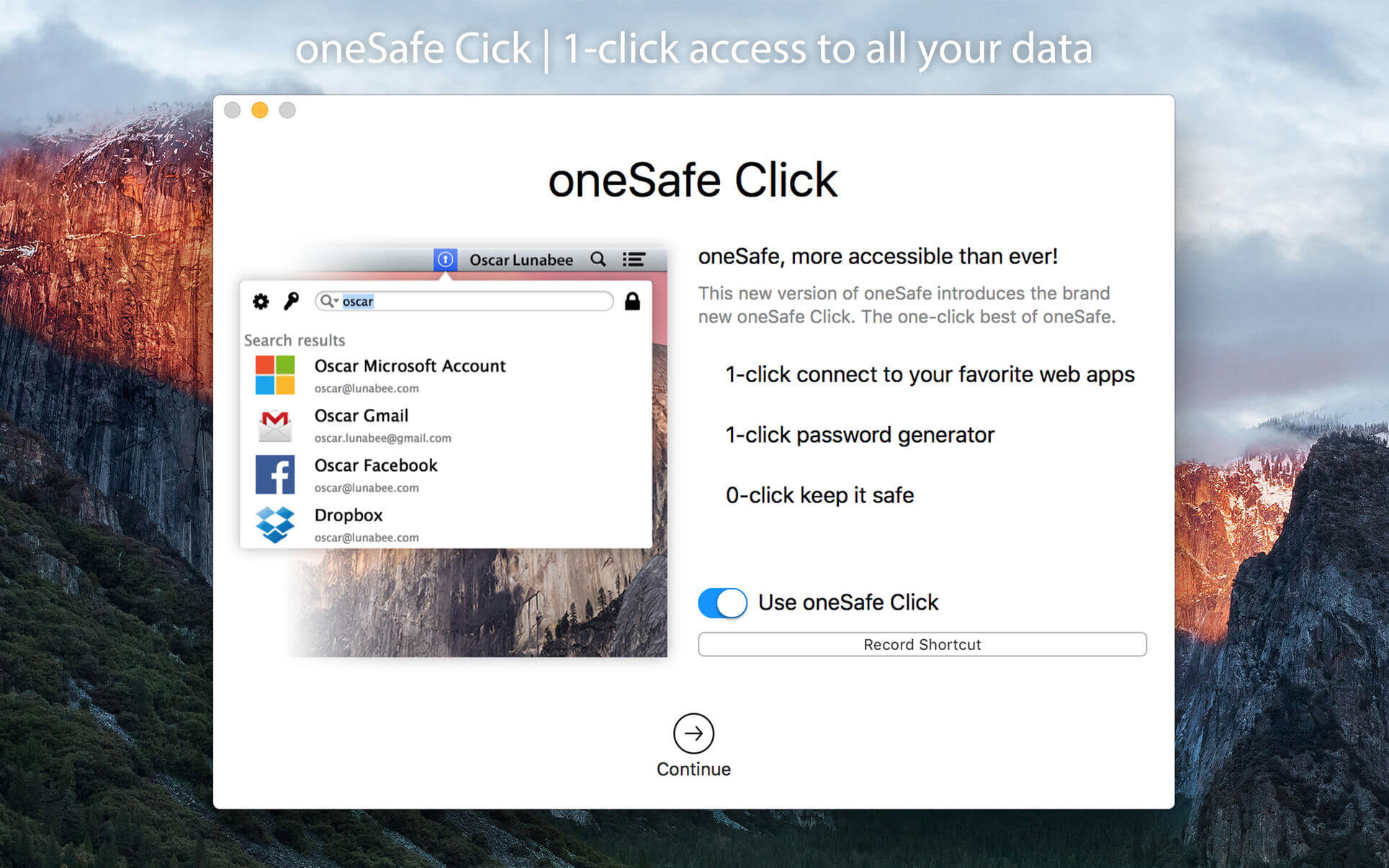
- oneSafe Click and a Safari extension for super fast access to your encrypted itemsBackup options (through email, iTunes or Wifi) to keep the app safe.
- iCloud sync of your content between the different versions of oneSafe on your devices (iPhone, iPad and Mac)
- Dropbox sync of your data between Apple and Android versions.
- Customizable categories to keep all your information in order.
- 'Favorites' highlighting for a fast access to your most used information.
- Search capability within your database.
Why oneSafe and not another password manager?
- Because we think that even a password manager can be beautiful, especially because you'll use it many times a day, we provide you an app with a very nice and easy to use interface
- Because you don't have to provide your email to use oneSafe, you simply need to set up a password, the last one you'll have to remember!
- Because there is no hidden fee to use oneSafe.
Version 2.4.0
- Supporting macOS 12.0.
Frequently asked questions
How do I install the app?
Mount the image, drag the app into the "Applications" folder and launch it. If the system blocks the launch, allow it in "System Settings → Privacy & Security".
The app is damaged or won't launch
Reinstalling from a fresh image usually helps. Make sure your macOS version matches the one listed in the compatibility specs.
How do I update?
Download the new version from the site and install it over the current one — your settings will be preserved.
The download link doesn't work
Try a mirror or a download manager. For large files the browser often drops the connection.
How do I completely remove the app?
Use an uninstaller utility — it cleans up the service files that remain after moving the app to the trash.



Choose a download source
oneSafe 2.4.0 · 54.58 MB
Previous versions
oneSafe 2.4.0
Previous versions are available to registered users.