
Sound Control 2.6.1
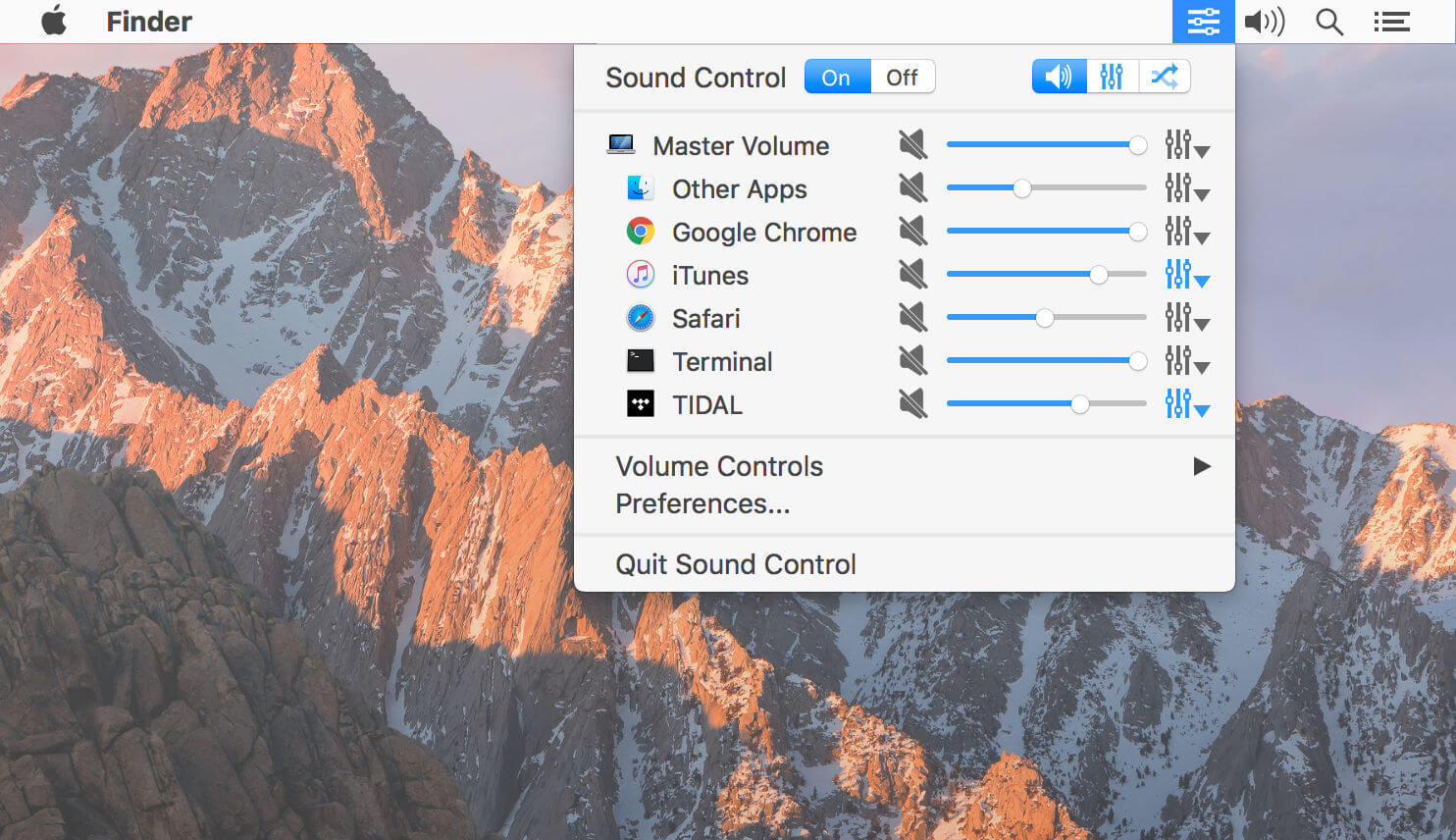
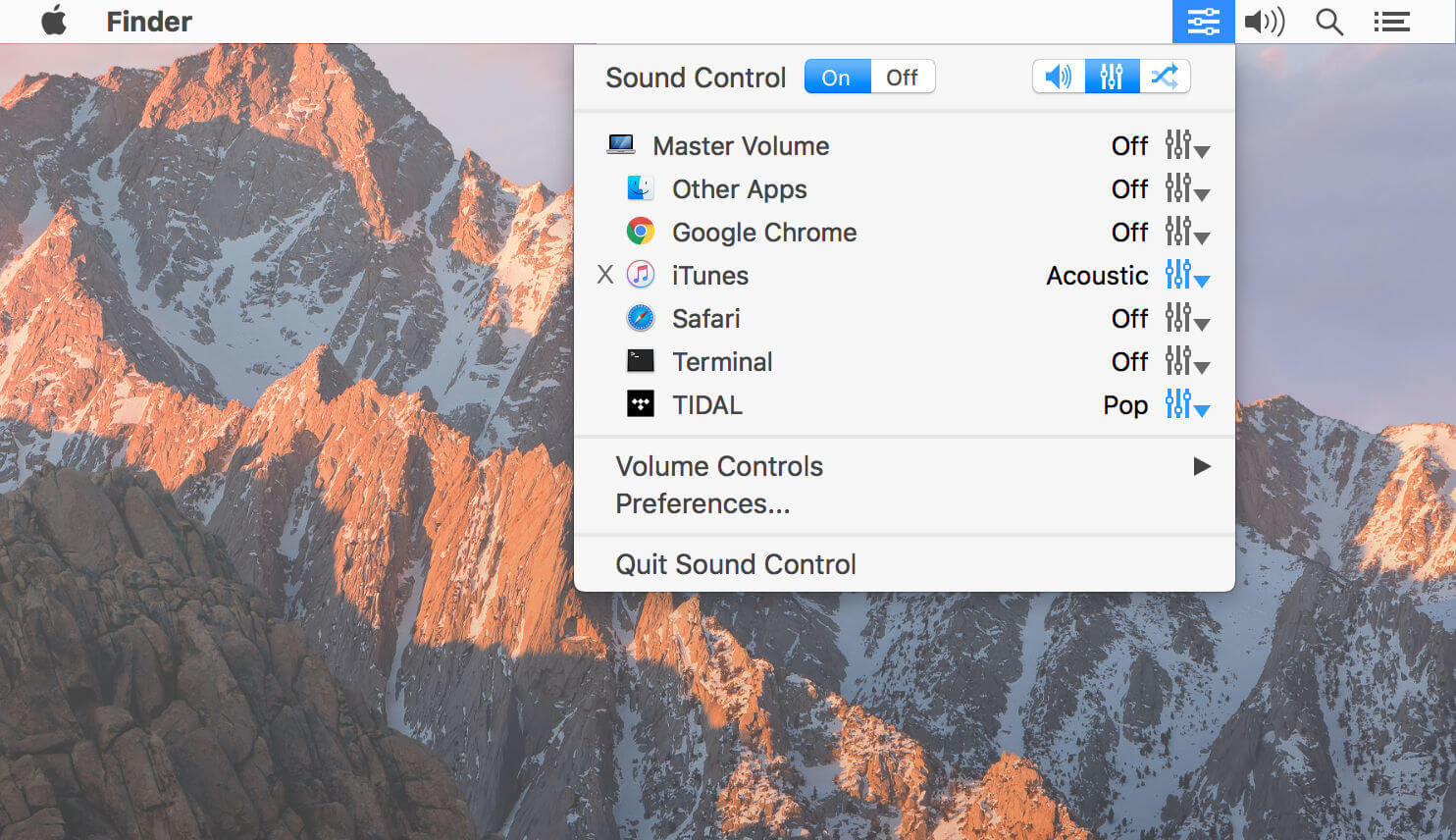
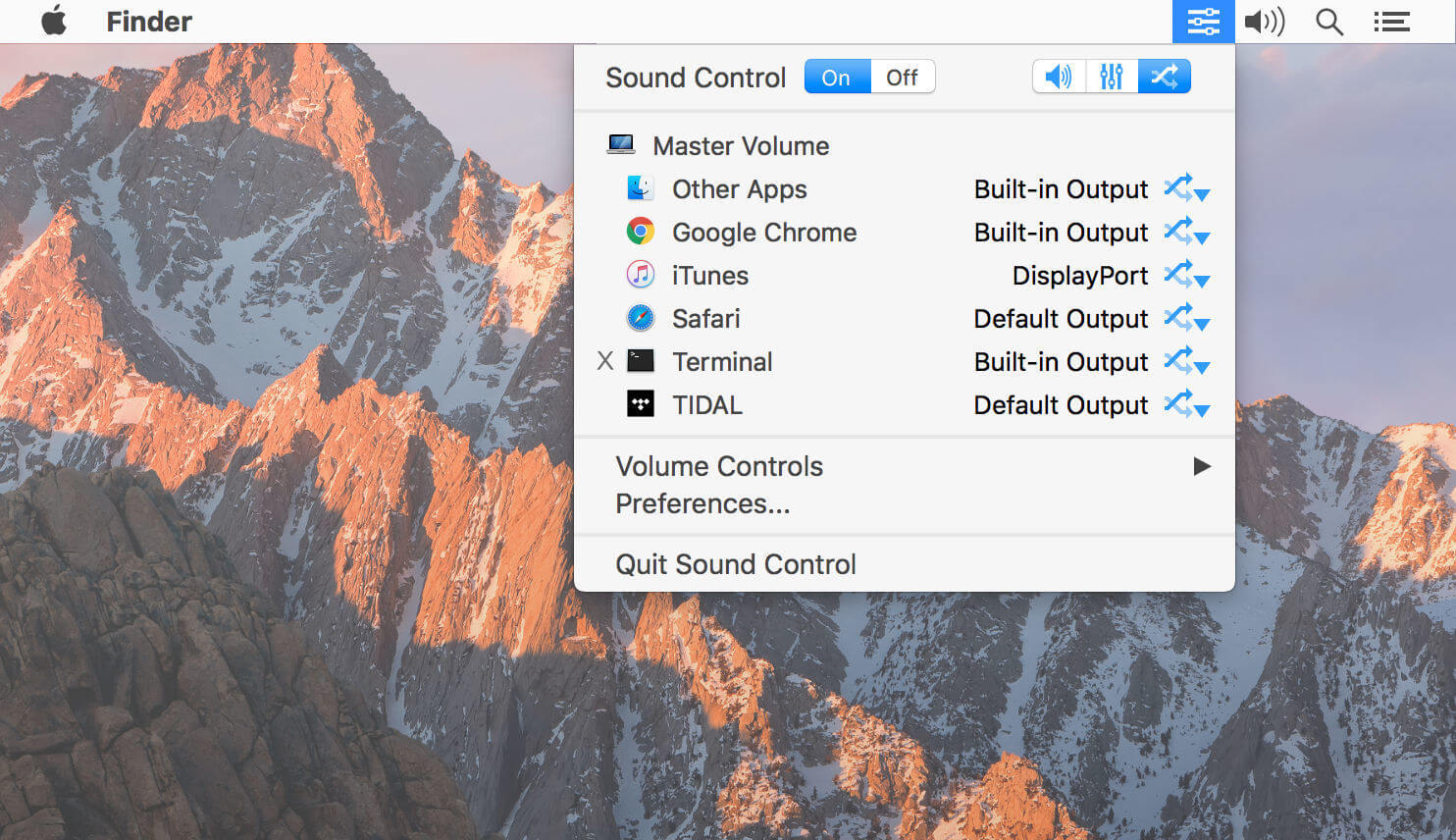
Sound Control lets users use a software volume mixer. Sound Control enables users to easily and quickly change app volumes as well as selectively apply a system-wide EQ to app audio. Sound Control does this by adding a software mixer to the menu bar of your Mac. In addition to the volume mixer, Sound Control also adds a software EQ to your audio output allowing users to easily tailor the sound of their Mac's audio to their specific taste or to properly calibrate to the frequency response of their speakers.
Features
- Per-app volume control, including mute
- System-wide EQ with 10 or 31 bands
- Easy control via menu bar item or hotkeys
- Add software and keyboard control to HDMI and other audio devices
Version 2.6.0:
- Added support for Big Sur (macOS 11.0).
- Now includes support for Apple Silicon Macs.
- Fixed an issue that resulted in some WINE apps now showing up properly (Final Fantasy XIV).
- Updated device icons on Big Sur.
- Added support for Corsair headsets with iCue software installed.
- Fixed volume control for devices that don’t have native volume.
- Volume change beeps are now played on the device selected for routing.
- Now requires macOS 10.14 (Mojave) or later.
- Fixed Touch Bar support.
- Volumes are now saved and restored properly for the Master Volume.
- Eliminated delay in adding apps to the menu list.
- Reduced CPU use.
Frequently asked questions
How do I install the app?
Mount the image, drag the app into the "Applications" folder and launch it. If the system blocks the launch, allow it in "System Settings → Privacy & Security".
The app is damaged or won't launch
Reinstalling from a fresh image usually helps. Make sure your macOS version matches the one listed in the compatibility specs.
How do I update?
Download the new version from the site and install it over the current one — your settings will be preserved.
The download link doesn't work
Try a mirror or a download manager. For large files the browser often drops the connection.
How do I completely remove the app?
Use an uninstaller utility — it cleans up the service files that remain after moving the app to the trash.
VersionSound Control 2.6.1
DeveloperStatic Z Software
CompatibilitymacOS 10.14 or later
LanguageEnglish
IncludesK'ed by HCiSO





Choose a download source
Sound Control 2.6.1 · 12.67 MB
Previous versions
Sound Control 2.6.1
Previous versions are available to registered users.
Comments 2