Auction Listing Designer 5.84.1
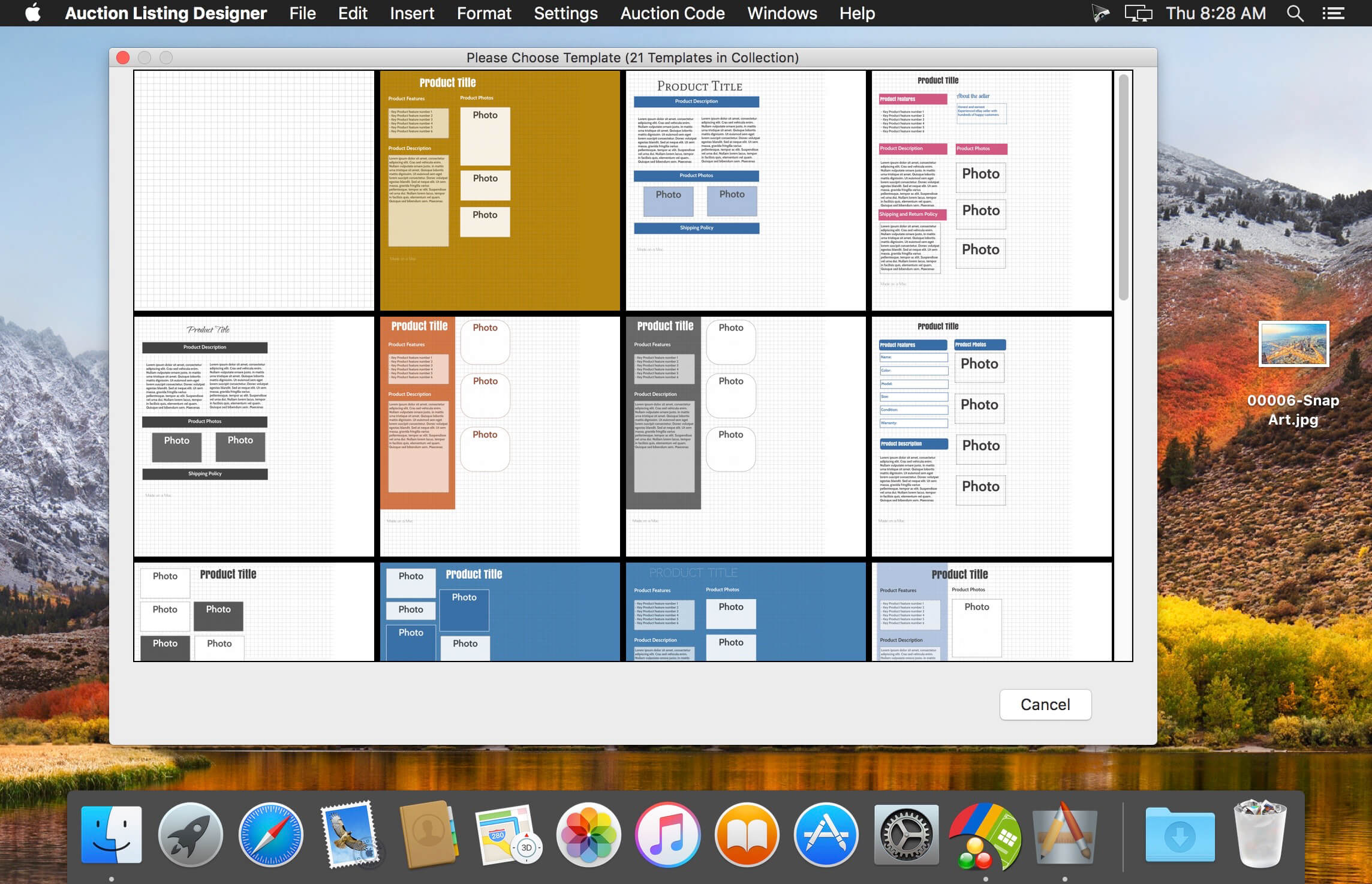
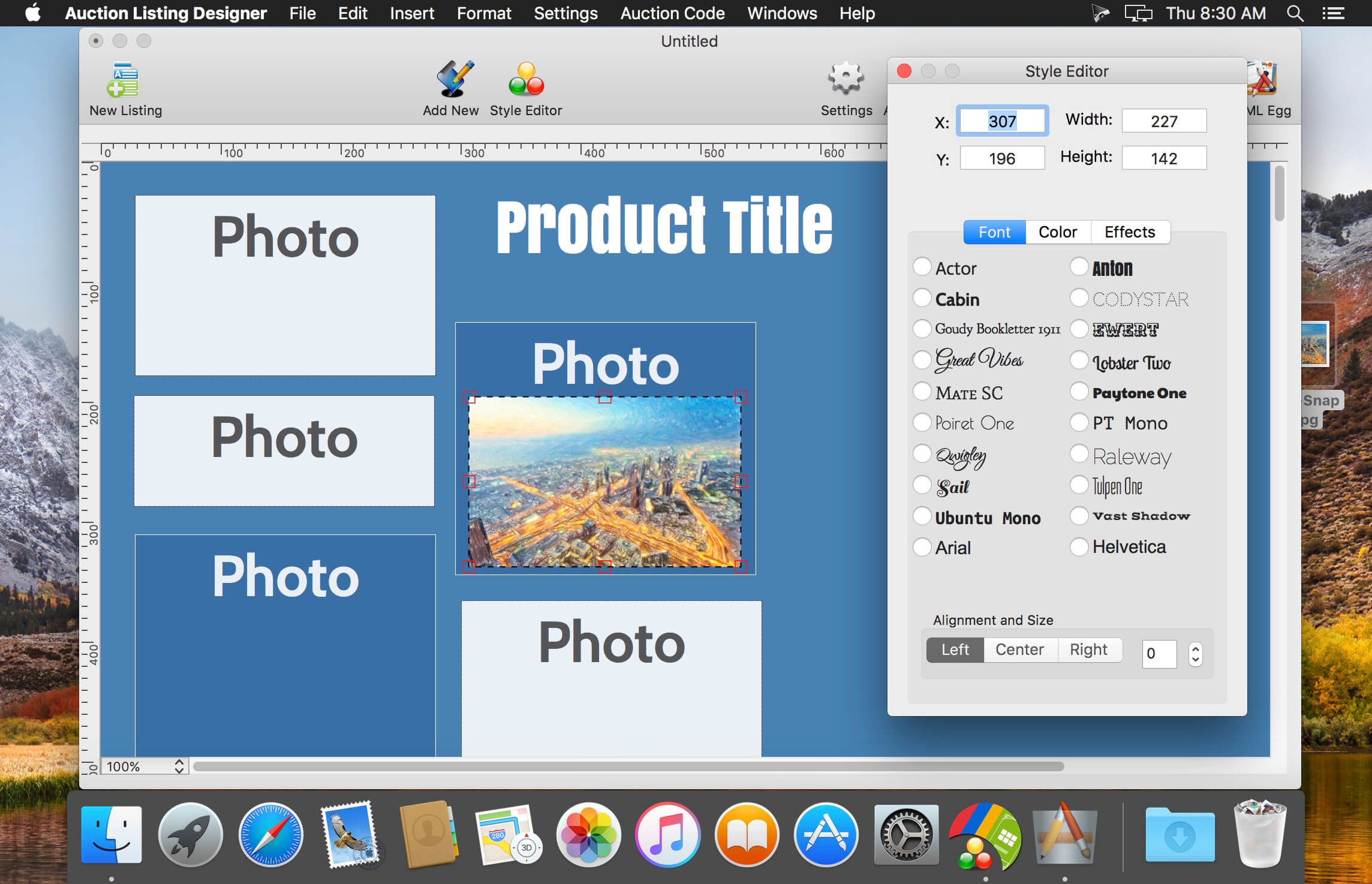
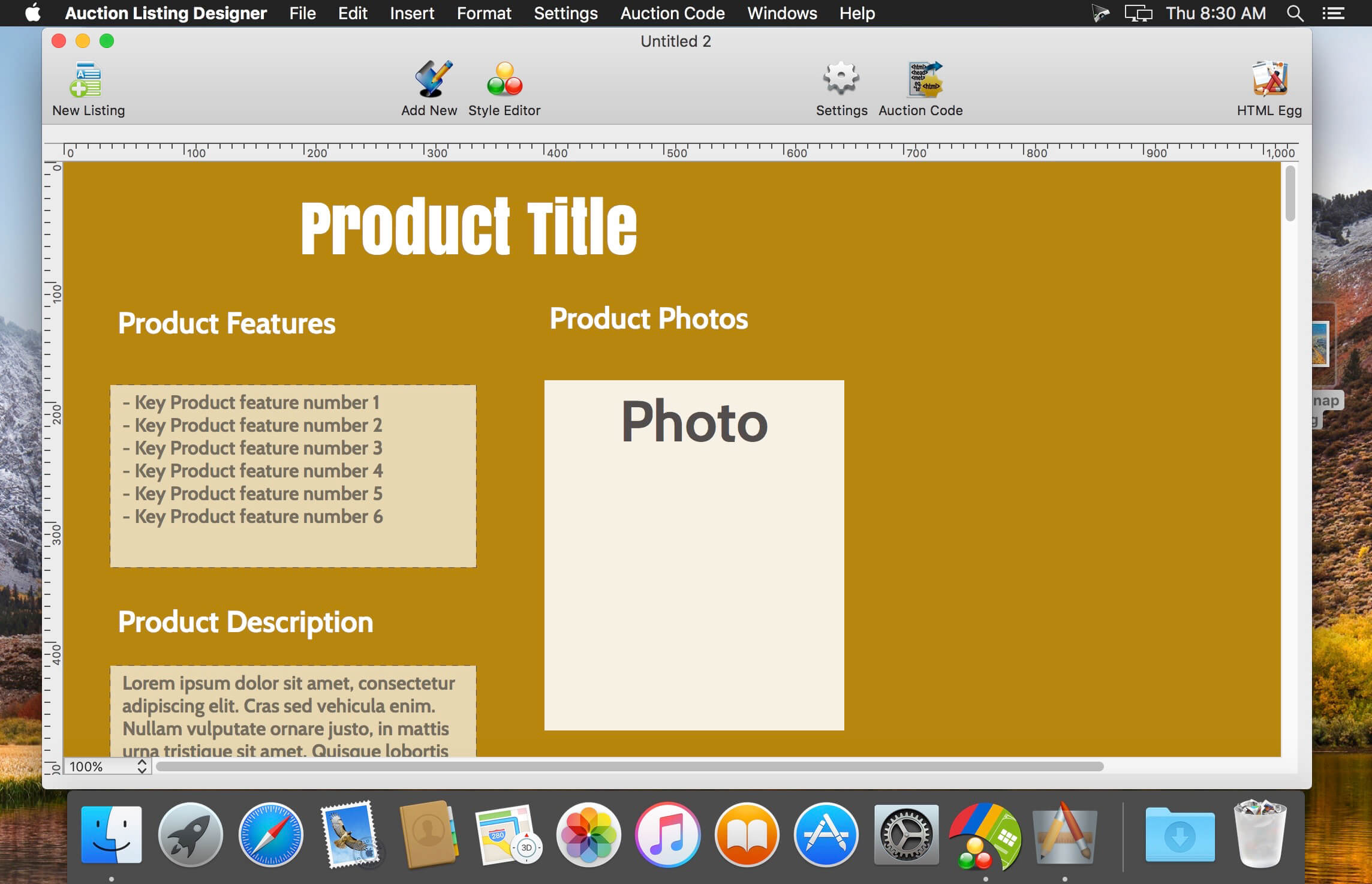
Auction Listing Designer helps you create beautiful and professional auction listings.
Features
- Create professional listings - Add unlimited number of images, paragraphs and hyper links with the simple to use drag and drop editor.
- Save, update and reuse - Save your customized listing designs and make copies of your work so you can increase your productivity by creating once, update and reuse!
- Professionally designed templates - Start your creative design from a blank canvas or choose from dozens of beautifully crafted templates.
- Automatically generate thumbnails linked to full size images - Resize image thumbnails within the app, automatically link thumbnails to its larger full resolution versions.
- Upload images to Dropbox or your own Web host provider - Link to your Dropbox account to host your auction images or upload to your own Web host through the built-in FTP uploader (supports passive/active FTP, FTPS and SSH FTP).
- 100% Editable HTML code - You have full control over the source code generated by this app, and will be able to make manual edits if you wish to before posting into the auction listing.
- Create and update listing templates on the go - Get Auction Listing Designer (iOS Universal edition) to edit your auction designs on both the computer and your mobile devices. The iOS edition is sold separately on the iOS app Store.
Version 5.84.1:
- Bug fix for rare Dropbox connection error affecting OS X 10.11
Frequently asked questions
How do I install the app?
Mount the image, drag the app into the "Applications" folder and launch it. If the system blocks the launch, allow it in "System Settings → Privacy & Security".
The app is damaged or won't launch
Reinstalling from a fresh image usually helps. Make sure your macOS version matches the one listed in the compatibility specs.
How do I update?
Download the new version from the site and install it over the current one — your settings will be preserved.
The download link doesn't work
Try a mirror or a download manager. For large files the browser often drops the connection.
How do I completely remove the app?
Use an uninstaller utility — it cleans up the service files that remain after moving the app to the trash.
VersionAuction Listing Designer 5.84.1
DeveloperAidaluu Inc
CompatibilityOS X 10.10 or later, 64-bit processor
LanguageEnglish
IncludesK'ed by TNT



Information
Visitors in the group Guests cannot leave comments on this publication.
Choose a download source
Auction Listing Designer 5.84.1 · 30.46 MB