
Bookshelf - Library 6.4.1
File Shelf Pro — file indexing software for organized file management
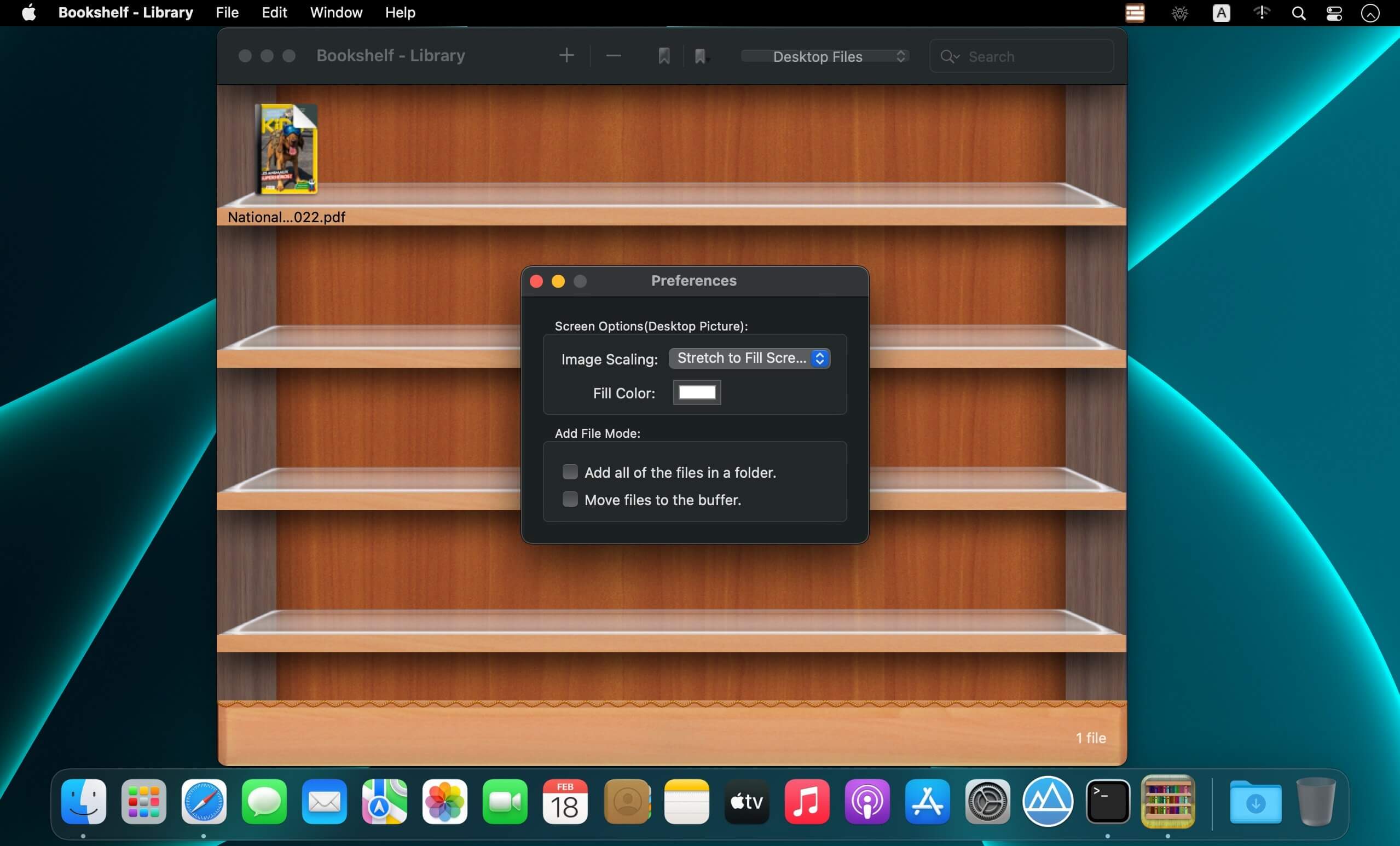
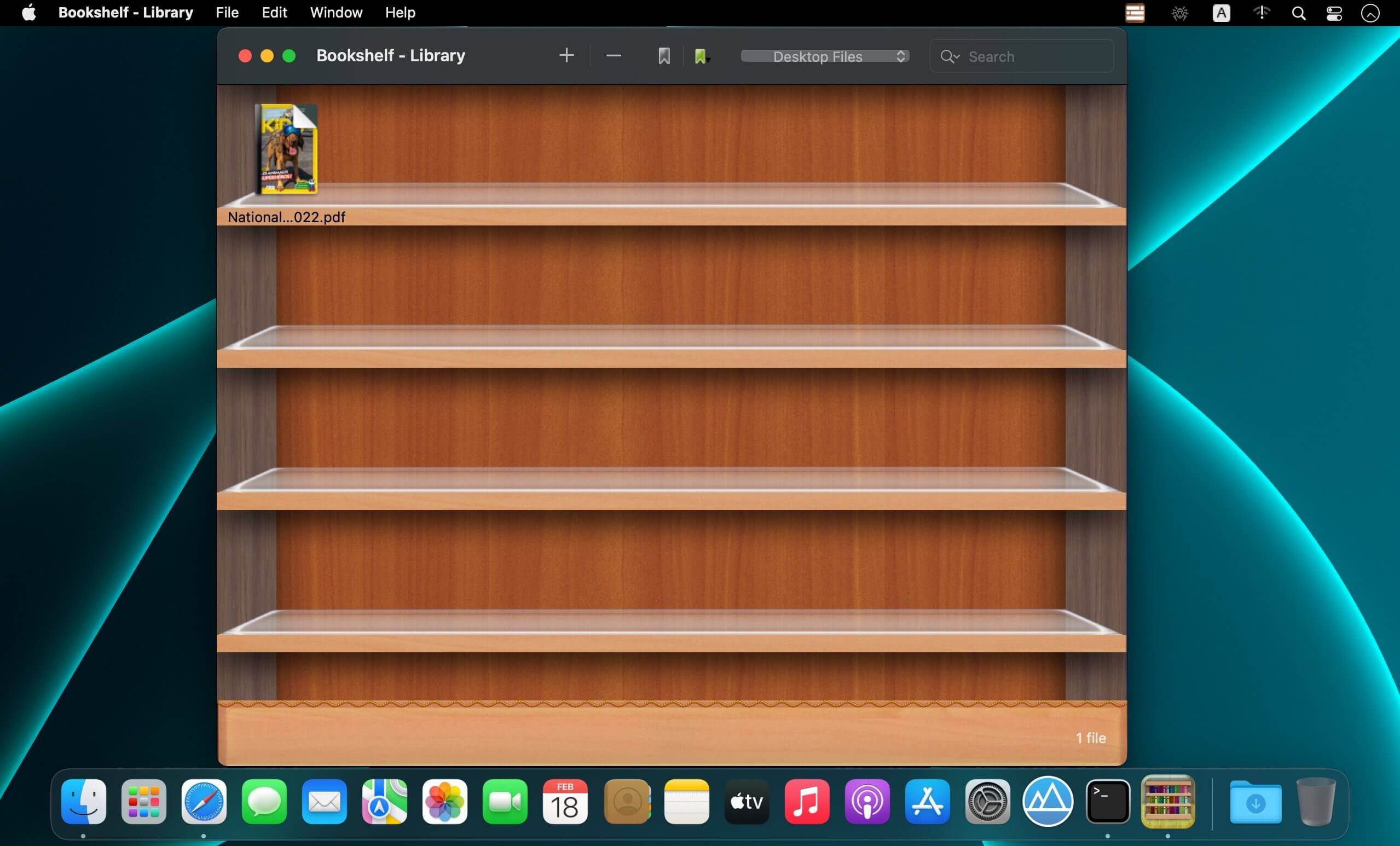
File Shelf Pro is a powerful file indexing and organization tool that helps you keep your files neatly arranged and easy to find.
Key Features
- Add files and folders to your personal file shelf.
- Organize files into custom categories.
- Search for files within a category or across your entire collection.
- Add labels to files for faster identification and filtering.
- Sort files in ascending or descending order.
- Move files between categories.
- Place files in a temporary buffer to organize them efficiently and keep your desktop clutter-free.
- Set an image file as your desktop wallpaper.
- Add files quickly with drag-and-drop support.
- Create as many categories as you need.
Important Note
File Shelf Pro is a file indexing and management tool. It does not back up, copy, or move your original files. The app only records their locations, so do not delete the original files or folders after adding them to File Shelf Pro.
Version 6.4.1
- Performance improvements.
Frequently asked questions
How do I install the app?
Mount the image, drag the app into the "Applications" folder and launch it. If the system blocks the launch, allow it in "System Settings → Privacy & Security".
The app is damaged or won't launch
Reinstalling from a fresh image usually helps. Make sure your macOS version matches the one listed in the compatibility specs.
How do I update?
Download the new version from the site and install it over the current one — your settings will be preserved.
The download link doesn't work
Try a mirror or a download manager. For large files the browser often drops the connection.
How do I completely remove the app?
Use an uninstaller utility — it cleans up the service files that remain after moving the app to the trash.





Choose a download source
Bookshelf - Library 6.4.1 · 7.93 MB