Cisdem PDF Converter 7.1.0
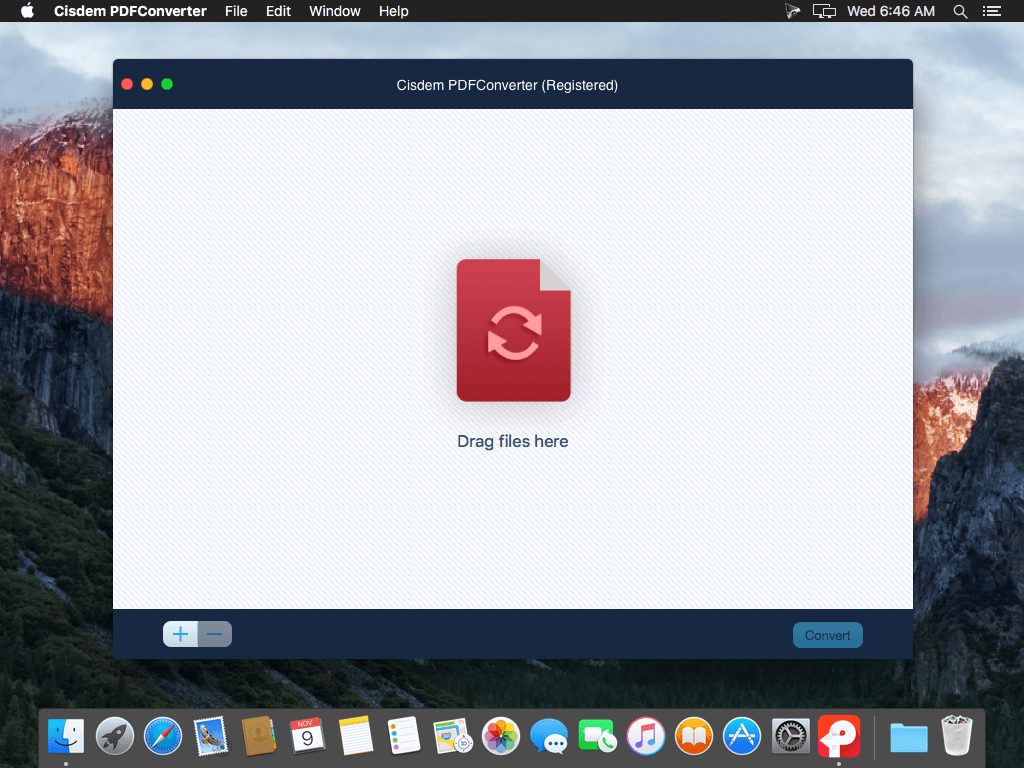
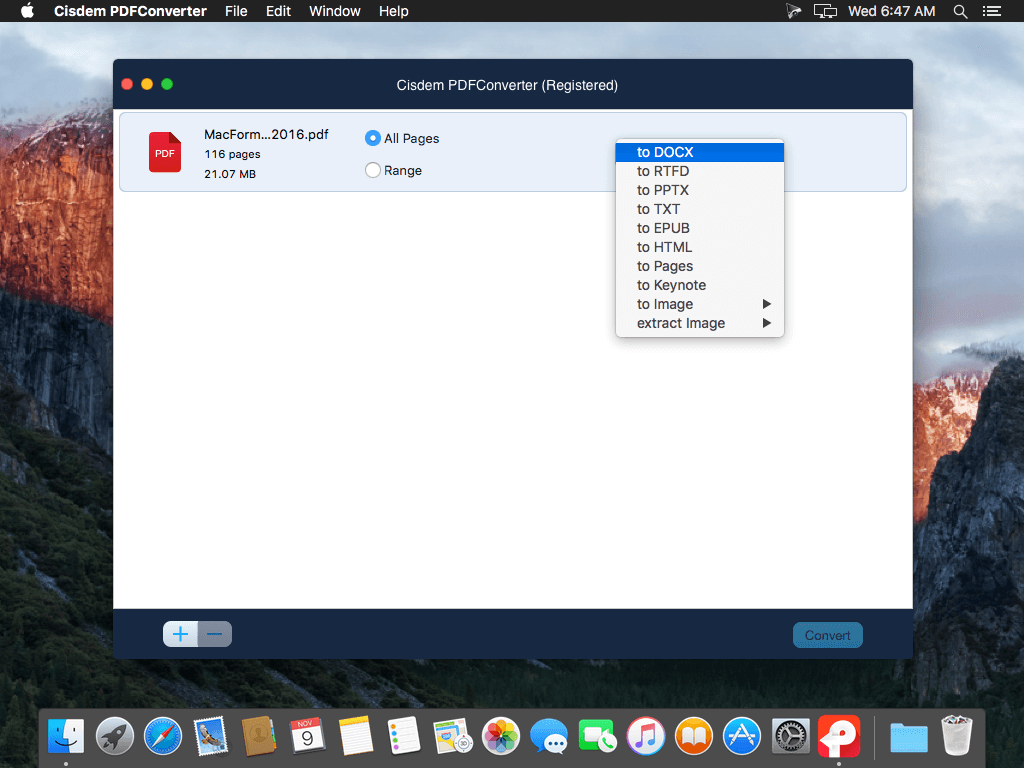
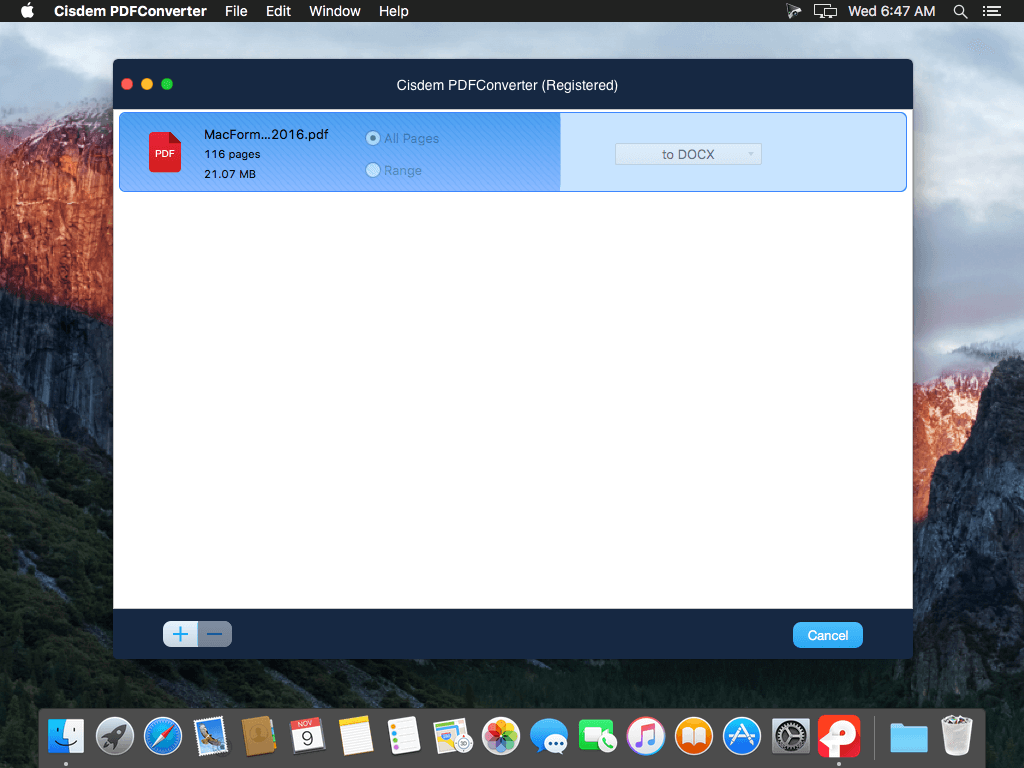
Cisdem PDFConverter lets you stop retyping PDF documents with complex layouts and graphics today. It can quickly and accurately convert PDF files into Microsoft Word (.docx), PowerPoint(.pptx), ePub, RTFD, plain text, HTML, Keynote, Pages, images, and more - with accurate, fully-formatted text content, layouts, formatting, columns, tables, and graphics.
One tool to meet all PDF conversion needs:
- PDF to Docx and Pages makes your PDFs editable and searchable. No more tedious retyping and reformatting.
- PDF to TXT, RTFD, ePub lets your enjoy better reading experience on e-book readers or portable devices like iPad, iPhone, etc.
- PDF to Images turns your PDF to JPEG, PNG, TIFF, GIF and BMP format, as well as extract images from PDF.
- PDF to HTML saves PDF as HTML web page - and easy way to publish and share PDF content on the web.
- PDF to Keynote and PPTX intelligently transforms PDFs into stunning presentation files that are easy to edit and update.
- -Support batch conversion: drag-and-drop up to 200 PDF files to the queue of the PDF converter and convert them at one time in a single click.
- Support page selection: convert any particular pages (e.g., 1,5-10, 21 or all pages) so that you can just export the text you need and save your time.
- Support encrypted PDFs conversion: Even the password-protected PDF files can be converted efficiently.
- Support preview before conversion: preview changes to the PDFs and page ranges before conversion to make sure that it looks exactly as you wish.
- 100% original layouts: replicate all necessary elements in original PDF files, including text content, layouts, formatting, tables, graphics, etc.
Version 7.1.0:
- Release notes were unavailable when this listing was updated.
Frequently asked questions
How do I install the app?
Mount the image, drag the app into the "Applications" folder and launch it. If the system blocks the launch, allow it in "System Settings → Privacy & Security".
The app is damaged or won't launch
Reinstalling from a fresh image usually helps. Make sure your macOS version matches the one listed in the compatibility specs.
How do I update?
Download the new version from the site and install it over the current one — your settings will be preserved.
The download link doesn't work
Try a mirror or a download manager. For large files the browser often drops the connection.
How do I completely remove the app?
Use an uninstaller utility — it cleans up the service files that remain after moving the app to the trash.
VersionCisdem PDF Converter 7.1.0
DeveloperCisdem
CompatibilityOS X 10.7 or later, 64-bit processor
LanguageEnglish
IncludesK'ed by TNT
Information
Visitors in the group Guests cannot leave comments on this publication.
Choose a download source
Cisdem PDF Converter 7.1.0 · 11.54 MB
Previous versions
Cisdem PDF Converter 7.1.0
Previous versions are available to registered users.