
Image Tricks Pro 3.9.6
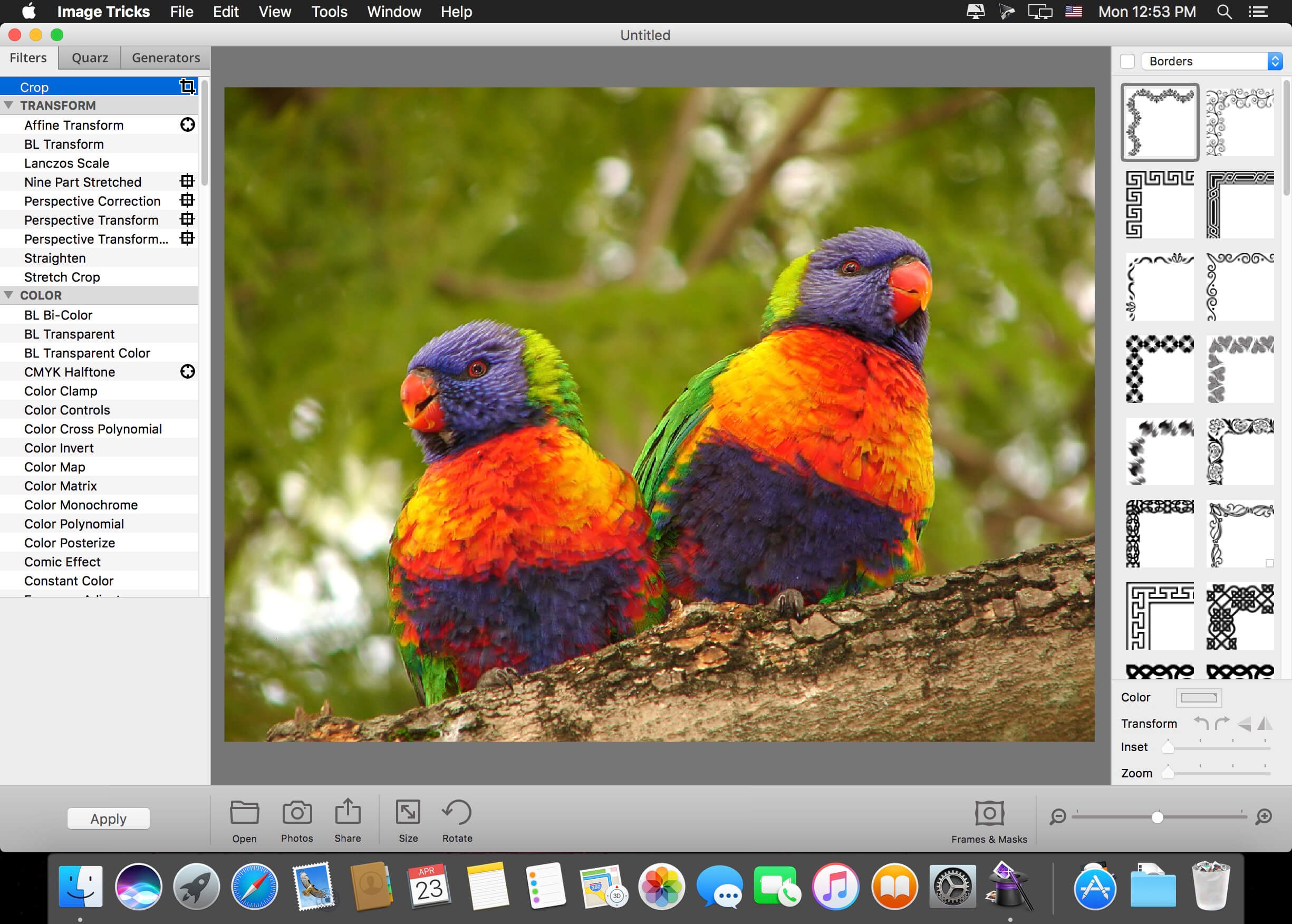

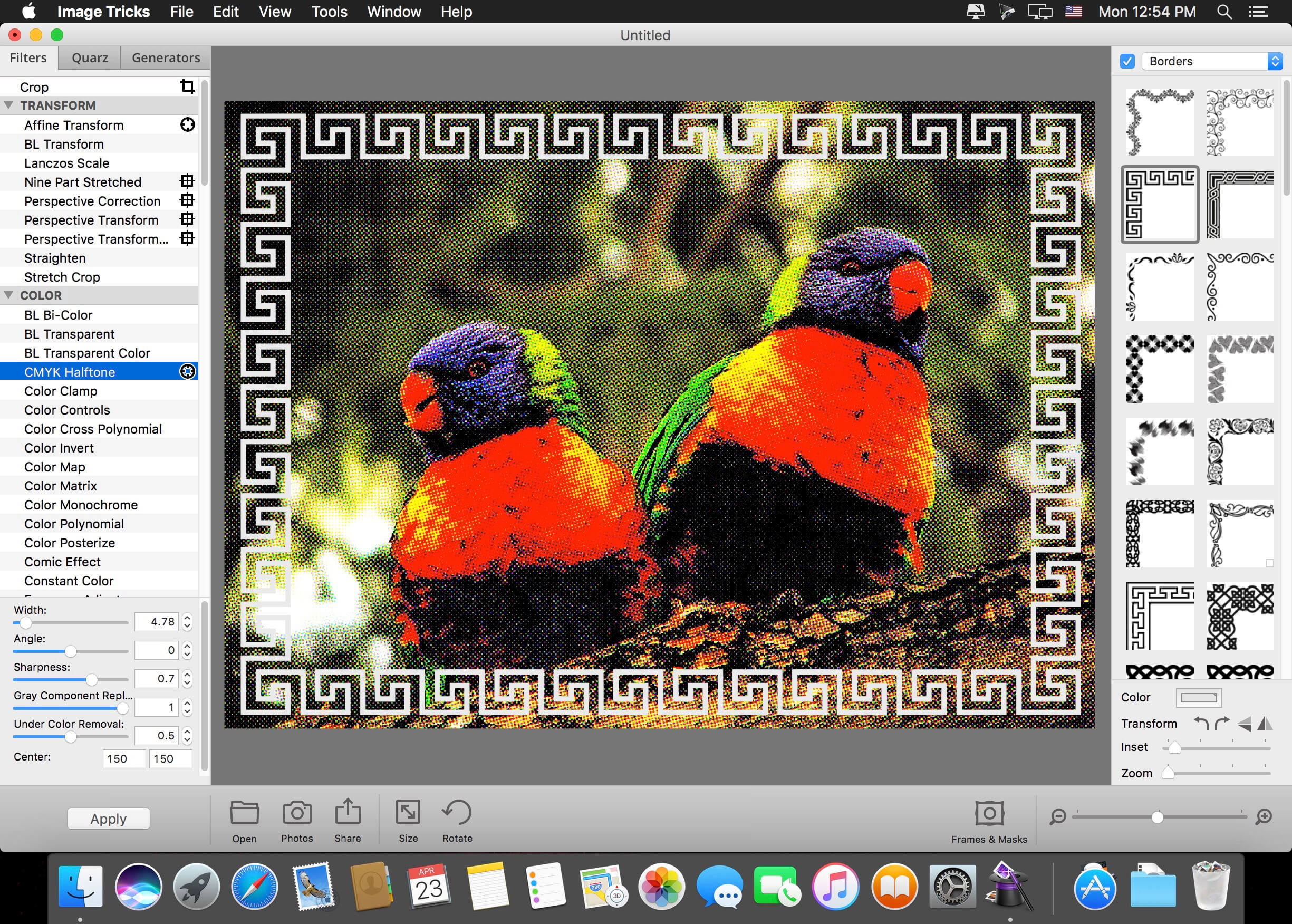
Image Tricks Pro is a powerful photo editing application that utilizes macOS Core Image filters and Quartz Compositions to transform your favorite photos. Image Tricks Pro also contains a powerful image generator for creating random images, as well as photo frames and borders to decorate your images even further.
In addition to the features included in Lite, the Pro Edition also includes:
- 42 image filters (total 149)
- 104 photo frames (total 116)
- 62 vector borders (total 74)
- 154 unique masks (total 225)
- 5 Quartz compositions (total 43)
- 7 image generators (total 20)
Features
Tricks with Filters and Compositions:
- Adjust colors (saturation, brightness, contrast, sepia, etc.)
- Blur images (motion blur, sharpen luminance, unsharp mask, etc.)
- Distort faces and more (bump, pinch, twirl, etc.)
- Turn a photo into art (mosaic, color pencil, halftone, etc.)
- Blend two pictures together (page curl, checkerboard, etc.)
- Tile an image, create a kaleidoscope out of it, crop it, and much more
Picture Frames and Borders:
- 114 photo frames and 65 vector borders for your photos
- Zoom in and position your photo inside
- Flip frames and apply shadows to them
Image Generators:
- Random images created using mathematical algorithms
- Control all of the parameters with easy-to-use controls
- Set the core colors of the generated image
Version 3.9.6
- Improved program stability.
- Bug fixes and usability improvements.
Frequently asked questions
How do I install the app?
Mount the image, drag the app into the "Applications" folder and launch it. If the system blocks the launch, allow it in "System Settings → Privacy & Security".
The app is damaged or won't launch
Reinstalling from a fresh image usually helps. Make sure your macOS version matches the one listed in the compatibility specs.
How do I update?
Download the new version from the site and install it over the current one — your settings will be preserved.
The download link doesn't work
Try a mirror or a download manager. For large files the browser often drops the connection.
How do I completely remove the app?
Use an uninstaller utility — it cleans up the service files that remain after moving the app to the trash.





Choose a download source
Image Tricks Pro 3.9.6 · 126.39 MB