Delicious Library 3.9.3
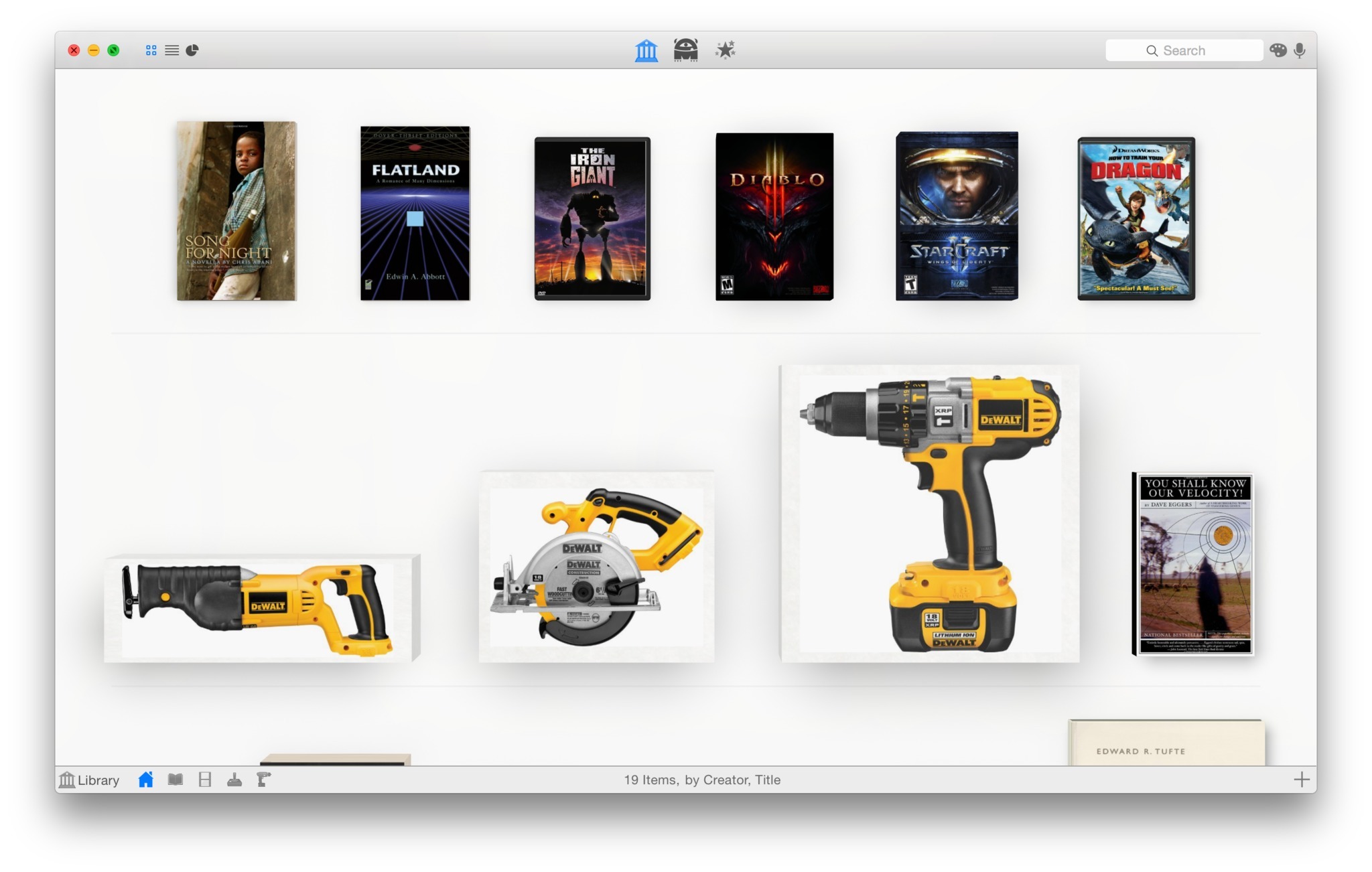
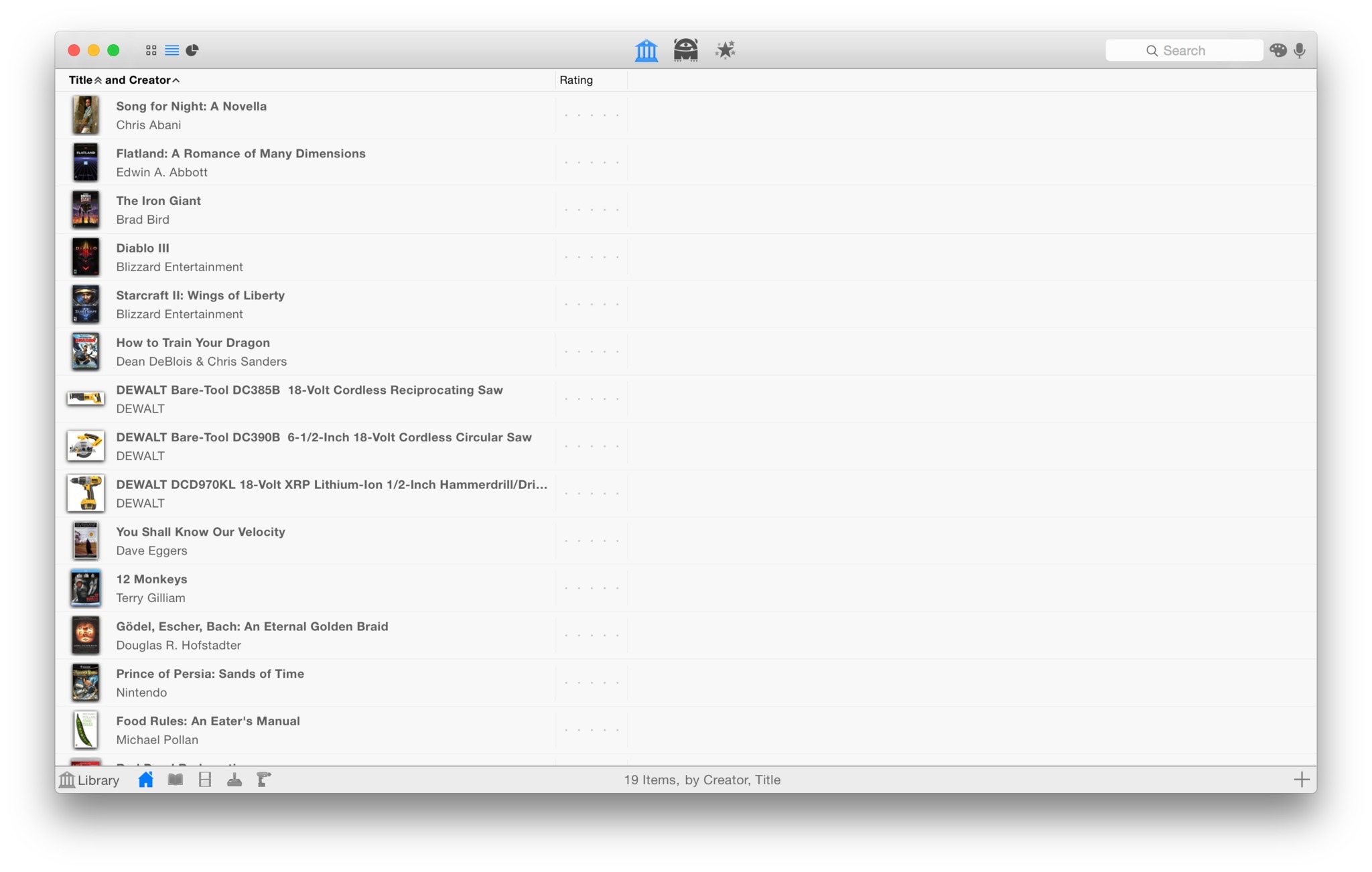
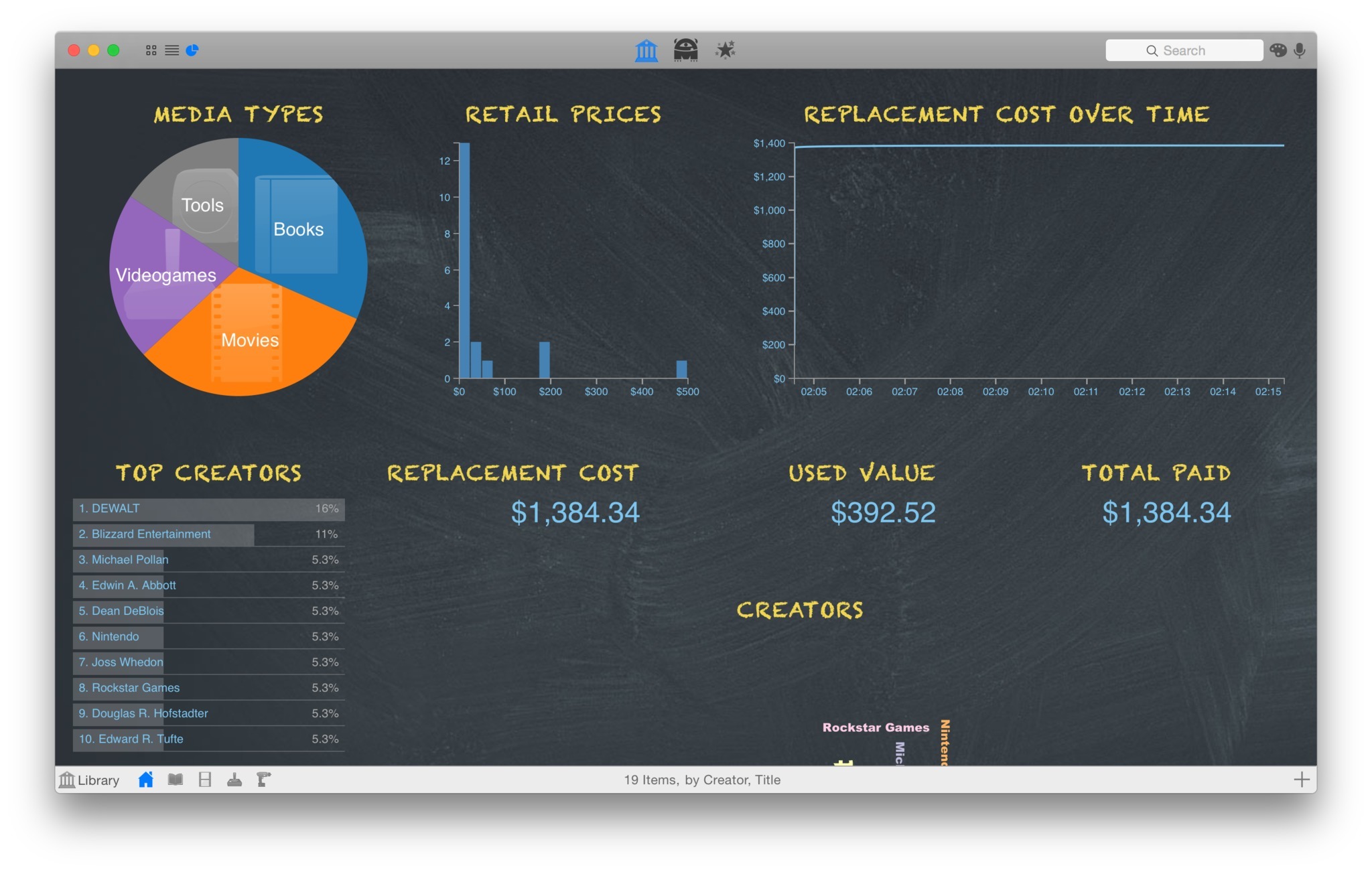
Delicious Library allows you to import, browse, and share all your books, movies, music, and video games with Delicious Library.
Run your very own library from your home or office using our impossibly simple interface. Delicious Library's digital shelves act as a visual card-catalog.
A scan of a barcode is all Delicious Library needs to add an item to your digital shelves, downloading tons of info from the Internet like the author, release date, current value, description, and even a high-resolution picture of the cover. Import your entire library using our exclusive full-speed iSight video barcode scanner, our Flic Wireless Laser Bar Code Scanner, or (the slow way) entering the titles by hand. Once you have all of your items in your Mac, you can browse though your digital shelves, check stuff out to friends using Apple's built-in Address Book and calendar, and find new items to read, watch, and play using Library's recommendations.
Quickly importing your stuff into Delicious Library doesn't require a dedicated barcode scanner - you can use any QuickTime-supported digital video camera, like your Apple iSight. Just hold the barcode on the back of any book, movie, CD, or video game in front of the camera and your item magically shows up on your digital shelf seconds later. Using the same technology found in $800 industrial-strength CCD barcode scanners, Delicious Library reads every single frame of digital video; seeking out, targeting, and instantly decoding any visible barcodes. This results in a seamless process of scanning that lets you import about 750 items an hour (assuming you can move your arms that fast). At that rate the staff of the new downtown Seattle Central Library could work together to import all of their 1.4 million books into Delicious Library in just over 5 hours.
Version 3.9:
- Updated to the latest Amazon "Product Information" interface to continue fetching item information.
- Updated for Catalina, but still runs on Yosemite, El Capitan, Sierra, High Sierra, and Mojave.
- Recognize Kindle books as books.
- Fixed a drawing bug where the rating widget on the Details popover pane could look like it was always five stars on Mojave and above.
- Fixed an interaction bug where scrolling down to during a Search wouldn't always trigger an Amazon lookup of the search terms.
- Amazon is now returning some authors last-name-first, like "Asimov, Isaac," so I've modified sorting by an author so it recognizes this and sorts correctly (eg, still using the last name first).
- Mostly empty items with only a category (Book, Video, etc) and a title now look up correctly only in the right category.
Frequently asked questions
How do I install the app?
Mount the image, drag the app into the "Applications" folder and launch it. If the system blocks the launch, allow it in "System Settings → Privacy & Security".
The app is damaged or won't launch
Reinstalling from a fresh image usually helps. Make sure your macOS version matches the one listed in the compatibility specs.
How do I update?
Download the new version from the site and install it over the current one — your settings will be preserved.
The download link doesn't work
Try a mirror or a download manager. For large files the browser often drops the connection.
How do I completely remove the app?
Use an uninstaller utility — it cleans up the service files that remain after moving the app to the trash.
VersionDelicious Library 3.9.3
DeveloperDelicious Monster Software, LLC
CompatibilityOS X 10.10 or later, 64-bit processor
LanguageEnglish, Danish, Dutch, French, German,
IncludesSerial



Information
Visitors in the group Guests cannot leave comments on this publication.
Choose a download source
Delicious Library 3.9.3 · 88.31 MB
Previous versions
Delicious Library 3.9.3
Previous versions are available to registered users.