
MacMagic 1.9.5
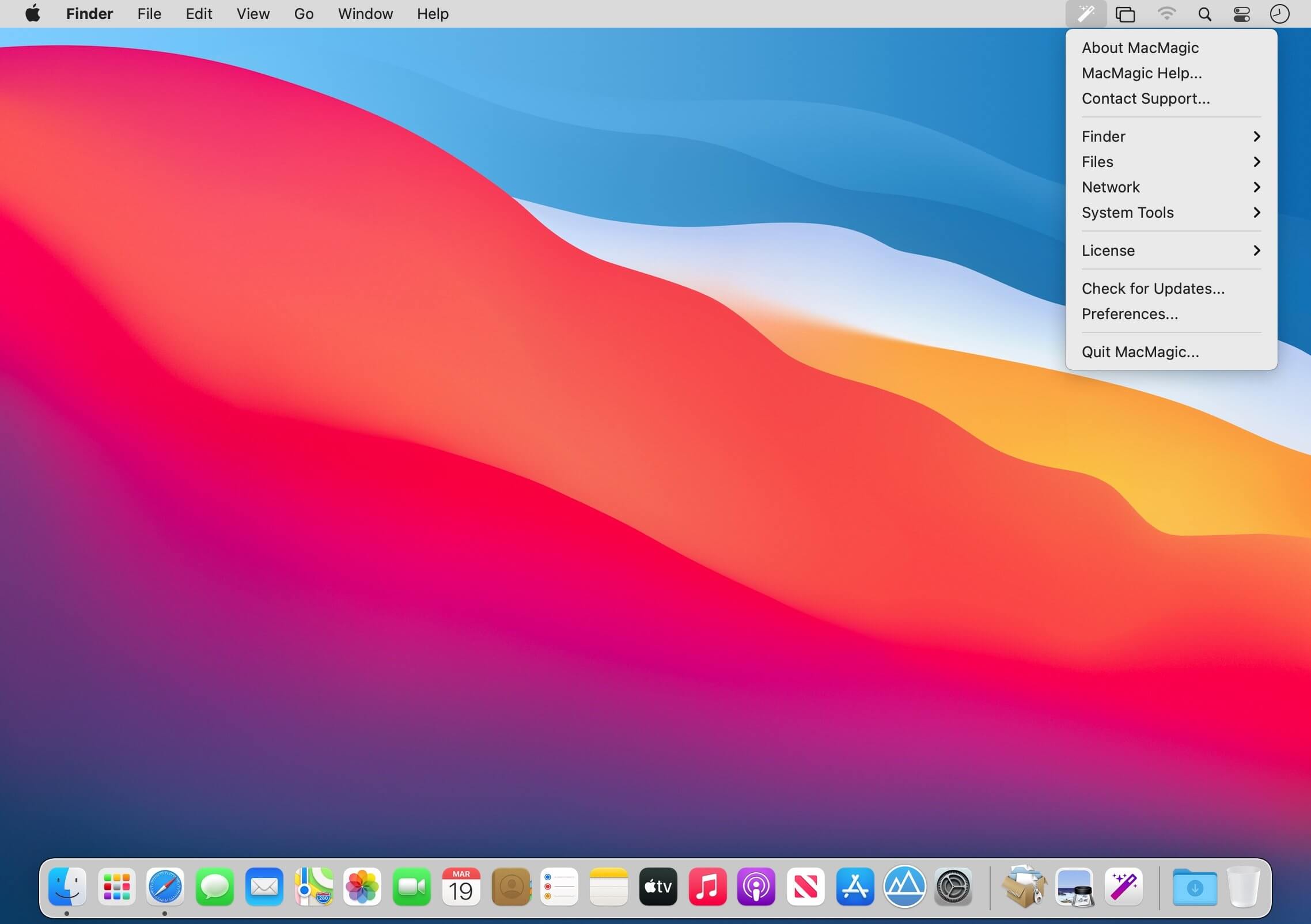

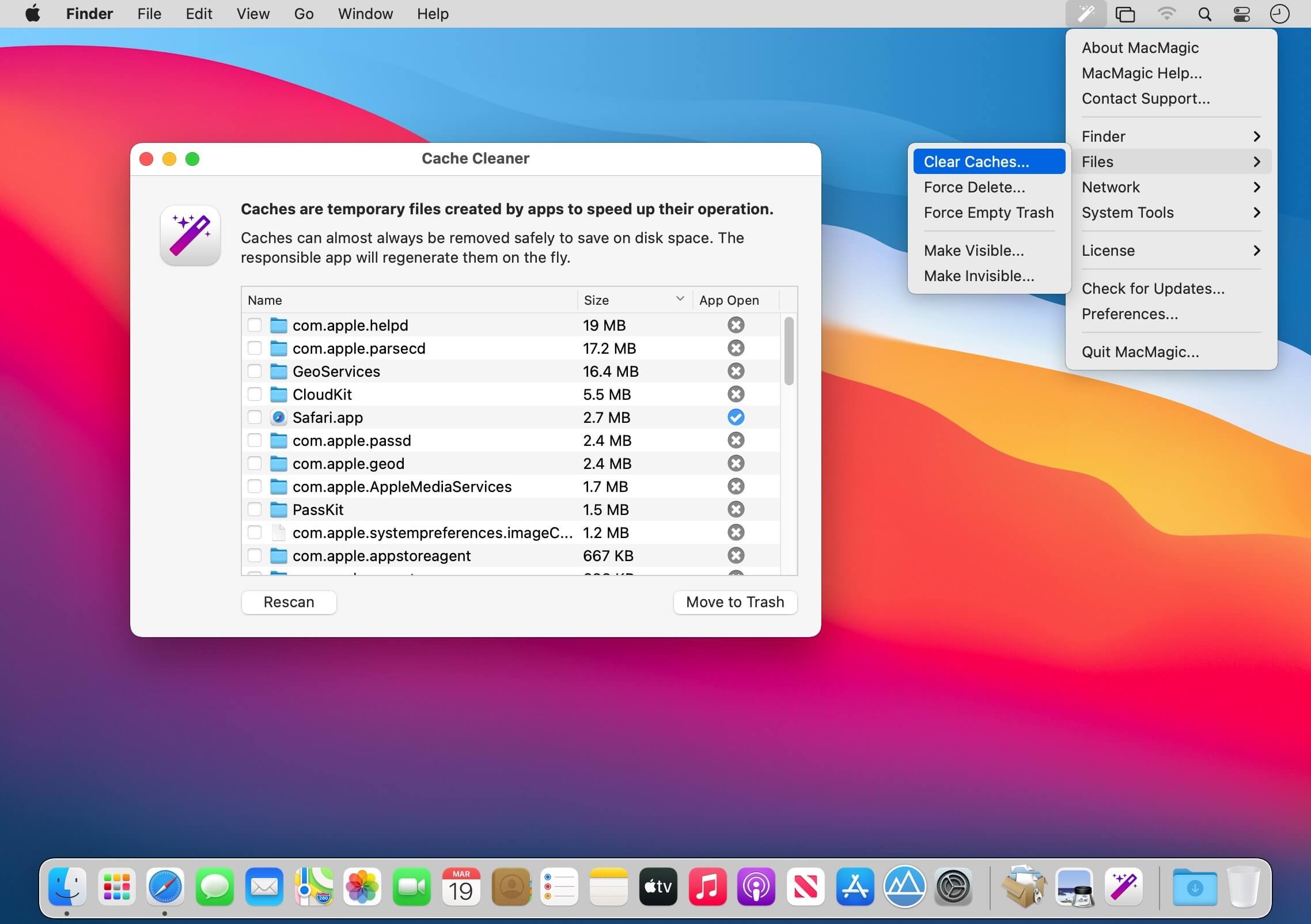
MacMagic can help clear up gigabytes of lost storage space crowded up by the caches of poorly optimized apps, hide and show hidden files in the Finder, help force-delete the contents of the Trash or stubborn files, and perform various other tasks to help automate or simplify your daily workflow!
While Apple does do an awesome job at creating stellar products, they occasionally leave critically important features out! MacMagic comes to the rescue and helps bridge the gap. We are continually evolving the product. It's an app by users, for users! Write in if there's a redundant task that you feel could be better automated on the Mac.
- Batch scale, rotate and convert images between over 100 formats.
- Quickly and easily identify and purge excessively large app caches and logs.
- Show or hide desktop icons, visify or invisify specific files and folders, or globally turn on the ability to see all hidden files.
- Whether you're trying to save RAM and CPU time, or are fighting a pesky bug, easily fully quit and/or restart the Finder.
- Pesky files can sometimes evade deletion using the built-in Trash feature. Escalate to super-user privileges and eliminate them.
- Use our Combine PDFs feature to easily convert any image file to PDF format (the web standard for documents), or add and remove pages from existing documents.
- Easily access hidden system tools buried deep within macOS such as Screen Sharing, Certificate Utility, File Merge and more.
- Recursively lock or unlock entire folders worth of files.
- Perform other routine system maintenance like running cron tasks, flushing disk cache, clearing the DNS cache, wiping out a stuck print queue, and more.
Version 1.9.5:
Bug Fix:
- Menu items not appearing in MacMagic menu and appeared in Help instead.
- Now uses SMService for Logn Item.
- License modal fix.
Frequently asked questions
How do I install the app?
Mount the image, drag the app into the "Applications" folder and launch it. If the system blocks the launch, allow it in "System Settings → Privacy & Security".
The app is damaged or won't launch
Reinstalling from a fresh image usually helps. Make sure your macOS version matches the one listed in the compatibility specs.
How do I update?
Download the new version from the site and install it over the current one — your settings will be preserved.
The download link doesn't work
Try a mirror or a download manager. For large files the browser often drops the connection.
How do I completely remove the app?
Use an uninstaller utility — it cleans up the service files that remain after moving the app to the trash.



Choose a download source
MacMagic 1.9.5 · 62.1 MB
Previous versions
MacMagic 1.9.5
Previous versions are available to registered users.