Data Guardian 7.9.2
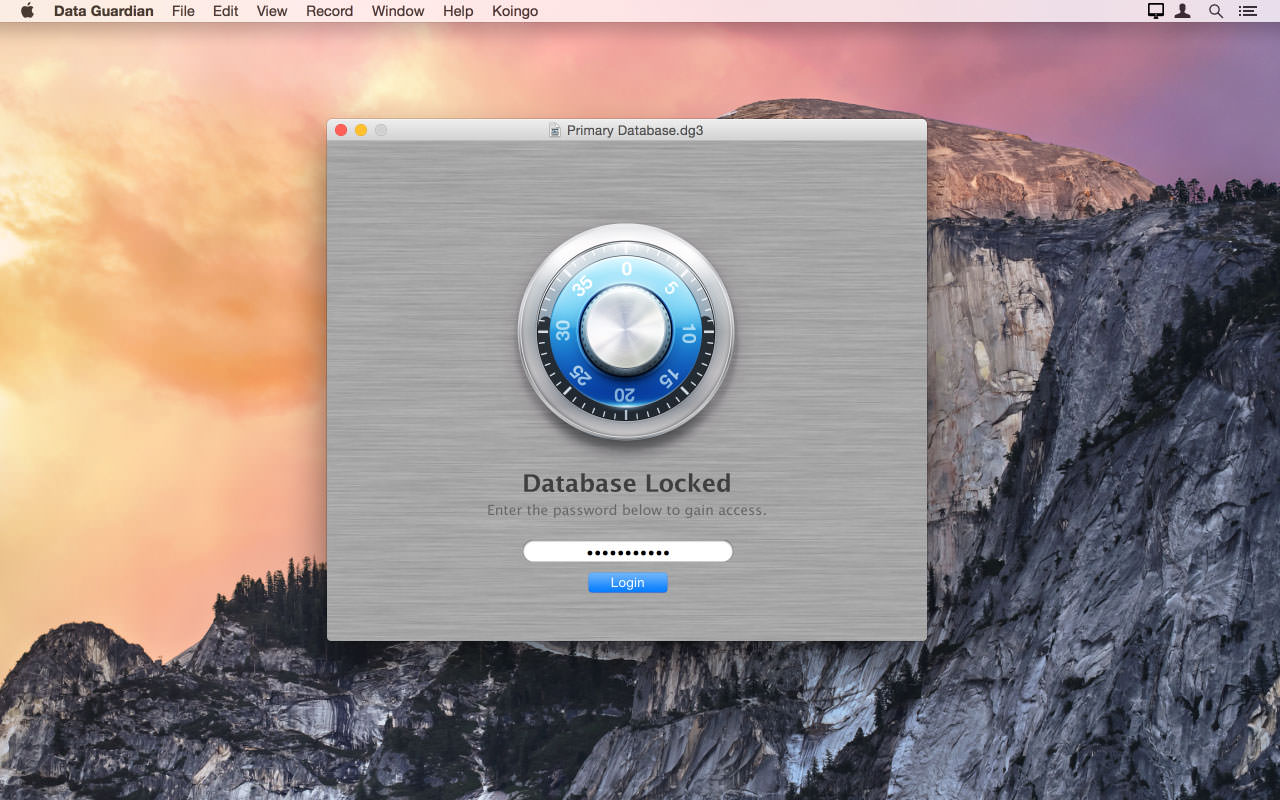
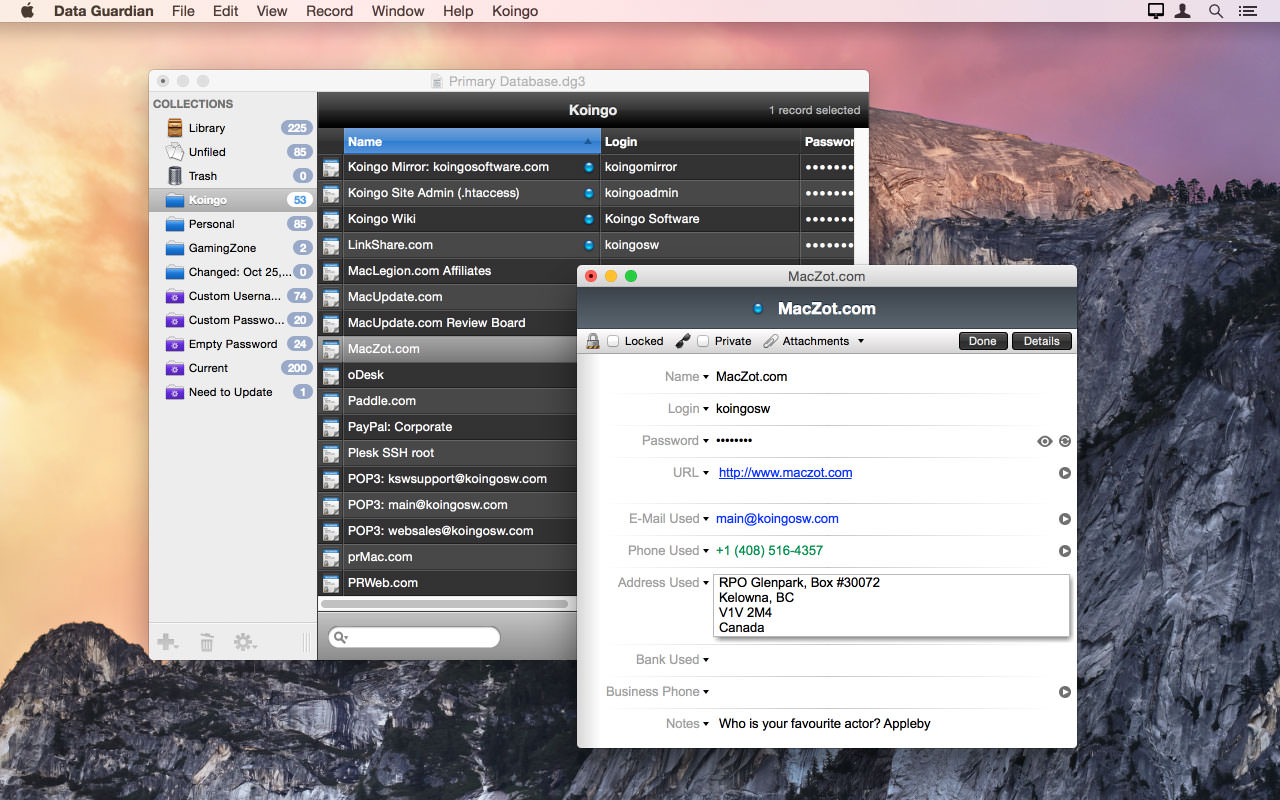

Data Guardian is a secure database application. Security and privacy are two of the most important issues in today's world; leaving passwords on sticky notes around your computer simply will not cut it anymore. Data Guardian is a secure database application with up to 448-bits of Blowfish encryption - regardless of how sensitive your data is. Create multiple databases in Data Guardian for a variety of purposes such as an address book, customer database, christmas shopping list, journal, password manager, or even notepad.
Easily create categories to store records, and even apply custom color labels and icons! Change the view options for each category to see the information you want, and even add your own custom data fields. Do not be stuck with a program which forces you to input your information into predefined fields. Enter the data you need to, not what you are forced to.
Aside from Data Guardian's easy to use Keychain integration to autofill passwords on Web sites, it also offers a variety of other tools and features to enhance each record. Dial phone numbers through your modem with a single click, create new e-mail messages, generate secure passwords (based on an algorithm of your choosing), and even synchronize two databases.
Version 7.9:
- Bug Fix: Minor fixes and improvements.
Frequently asked questions
How do I install the app?
Mount the image, drag the app into the "Applications" folder and launch it. If the system blocks the launch, allow it in "System Settings → Privacy & Security".
The app is damaged or won't launch
Reinstalling from a fresh image usually helps. Make sure your macOS version matches the one listed in the compatibility specs.
How do I update?
Download the new version from the site and install it over the current one — your settings will be preserved.
The download link doesn't work
Try a mirror or a download manager. For large files the browser often drops the connection.
How do I completely remove the app?
Use an uninstaller utility — it cleans up the service files that remain after moving the app to the trash.

Choose a download source
Data Guardian 7.9.2 · 55.15 MB
Previous versions
Data Guardian 7.9.2
Previous versions are available to registered users.