calibre 9.14.0
Calibre: E-book library manager to convert, organize, and sync books.
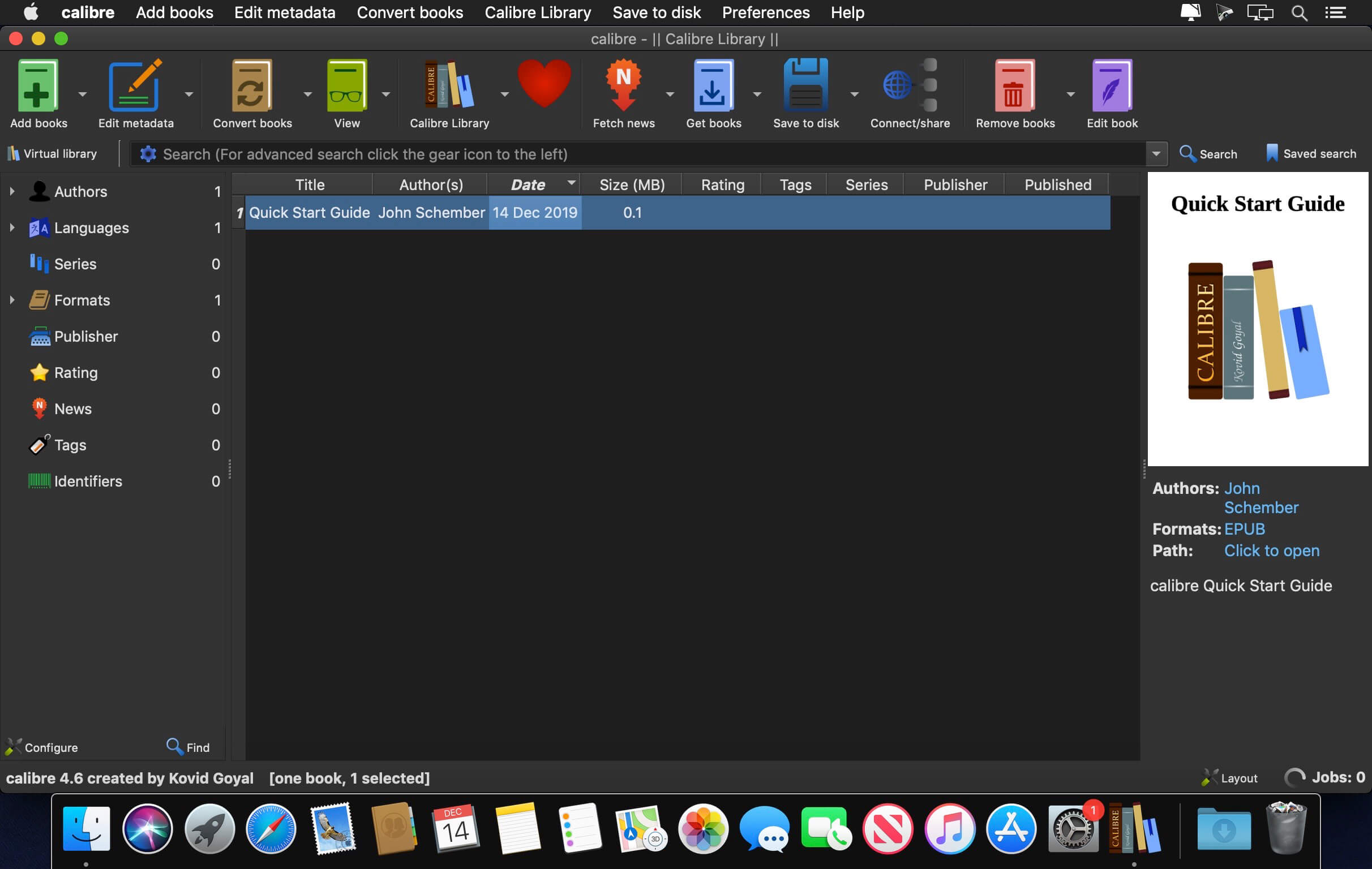
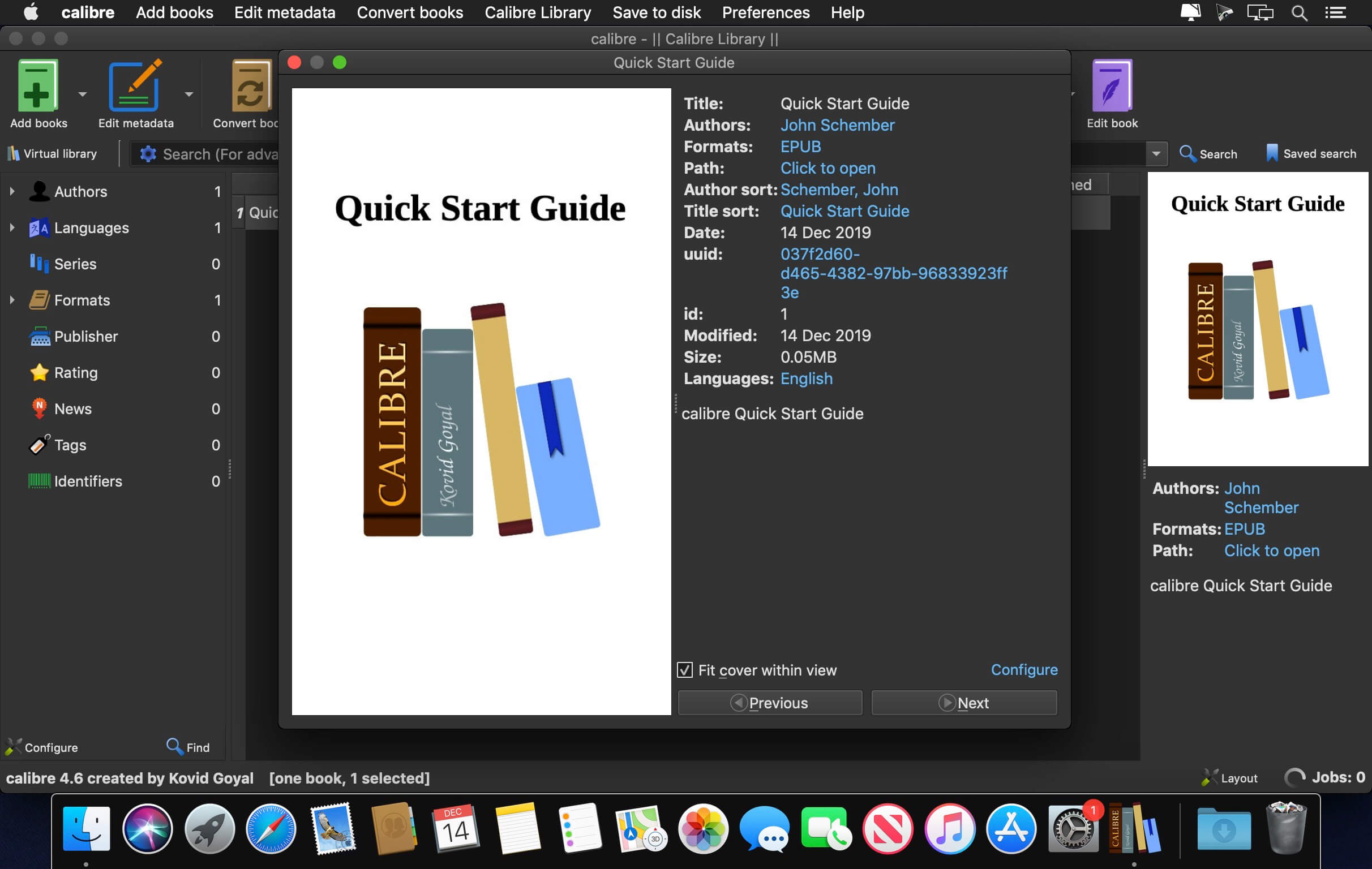

Calibre is a complete e-book library manager. Organize your collection, convert your books to multiple formats, and sync with all of your devices. Let Calibre be your multi-tasking digital librarian.
Manage, convert, sync, and more
- Library management. Calibre keeps things orderly by creating single entries for books that contains multiple formats. Add tags and comments for better searchability.
- Format conversion. Calibre's robust conversion options support a wide variety of file formats.
- File syncing. Calibre's device drivers seamlessly support all the top e-readers and devices.
Version 9.14.0
New features:
- Allow generating book covers using AI with different cover styles such as romance, sci-fi, pulp fiction etc.
- To use it select a book and click Edit metadata and then the "AI Generate" button. Note that you will have to configure an image generating AI provider the first time you use this feature.
- Edit book: File browser: When hovering the mouse over an image file show a floating preview of the image next to the file browser
- Tags editor: have searching ignore accents
- AI: Add Anthropic and Grok backends for Claude and Grok models
- AI: Remove GitHub backend as service has been discontinued
- Edit metadata dialog: Always scale up cover preview to fill available space while maintaining aspect ratio
Bug fixes:
- Content server: OPDS: Fix a regression that caused first line of comments to be missing
- Undo delete books: Show a progress bar when more than five books have to be undeleted
- Linux: Binary builds: Fix hyperlinks in labels not working on some Linux systems
- Get books: Fix a regression that broke show in store
- Fix cover images with empty EXIF records not showing on Kindle lockscreen
- Fix a regression in 9.11 that broke configuring the Folder device driver
- Google AI: Fix the checkbox to allow search grounding invisible in the config dialog
- Fix a regression in 9.11 that broke reading metadata from HTML files in builds of calibre with Python runtime assertions enabled
- Edit book: Jump to class: Fix @charset rule causing jump to class to be off-by-one because it uses tiny css which ignores chaset rules while cssutils does not
- FB2 Input: Only accept known FB2 namespaces to avoid arbitrary file write
- Content server: Fix various arbitrary file write bugs for authenticated users
- Content server: Fix remote code execution for authenticated users
- Content server: Fix cross site scripting in legacy book details page
- MOBI Output: Make palmdoc compression robust against crafted input
New news sources:
- The Golfer's Journal by Ben Ng
- Improved news sources:
- Pagina12
- The Week
- Nautilus
- Smithsonian Magazine
- FAZ.net
- Daily Mail
Frequently asked questions
How do I install the app?
Mount the image, drag the app into the "Applications" folder and launch it. If the system blocks the launch, allow it in "System Settings → Privacy & Security".
The app is damaged or won't launch
Reinstalling from a fresh image usually helps. Make sure your macOS version matches the one listed in the compatibility specs.
How do I update?
Download the new version from the site and install it over the current one — your settings will be preserved.
The download link doesn't work
Try a mirror or a download manager. For large files the browser often drops the connection.
How do I completely remove the app?
Use an uninstaller utility — it cleans up the service files that remain after moving the app to the trash.




Choose a download source
calibre 9.14.0 · 328.48 MB
Previous versions
calibre 9.14.0
Previous versions are available to registered users.