VirusKiller Antivirus 4.1.7
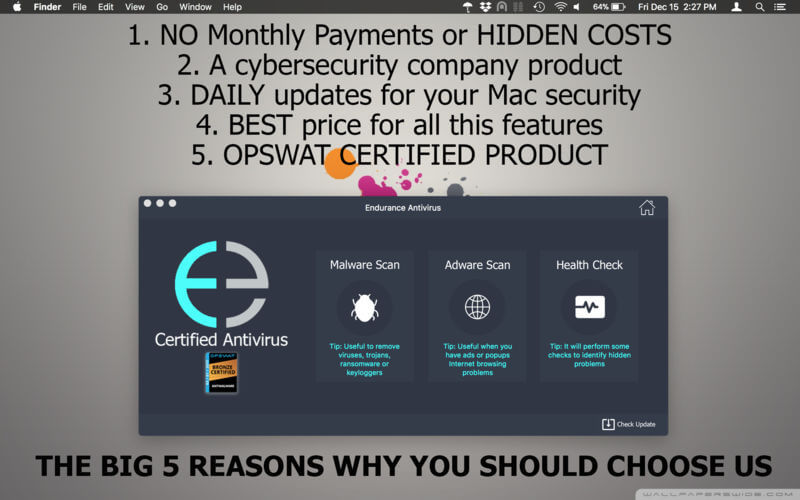
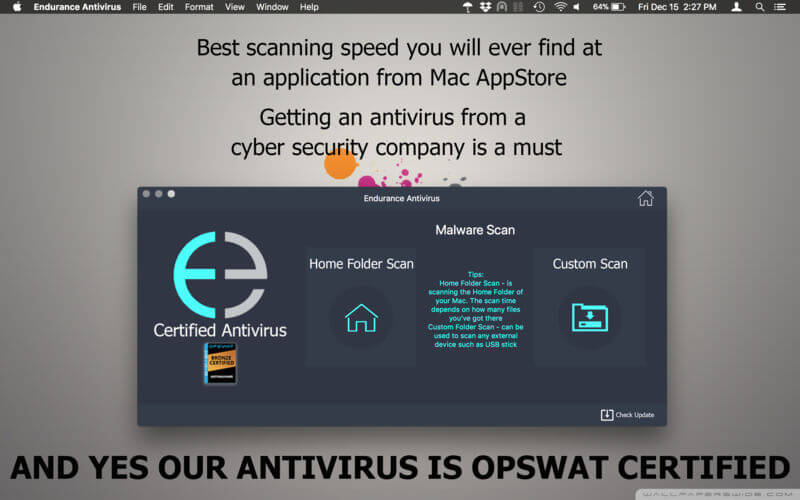
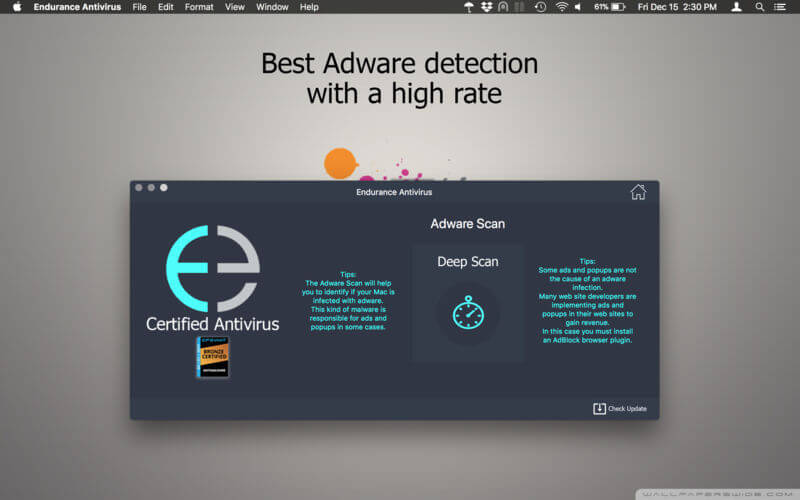
Malware isn’t the only threat to your Mac, and yes Macs do get malware. According to our company research on cybercrime, the attacks on Mac systems had increased by more than 78% in 2017.
That's the reason why you must choose an antivirus software from a security company like we are because we can protect your Mac at a higher level.
Malicious websites and vulnerable Wi-Fi networks can also jeopardize your safety.
Your macOS might stop some malware variants, but it can’t help you if you’re already infected. Our antivirus for Mac not only blocks viruses, spyware, Trojans, and other malware, it also scans your entire Mac for already-hidden threats.
Even trusted websites can get hacked, and criminals can easily spoof emails from your friends or bank. VirusKiller can also scan your emails and see if there are any phishing attempts.
VirusKiller Antivirus is OPSWAT certified - OPSWAT is the world leader in certifying security products.
Characteristics:
- Malware scan and remove including ransomware and keyloggers signatures
- Adware scan and remove including the PUA (Potential Unwanted Applications) signatures
- 24/7 premium support service dedicated to solve your inquiries
- access to latest malware signatures through our malware signatures update service
- Mac Health Check, which is new at any antiviruses which are available right now for sale. This feature will do an analysis of your Mac in more depth and come back with a solution
Version 4.1.7
- Patched reported crash bug, updated signatures
Frequently asked questions
How do I install the app?
Mount the image, drag the app into the "Applications" folder and launch it. If the system blocks the launch, allow it in "System Settings → Privacy & Security".
The app is damaged or won't launch
Reinstalling from a fresh image usually helps. Make sure your macOS version matches the one listed in the compatibility specs.
How do I update?
Download the new version from the site and install it over the current one — your settings will be preserved.
The download link doesn't work
Try a mirror or a download manager. For large files the browser often drops the connection.
How do I completely remove the app?
Use an uninstaller utility — it cleans up the service files that remain after moving the app to the trash.
VersionVirusKiller Antivirus 4.1.7
DeveloperEDELWEISS SRL
CompatibilityOS X 10.10 or later, 64-bit processor
LanguageEnglish
IncludesK'ed by HCiSO




Choose a download source
VirusKiller Antivirus 4.1.7 · 164.1 MB
Comments 1