
Web2App 2.0.0
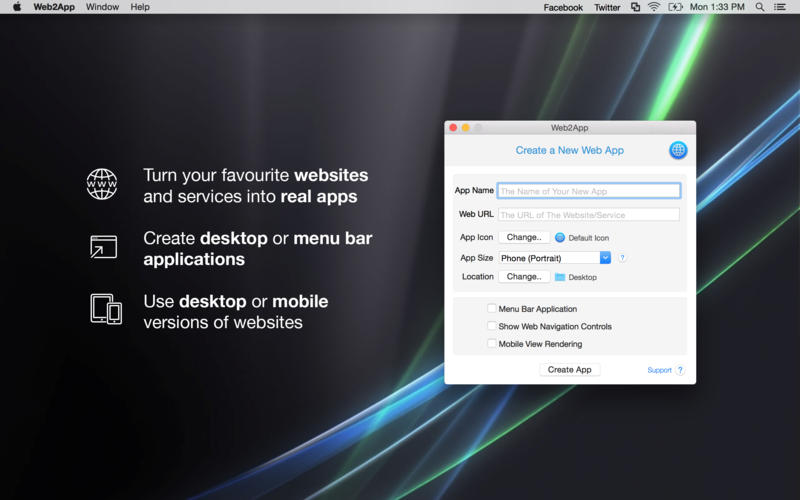
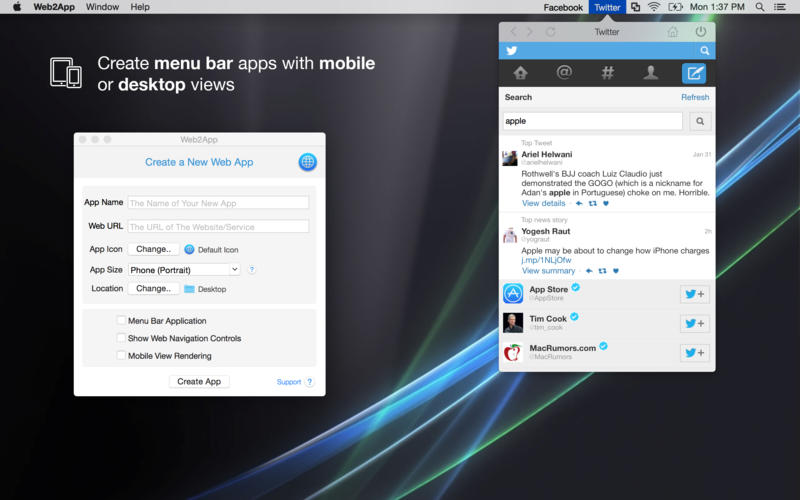
With Web2App you can turn your favorite websites and internet services into real desktop apps. Just type the URL, the app name and your website will become a real desktop app that appears in your Dock or your Menu Bar. You can choose to use the desktop or mobile version of the site.
Stop spending money on apps that are only websites bundled into an app (apps for Facebook, Twitter, Instagram, mail providers or cloud services and many more). Now you can configure your own apps!
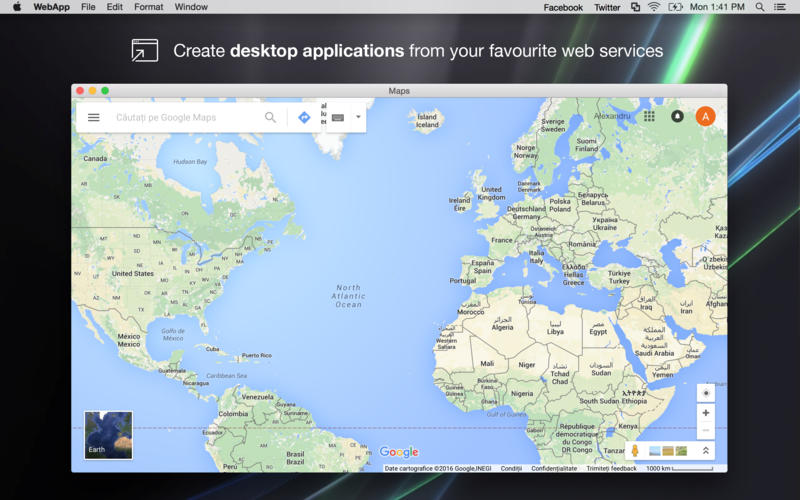
Imagine services like Mail, Document Editing, Maps or any Social Networks on your desktop instead of your browser. You can use any website visible on the Internet.
Use Web2App to:
- Transform Websites or Internet Services into real desktop apps
- Run your application from the Dock or Menu Bar, auto-launch apps
- Use the desktop or mobile view of each site
- Select an icon for your new app
- Choose between multiple app window sizes
- Put services like Document Editing, Calendars, Mail, News or Maps on your desktop
WHAT’S NEW
Version 2.0.0
- Small improvements
Screenshots
Frequently asked questions
How do I install the app?
Mount the image, drag the app into the "Applications" folder and launch it. If the system blocks the launch, allow it in "System Settings → Privacy & Security".
The app is damaged or won't launch
Reinstalling from a fresh image usually helps. Make sure your macOS version matches the one listed in the compatibility specs.
How do I update?
Download the new version from the site and install it over the current one — your settings will be preserved.
The download link doesn't work
Try a mirror or a download manager. For large files the browser often drops the connection.
How do I completely remove the app?
Use an uninstaller utility — it cleans up the service files that remain after moving the app to the trash.
VersionWeb2App 2.0.0
DeveloperDenk Alexandru
CompatibilityOS X 10.9 or later, 64-bit processor
LanguageEnglish
IncludesPre-K'ed





Information
Visitors in the group Guests cannot leave comments on this publication.
Choose a download source
Web2App 2.0.0 · 5.6 MB