

Wolf 1.52
Screenshots
Click to enlarge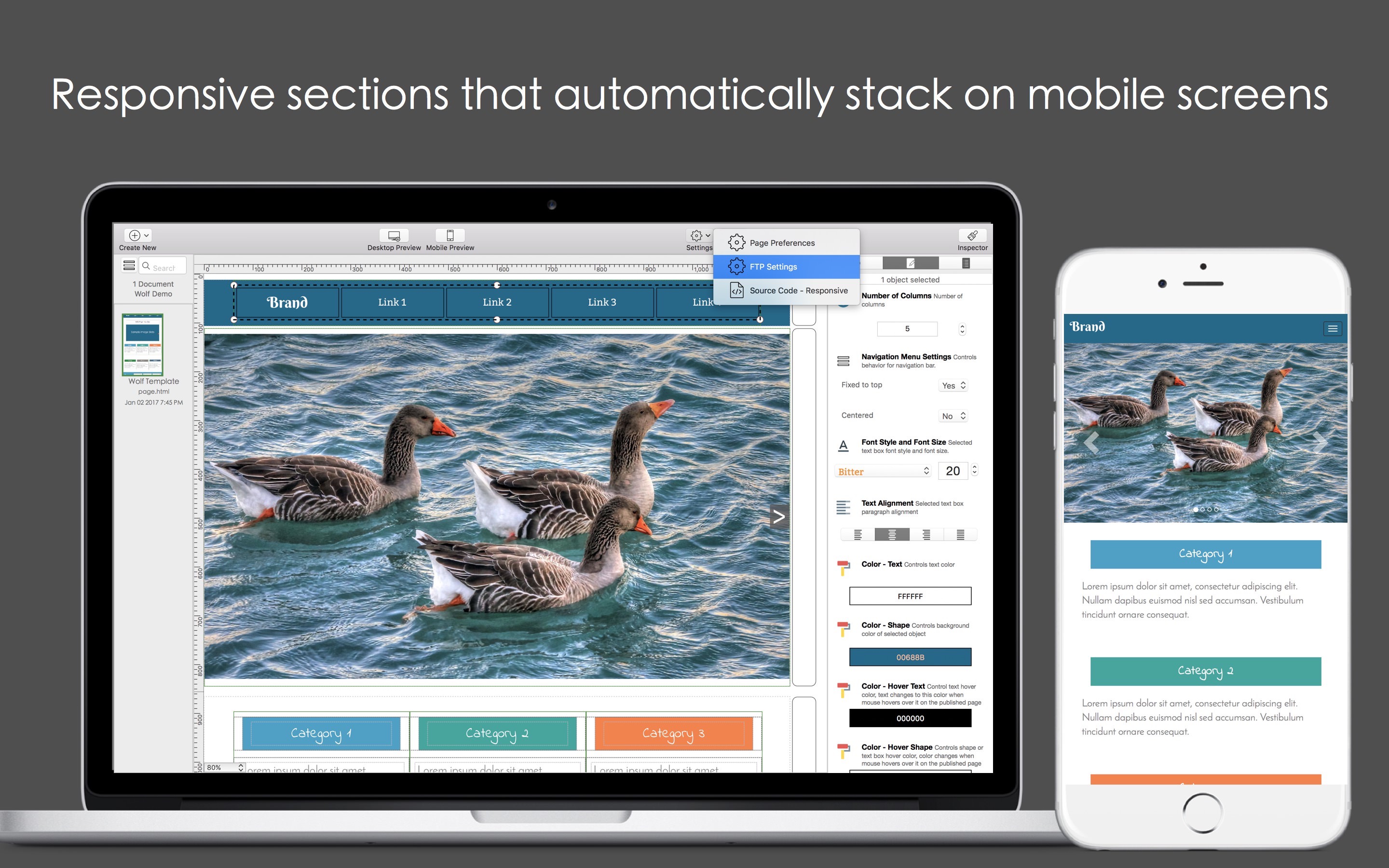
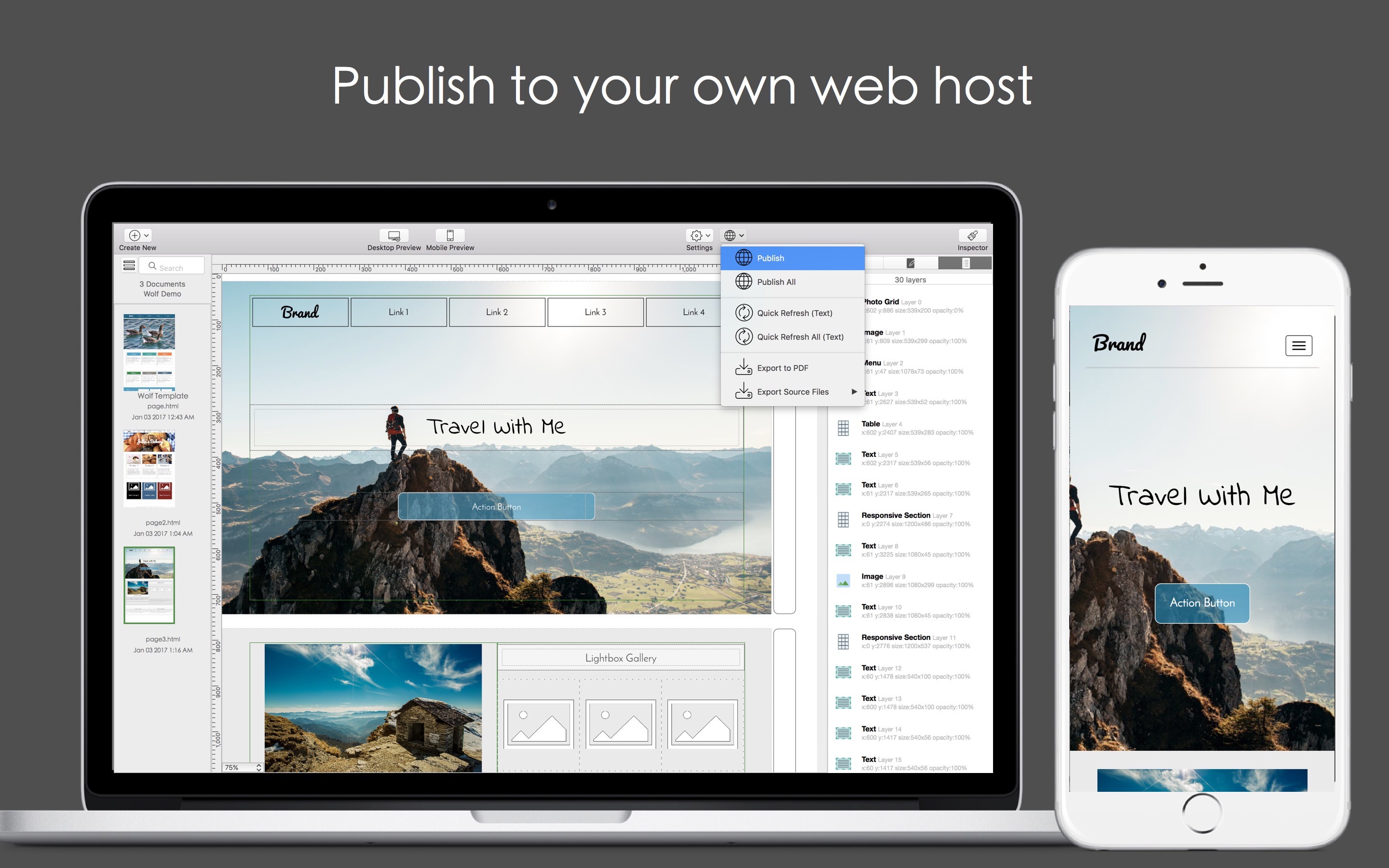
Wolf lets you build beautiful, responsive websites!
Features
- Brought to you by the team behind the Orion Mac Suite, Wolf's editor interface is designed with key focuses on simplicity and ease-of-use. Drag-and-drop to add objects to your design, click-and-drag to resize and manage layout.
- Zero coding: We think web design should be simple and fun, so anyone can build beautiful websites without needing to learn or understand how to code.
- Responsive and mobile friendly: Integrated with the powerful Bootstrap framework, your website will look amazing on desktop, tablets, and mobile devices.
- Shared website header and footer: Easily build and maintain a consistent theme for the entire website using Wolf's exclusive Shared Header and Footer feature.
- Support for FTP: Upload to your own web host. Supports FTP, SFTP, and FTP/SSL.
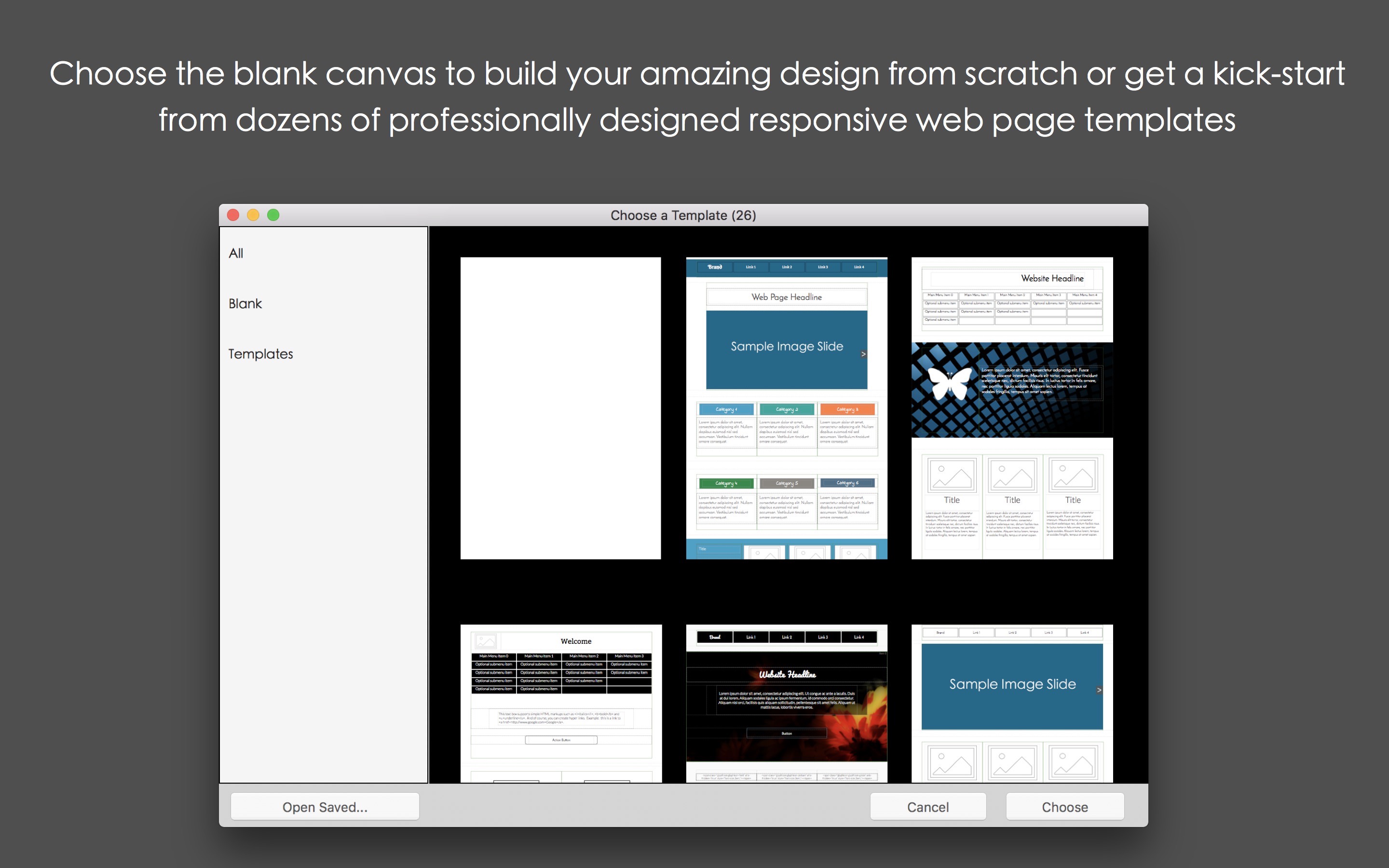
- Professional templates: Beautiful templates allows you to get a jump start on your web design.
- Standalone software: Unlike many other web design solutions that are based on monthly subscriptions, Wolf is a true standalone app. No subscription fees, just a straightforward, one-time purchase.
- Unlimited websites: Build as many websites as you like. Unlike subscription-based services that often restrict users to a single website, Wolf is a full-fledged desktop app that allows you to build as many websites as you like. You may choose to publish to your own web host, or save and export your design and source code.
- Beautiful web fonts: Beautiful web fonts is key to a building a successful website. Wolf provides you with a wide selection of gorgeous web fonts so you can format and style with ease.
- Carousel: Add more interactivity to your website with amazing, full-screen width, image, and text carousels.
- Galleries: Gorgeous lightbox galleries. Display your photos in a lightbox when they are clicked.
- HTML snippets: You're never limited to the drag-and-drop interface. Easily add code snippets to achieve custom effects and special plug-ins.
- Web-form placeholders are now customizable
- Fixed-to-top navigation menu and drop-down menu improvements
- Bug fixes and performance improvements
Comments
No comments yet. Be the first.
Information
Visitors in the group Guests cannot leave comments on this publication.