
AltTab Pro 11.7.1
AltTab Pro: macOS window switcher with instant search and previews
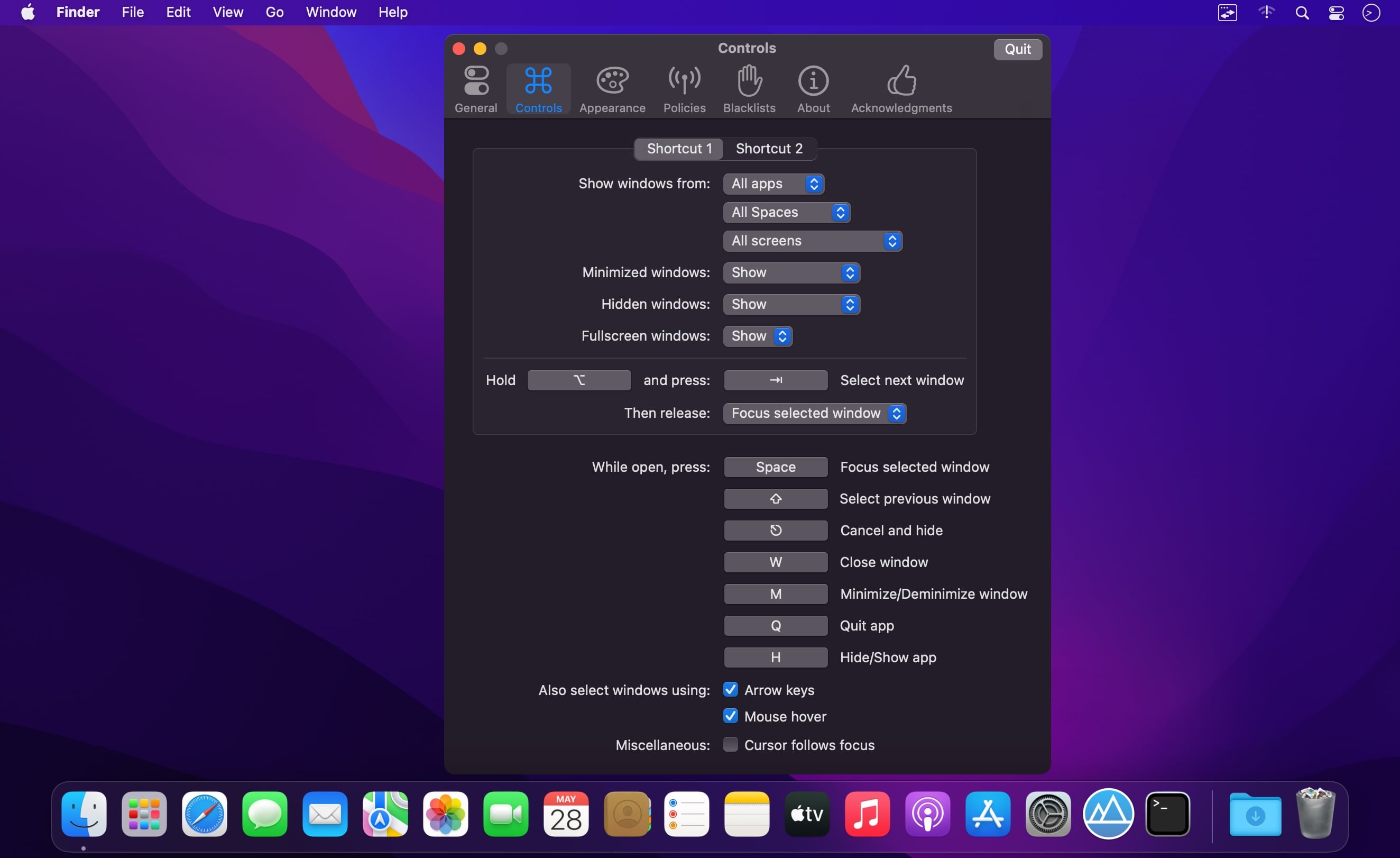
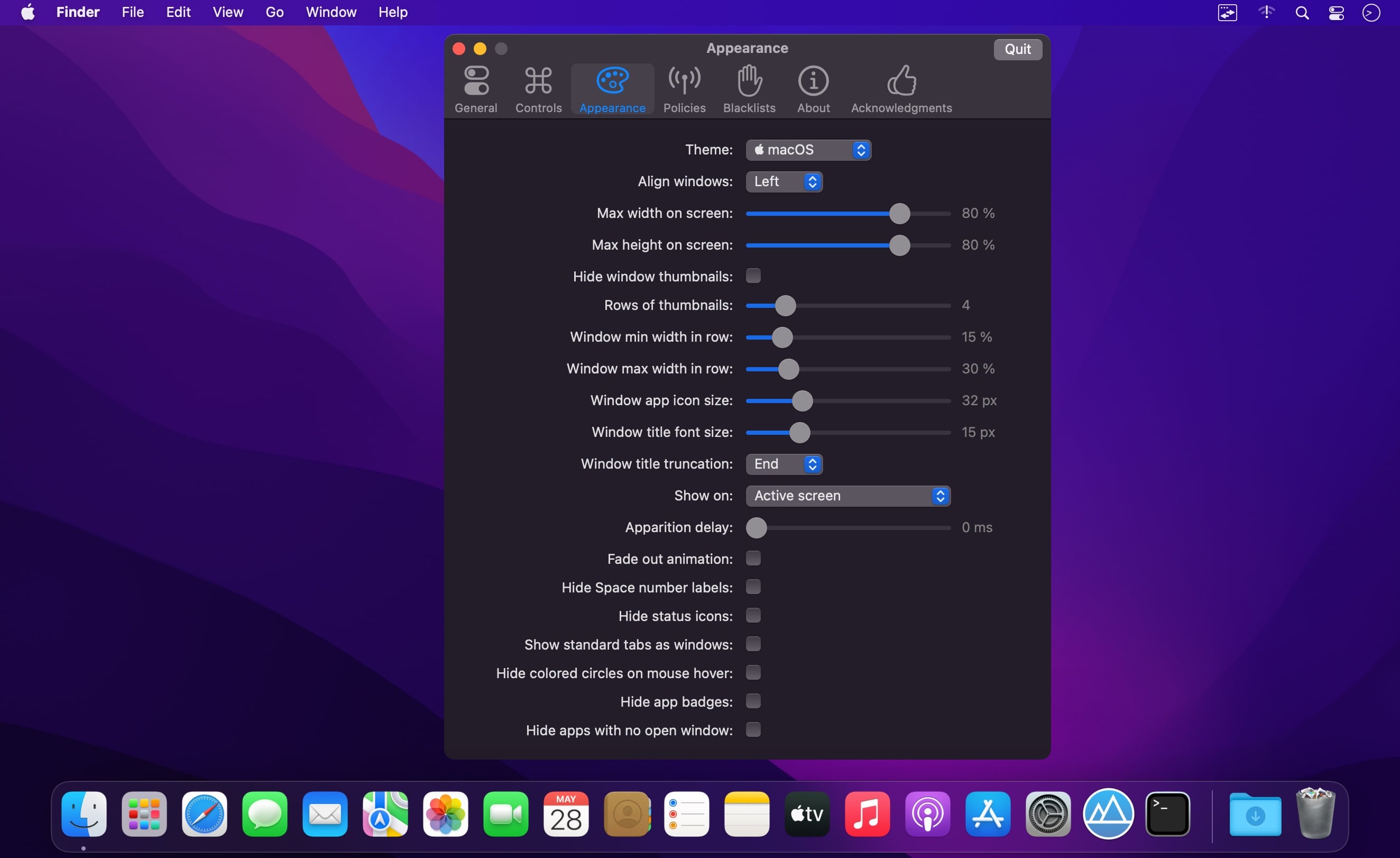
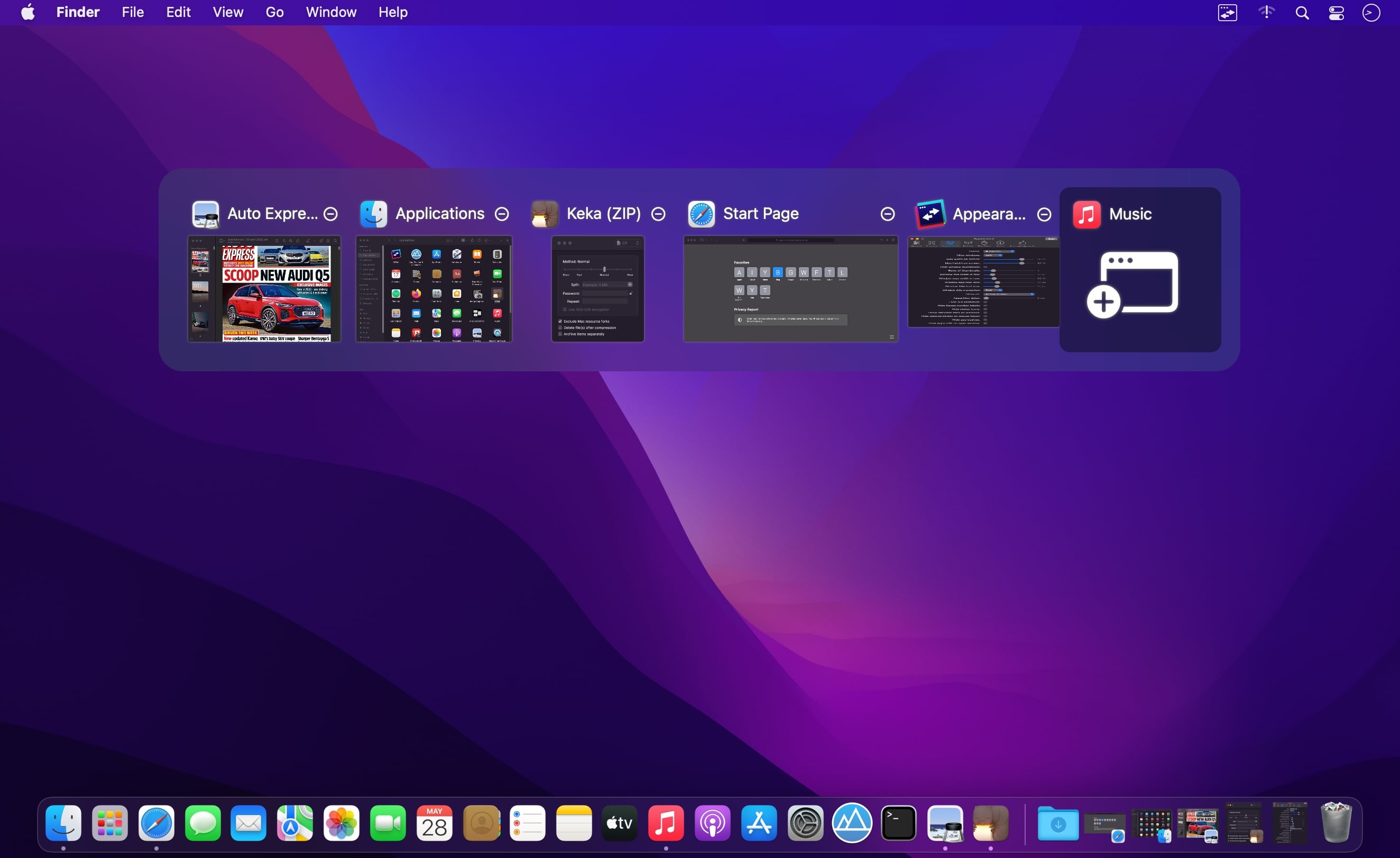
Bring the familiar Windows Alt-Tab experience to macOS. AltTab Pro helps you switch quickly between open apps and windows with live previews, customizable shortcuts, instant search, and flexible display options.
Whether you’re working across multiple apps, Spaces, displays, virtual machines, or remote desktops, AltTab Pro keeps every window within easy reach.
Key Features
-
Three switcher styles
Choose live window thumbnails, a dock-like app icon layout, or a compact list of window titles. -
Instant window search
Start typing to find any window by its title or app name—no scrolling required. -
Adaptive thumbnail sizing
Thumbnails automatically resize to fit the number of open windows while staying clear and readable. -
Up to 9 custom shortcuts
Create independent shortcuts with different keys, behaviors, and filtering rules for specific workflows. -
Window filters and exceptions
Show or hide windows by app, Space, display, window type, or custom exception rules. -
Live previews
Preview the selected window at full size before switching. -
Flexible switching behavior
Release the shortcut to switch immediately, or keep the switcher open while browsing. -
Window controls
Close, minimize, or maximize windows directly from the switcher using familiar traffic-light controls. -
Status indicators
Easily identify minimized, hidden, or off-Space windows with clear badges. -
Trackpad gestures
Switch between windows with smooth trackpad swipes—no keyboard required. -
Automatic Dark Mode
AltTab Pro follows your macOS appearance for a polished, native look. -
Accessibility support
Designed to work with VoiceOver, sticky keys, and reduced transparency settings.
Built for Your Mac
AltTab Pro supports macOS 12 and later, with native compatibility for both Intel and Apple silicon Macs.
Privacy by Design
AltTab Pro runs entirely on your Mac. It includes no telemetry, tracking, or data collection. Network access is limited to update checks and optional crash reports.
Switch windows faster, find what you need instantly, and take control of your Mac workflow with AltTab Pro.
AltTab 11.7.0:
Bug Fixes:
- a Dock badge an app cleared could linger for a second
- keep the trial menu label fully visible
- memory use and processor load could grow over time
- missing or leftover windows when apps open, hide or quit
- new window thumbnails may jump while loading
- selection and hover could jump while windows change
- switcher could offer the window you are already in
- window titles could be outdated or show the app name
- wrong app in front after returning to a Space
Performance Improvements:
- faster switcher updates when windows change
- lower CPU and memory use during bursts of window changes
Frequently asked questions
How do I install the app?
Mount the image, drag the app into the "Applications" folder and launch it. If the system blocks the launch, allow it in "System Settings → Privacy & Security".
The app is damaged or won't launch
Reinstalling from a fresh image usually helps. Make sure your macOS version matches the one listed in the compatibility specs.
How do I update?
Download the new version from the site and install it over the current one — your settings will be preserved.
The download link doesn't work
Try a mirror or a download manager. For large files the browser often drops the connection.
How do I completely remove the app?
Use an uninstaller utility — it cleans up the service files that remain after moving the app to the trash.




Choose a download source
AltTab Pro 11.7.1 · 6.37 MB
Previous versions
AltTab Pro 11.7.1
Previous versions are available to registered users.