PDF Encrypt 3.0.0
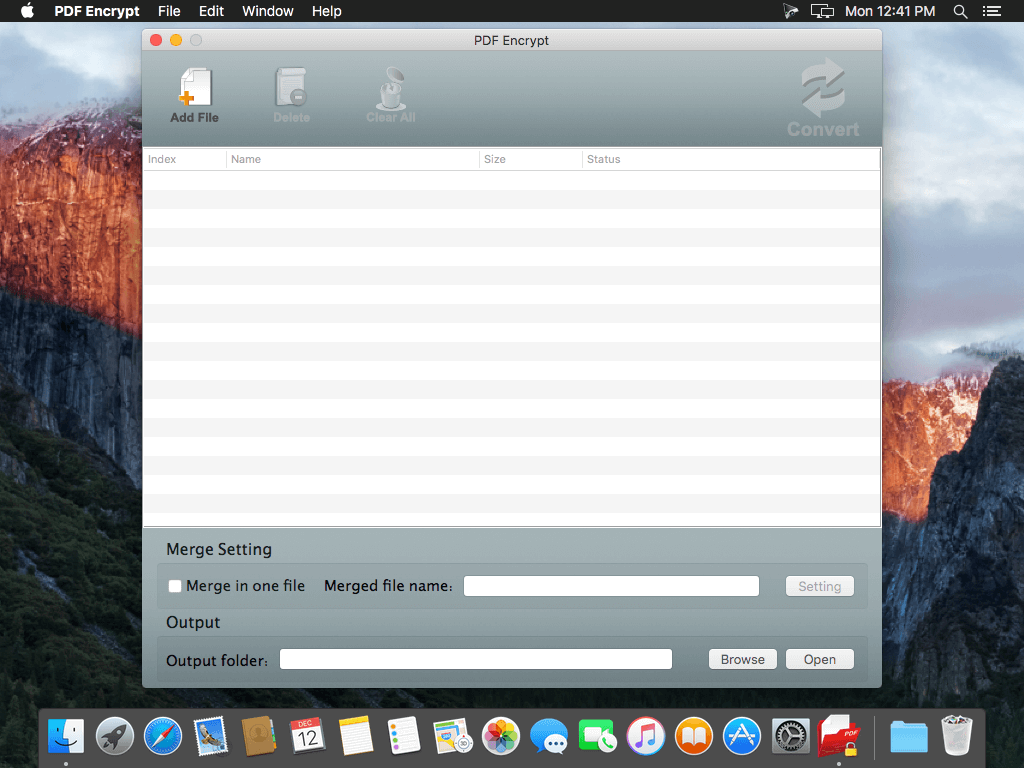
PDF Encrypt is an easy to use utility to encrypt your PDF documents, which can reduce the risk of distributing confidential and sensitive information. Besides, it can also merge multiple PDF files into one PDF and modify the PDF author, subject,title and keywords.
Now, Support macOS Sierra.
Key features:
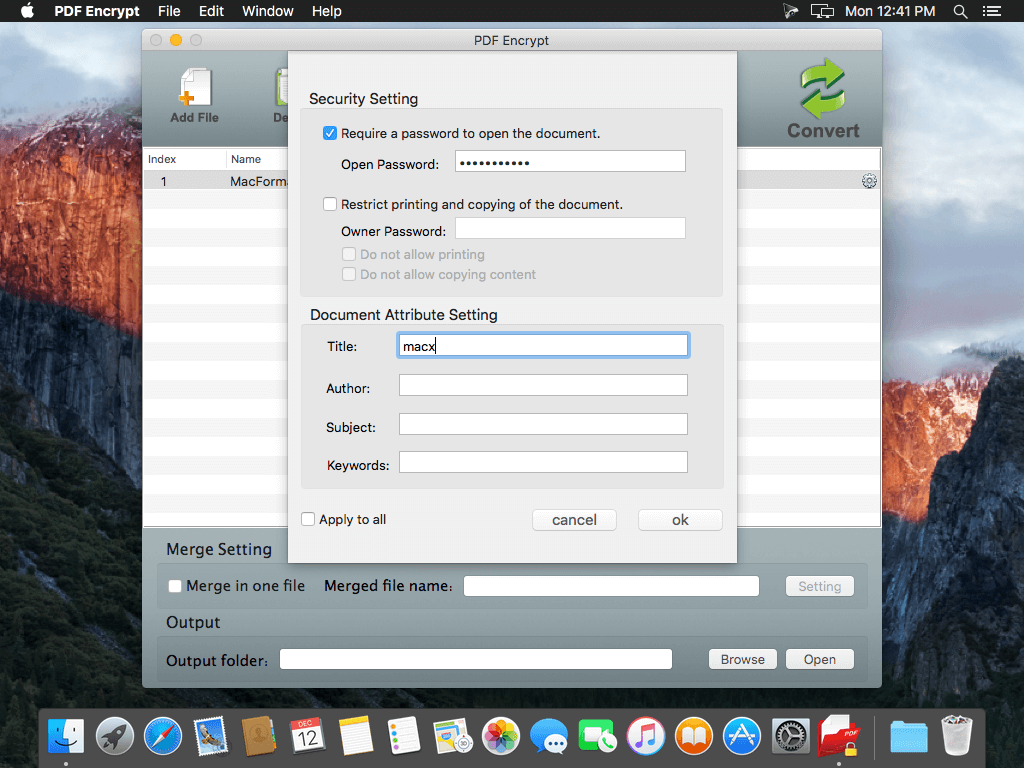
- Prevent opening and viewing PDF without entering the correct open password.
- Prevent printing of the document.
- Prevent copying and changes to the document.
- Set PDF information:You can set meta data for the PDF, which can protect your copyright in your work, such as title, subject author and keywords.
- Merge multiple files into one PDF:You can merge a large amount of origin files into one PDF file.
- Compatible with all common PDF readers, such as Preview.app or Adobe Reader.
- Batch convert as many PDF as you like.
WHAT’S NEW
Version 3.0.0
- Support macOS Sierra.
- Re-Encrypt PDF file which already encrypted by owner password.
- Fix some bugs.
SCREENSHOTS
Frequently asked questions
How do I install the app?
Mount the image, drag the app into the "Applications" folder and launch it. If the system blocks the launch, allow it in "System Settings → Privacy & Security".
The app is damaged or won't launch
Reinstalling from a fresh image usually helps. Make sure your macOS version matches the one listed in the compatibility specs.
How do I update?
Download the new version from the site and install it over the current one — your settings will be preserved.
The download link doesn't work
Try a mirror or a download manager. For large files the browser often drops the connection.
How do I completely remove the app?
Use an uninstaller utility — it cleans up the service files that remain after moving the app to the trash.
VersionPDF Encrypt 3.0.0
DeveloperLU ZHANG © PowerfulPDFSoft Inc.
CompatibilityOS X 10.8 or later, 64-bit processor
LanguageEnglish
IncludesPre-K'ed




Information
Visitors in the group Guests cannot leave comments on this publication.
Choose a download source
PDF Encrypt 3.0.0 · 3.49 MB