Web Confidential 5.4.3
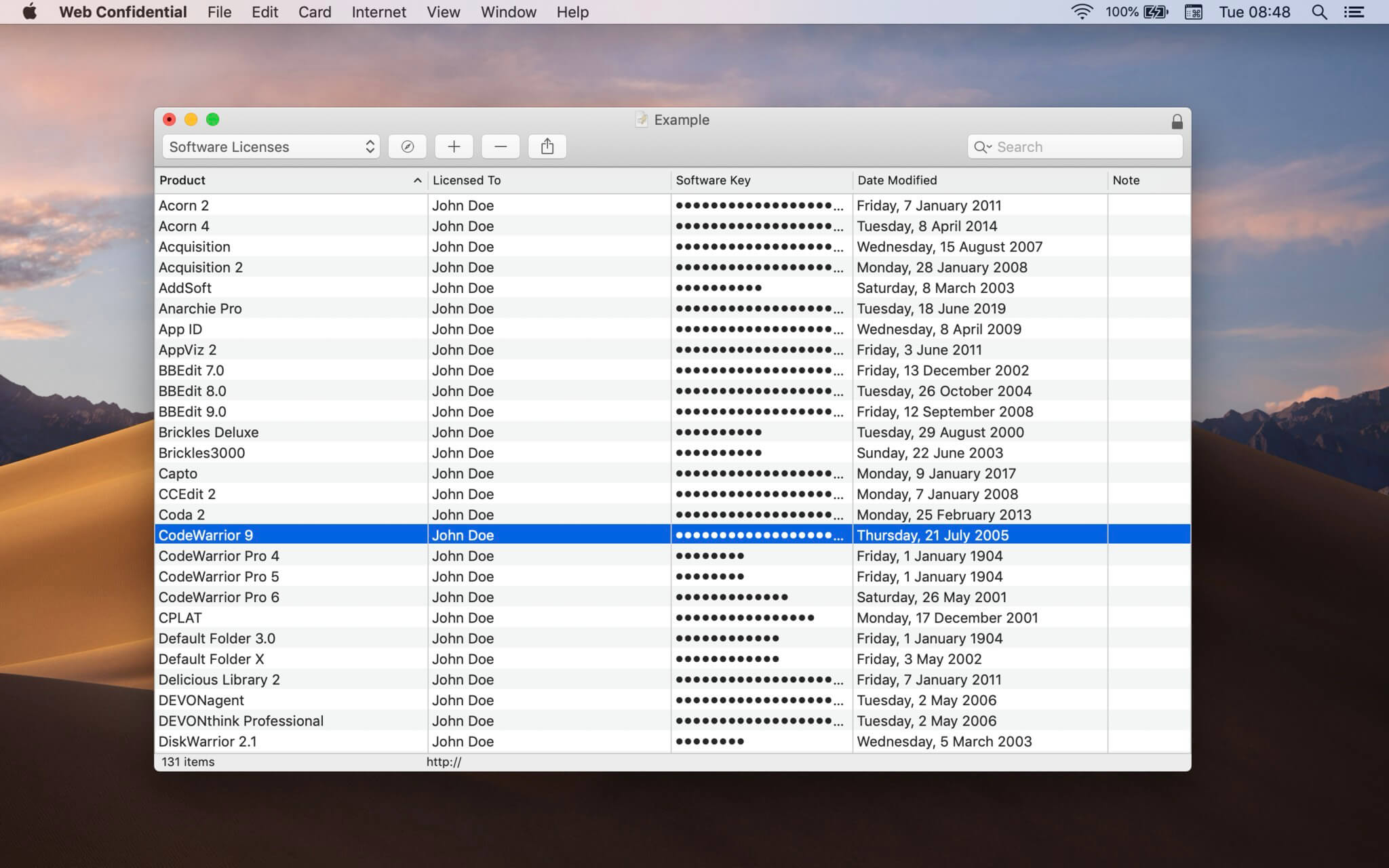
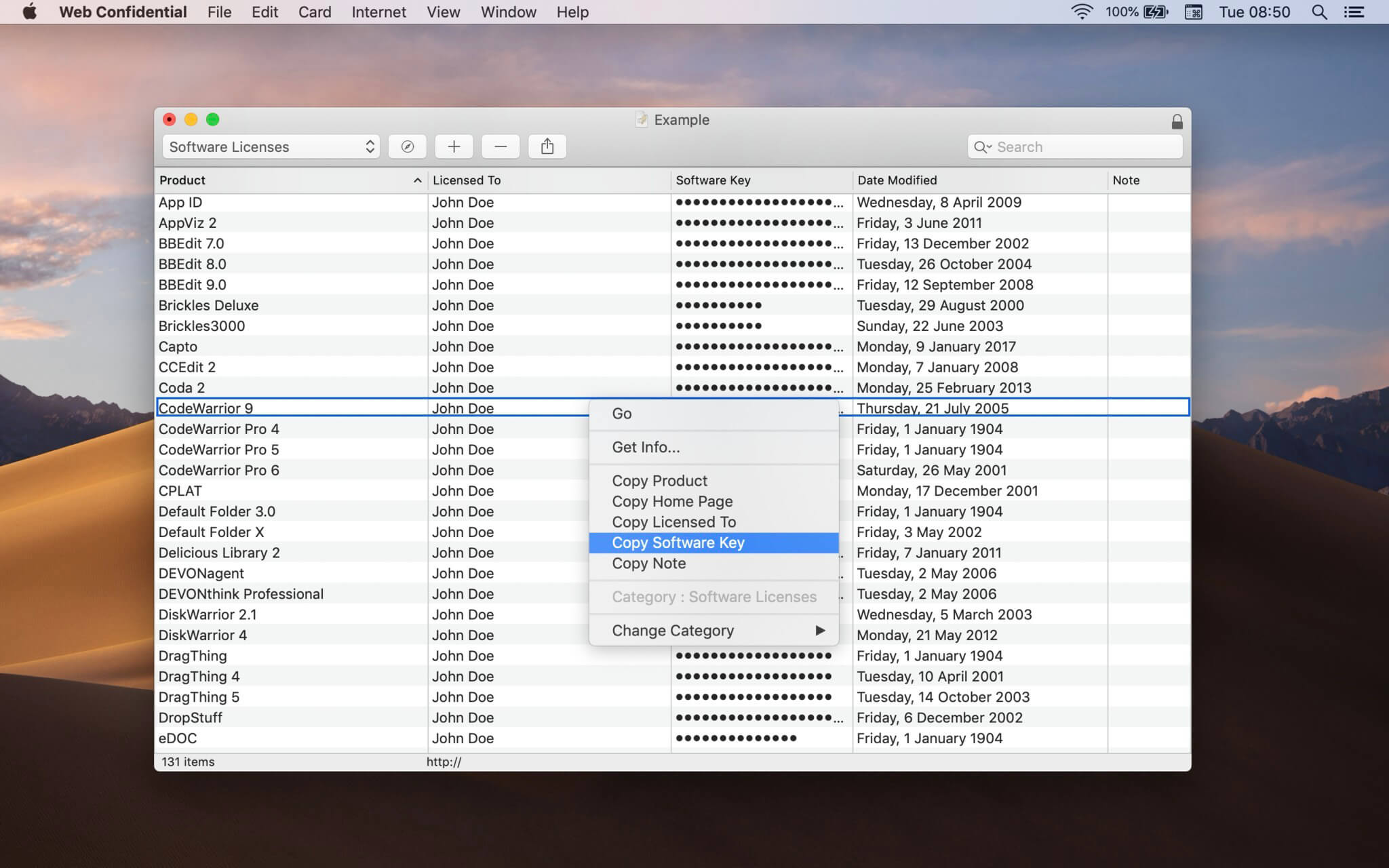
Where do you keep your confidential data? Like most people these days, you've probably got a growing number of user IDs, passwords, registration keys, PIN codes, serial numbers, and the like, stored in various places on your computer or scribbled on miscellaneous pieces of paper around your home or office.
When you stop and think about it, you probably have more of these pesky bits of information scattered about than you realize. Web Confidential uses an intuitive, easy-to-use cardfile metaphor which will enable even novice users to get up to speed in no time. Power users will find a large number of options to enable them to configure Web Confidential to meet their specific needs. Web Confidential gives you access to your passwords from within your browser and from the macOS Dock.
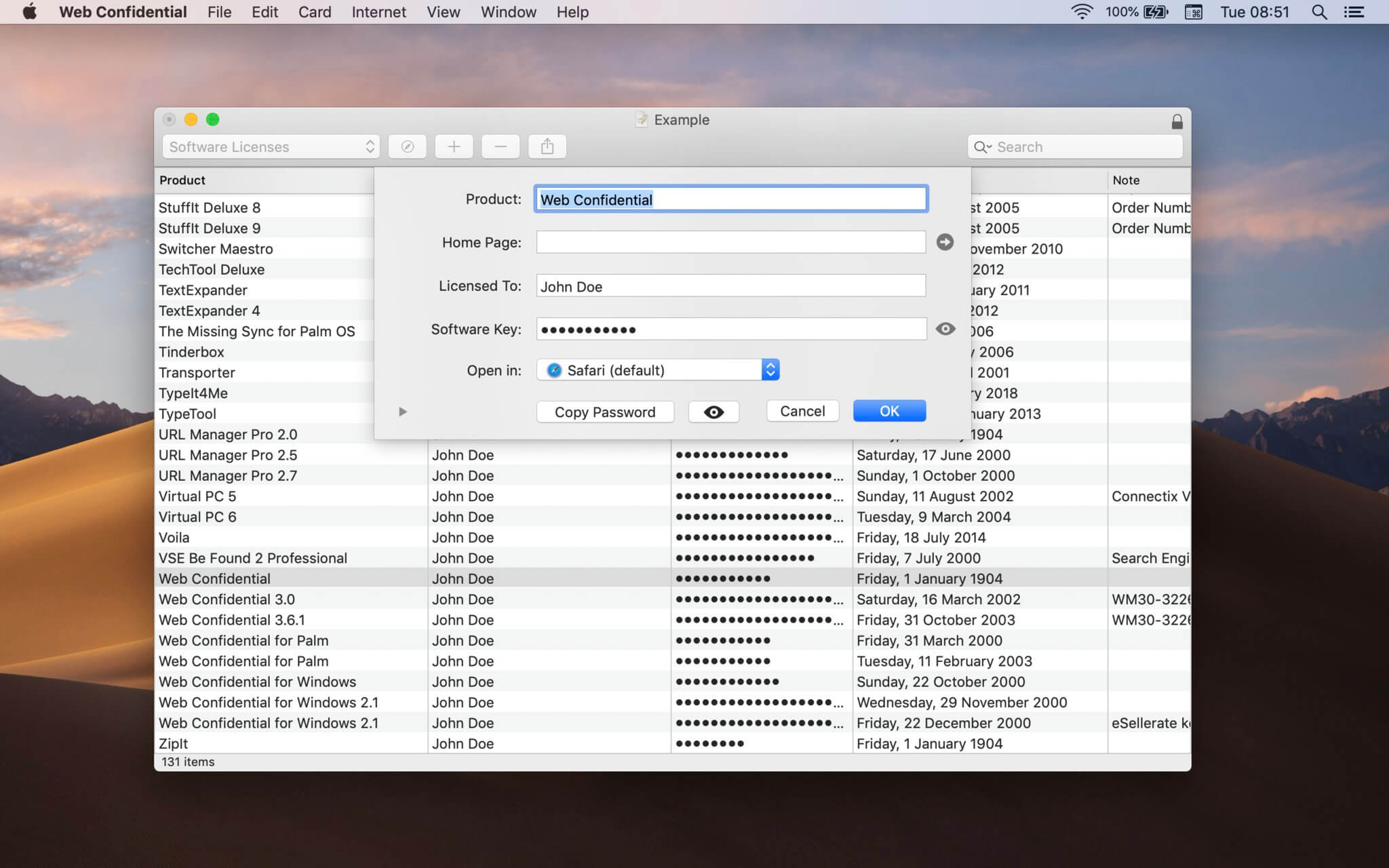
When you need access to a user ID and password, a handy floating utility window shows all the information you might need about your password. Web Confidential supports AppleScript and can of course also import passwords from other password managers. Last but not least, Web Confidential permits you to encrypt your password files, protecting this sensitive information from prying eyes, using state-of-the-art encryption.
Version 5.4:
- Large Resizable Card Window
Frequently asked questions
How do I install the app?
Mount the image, drag the app into the "Applications" folder and launch it. If the system blocks the launch, allow it in "System Settings → Privacy & Security".
The app is damaged or won't launch
Reinstalling from a fresh image usually helps. Make sure your macOS version matches the one listed in the compatibility specs.
How do I update?
Download the new version from the site and install it over the current one — your settings will be preserved.
The download link doesn't work
Try a mirror or a download manager. For large files the browser often drops the connection.
How do I completely remove the app?
Use an uninstaller utility — it cleans up the service files that remain after moving the app to the trash.



Choose a download source
Web Confidential 5.4.3 · 9.47 MB
Previous versions
Web Confidential 5.4.3
Previous versions are available to registered users.