MacFort 4.9.8
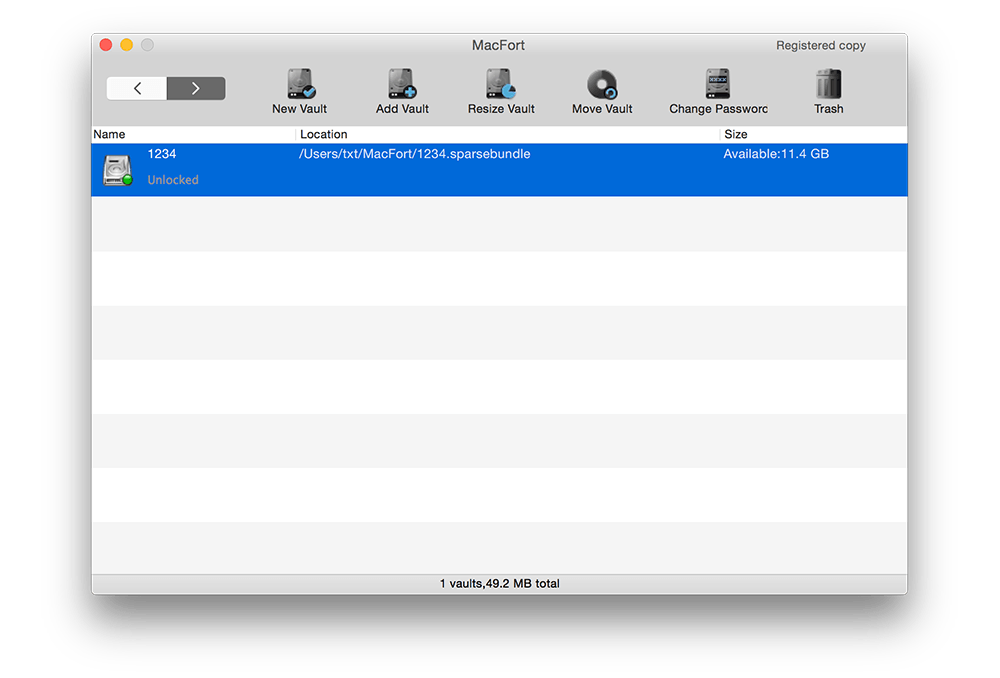
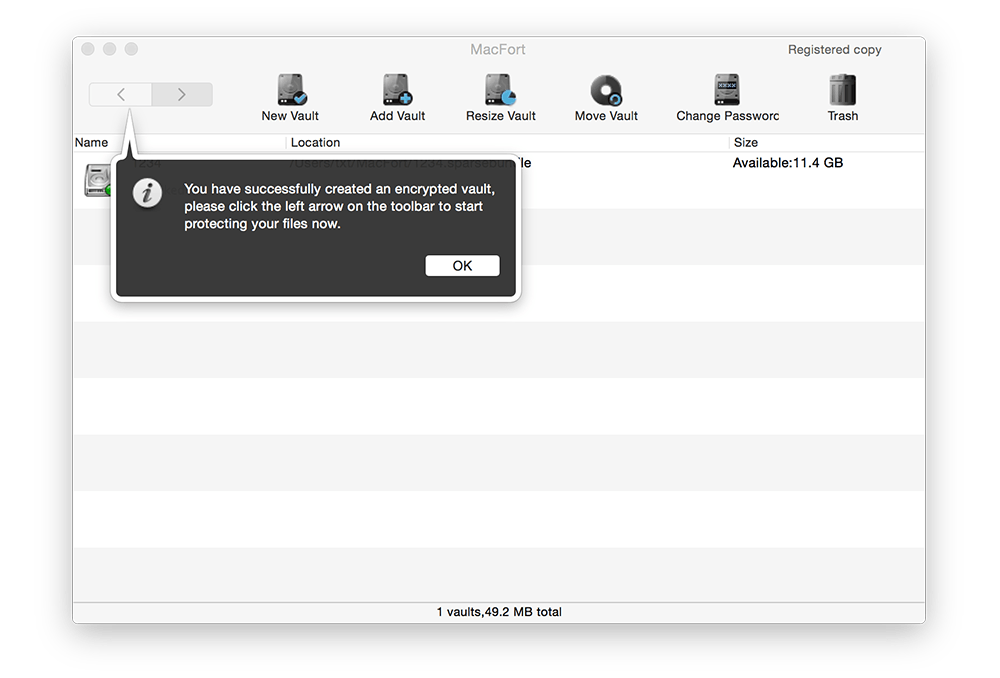
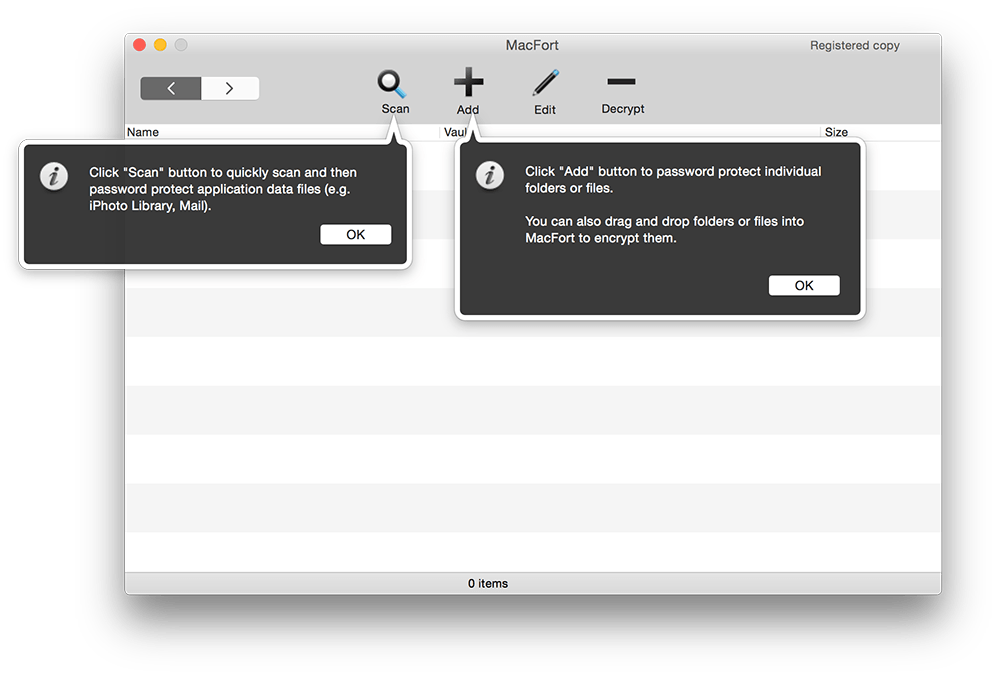
MacFort is an innovative utility to encrypt and password-protect individual applications data files on Mac. With just two clicks, MacFort lets you password-protect several built-in confidential files, e.g., Apple Mail, iPhoto Library, Browser history, Contacts, chat history, or any individual files and folders you want to protected from prying eyes.
MacFort uses encrypted vaults to securely store your important files, using AES encr yption schemes. AES is used by the US government and military for all "top secret" classified documents. No one can open an encry pted vault without knowing the correct password. When you try to open your favorite apps (e.g., Apple Mail), MacFort will prompt you for a password to open the vault. If the password you enter is wrong, Mail will be prevented from accessing the email messages. Therefore, your important files will be completely inaccessible to anyone else.
WHAT’S NEW
- Password protect Evernote 6
- Fixed a bug in the password protection for Photos
Screenshots
Frequently asked questions
How do I install the app?
Mount the image, drag the app into the "Applications" folder and launch it. If the system blocks the launch, allow it in "System Settings → Privacy & Security".
The app is damaged or won't launch
Reinstalling from a fresh image usually helps. Make sure your macOS version matches the one listed in the compatibility specs.
How do I update?
Download the new version from the site and install it over the current one — your settings will be preserved.
The download link doesn't work
Try a mirror or a download manager. For large files the browser often drops the connection.
How do I completely remove the app?
Use an uninstaller utility — it cleans up the service files that remain after moving the app to the trash.
VersionMacFort
DeveloperMadowSoft, Inc
CompatibilityOS X 10.6 or later
LanguageEnglish
IncludesSpecial [K]





Information
Visitors in the group Guests cannot leave comments on this publication.
Choose a download source
MacFort 4.9.8 · 5.4 MB