
Hammer 6.9.1
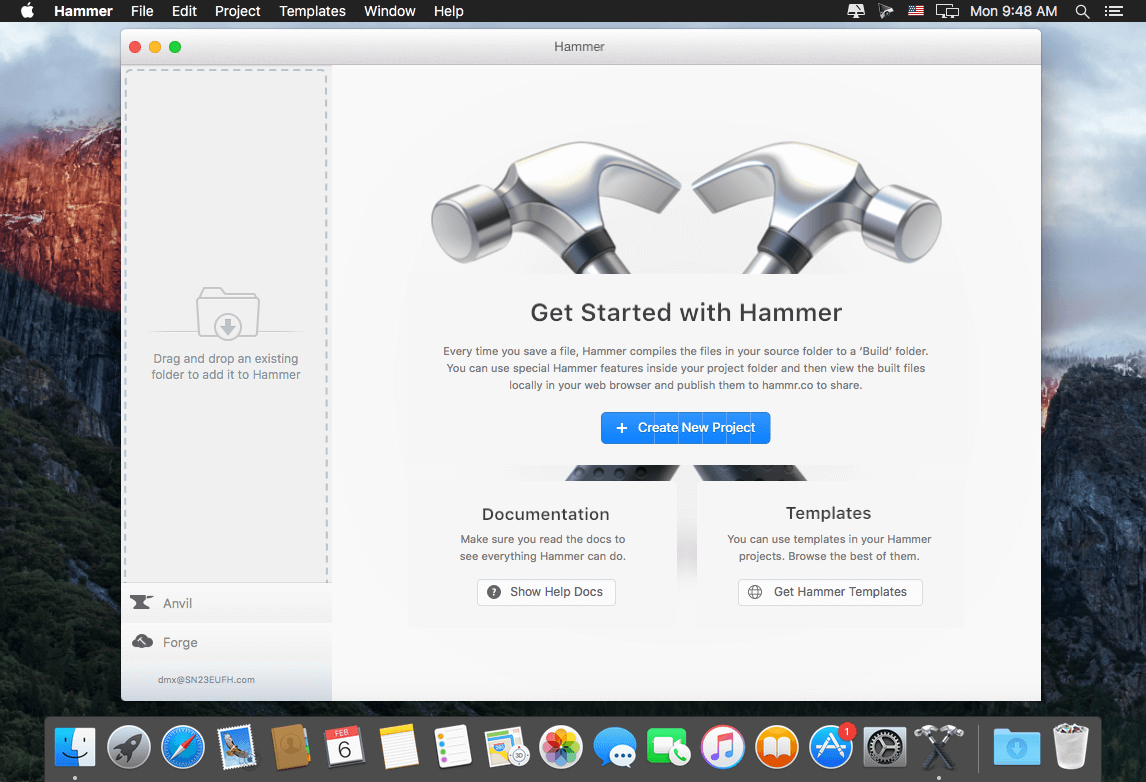
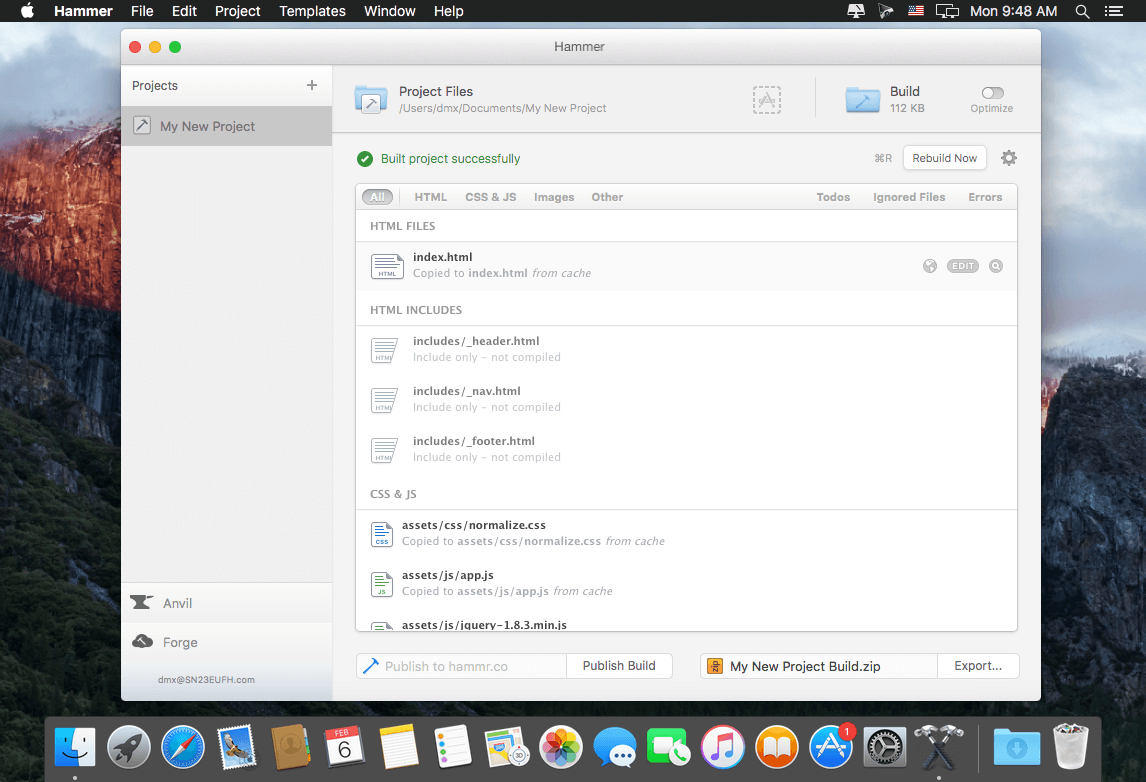
Hammer is a great way of building out HTML websites. With features including HTML includes, SASS, and CoffeeScript parsing and clever paths, Hammer is an indispensable tool! Hammer has some built in features that happen automatically, and some clever functions you use with special hammer tags.
- HTML Includes - Front-end developers shouldn't have to run local server environments, or use PHP just to put one HTML file inside another. With Hammer, you don't have to.
- Clever Paths - Wouldn't it be great if you could just reference an asset by name? Hammer will search your project for the file you reference, and write the file-path for you automagically.
- Variables + Helpers - Set and use variables in your template files and bend your templates to your will. Hammer also adds helpful classes to your HTML link tags, making menu logic a thing of the past.
- Auto Reload - Every time Hammer finishes compiling your project, it automatically refreshes your browser to show your latest changes and keep things up-to-date.
- SASS + CoffeeScript - Hammer knows all about SASS, SCSS and CoffeeScript and will automatically compile them to CSS and javascript. You can also use special tags to reference them in the head.
- Publish Builds - With Hammer's one-click publishing, you can share your work using a unique short URL. Show your clients, get feedback, then iterate quickly and easily.
WHAT’S NEW
- Fix a few bugs, including crash when Forge deployment option is enabled, but no valid Forge Site URL is set in Hammer.json
- Enable support for Atom editor in default application support
Screenshots

Frequently asked questions
How do I install the app?
Mount the image, drag the app into the "Applications" folder and launch it. If the system blocks the launch, allow it in "System Settings → Privacy & Security".
The app is damaged or won't launch
Reinstalling from a fresh image usually helps. Make sure your macOS version matches the one listed in the compatibility specs.
How do I update?
Download the new version from the site and install it over the current one — your settings will be preserved.
The download link doesn't work
Try a mirror or a download manager. For large files the browser often drops the connection.
How do I completely remove the app?
Use an uninstaller utility — it cleans up the service files that remain after moving the app to the trash.
VersionHammer 6.9.1
DeveloperBeach - It’s a Beach thing
CompatibilitymacOS 10.9 +
LanguageEnglish
IncludesOS X 10.9 or later, 64-bit processor





Information
Visitors in the group Guests cannot leave comments on this publication.
Choose a download source
Hammer 6.9.1 · 73.42 MB