JetBrains PhpStorm 2020.2.3
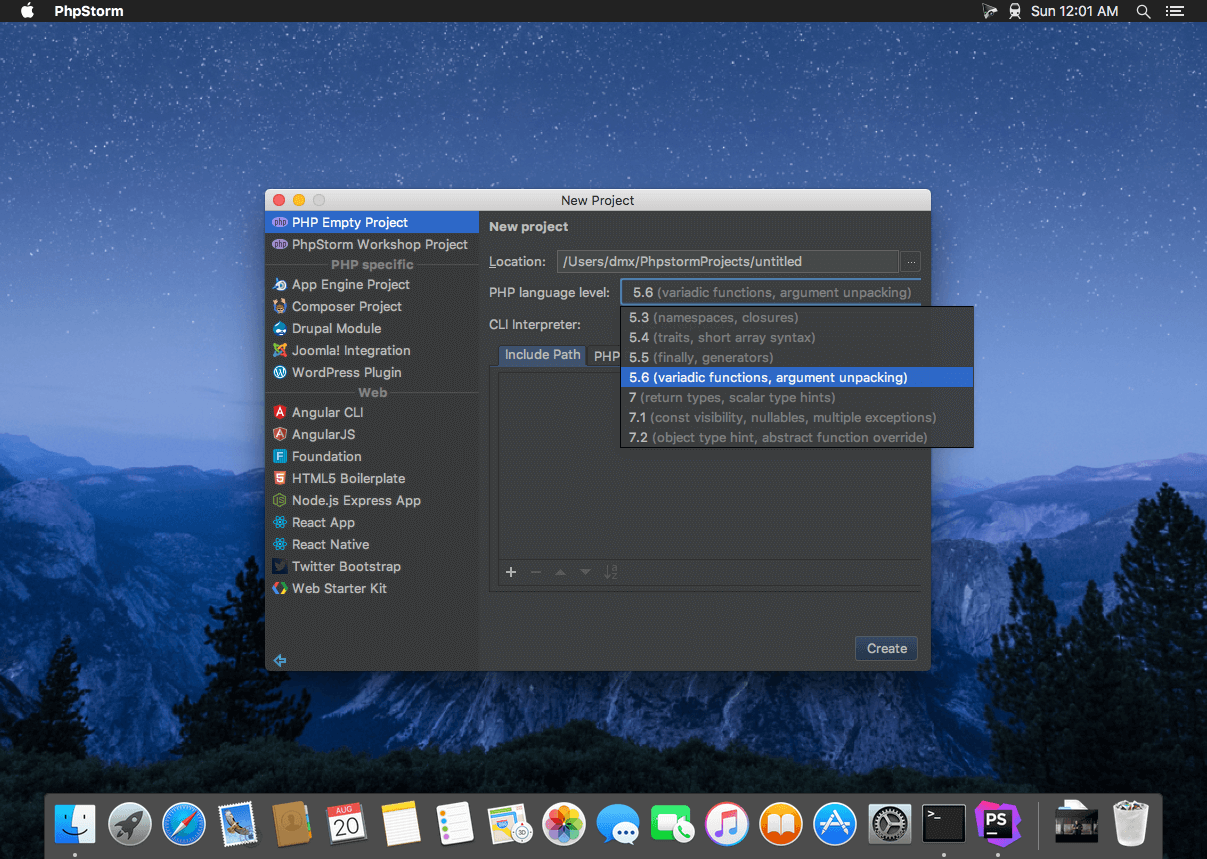
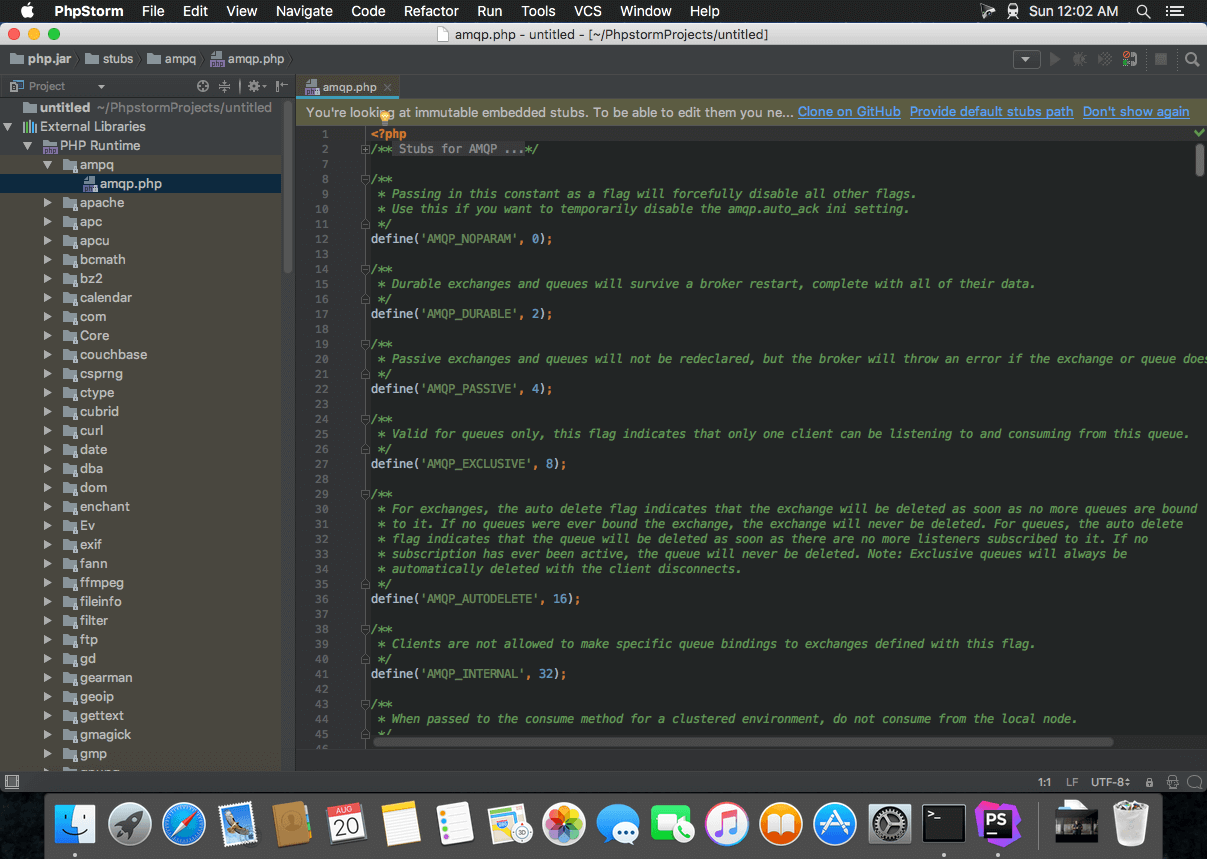
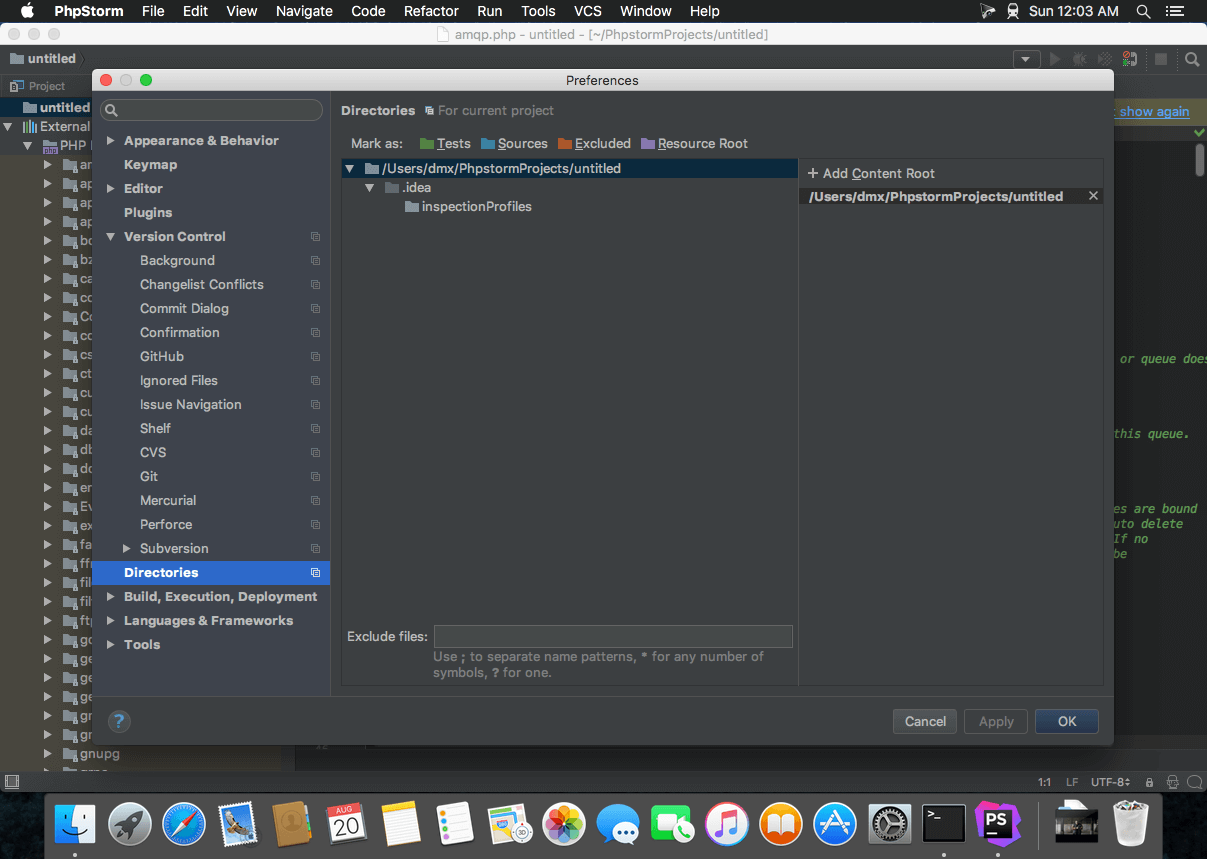
The Most Intelligent PHP IDE. Enjoy productive PHP and web development with PhpStorm. Take advantage of deep code understanding, top-notch coding assistance, and support for all major tools and frameworks. PhpStorm’s smart code editor provides excellent support for PHP (including the latest language versions and frameworks), HTML, jаvascript, CSS, Sass, Less, CoffeeScript, and many other languages.
Why PhpStorm?
Smart PHP Code Editor
The editor that actually 'gets' your code and deeply understands its structure, supporting all PHP language features for modern and legacy projects. Provides the best code completion, refactorings, on-the-fly error prevention, and more.
Code Quality Analysis
Hundreds of inspections take care of verifying your code as you type, analyzing the whole project. PHPDoc support, code (re)arranger and formatter, quick-fixes, and other features help you write neat code that’s easy to support.
Development Environment
Perform many routine tasks right from the IDE, thanks to Version Control Systems integration, support for remote deployment, databases/SQL, command-line tools, Vagrant, Composer, REST Client, and many other tools.
HTML/CSS/jаvascript Editor
All the cutting edge front-end technologies are included, such as HTML5, CSS, Sass, Less, Stylus, CoffeeScript, TypeScript, Emmet, and jаvascript, with refactorings, debugging and unit testing. Live Edit let you see changes instantly in the browser.
Debugging and Testing
Zero-configuration debugging makes it really easy to debug and profile your PHP applications with either Xdebug or Zend Debugger. PHPUnit and Behat support lets you develop and run tests right from the IDE.
Version 2020.2.3:
- Release notes were unavailable when this listing was updated.
Frequently asked questions
How do I install the app?
Mount the image, drag the app into the "Applications" folder and launch it. If the system blocks the launch, allow it in "System Settings → Privacy & Security".
The app is damaged or won't launch
Reinstalling from a fresh image usually helps. Make sure your macOS version matches the one listed in the compatibility specs.
How do I update?
Download the new version from the site and install it over the current one — your settings will be preserved.
The download link doesn't work
Try a mirror or a download manager. For large files the browser often drops the connection.
How do I completely remove the app?
Use an uninstaller utility — it cleans up the service files that remain after moving the app to the trash.
VersionJetBrains PhpStorm 2020.2.3
DeveloperJetBrains
CompatibilitymacOS 10.13 or later, 64-bit processor
LanguageEnglish
IncludesK





Information
Visitors in the group Guests cannot leave comments on this publication.
Choose a download source
JetBrains PhpStorm 2020.2.3 · 391.27 MB