
CodeKit 3.6
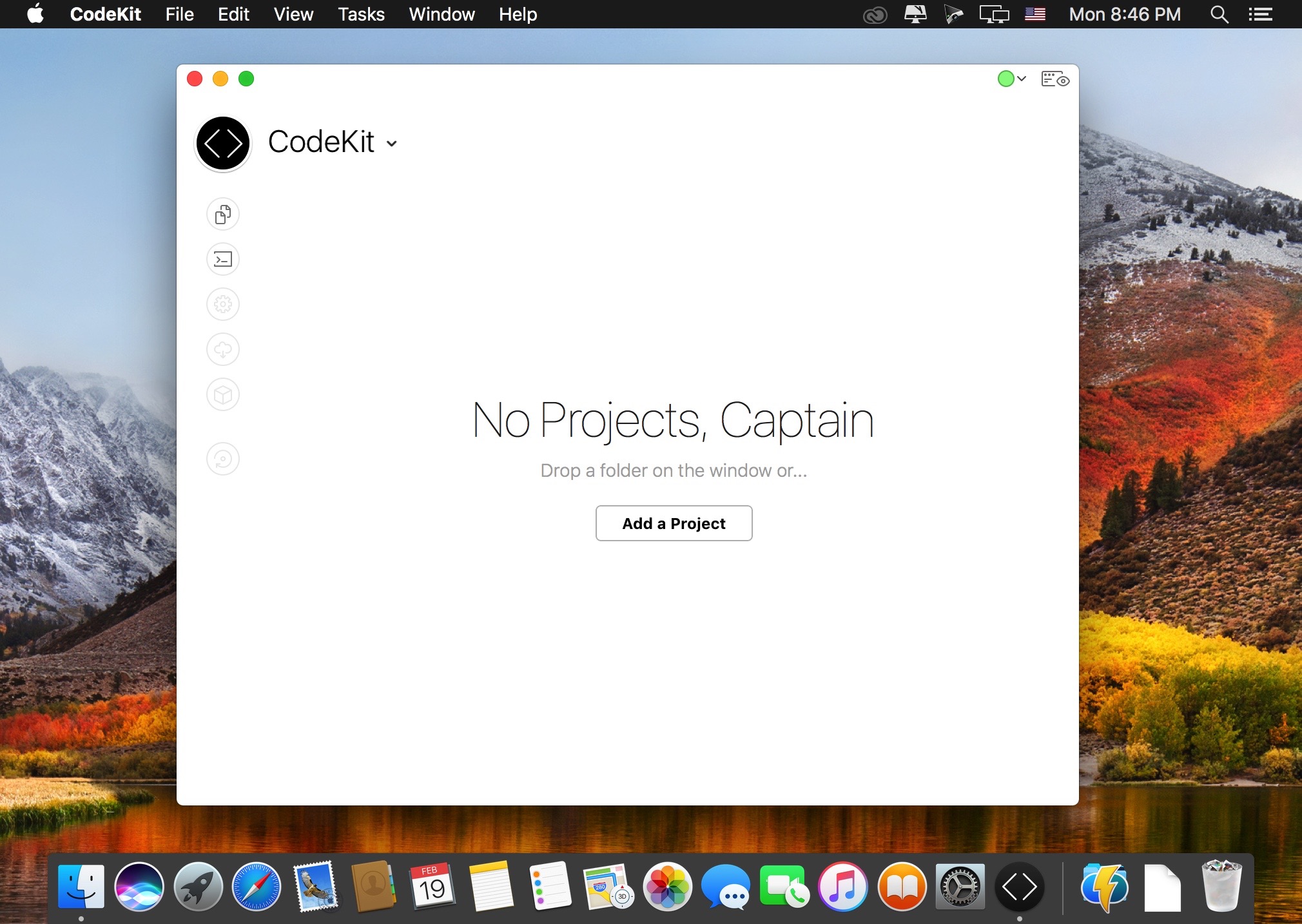
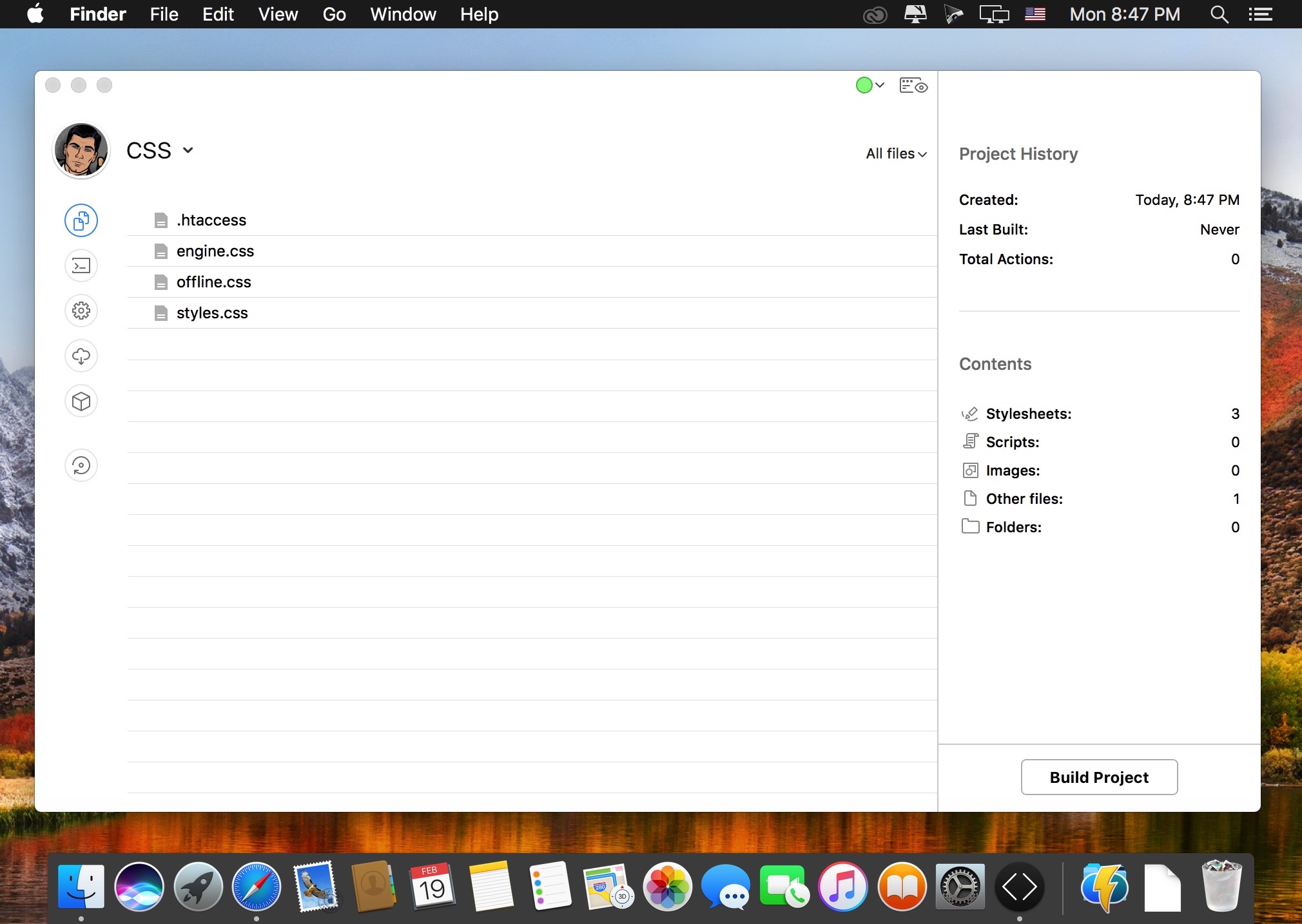
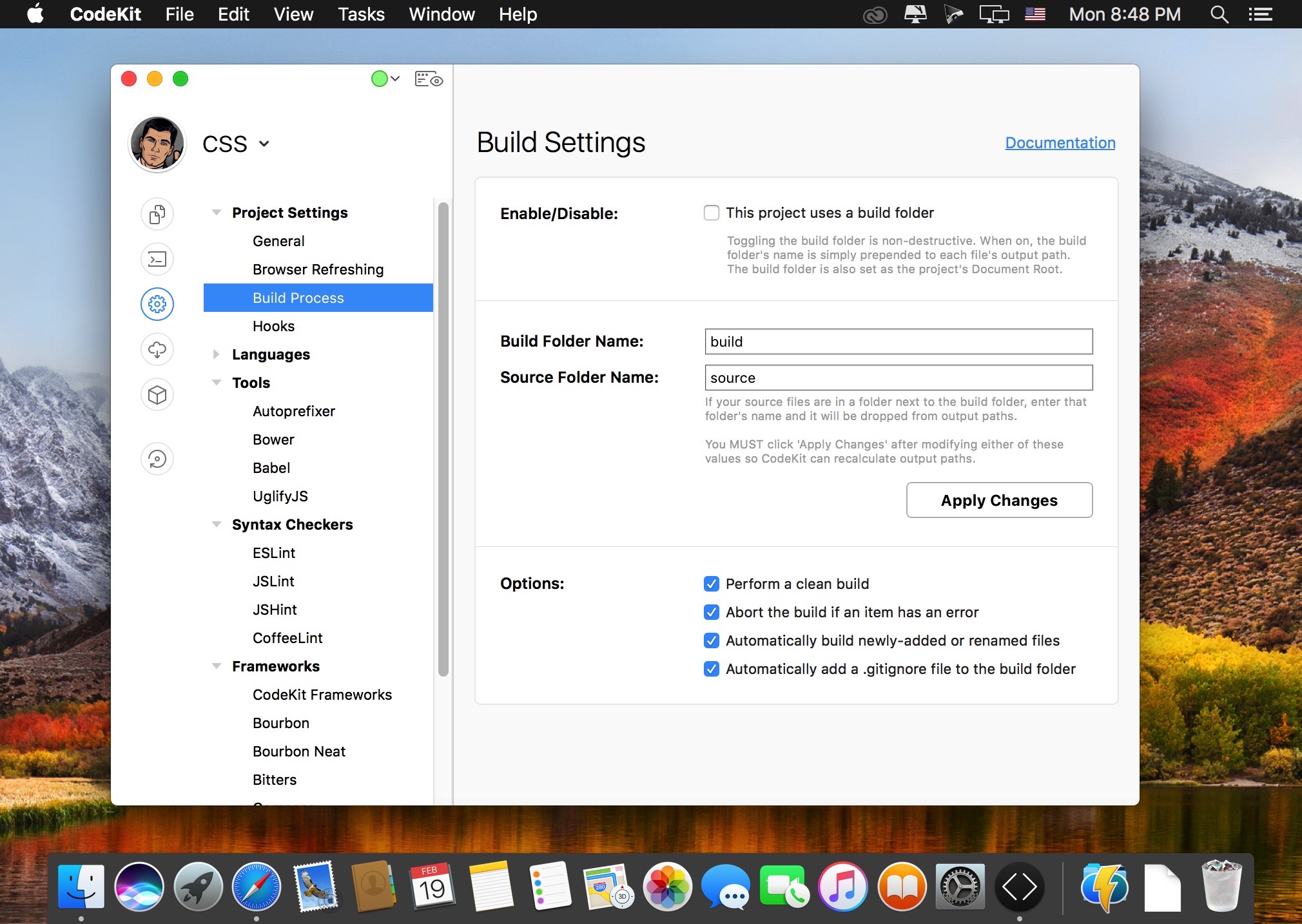
CodeKit helps you build websites faster and better. Its flagship features are listed below and the one-minute teaser video to the right is a good place to start.
Features
- Compile Everything: - Process Less, Sass, Stylus, Jade, Haml, Slim, CoffeeScript, jаvascript, and Compass files automatically each time you save. Easily set options for each language.
- Live Browser Reloads: - Instantly see changes in your browser, with animation and without hitting the refresh button or installing plugins. Great for tweaking layouts!
- Combine and Minify: - Reduce load times by mashing jаvascript and CoffeeScript files together and then minifying with Uglify.js. It's so easy, you'll giggle like a schoolgirl. Seriously.
- Optimize Images: - Losslessly reduce JPEG and PNG file sizes with one click and see the savings. One less thing to do at deployment. (More compression options coming soon!)
- JSHint and JSLint: - Makes debugging scripts fun and easy. Instantly find that one hanging comma that kills IE, or enforce coding styles and best practices across teams.
- Team Collaboration: - Sync project settings across teams and computers in an open JSON format. Keep everyone on the same page or easily jumpstart new sites.
- Easy Frameworks: - Keep just one copy of a file on your drive and easily use it across many projects without worrying about file paths. No more copying files into every new site.
- It Just Works: - There's nothing to install or configure. No mucking around the command line. Just run the app and start working. It's that easy.
Version 3.6:
- Release notes were unavailable when this listing was updated.
Frequently asked questions
How do I install the app?
Mount the image, drag the app into the "Applications" folder and launch it. If the system blocks the launch, allow it in "System Settings → Privacy & Security".
The app is damaged or won't launch
Reinstalling from a fresh image usually helps. Make sure your macOS version matches the one listed in the compatibility specs.
How do I update?
Download the new version from the site and install it over the current one — your settings will be preserved.
The download link doesn't work
Try a mirror or a download manager. For large files the browser often drops the connection.
How do I completely remove the app?
Use an uninstaller utility — it cleans up the service files that remain after moving the app to the trash.
VersionCodeKit 3.6
DeveloperBryan D K Jones
CompatibilityOS X 10.8 or later, 64-bit processor
LanguageEnglish
IncludesK




Information
Visitors in the group Guests cannot leave comments on this publication.
Choose a download source
CodeKit 3.6 · 67.74 MB