
To Text Converter 1.3
To Text Converter
Convert RTF, RTFD, PDF, HTML to text file on your Mac
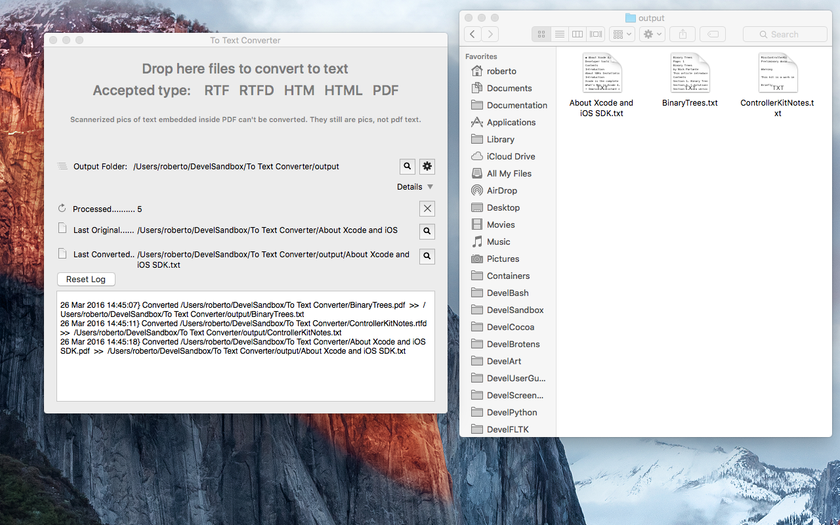
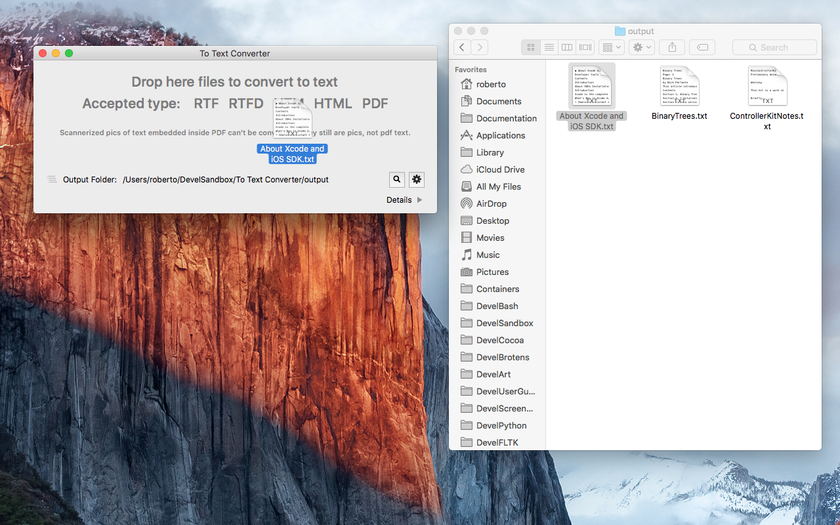
To Text Converter is an app to convert files from various formats (PDF, HTML, RTF, RTFD) to standard plain text files It works with drag-and-drop of files from Finder to the application window. Process many files at once dropping them on the ‘To Text Converter’ main window, in that case it will save more files each with the relative text inside, all in a single step. Shows in the window path to the converted and created files. It is able to show in the finder and directly open them pressing a button, both the last processed file and the converted one.
Useful for extracting text, removing formatting and various language codes, as with web pages, PDF, RTF, and RTFD files. The resulting text can be used for any purpose because it is always ‘clean’ with no code inside and ready to use in any other application.
Features
- Easy to use, no learning curve at all
- Works using drag-and-drop
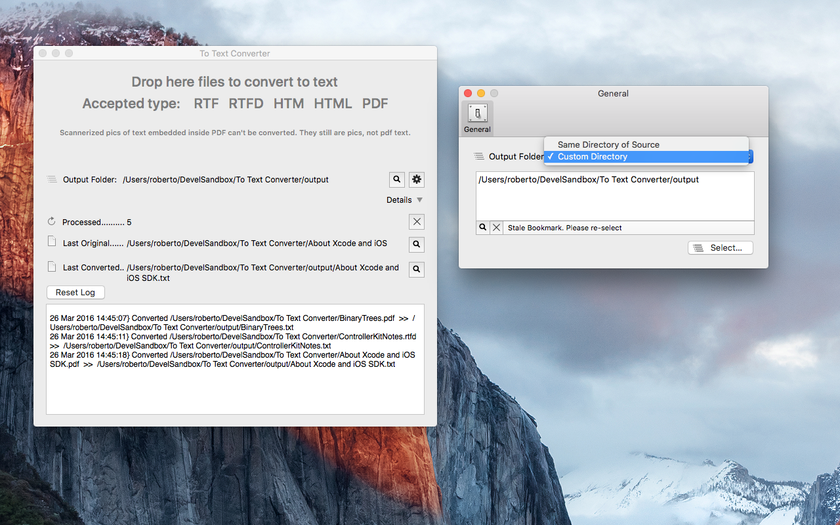
- Can save results in a custom folder or near the originals
- Never touch or modify the original files
- Works on PDF, RTF, RTFD, HTM, HTML
- Convert also more then one file per time
- PDF manual embedded
WHAT’S NEW
Version 1.3:
Note: Now requires OS X 10.10 or later
- Improved layout
- Now all the window area can handle drag-and-drop of files
- Log area inside the main window
- Improved text extraction
- Improved handling of error situations
- Optimized for OS X 10.11 El Capitan
Screenshots
Frequently asked questions
How do I install the app?
Mount the image, drag the app into the "Applications" folder and launch it. If the system blocks the launch, allow it in "System Settings → Privacy & Security".
The app is damaged or won't launch
Reinstalling from a fresh image usually helps. Make sure your macOS version matches the one listed in the compatibility specs.
How do I update?
Download the new version from the site and install it over the current one — your settings will be preserved.
The download link doesn't work
Try a mirror or a download manager. For large files the browser often drops the connection.
How do I completely remove the app?
Use an uninstaller utility — it cleans up the service files that remain after moving the app to the trash.
VersionTo Text Converter 1.3
DeveloperTension Software
CompatibilityOS X 10.7 or later, 64-bit processor
LanguageEnglish
IncludesPre-K'ed

Information
Visitors in the group Guests cannot leave comments on this publication.
Choose a download source
To Text Converter 1.3 · 2.11 MB