Oka Unarchiver PRO 2.1.17
Oka Unarchiver: a versatile file archiver and ZIP extractor for Mac.
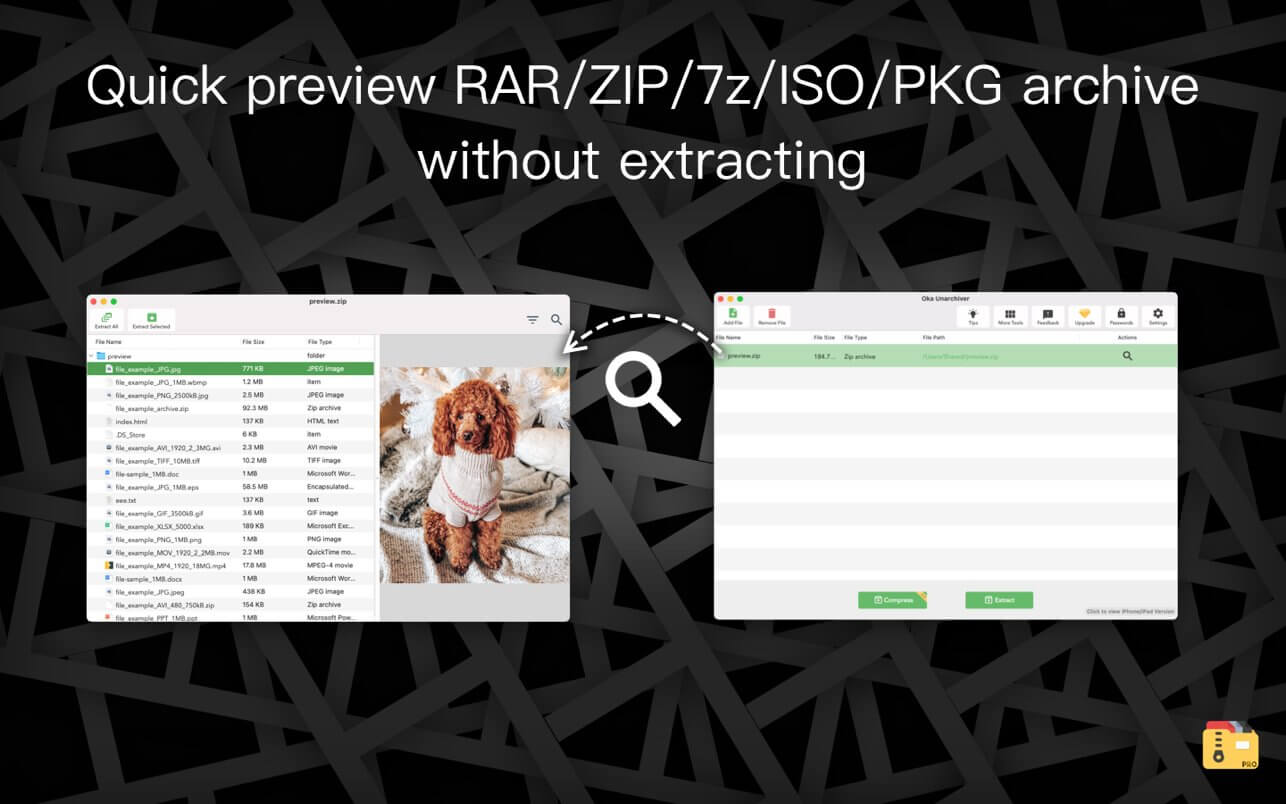
Oka Unarchiver is upgraded to version 2.0. New interface, optimized operation experience.
Compression formats supported:
- ZIP
Extraction formats supported:
- 7Z, ZIP, RAR, TAR, GZIP, BZIP2, XZ, LZIP, ACE, ISO, CAB, PAX, JAR, AR, CPIO, and more
The Oka Unarchiver is a small and easy-to-use program that can archive or unarchive many different kinds of archive files.
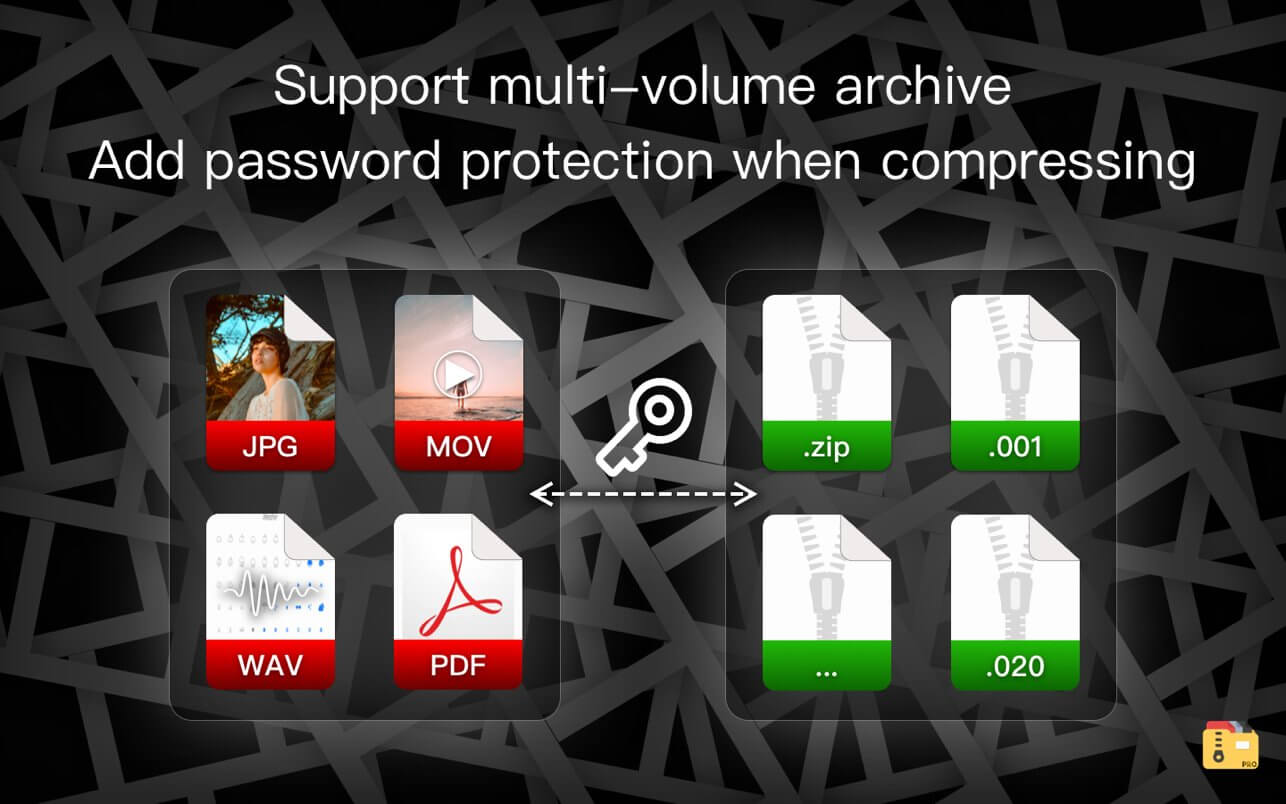
With Oka Unarchiver you can compress as many files as you want. Also, you can protect them with a password.
Also, Oka Unarchiver can extract lots of compressed files, from ZIP to 7Z archives, even parted ones. Just drop files in the icon, or into the main window, and they will be extracted using Oka Unarchiver
You can add any file into the list to archive or extract. If you click the archive button, Oka Unarchiver can archive all the files in the list at one time. If you click the extract button, Oka Unarchiver will automatically detect which files can be extracted.
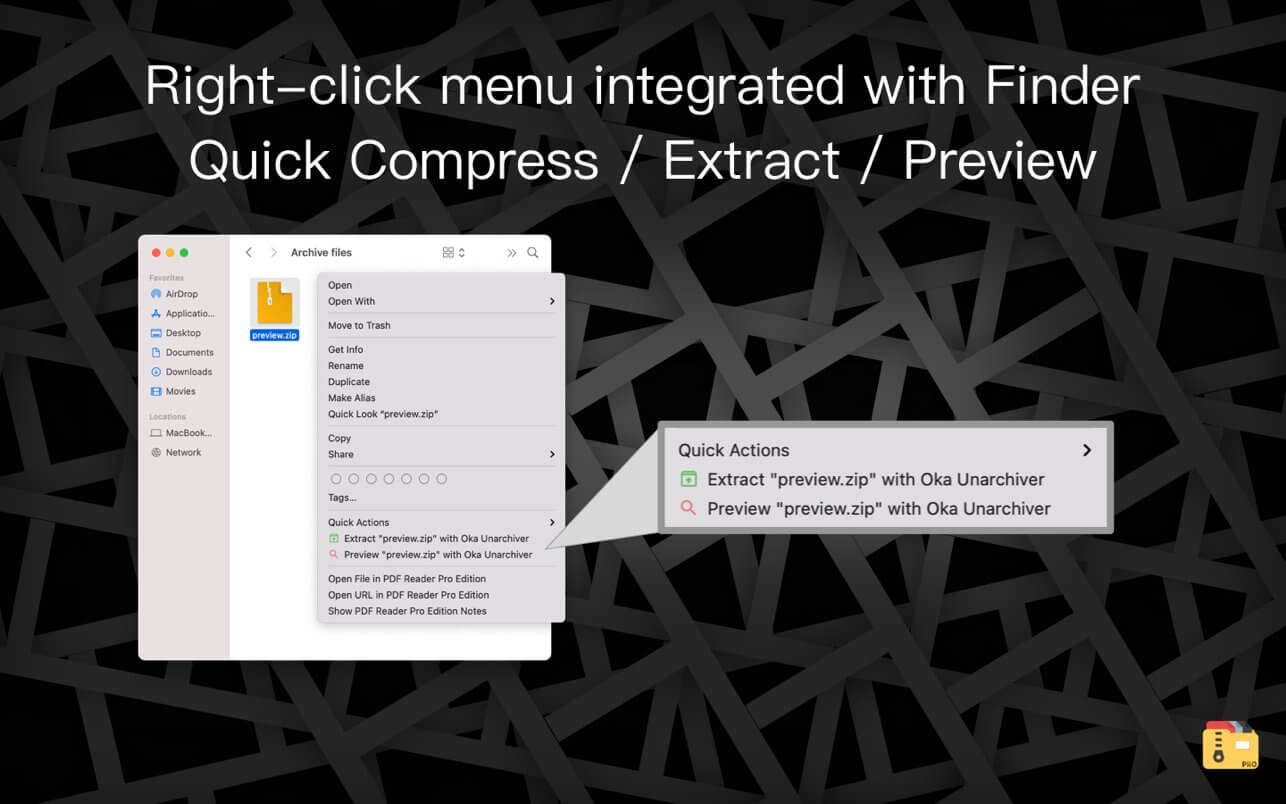
The latest support for Finder extension, right-click on the file directly in the Finder, you can compress/uncompress or preview the file through the menu, greatly simplifying the operation steps.
So easy to use:
- Support Finder extension, right-click the file in Finder to compress or extract files directly, even preview files inside the archive
- Support Quick look preview zip files
- Batch decompression of archives
- Supports password-protected archives
- Click one button to extract & archive;
- Drag archives and drop to extract;
- Open in finder to extract;
- Support archive into multi-part zip files.
- Supports new Mac computers with Apple M1 chip.
Version 2.1.17
- Bug Fixes
Frequently asked questions
How do I install the app?
Mount the image, drag the app into the "Applications" folder and launch it. If the system blocks the launch, allow it in "System Settings → Privacy & Security".
The app is damaged or won't launch
Reinstalling from a fresh image usually helps. Make sure your macOS version matches the one listed in the compatibility specs.
How do I update?
Download the new version from the site and install it over the current one — your settings will be preserved.
The download link doesn't work
Try a mirror or a download manager. For large files the browser often drops the connection.
How do I completely remove the app?
Use an uninstaller utility — it cleans up the service files that remain after moving the app to the trash.



Choose a download source
Oka Unarchiver PRO 2.1.17 · 26.58 MB