
A Better Finder Attributes 7 v7.50
Fix photo timestamps so every shoot sorts in order
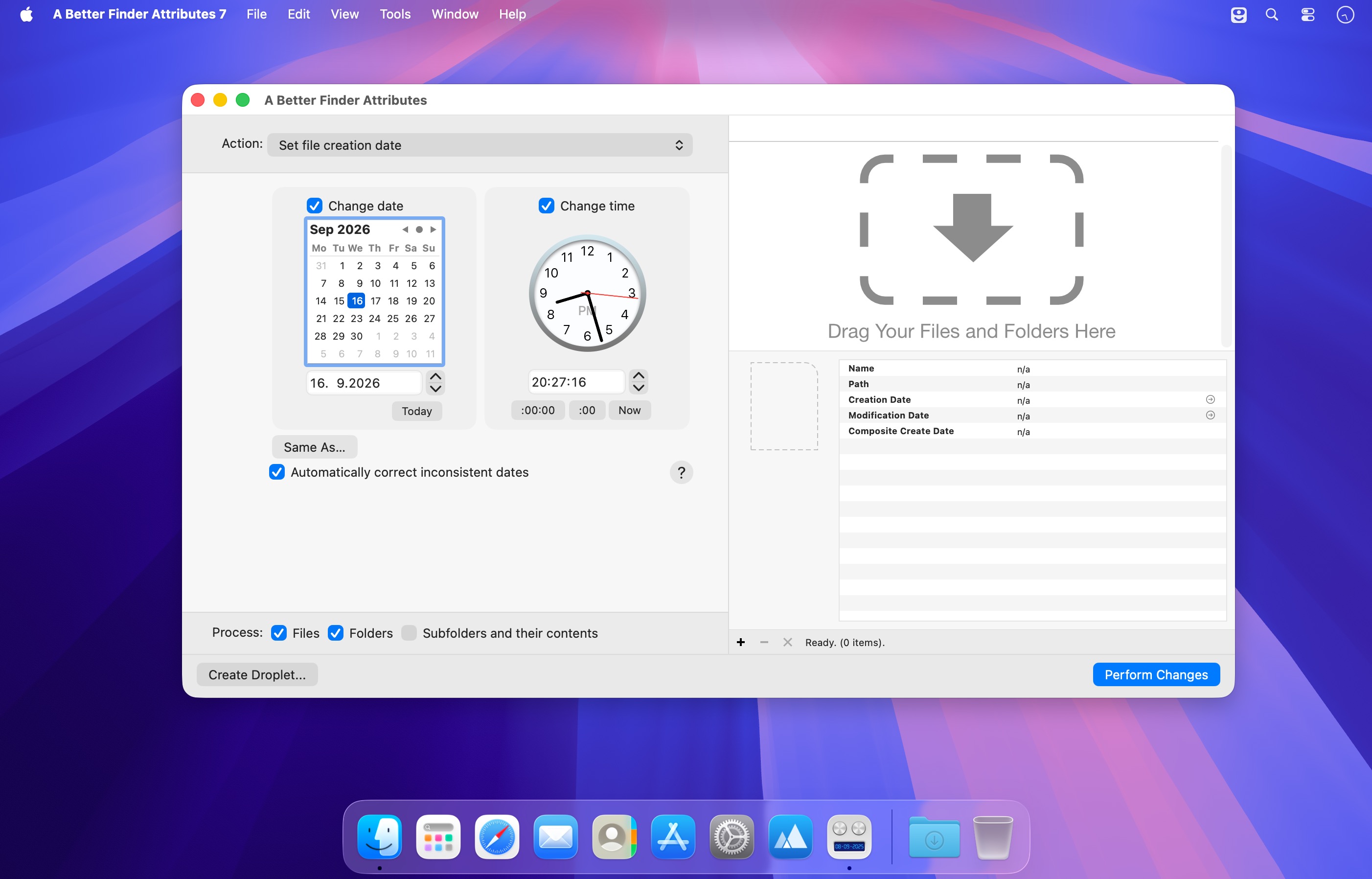
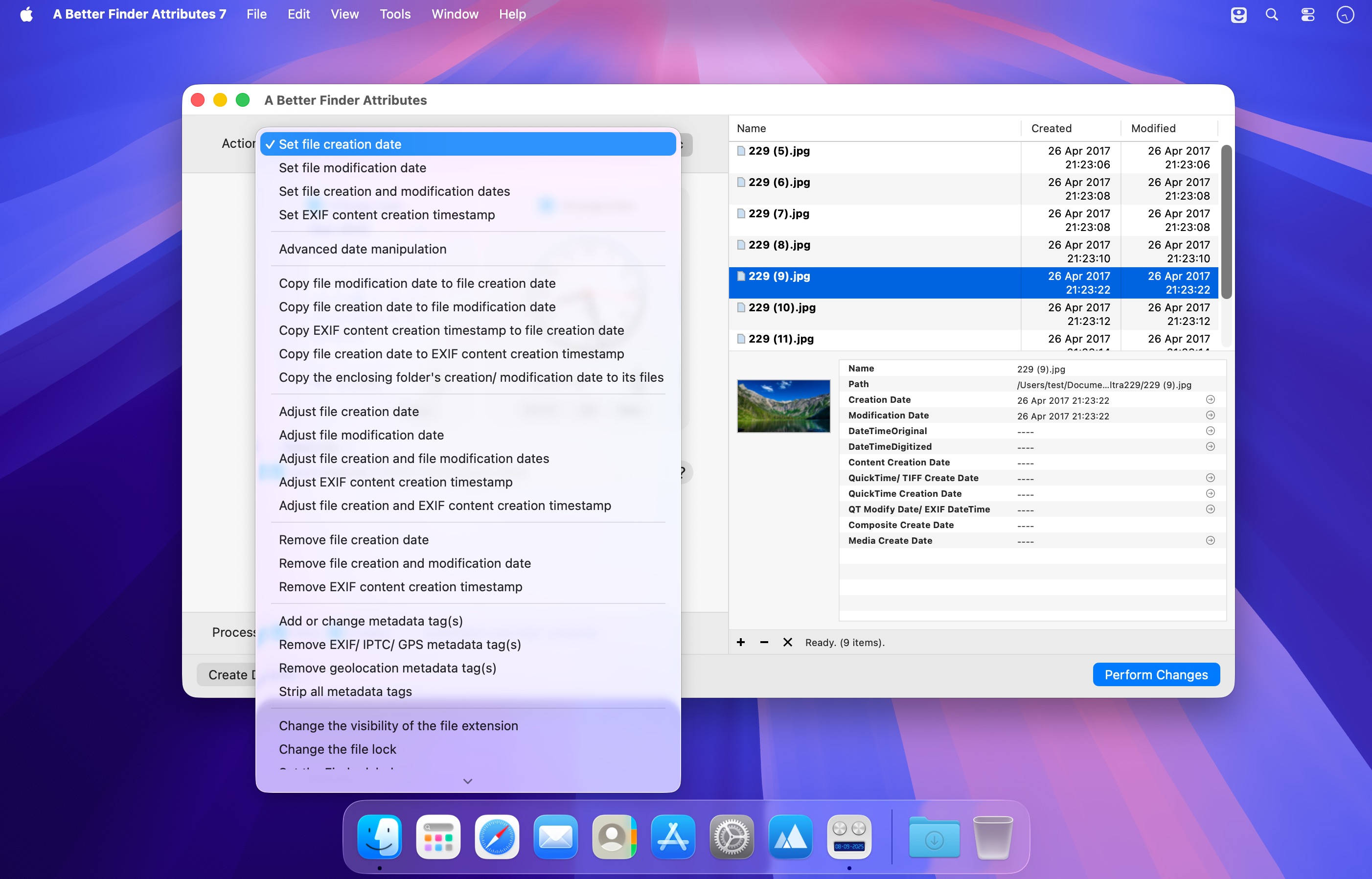
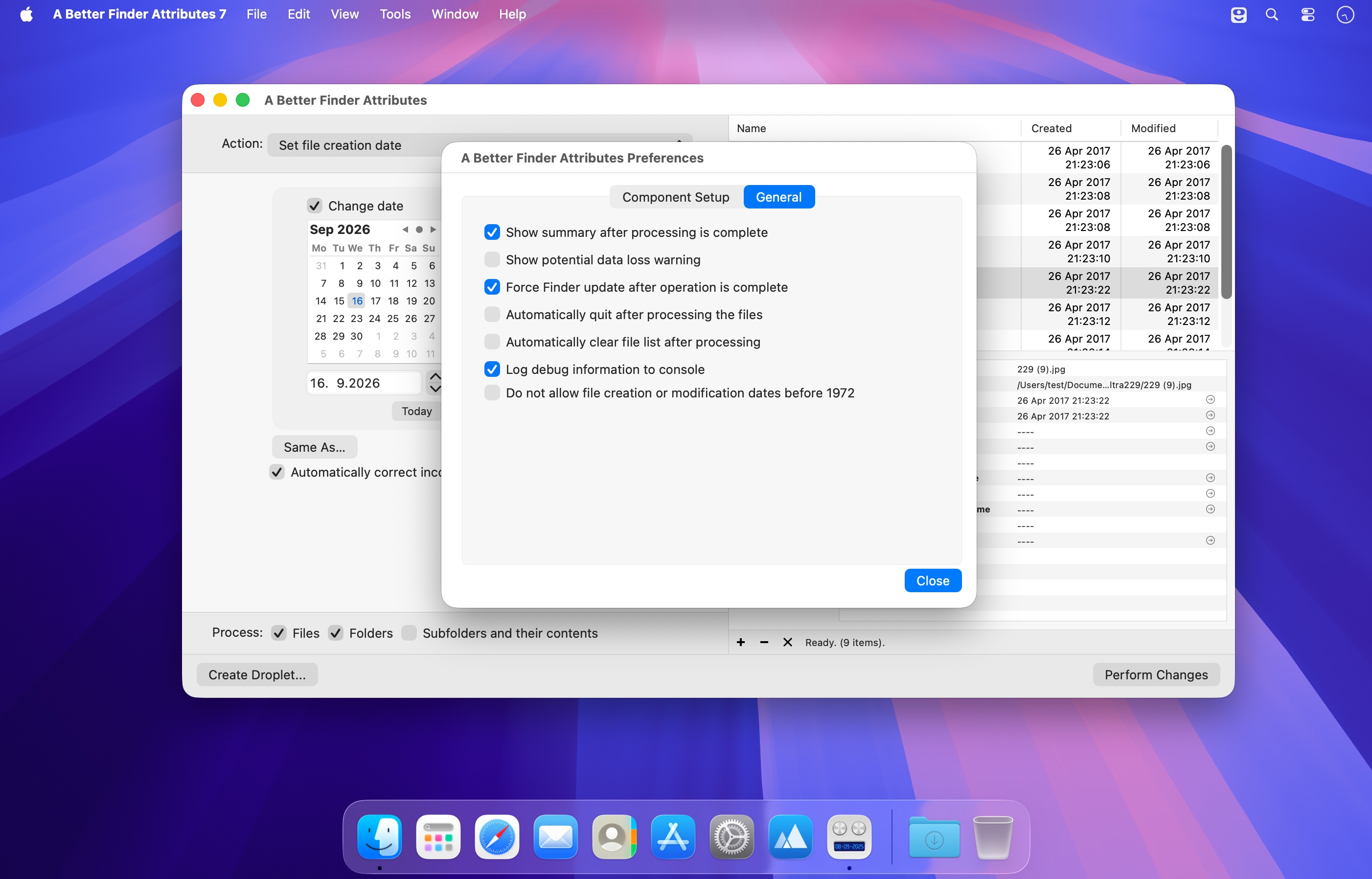
A camera still set to home time, two cameras with unsynced clocks, a stack of scans with no dates at all: A Better Finder Attributes 7 is built to fix photo dates on Mac in each of these cases. It edits the capture timestamps inside JPEG, RAW and video files, not just the dates Finder shows.
When the dates are wrong
Set shooting dates to an exact time, or shift a whole collection by the hours you were off. Then copy the shooting date to each file's creation date so Finder sorts by when the photo was taken. If an editing app wiped your file dates, copy them back from the originals. You can also read the dates from the file names.
When there are no dates
Scanners don't know when a picture was taken. Scan in sequence and set an approximate start date. The app then adds a small step to each file, so the photos line up in order in Photos.
Before files leave your Mac
Remove camera, lens and exposure details before sending files to clients. You can strip only GPS location or all EXIF and IPTC data, or add copyright and owner info instead. Delete invisible .DS_Store files that cause trouble on non-Mac systems and in version control tools. Match file dates, extension visibility and Finder labels across a delivery.
A preview pane shows each file's metadata before you apply changes. Droplets save the settings you reuse: drop files onto one, and it applies them.
Version 7.50
- The new version writes the Apple QuickTime creation date so that Photos and Final Cut Pro pick up content creation dates set on movies, keeps IPTC Date Created and EXIF time zone offsets in sync when setting embedded dates, fixes a one-hour DST error when writing QuickTime dates, accepts more GPS coordinate formats in the change tag action, writes shooting dates into Photoshop files again, and adds an info button to the title bar.
Frequently asked questions
How do I install the app?
Mount the image, drag the app into the "Applications" folder and launch it. If the system blocks the launch, allow it in "System Settings → Privacy & Security".
The app is damaged or won't launch
Reinstalling from a fresh image usually helps. Make sure your macOS version matches the one listed in the compatibility specs.
How do I update?
Download the new version from the site and install it over the current one — your settings will be preserved.
The download link doesn't work
Try a mirror or a download manager. For large files the browser often drops the connection.
How do I completely remove the app?
Use an uninstaller utility — it cleans up the service files that remain after moving the app to the trash.


Choose a download source
A Better Finder Attributes 7 v7.50 · 15.19 MB
Previous versions
A Better Finder Attributes 7 v7.50
Previous versions are available to registered users.