

File List Export 4.0.2
Export folder contents to Excel and compare file scans
Screenshots
Click to enlarge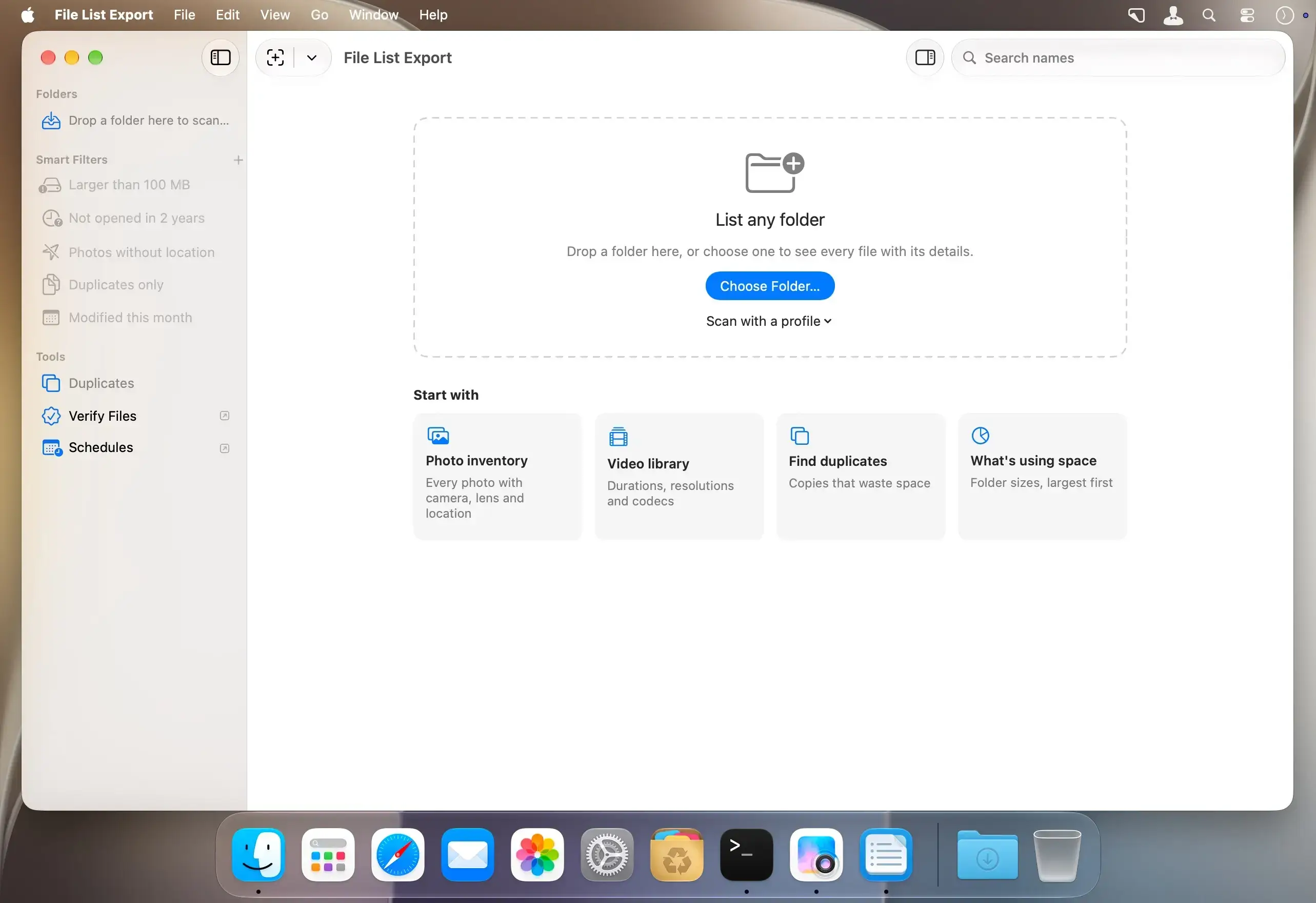
File List Export turns any folder or drive into a detailed list of its files and exports it to Excel, CSV, PDF and more. Version 4 is rebuilt for today's macOS and remembers every scan, so you can always see what changed. It is free to download, and earlier buyers keep Pro.
List any folder or drive
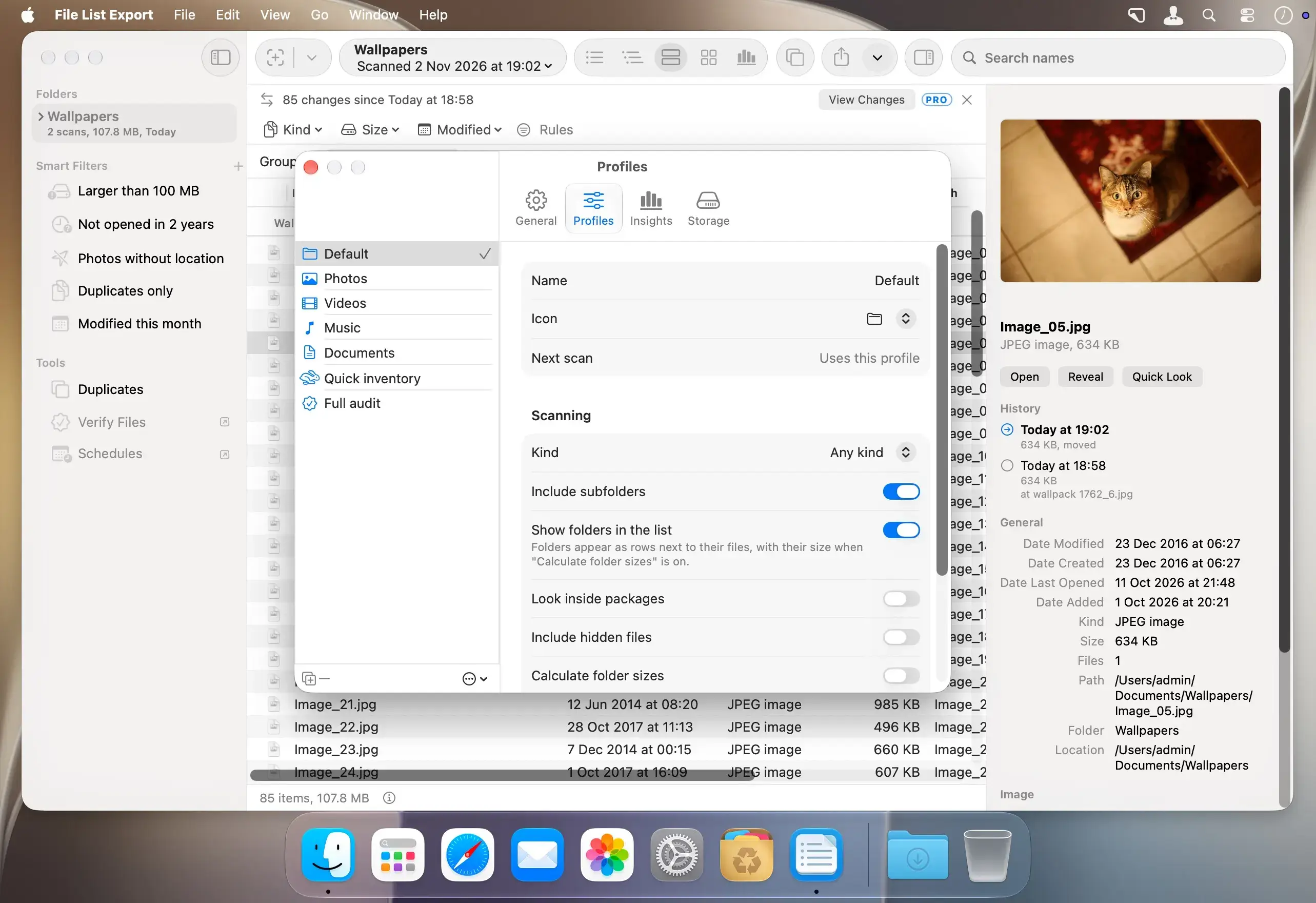
Choose a folder, drop it on the window or pick an external drive. Folders with hundreds of thousands of files are fine.
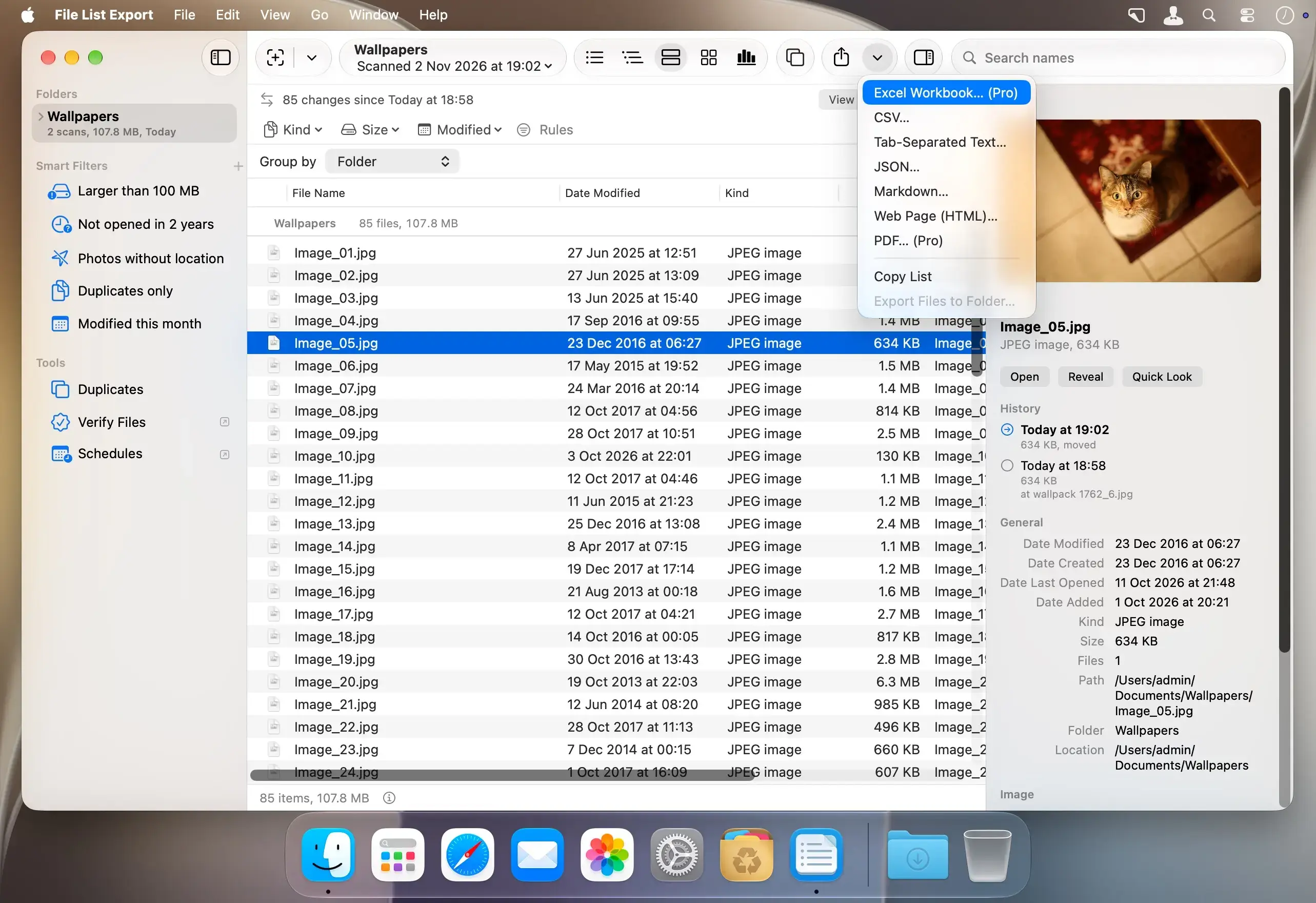
- Details: 70 columns, including name, kind, size, dates, tags and comments, audio and video details, image size and color, photo EXIF (camera, lens, ISO, date taken, GPS) and MD5 and SHA-256 checksums
- Sort, filter and search: use smart filters like Larger than 100 MB, Not opened in 2 years and Photos without location, or build your own rules for any column
- Layouts: see your files as a List, a Tree, in Groups, as a Gallery or as Insights
Export anywhere
Save your list in the format that suits the job.
- Excel: workbooks with thumbnails, links and totals
- Data and web formats: CSV, TSV, JSON, Markdown and a sortable web page (HTML)
- PDF: tables ready to print, and contact sheets of your photos
It remembers every scan
Scan a folder again and see every file that was added, removed, changed or moved. Every folder and drive keeps its history, even while the drive is unplugged. Select a file to see how it changed from scan to scan.
See what takes the space
Insights shows the totals, a map of your folders, breakdowns by kind, year and age, and suggestions for what to clean up.
Find duplicates, safely
Compare identical copies side by side, choose which one to keep and move the rest to the Bin. Nothing is deleted for good.
Verify files
Check a folder against its saved checksums, from an earlier scan or a checksum file, to find files that changed or went bad.
Automate
Use Shortcuts actions to scan, export, find duplicates, compare scans and verify files. Set up schedules that scan a folder every day, week or month and save a report.
Version 4.0.2:
- Excel thumbnails sit inside their cells, fill them, and stay with their rows when you sort or filter in Excel.
- Lists open in folder order: each folder, then its files, then its subfolders, as in version 3. The sort you choose by clicking a column header is remembered.
- The Export button in the toolbar opens the export window. Its arrow still exports in one step.
Comments
No comments yet. Be the first.