Tagr 5.14.1
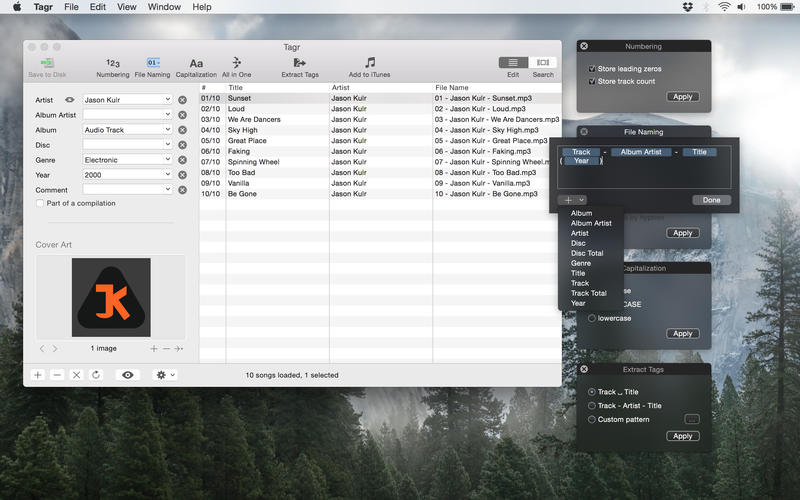
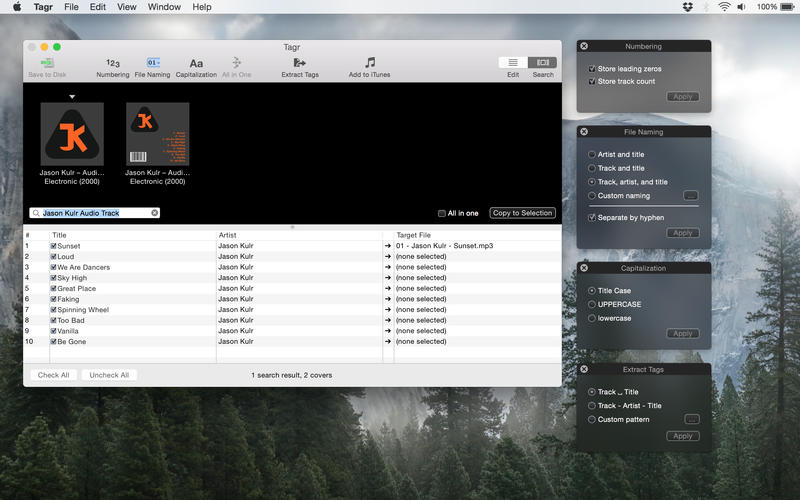
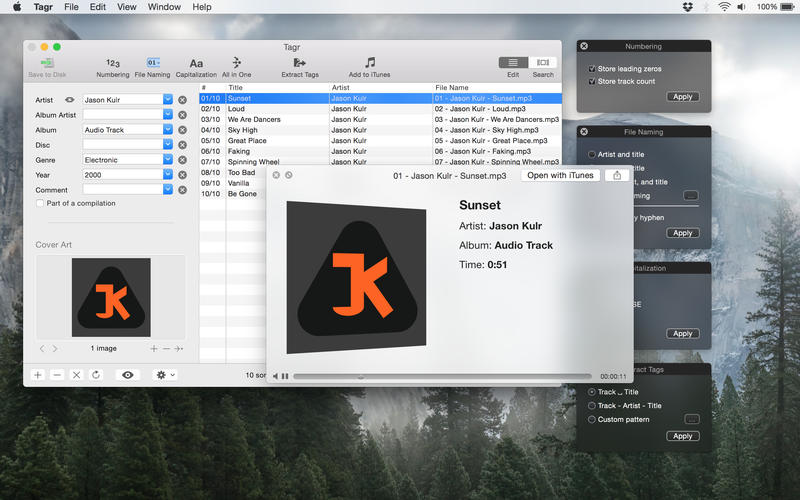
Tagr is an application that helps you organize your music collection.
With Tagr you can easily edit information such as a song's artist, title, or album cover. Tagr also allows you to control the way your files are named, numbered, and capitalized. There is no more need for having other tools dictate that for you!
Features
- Edit meta data of individual MP3 and M4A files or
- Edit a list of files in bulk
- Embed cover art into your songs
- Apply uppercase, lowercase, and title case capitalization schemes
- Automatically generate track numbers
- Choose from predefined file naming schemes or define your own
- Extract tags from the file name using predefined or custom patterns
- Search discogs.com for album information and copy it to your songs
- Listen to songs through QuickLook
- Customize Tagr to your needs
Version 5.14.1
Bug fixes
- Stability improvements and bug fixes
Frequently asked questions
How do I install the app?
Mount the image, drag the app into the "Applications" folder and launch it. If the system blocks the launch, allow it in "System Settings → Privacy & Security".
The app is damaged or won't launch
Reinstalling from a fresh image usually helps. Make sure your macOS version matches the one listed in the compatibility specs.
How do I update?
Download the new version from the site and install it over the current one — your settings will be preserved.
The download link doesn't work
Try a mirror or a download manager. For large files the browser often drops the connection.
How do I completely remove the app?
Use an uninstaller utility — it cleans up the service files that remain after moving the app to the trash.


Choose a download source
Tagr 5.14.1 · 10.27 MB
Previous versions
Tagr 5.14.1
Previous versions are available to registered users.