PodCenter 1.3.5
PodCenter: Turn your library into a personal portable soundtrack.
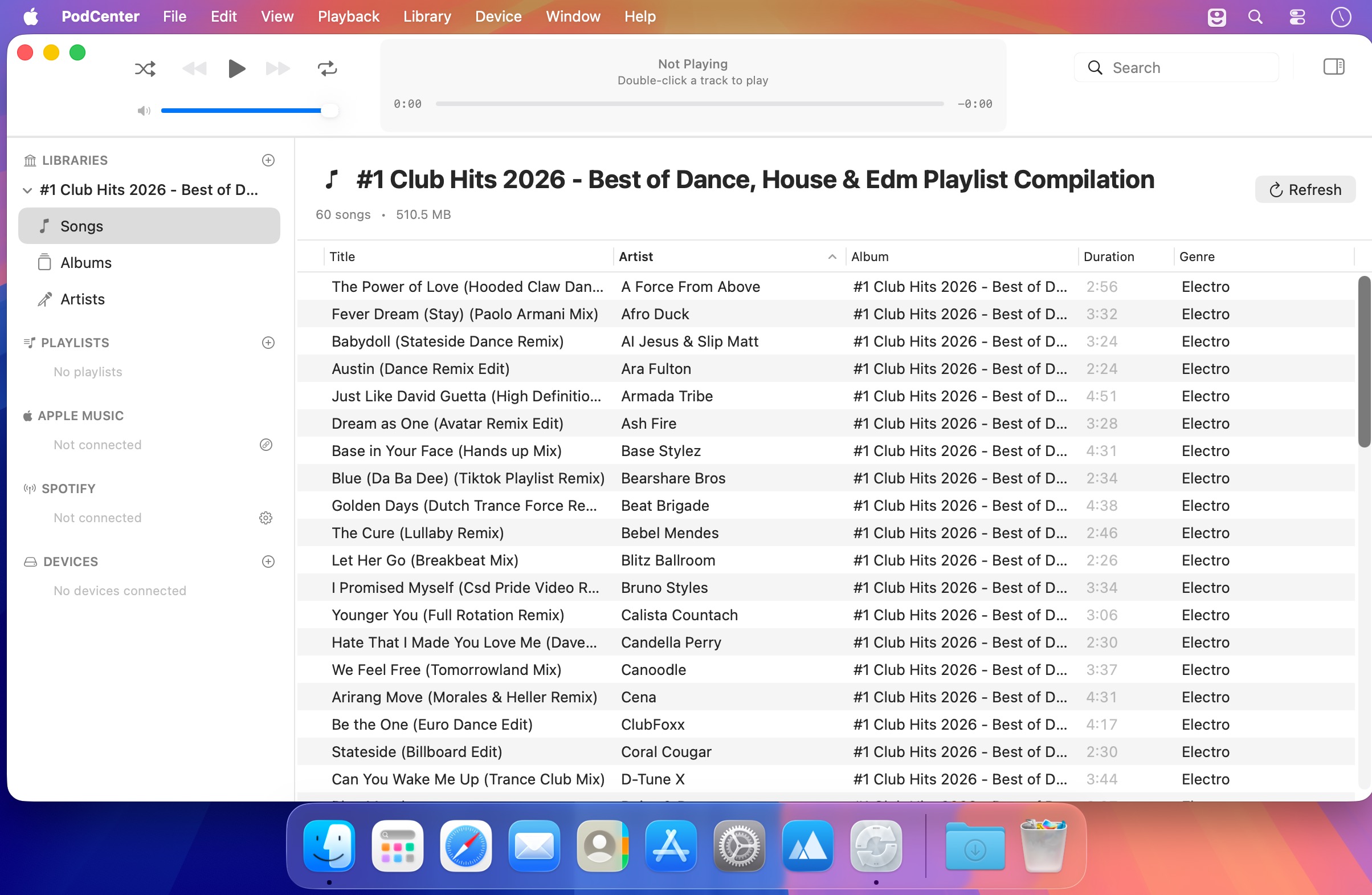
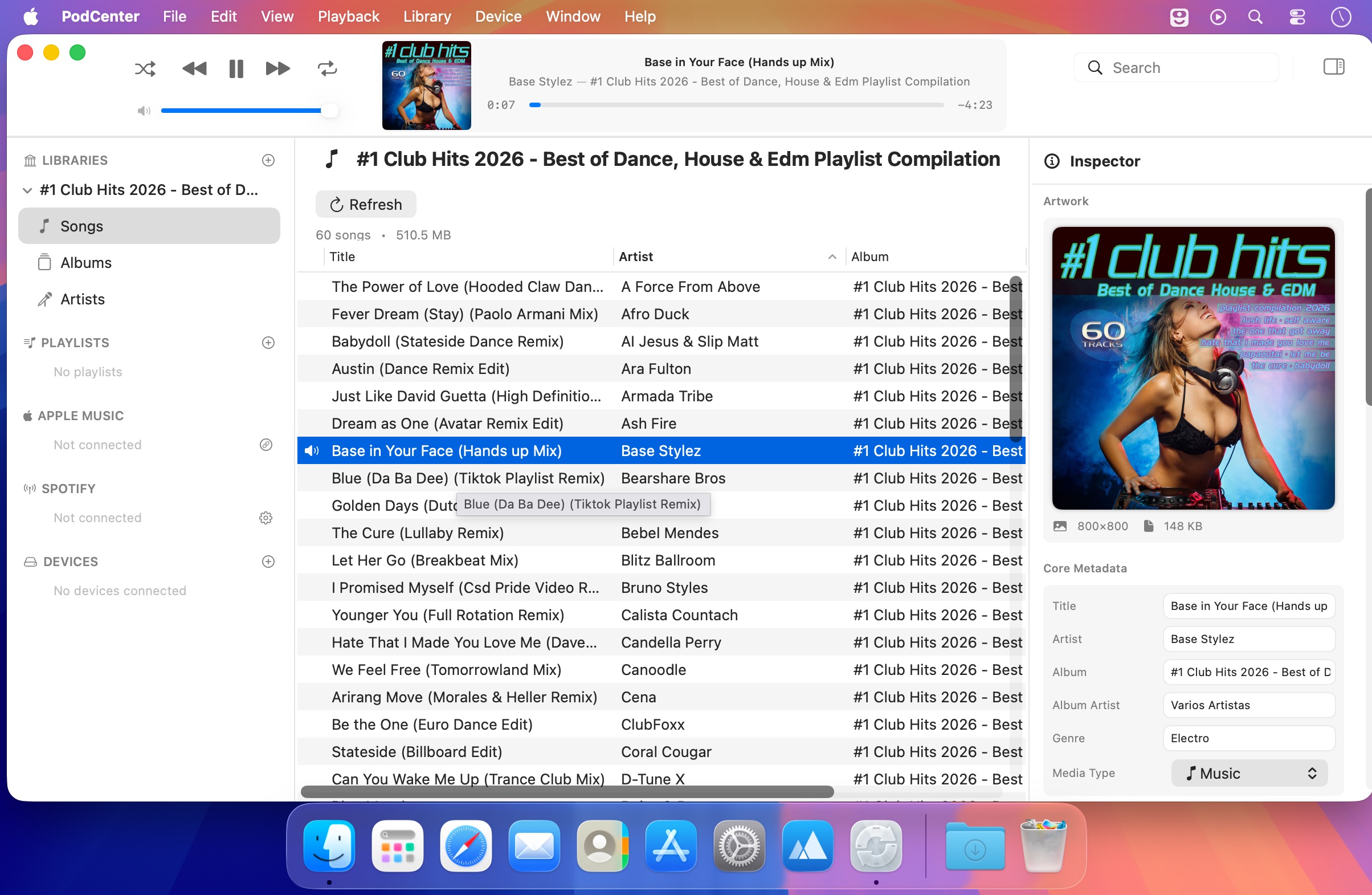
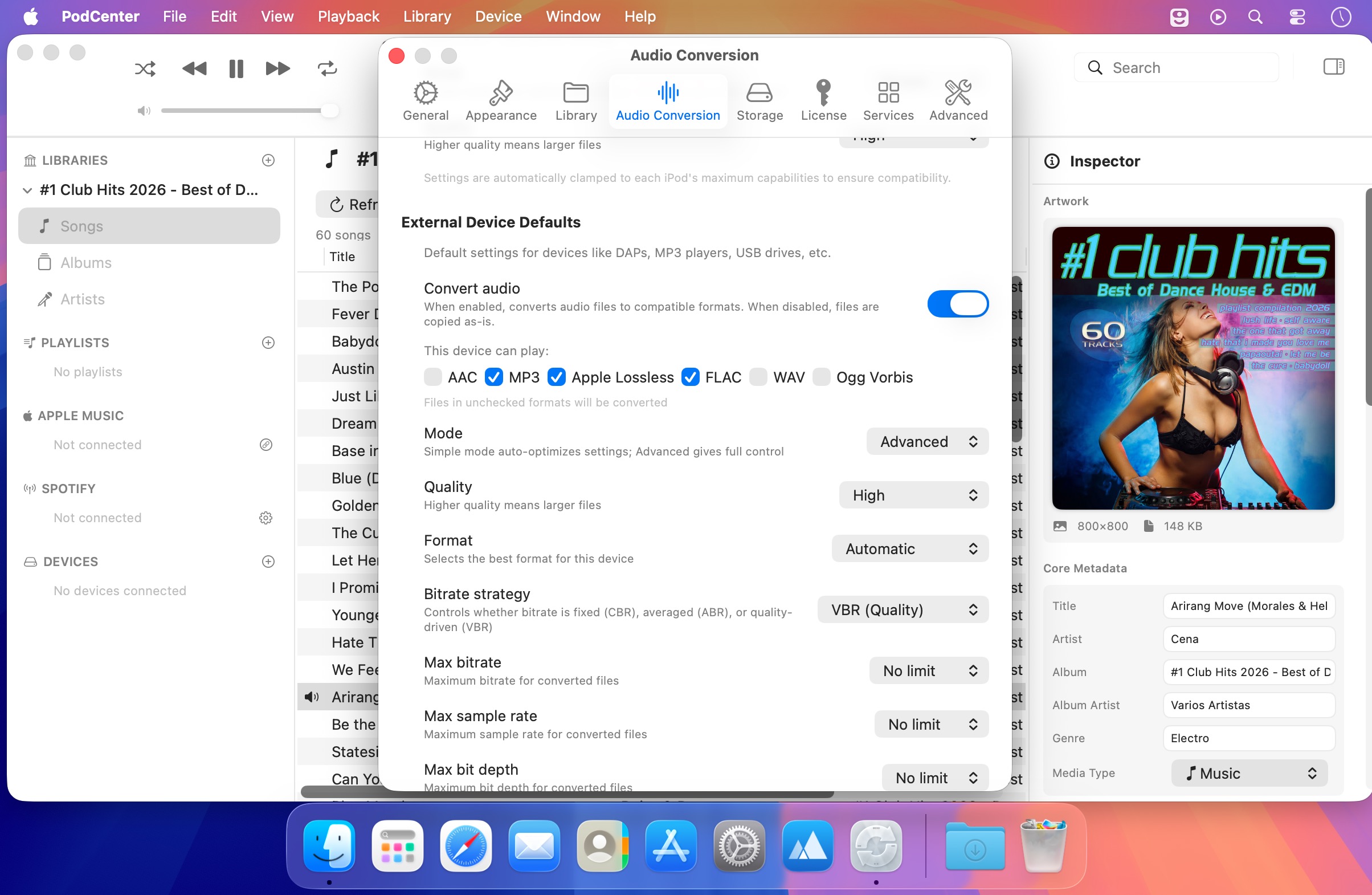
PodCenter is the modern command center for your iPod and other devices that sync through Finder. Prepare, organize, convert, and sync your music from one clear, powerful app—without scripts, workarounds, or juggling multiple tools.
Manage your entire library
Browse your music by song, album, or artist with instant search and smart filters. PodCenter works directly with your existing folders, so there’s no need to import or duplicate your collection.
Edit metadata in bulk
Correct titles, artists, albums, artwork, and more with powerful metadata editing. Apply changes to hundreds of tracks at once and keep your library consistent.
Explore by album art
See your collection the way it was meant to be experienced. Browse visually, open any album, and check exactly which tracks are ready to sync.
Sync with confidence
Drag and drop music to your devices with real-time feedback. PodCenter clearly shows what will transfer, what needs conversion, and what’s already on your device before you start syncing.
Create and manage playlists
Build playlists, reorder tracks, and sync them reliably—without the limitations of Finder. Keep your portable music library organized exactly the way you want.
Bring your streaming playlists with you
Connect Apple Music or Spotify, match streaming playlists against your local library, fill in missing tracks, and sync the results to your devices.
PodCenter brings your local music, playlists, metadata, and portable devices together in one streamlined command center.
Version 1.3.5
- Stability — Performance and reliability improvements under the hood.
Frequently asked questions
How do I install the app?
Mount the image, drag the app into the "Applications" folder and launch it. If the system blocks the launch, allow it in "System Settings → Privacy & Security".
The app is damaged or won't launch
Reinstalling from a fresh image usually helps. Make sure your macOS version matches the one listed in the compatibility specs.
How do I update?
Download the new version from the site and install it over the current one — your settings will be preserved.
The download link doesn't work
Try a mirror or a download manager. For large files the browser often drops the connection.
How do I completely remove the app?
Use an uninstaller utility — it cleans up the service files that remain after moving the app to the trash.


Choose a download source
PodCenter 1.3.5 · 50.26 MB