
Mp3tag 1.14.0
Mp3tag audio metadata editor for bulk tag management
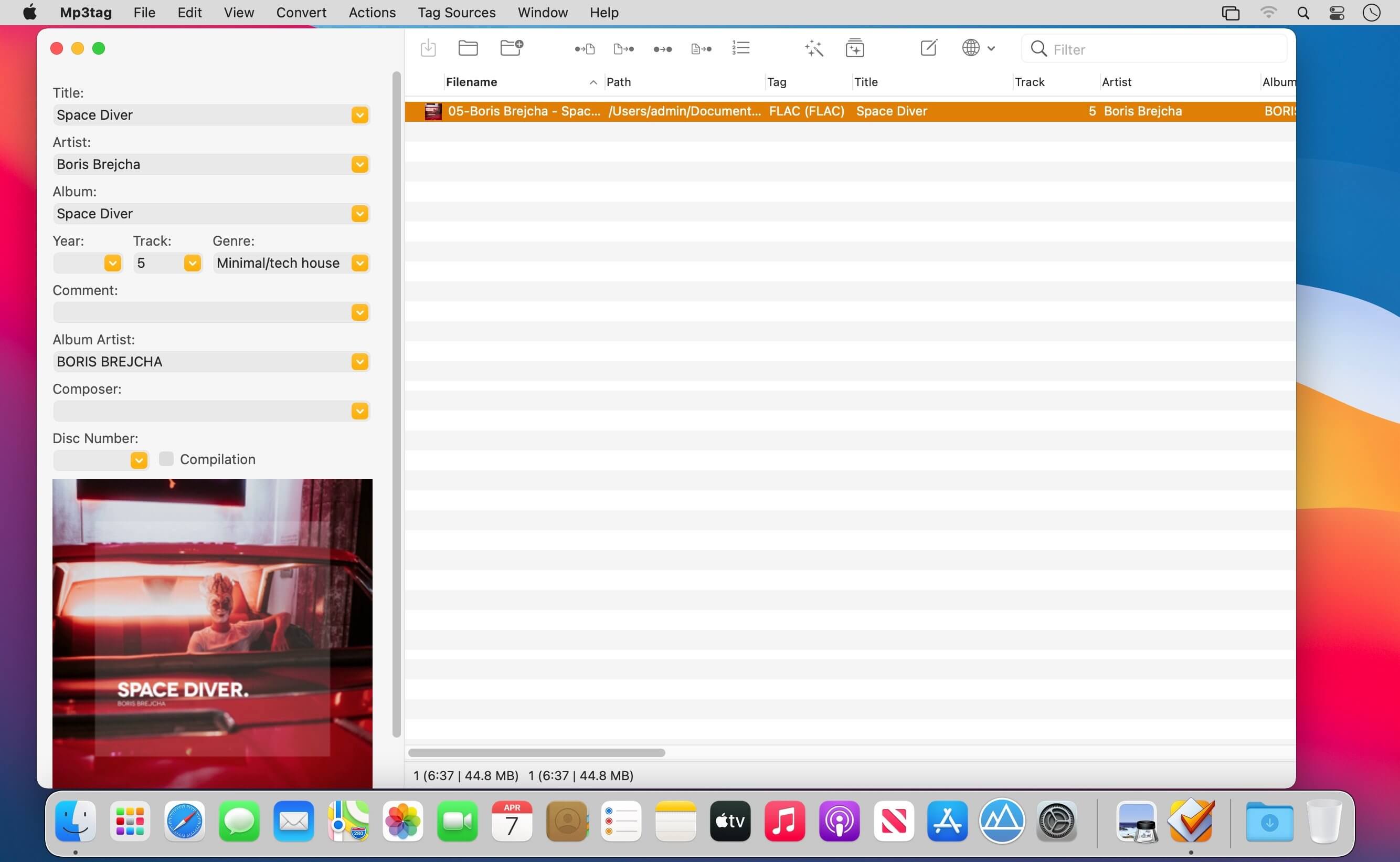

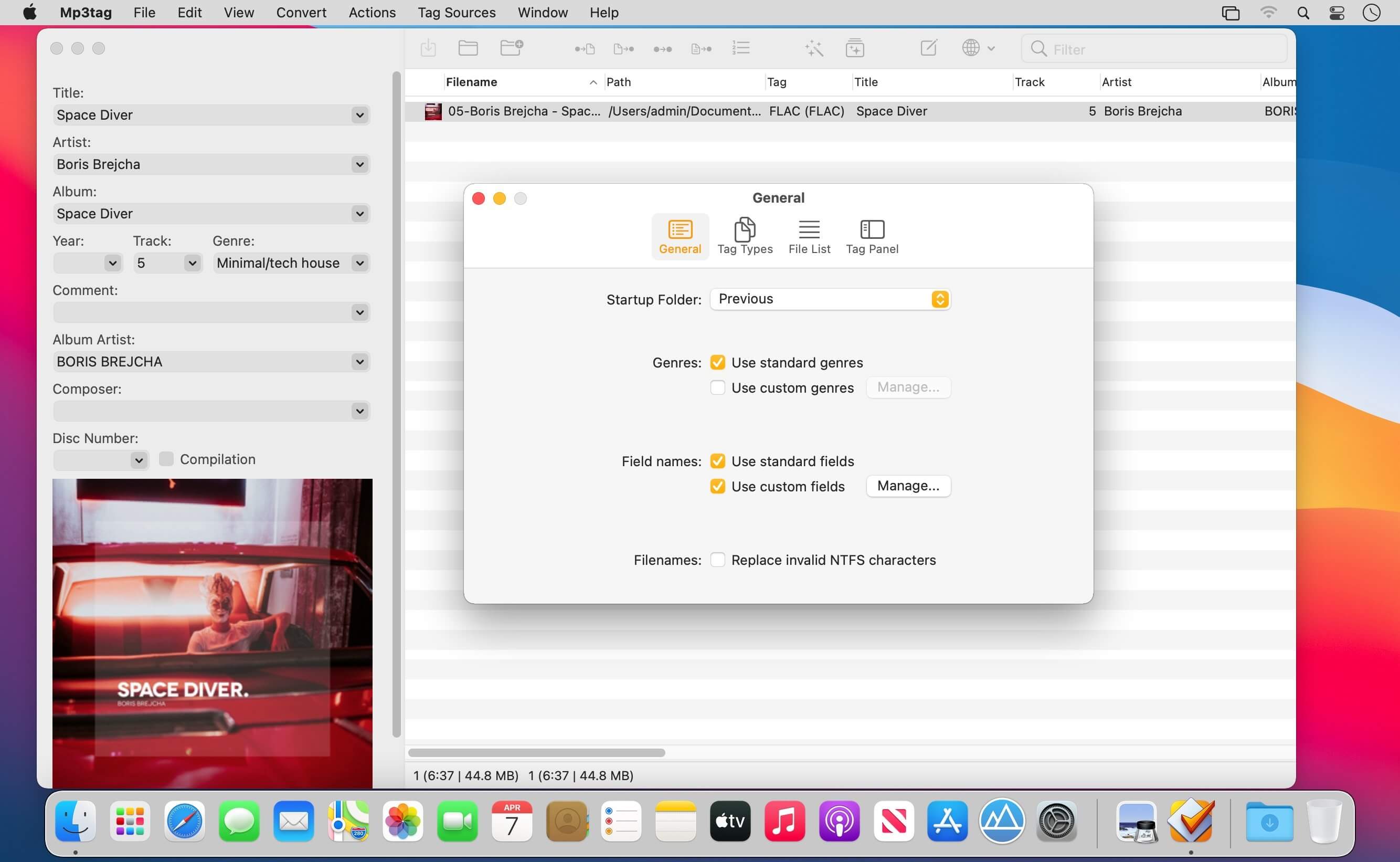
Mp3tag is a powerful and easy-to-use tool to edit metadata of audio files. Musicians, DJs, podcasters, and audio-enthusiasts use it for many different aspects of handling audio files. It supports batch tag-editing for multiple files at once, covering many audio formats from MP3, over MP4, and M4V (yes, that's video!) to FLAC, OGG, OPUS, AIF, DSF, MPC, and WAV.
Furthermore, it supports online database lookups from Discogs and MusicBrainz, allowing to gather proper tags and download cover art for music libraries.
It offers renaming files based on the tag information, replacing characters or words in tags and filenames, importing tag information, and adjusting the size and image format of embedded cover art.
Since some of the tasks in managing a digital library are repetitive, Mp3tag allows for combining tasks into action groups, which serve as workflows for keeping consistency and order. Examples are formatting tag fields, performing case conversion, removing unwanted fields, or adjusting embedded cover art to match required sizes.
Key Features
- Bulk-Editing of Tags for multiple files at once.
- Editing of cover-art.
- Renaming files based on tags.
- Importing metadata from filenames.
- Assign track and disc numbers via the auto-numbering wizard.
- Importing metadata from online Tag Sources.
- Support for Flexible Tagging, allowing for user-defined tag fields in a standardized way.
- Applying action groups with many tasks combined into reusable workflows.
- Support for many file types under a universal user interface.
- and more...
Supported File Formats
- MP3 (ID3v1, ID3v2.3, ID3v2.4 with UTF-8)
- MP4/M4A/M4B/M4V (iTunes and Nero)
- FLAC (Vorbis Comments)
- OGG (Vorbis Comments)
- OPUS (Vorbis Comments)
- AIF (RIFF INFO and RIFF ID3)
- DSF (ID3v2)
- MPC (APEv2)
- WAV (RIFF INFO and RIFF ID3)
Version 1.14.0:
New
- Added support for custom field values when editing fields.
- Added support for managing format string histories and named favorites.
- Added an Extended Tags context menu for copying, cutting, and pasting tag fields
- Added an option to apply filters only after pressing Enter instead of automatically while typing.
- Added scripting functions
columnNames(x,y)andcolumnValues(x,y)to retrieve File List column names and values. - Added the
$fmtDate()scripting function to format raw timestamps as human-readable dates. - Added support for importing the fields
COMPILATION,MUSICBRAINZ_ALBUMTYPE, andORIGYEARvia the MusicBrainz Tag Source.
Changed
- Improved the performance of Tag Sources with many conditional expressions.
- Extended the Web Sources Framework function
json_foreachto iterate over JSON objects and output object keys viajson_foreach_counter. - Added the
FilterIgnoredFieldsconfiguration setting for specifying fields to ignore when filtering. It defaults toACOUSTID_FINGERPRINT. - Prevented files from
.Trashand.Trashesdirectories from appearing in the File List. - Added missing file-type registration for WavPack audio files (
*.wv). - Added support for relative file paths to the Import Cover action.
Fixed
- Fixed an issue where using
/in a filename while renaming a file in the File List created folders. - Fixed a crash that could occur when undoing cover changes.
- Fixed an issue where the Web Sources Framework function
json_foreachexecuted the loop body for empty or missing JSON arrays.
Frequently asked questions
How do I install the app?
Mount the image, drag the app into the "Applications" folder and launch it. If the system blocks the launch, allow it in "System Settings → Privacy & Security".
The app is damaged or won't launch
Reinstalling from a fresh image usually helps. Make sure your macOS version matches the one listed in the compatibility specs.
How do I update?
Download the new version from the site and install it over the current one — your settings will be preserved.
The download link doesn't work
Try a mirror or a download manager. For large files the browser often drops the connection.
How do I completely remove the app?
Use an uninstaller utility — it cleans up the service files that remain after moving the app to the trash.

Choose a download source
Mp3tag 1.14.0 · 12.87 MB
Previous versions
Mp3tag 1.14.0
Previous versions are available to registered users.