
PassDirector 2.5.2
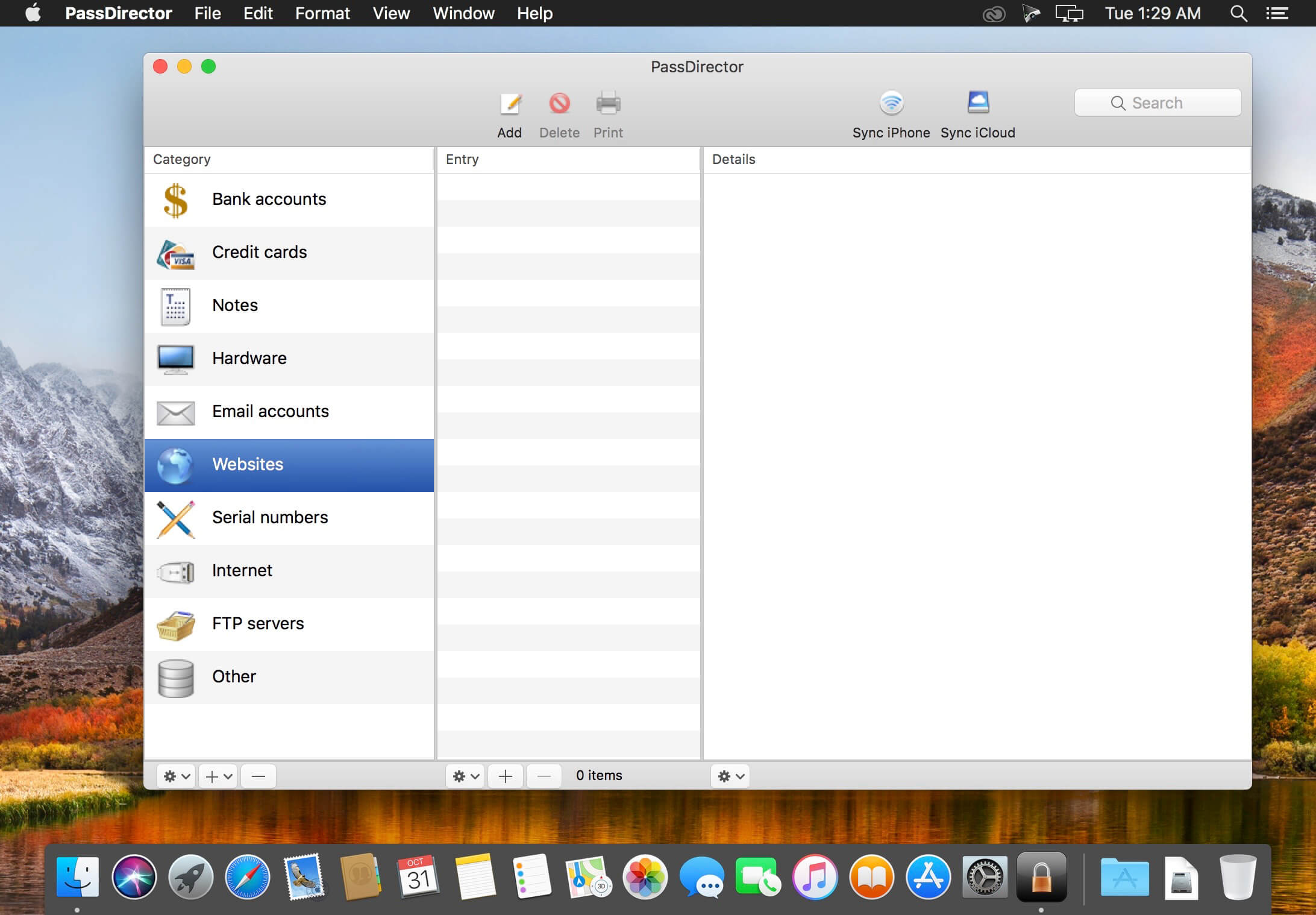

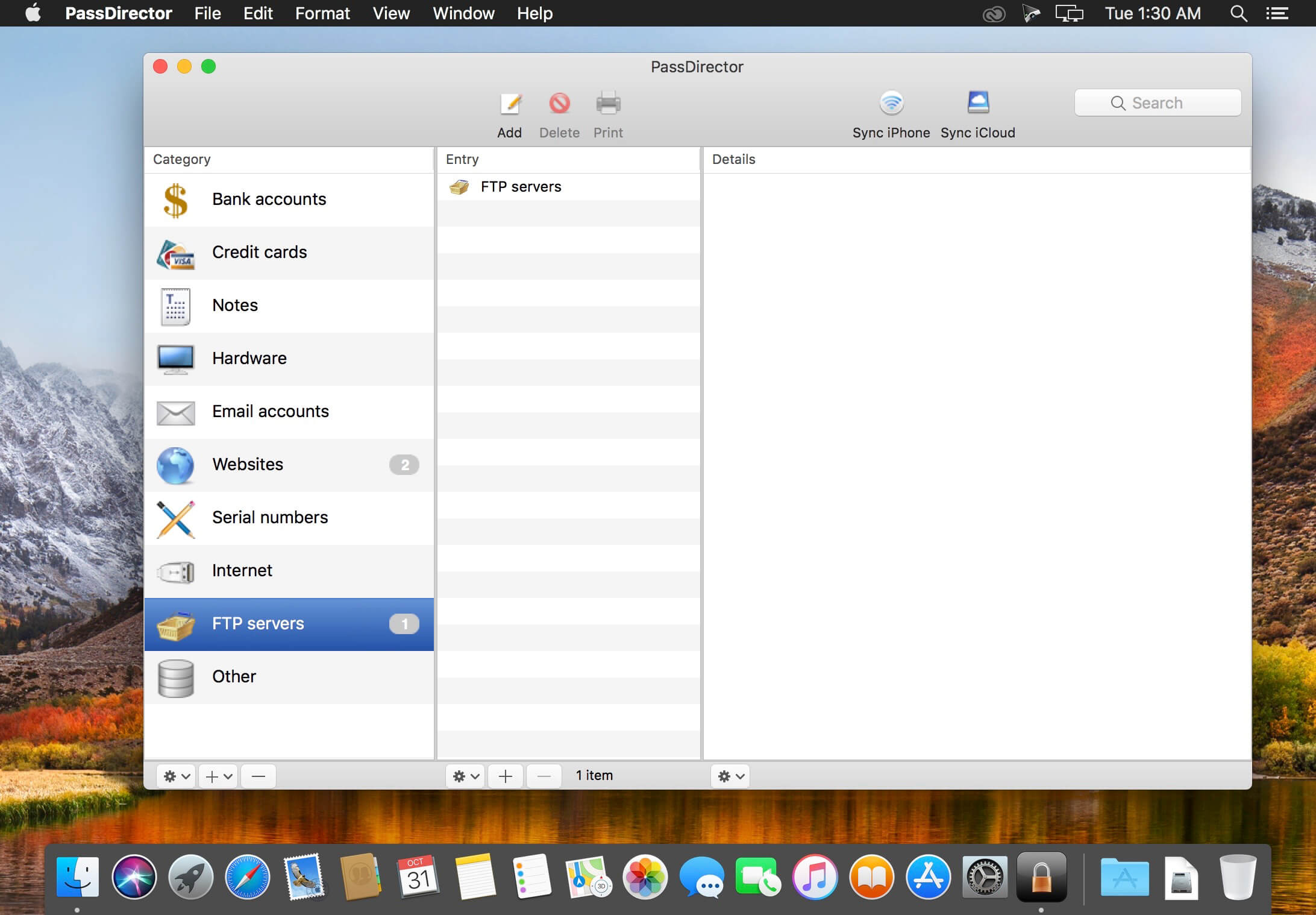
PassDirector is an encrypted, password protected database for sensitive personal dаta:
- bank accounts, credit cards
- email accounts, web passwords
- serial numbers
- hardware passwords, Internet connection passwords
- phone numbers
- any other private and confidential information
Other features:
- syncing the PassDirector database with the iPhone version of PassDirector and iCloud
- (iCloud syncing works with iOS 8 and OS X 10.10 or later only. Apple does not support older versions of iOS and OS X.)
- creating new categories with custom fields
- renaming and deleting categories and fields
- custom picture for a category and an entry
- searching in the database
- opening web pages directly in Safari, allowing to fill logins and passwords automatically
- backup and restore encrypted data (required for backup purposes or if moving the database to another computer)
- printing database entries
- text export
- password generator
Please remember your password carefully. If you forget the password, it will not be possible to retrieve your data and they will be lost.
Version 2.5.2
- macOS High Sierra 10.13 compatibility
Frequently asked questions
How do I install the app?
Mount the image, drag the app into the "Applications" folder and launch it. If the system blocks the launch, allow it in "System Settings → Privacy & Security".
The app is damaged or won't launch
Reinstalling from a fresh image usually helps. Make sure your macOS version matches the one listed in the compatibility specs.
How do I update?
Download the new version from the site and install it over the current one — your settings will be preserved.
The download link doesn't work
Try a mirror or a download manager. For large files the browser often drops the connection.
How do I completely remove the app?
Use an uninstaller utility — it cleans up the service files that remain after moving the app to the trash.
VersionPassDirector 2.5.2
DeveloperMacMedia
CompatibilityOS X 10.7.4 or later, 64-bit processor
LanguageEnglish
IncludesK'ed by TNT




Information
Visitors in the group Guests cannot leave comments on this publication.
Choose a download source
PassDirector 2.5.2 · 4.58 MB