

Theine 3.6
Screenshots
Click to enlarge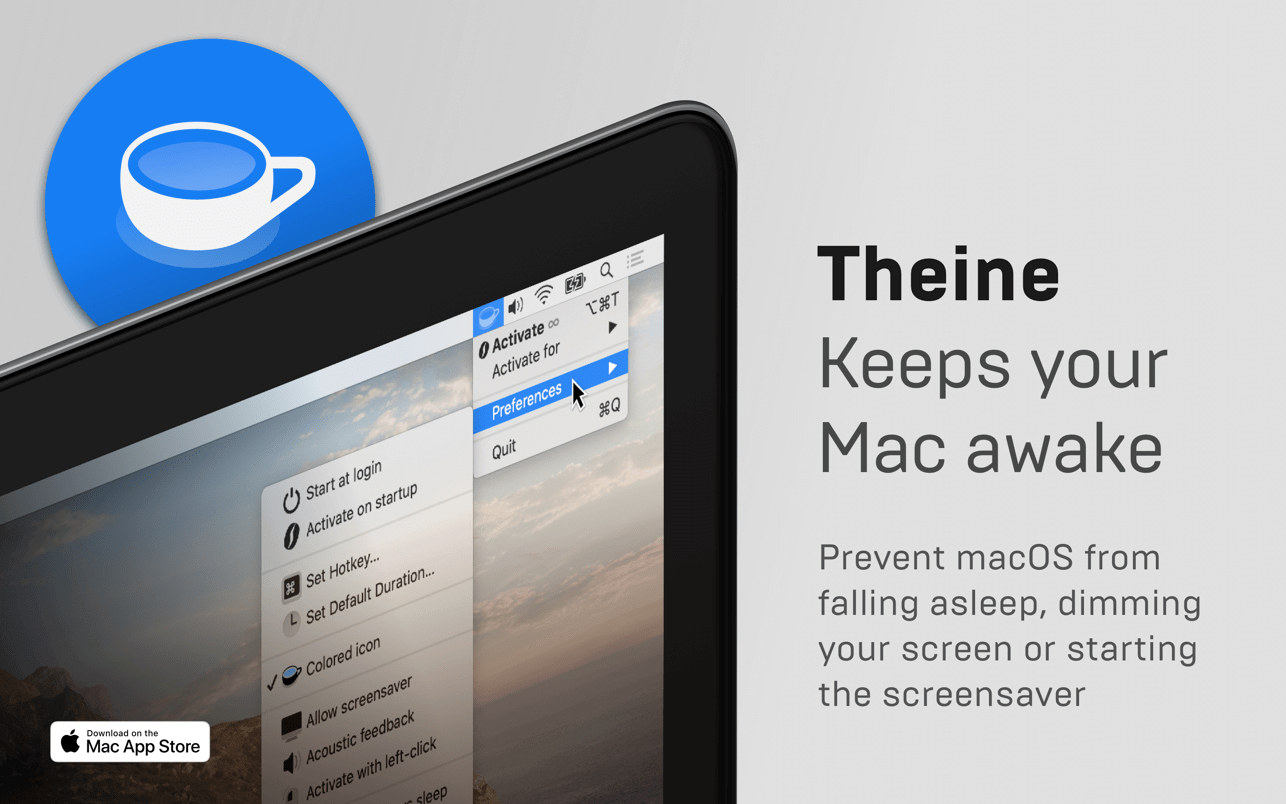
Prevent your Mac from falling asleep, dimming your screen or starting the screensaver. Theine keeps macOS awake just like caffeine does with you.
It just works
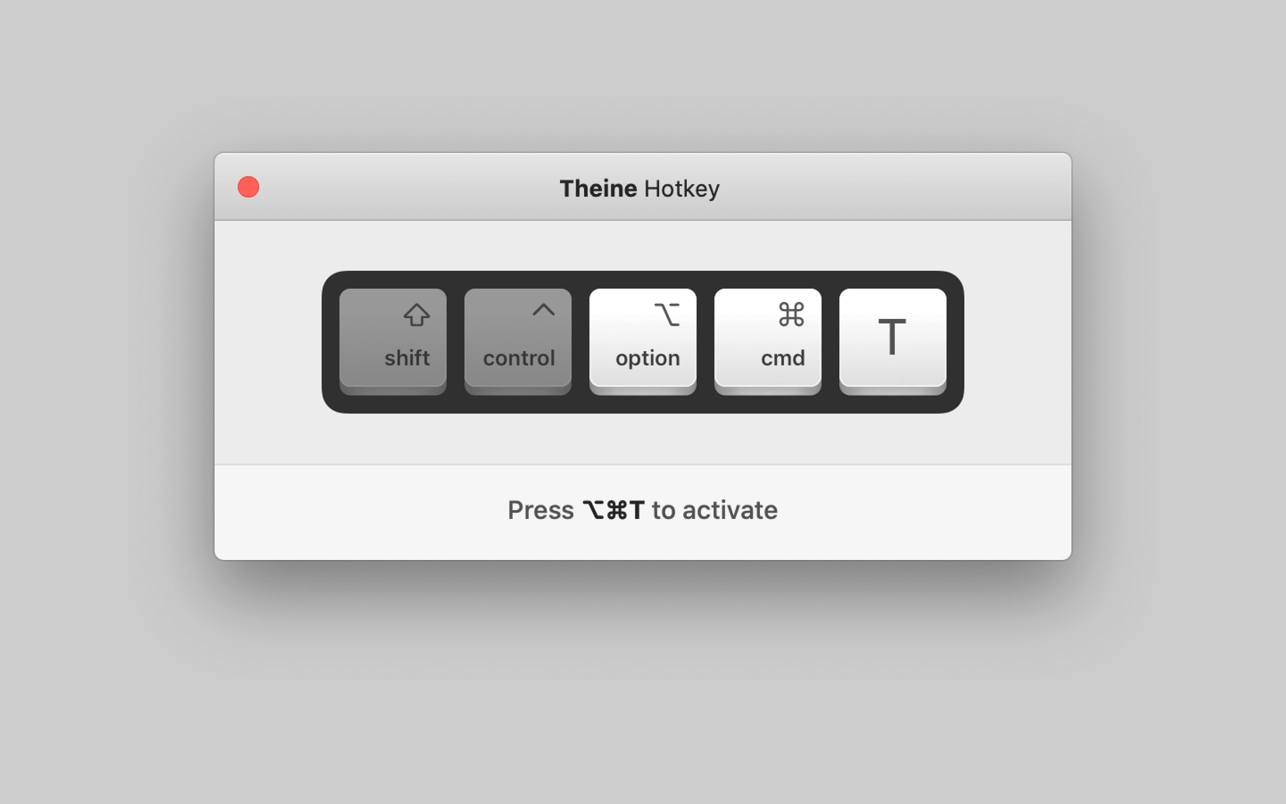
Caffeinate your Mac through a simple click on its menubar icon or even better: define a custom global hot key. It is fast, lightweight and optimized for macOS 10.15 Catalina.
Always on time
The timer function allows you to control exactly how long Theine should be activated. You can also set a custom default duration or choose to caffeinate your Mac infinitely.
Less but better
Theine looks brilliant in light and dark mode. It is designed for modern retina displays and perfectly fits to macOS accent colors. But our favourite feature is: It is as little design as possible.
More Features
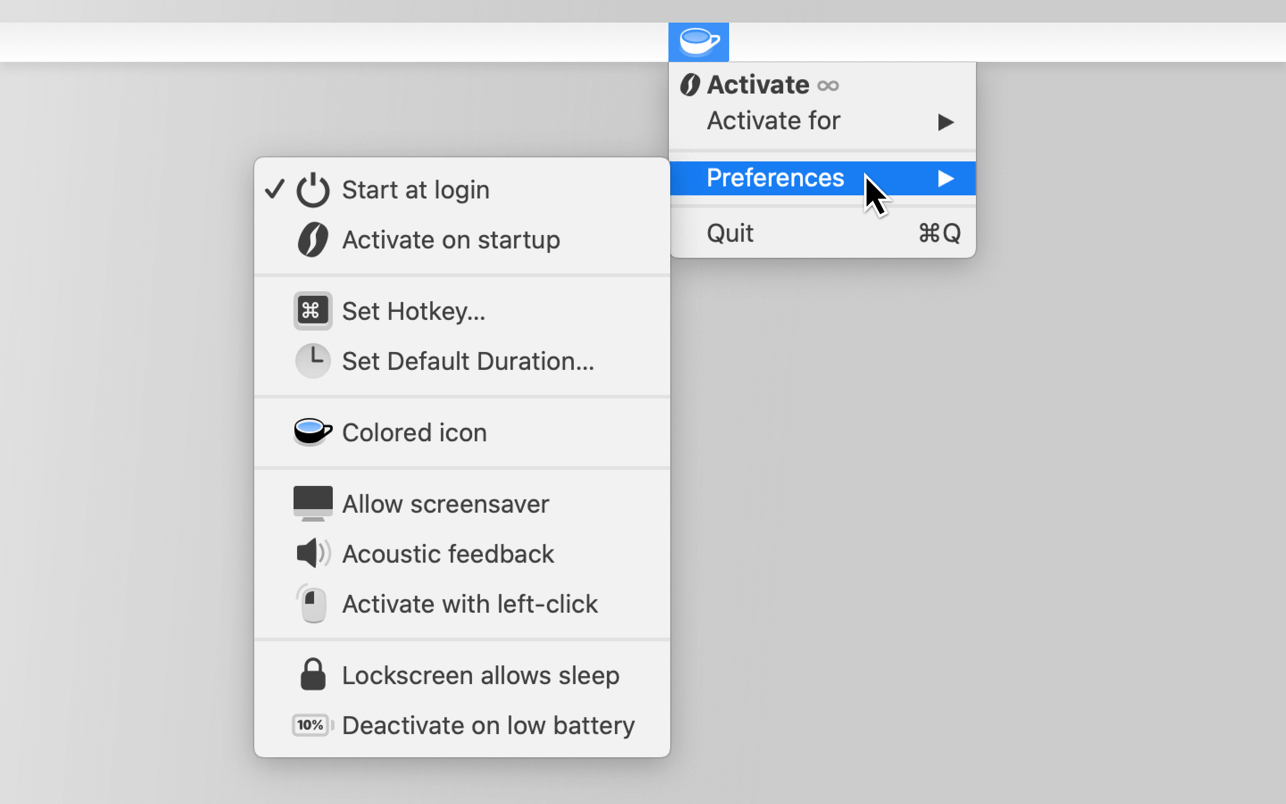
- Auto-Start on login
- Activate on startup
- Activate with left or right click
- Acoustic feedback
- “Lockscreen allows sleep” option
- “Auto-deactivate on low battery” option
- Automatische Deaktivierung bei geringer Akkuladung
- Support for many languages
- Optimized for VoiceOver
Disclaimer: Theine will not prevent your MacBook from sleeping if you close its lid for security reasons.
Caffeinate when…
- Watching or recording videos
- Listening to podcasts
- Doing a presentation at work or school
- Waiting for large files to download
- Talking to your friends
- Rendering sophisticated media files
- Observing live stats or long-running tasks on your screen
Version 3.6
- This update contains improvements and minor bug fixes.
Comments
No comments yet. Be the first.