
Path Finder 7.6.2
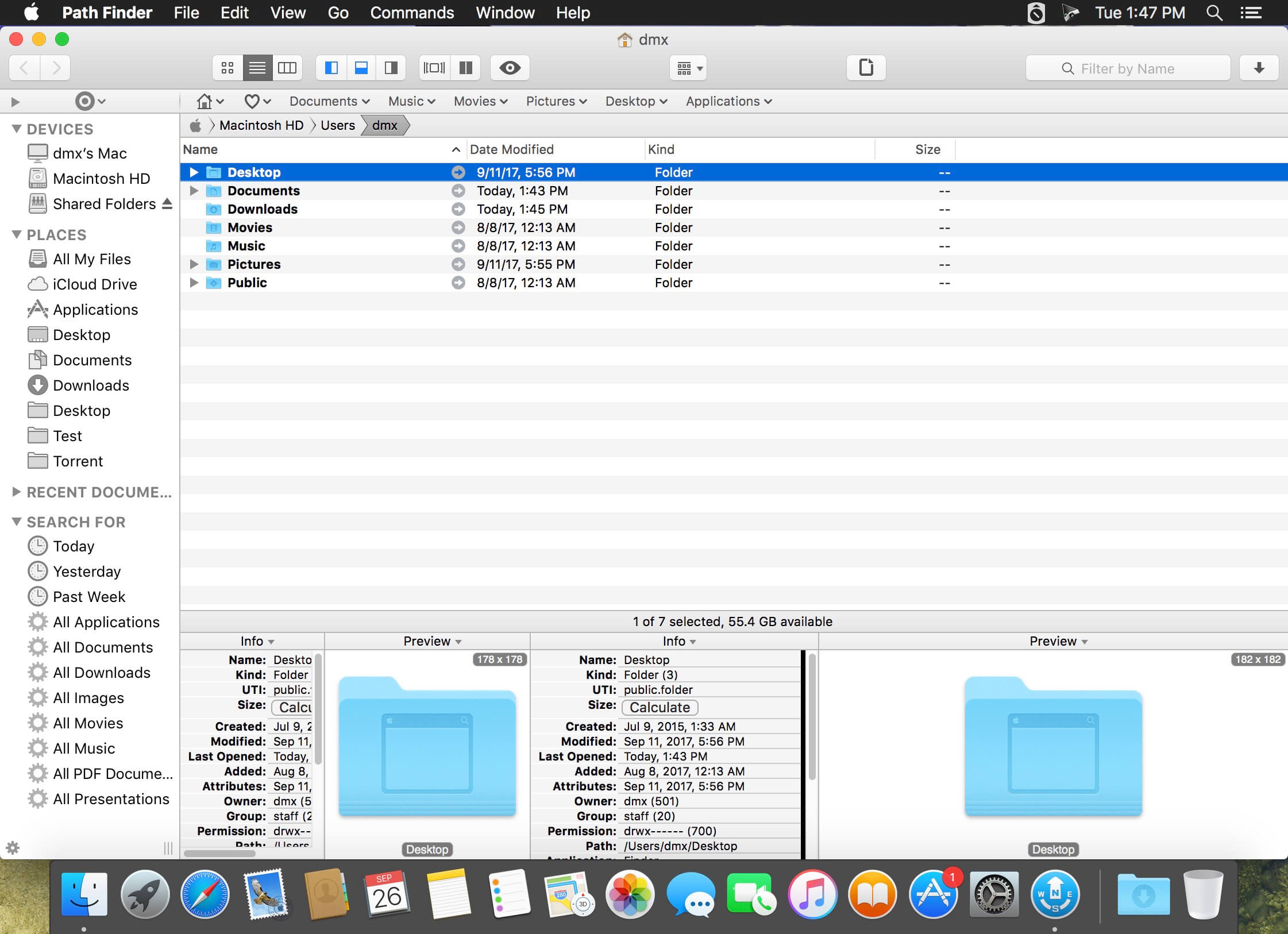

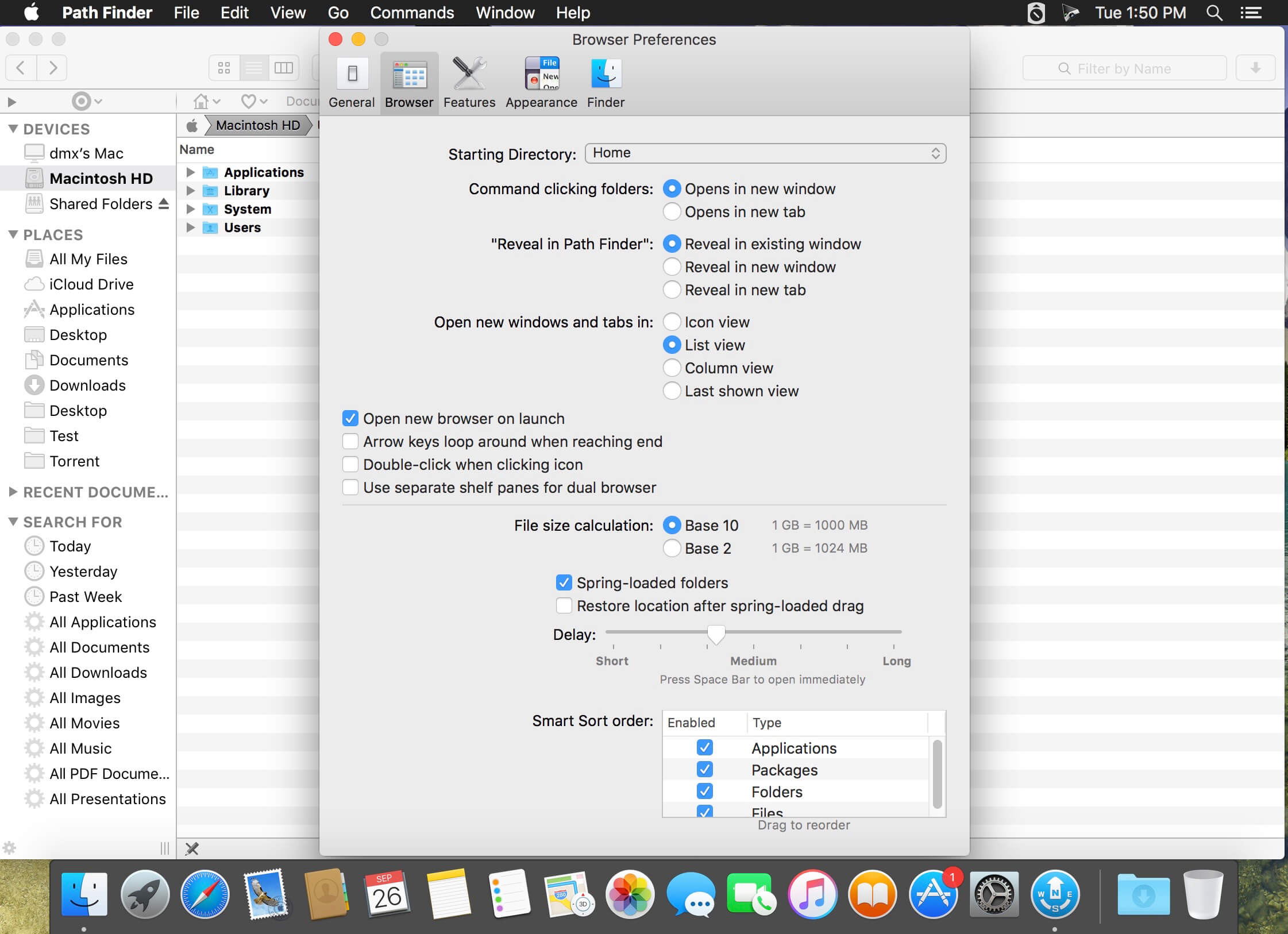
Organization is key, and Path Finder offers the tools you need to access, browse, and manage all of your files quickly on OS X. Packed with a plethora of powerful features, Path Finder allows you to take complete control of your documents, photos, videos, music, and so much more. Say goodbye to the days of weak file management. With Path Finder 7, it’s your files, your way.
Features:
- Dropbox integration
- FolderSync
- Arranging and grouping items
- Editable path navigator
- Shelves
- One-click dual-pane copy
- File-transfer queue
- ACL editor
- File tagging
- Batch renaming
- Hex editor
- Drop stack
- Dual-pane browser
- Tabs and bookmarks
- Low-level search
- File-list filtering
- Smart sorting
- Advanced selection
- Keyboard access
- Quick Look and Cover Flow
- Integrated terminal
- Command-line tools
- Source control
- Application launcher
- Archives
- Text and image editors
Version 7.6.2
- Fixes empty keyboard preferences list on macOS 10.13 (High Sierra).
- Fixes secure delete on APFS volumes.
*Fixed some other minor incompatibilities with macOS 10.13 (High Sierra).
Frequently asked questions
How do I install the app?
Mount the image, drag the app into the "Applications" folder and launch it. If the system blocks the launch, allow it in "System Settings → Privacy & Security".
The app is damaged or won't launch
Reinstalling from a fresh image usually helps. Make sure your macOS version matches the one listed in the compatibility specs.
How do I update?
Download the new version from the site and install it over the current one — your settings will be preserved.
The download link doesn't work
Try a mirror or a download manager. For large files the browser often drops the connection.
How do I completely remove the app?
Use an uninstaller utility — it cleans up the service files that remain after moving the app to the trash.




Choose a download source
Path Finder 7.6.2 · 23.05 MB
Comments 6