
Spy Cam 3.5
Spy Cam is your own personal spy! The perfect application for private video-surveillance. With Spy Cam, turn your Mac into a surveillance camera. It automatically records video clips with your Mac's built-in camera. If you have a Dropbox account, Spy Cam will save the videos there in real time. Now you'll see who is snooping in your Mac, or looking through your things, from anywhere in the world!
Meet Spy Cam:
- Motion detection.
- Record videos by schedule
- Record on screensaver exit/unlock event
- Automatically records videos (including sound) in HD format.
- Can be set up in 1 minute, all ready to go.
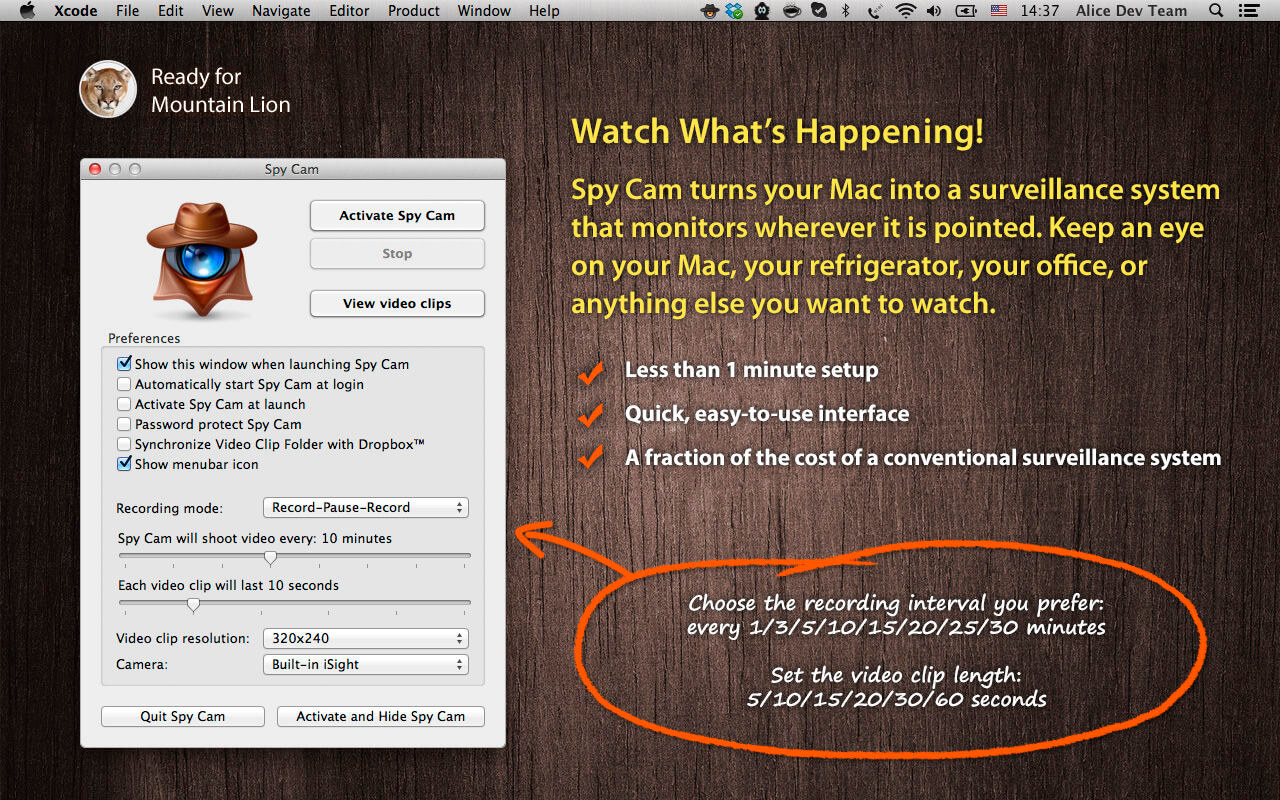
- Choose the recording interval you prefer: every 1/3/5/10/15/20/25/30 minutes.
- Set the video clip length: 5/10/15/20/30/60 seconds.
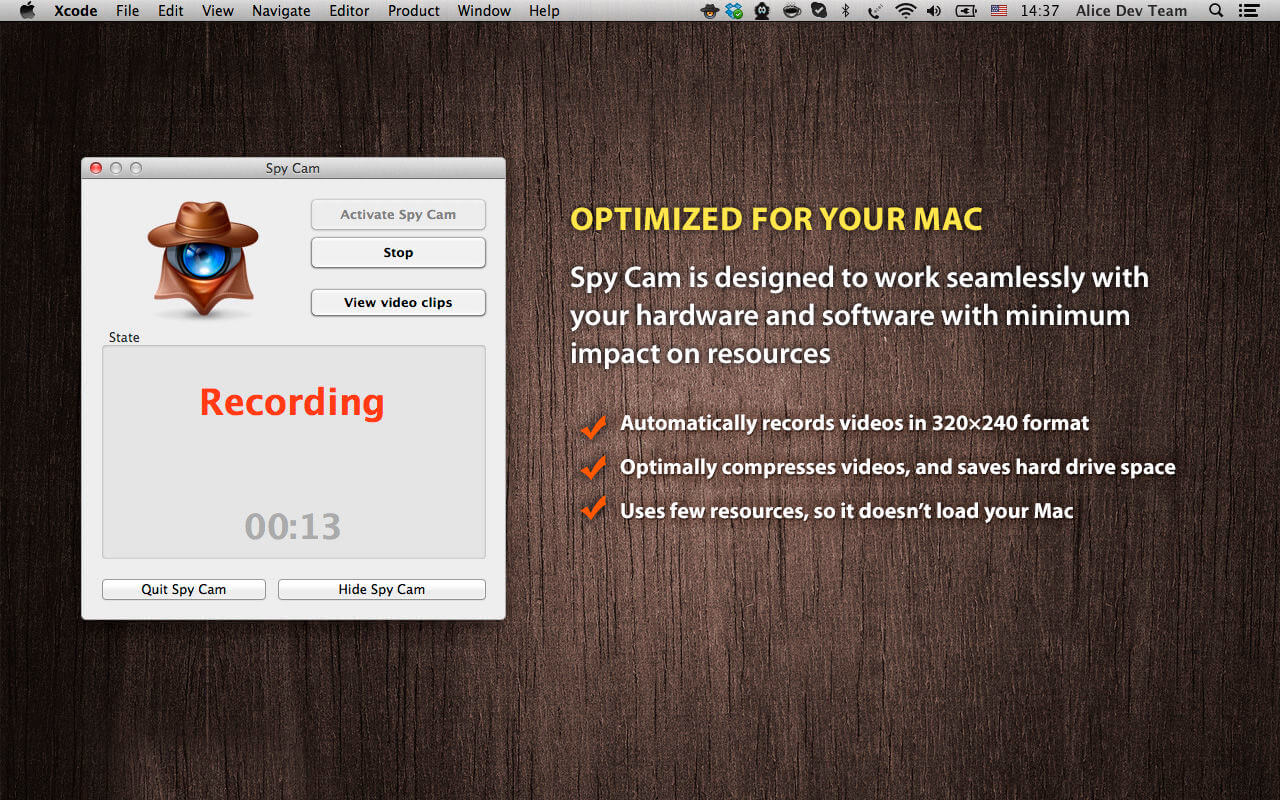
- Optimally compresses videos, and saves hard drive space.
- Uses few resources, so it doesn't load your Mac much.
- Has a user-friendly interface.
- Obeys a single master: you only need to password-protect it.
- Doesn't interfere with other auto-launch apps.
- Automatically sends videos to your Dropbox account.
- Works quickly, silently, covertly.
- Costs 10 times less than a conventional video surveillance system!
- If your Mac gets stolen, a video of the thief will be sent to your Dropbox account. The thief will then end up at the police station.
- If important documents vanish from your computer, you'll be able to easily find out who used your Mac that day and catch the culprit.
- You'll be able to know what people in your household or office say about you when you're not there. You are curious, aren't you?
- You'll be able to check if your child turned the computer on without permission.
- You'll have proof that those you trusted look through your computer or things when you're gone.
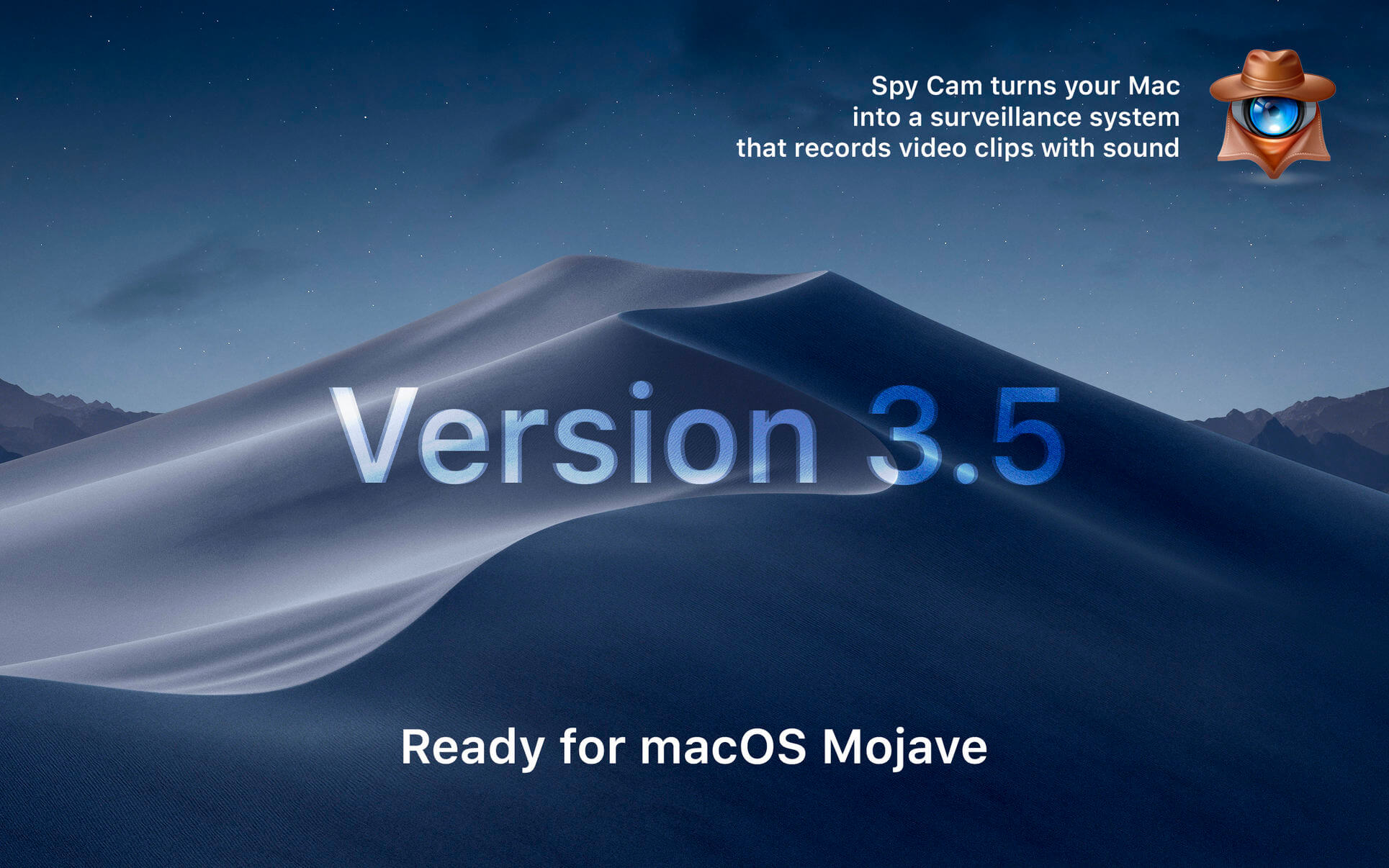
Version 3.5
- Ready for macOS Mojave
- Fixed activating by schedule
Frequently asked questions
How do I install the app?
Mount the image, drag the app into the "Applications" folder and launch it. If the system blocks the launch, allow it in "System Settings → Privacy & Security".
The app is damaged or won't launch
Reinstalling from a fresh image usually helps. Make sure your macOS version matches the one listed in the compatibility specs.
How do I update?
Download the new version from the site and install it over the current one — your settings will be preserved.
The download link doesn't work
Try a mirror or a download manager. For large files the browser often drops the connection.
How do I completely remove the app?
Use an uninstaller utility — it cleans up the service files that remain after moving the app to the trash.
VersionSpy Cam 3.5
DeveloperYevgeniy Muravyev
CompatibilityOS X 10.9 or later 64-bit
LanguageEnglish
IncludesK'ed by TNT



Information
Visitors in the group Guests cannot leave comments on this publication.
Choose a download source
Spy Cam 3.5 · 8.07 MB