
Tadam 2.0.1
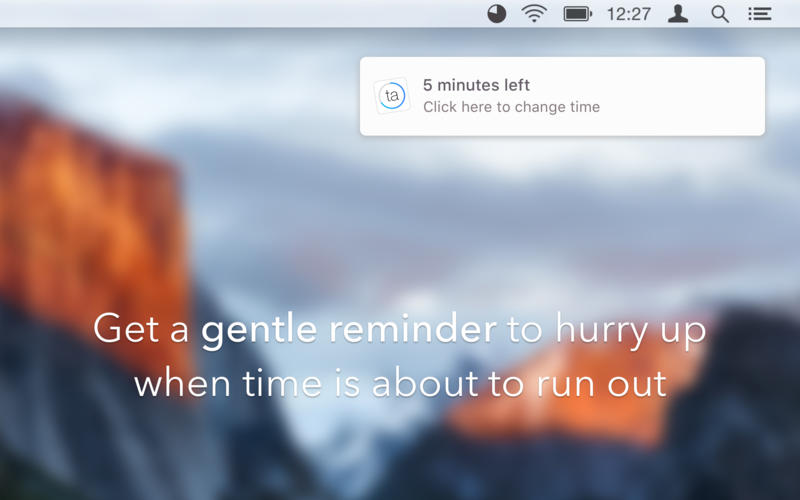
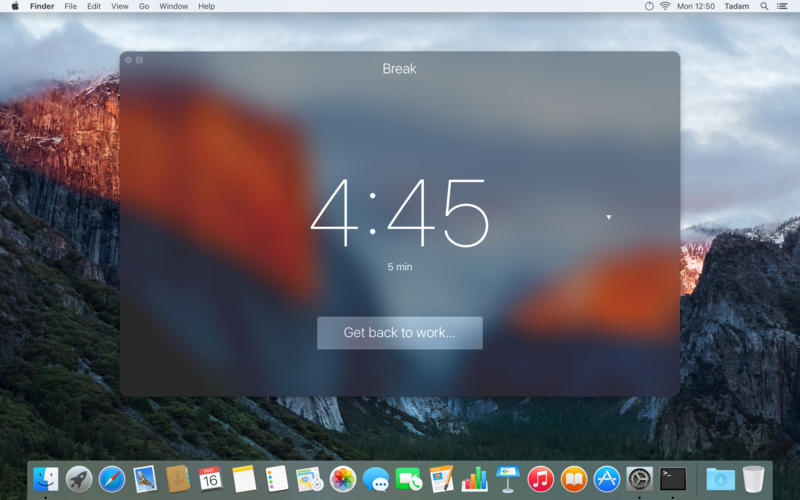
Tadam is a simple Pomodoro timer that stays out of your way and lets you get the work done. When it’s time for a break, a big window pops up, reminding you to take a break. You can’t ignore it - you can either take a break or choose to work a little more.
- Simple: Few buttons, few features and no configuration. The simpler the better for your productivity.
- At your fingertips: Tadam lives in the menu bar, so its always just a click away.
- Out of the way: Glance at the icon and you already have a sense of how much time is left.
- You can set a hotkey to invoke Tadam from anywhere.
- You can control it entirely from your keyboard.
- You can set custom work and break durations any time you want.
- And you can shrink the break window if you want to spend it at your computer.
WHAT’S NEW
Version 2.0.1:
- Fixed crash when "Send feedback" is clicked
- After deactivating Tadam popover, previous app now gets focused
- Cmd+M now toggles the miniature Break window
SCREENSHOTS

Frequently asked questions
How do I install the app?
Mount the image, drag the app into the "Applications" folder and launch it. If the system blocks the launch, allow it in "System Settings → Privacy & Security".
The app is damaged or won't launch
Reinstalling from a fresh image usually helps. Make sure your macOS version matches the one listed in the compatibility specs.
How do I update?
Download the new version from the site and install it over the current one — your settings will be preserved.
The download link doesn't work
Try a mirror or a download manager. For large files the browser often drops the connection.
How do I completely remove the app?
Use an uninstaller utility — it cleans up the service files that remain after moving the app to the trash.
VersionTadam 2.0.1
DeveloperRadoslaw Pietruszewski
CompatibilityOS X 10.11 or later, 64-bit processor
LanguageEnglish
IncludesPre-K'ed





Information
Visitors in the group Guests cannot leave comments on this publication.
Choose a download source
Tadam 2.0.1 · 5.58 MB