
Otomatic 1.1.4.195
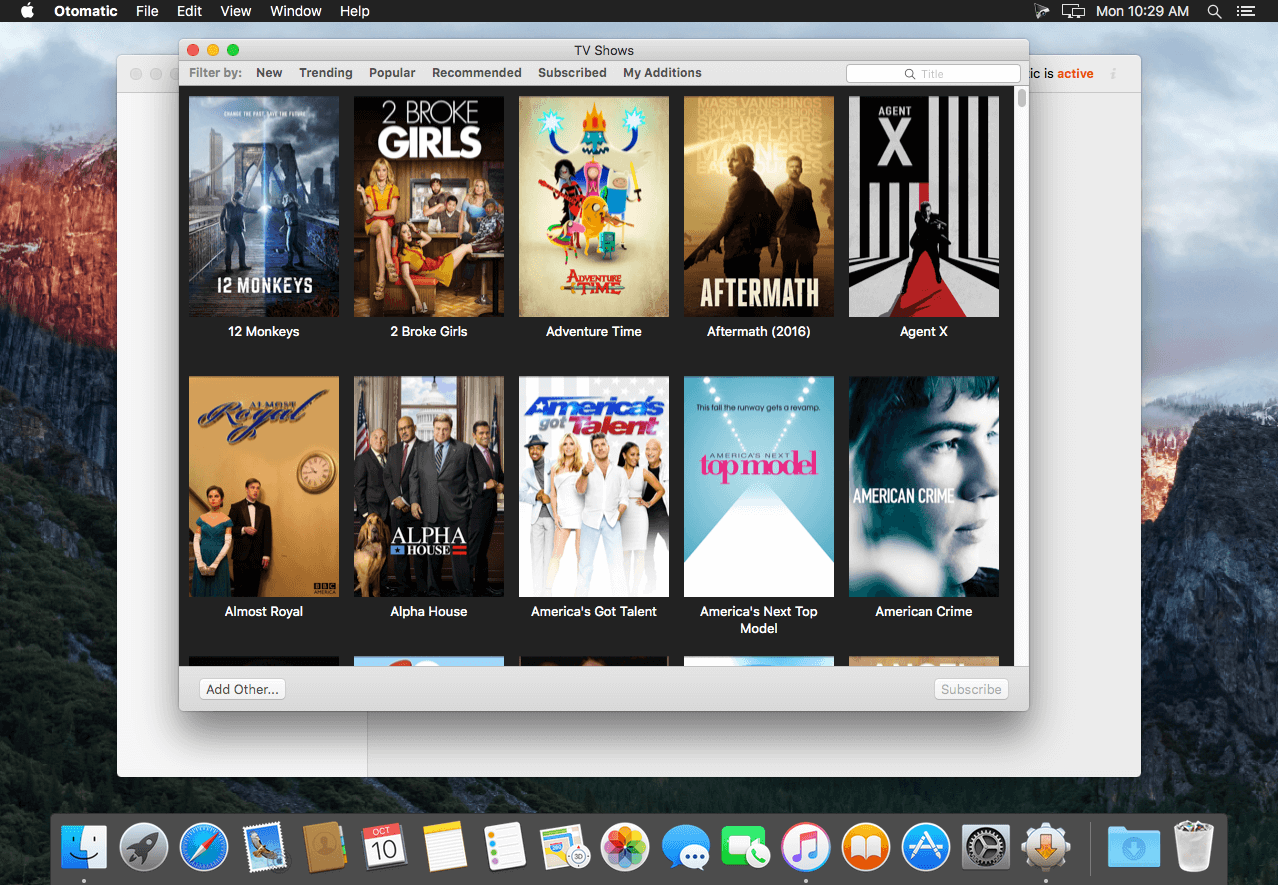

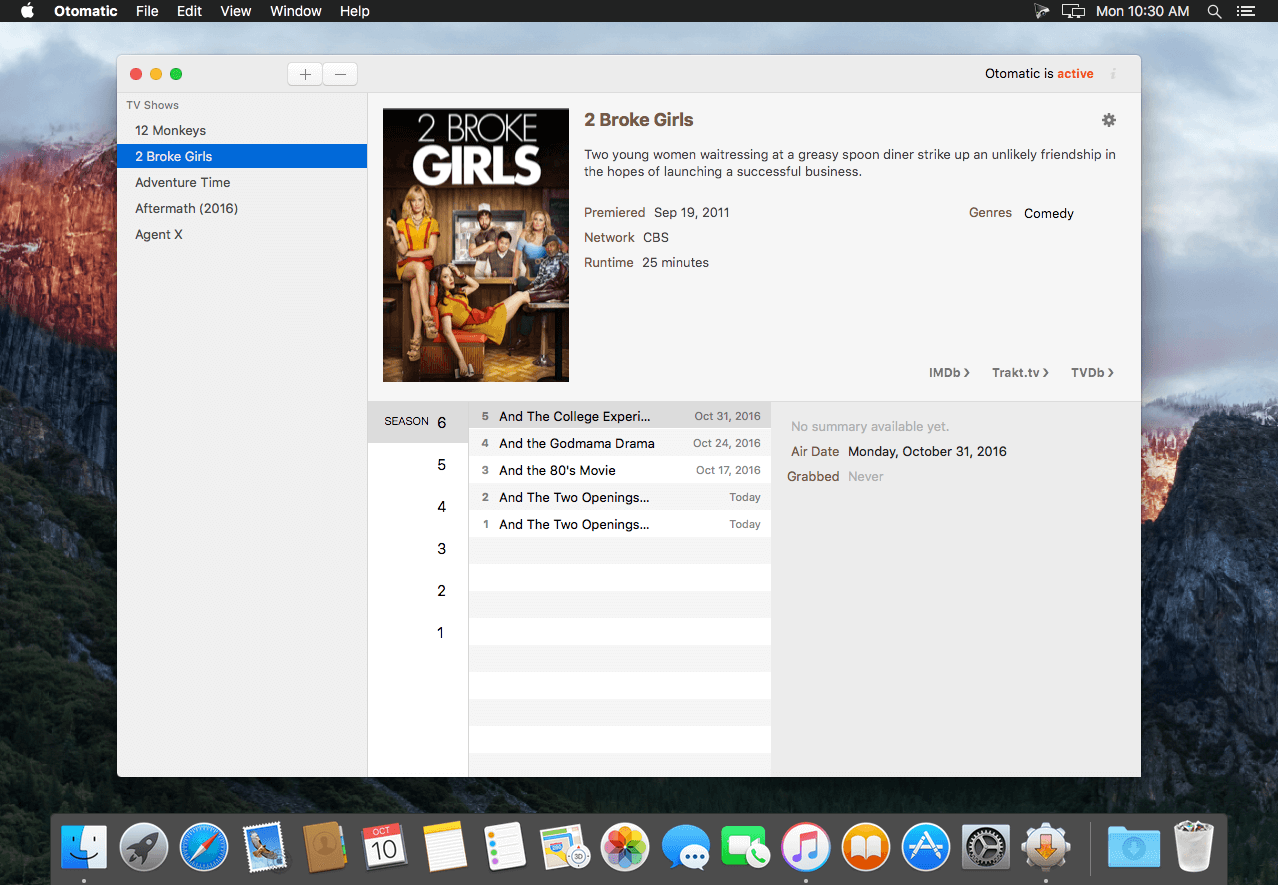
Otomatic is the easiest way to get the content you care about. Whether it's from the gorgeous new listing, or from private sources, hunting around on the Internet will be a thing of the past.
Otomatic is the successor of Automatic 2, and encompasses the long experience of Automatic into a totally new, redesigned package. From the icon to the UI and even the abandonment of System Preferences, everything in Otomatic is new. Among the highlights of Otomatic are a richer experience with TV shows, active searching amongst multiple sources in addition to RSS, and greater flexibility.
Frequently asked questions
How do I install the app?
Mount the image, drag the app into the "Applications" folder and launch it. If the system blocks the launch, allow it in "System Settings → Privacy & Security".
The app is damaged or won't launch
Reinstalling from a fresh image usually helps. Make sure your macOS version matches the one listed in the compatibility specs.
How do I update?
Download the new version from the site and install it over the current one — your settings will be preserved.
The download link doesn't work
Try a mirror or a download manager. For large files the browser often drops the connection.
How do I completely remove the app?
Use an uninstaller utility — it cleans up the service files that remain after moving the app to the trash.
VersionOtomatic 1.1.4.195
Developercoding.curious
CompatibilityOS X 10.10 or later, 64-bit processor
LanguageEnglish
IncludesK'ed by TNT





Information
Visitors in the group Guests cannot leave comments on this publication.
Choose a download source
Otomatic 1.1.4.195 · 9.92 MB