
PowerTunes 1.4.3
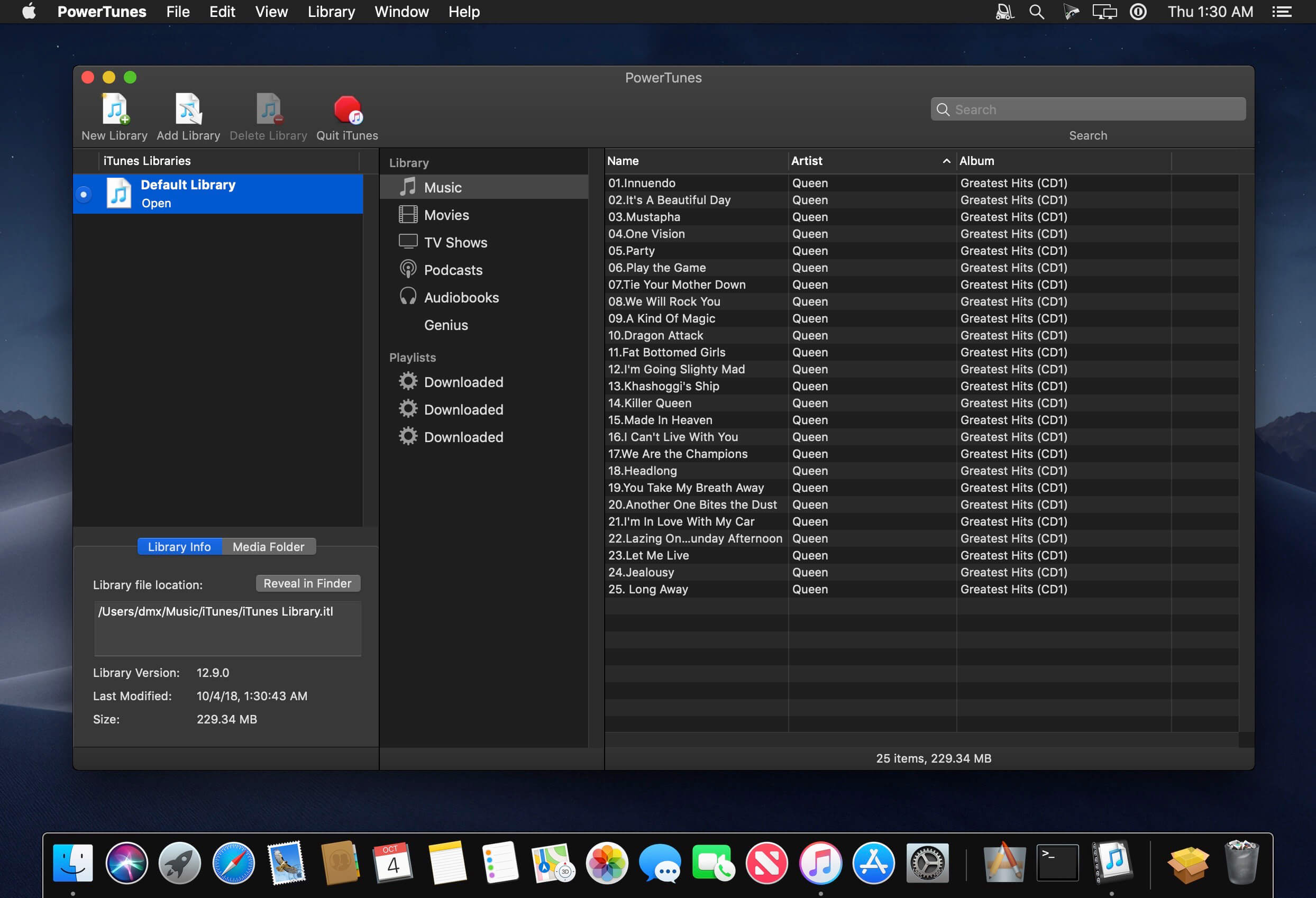
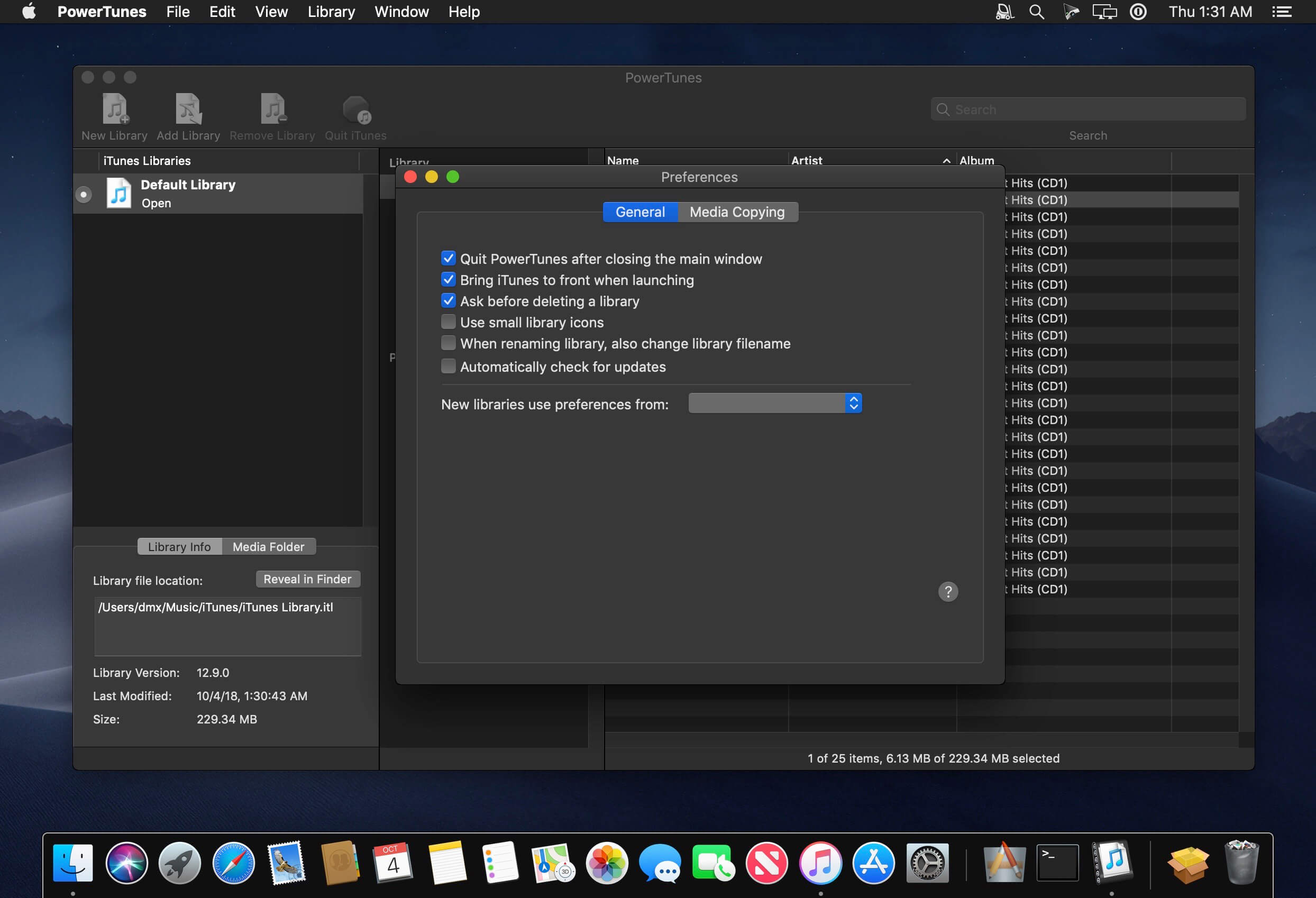
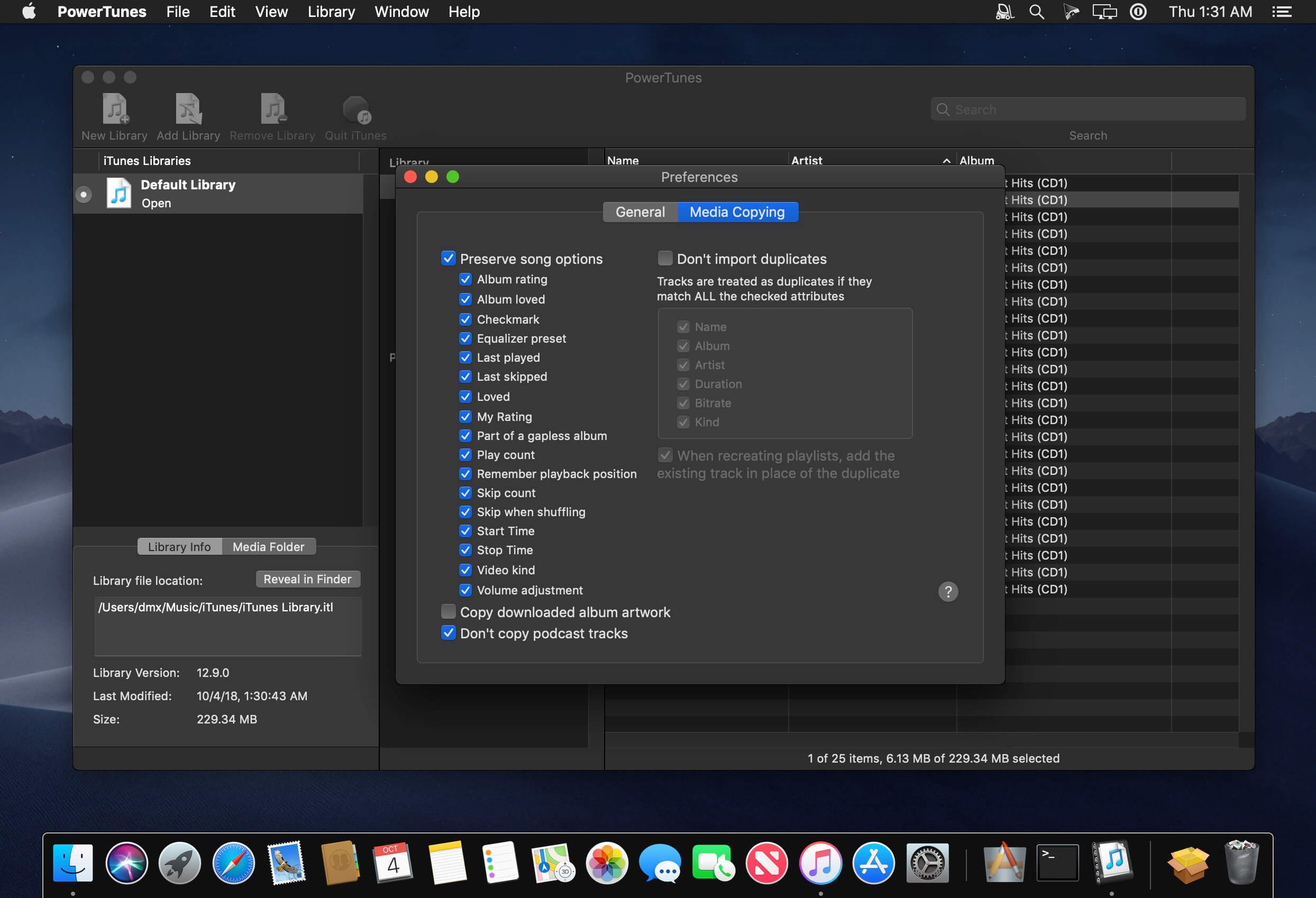
PowerTunes allows iTunes users to create multiple libraries, organize their music among multiple music folders, and share music and libraries between multiple users on a machine.
In addition to simply creating and keeping track of your libraries, PowerTunes also offers many additional features to help organize your music. Users can copy music back and forth between their libraries while maintaining all their ratings, play counts, and other information stored in iTunes. This allows libraries to be split up into smaller ones, or merged together into larger ones.
PowerTunes also offers a one-step solution for sharing iTunes libraries and music among multiple user accounts on a machine, allows users to fix dead tracks whose files have gone missing, finds orphaned music files in their music folders, and much more.
Version 1.4:
- Add dark mode support on macOS 10.14 Mojave
- Removed library sharing feature due to incompatibility with enhanced security features on macOS Mojave
- We now respect the "Sidebar icon size" setting in System Preferences > General The "Add Library" file chooser no longer allows selection of non-iTunes library files
- Bug when trying to switch away from the default library on macOS 10.12 and earlier
- UI issue with unnecessary truncation of long playlist names
- Issue where copying a media folder to a location on a different hard drive wouldn't perform the copy Improved updating of a library's media folder location after changing it via iTunes
- Display issue when opening the Contact Support window
Frequently asked questions
How do I install the app?
Mount the image, drag the app into the "Applications" folder and launch it. If the system blocks the launch, allow it in "System Settings → Privacy & Security".
The app is damaged or won't launch
Reinstalling from a fresh image usually helps. Make sure your macOS version matches the one listed in the compatibility specs.
How do I update?
Download the new version from the site and install it over the current one — your settings will be preserved.
The download link doesn't work
Try a mirror or a download manager. For large files the browser often drops the connection.
How do I completely remove the app?
Use an uninstaller utility — it cleans up the service files that remain after moving the app to the trash.
VersionPowerTunes 1.4.3
DeveloperFat Cat Software
CompatibilityOS X 10.7 or later, 64-bit processor
LanguageEnglish
IncludesK'ed by TNT




Information
Visitors in the group Guests cannot leave comments on this publication.
Choose a download source
PowerTunes 1.4.3 · 10.78 MB
Previous versions
PowerTunes 1.4.3
Previous versions are available to registered users.